 Volition
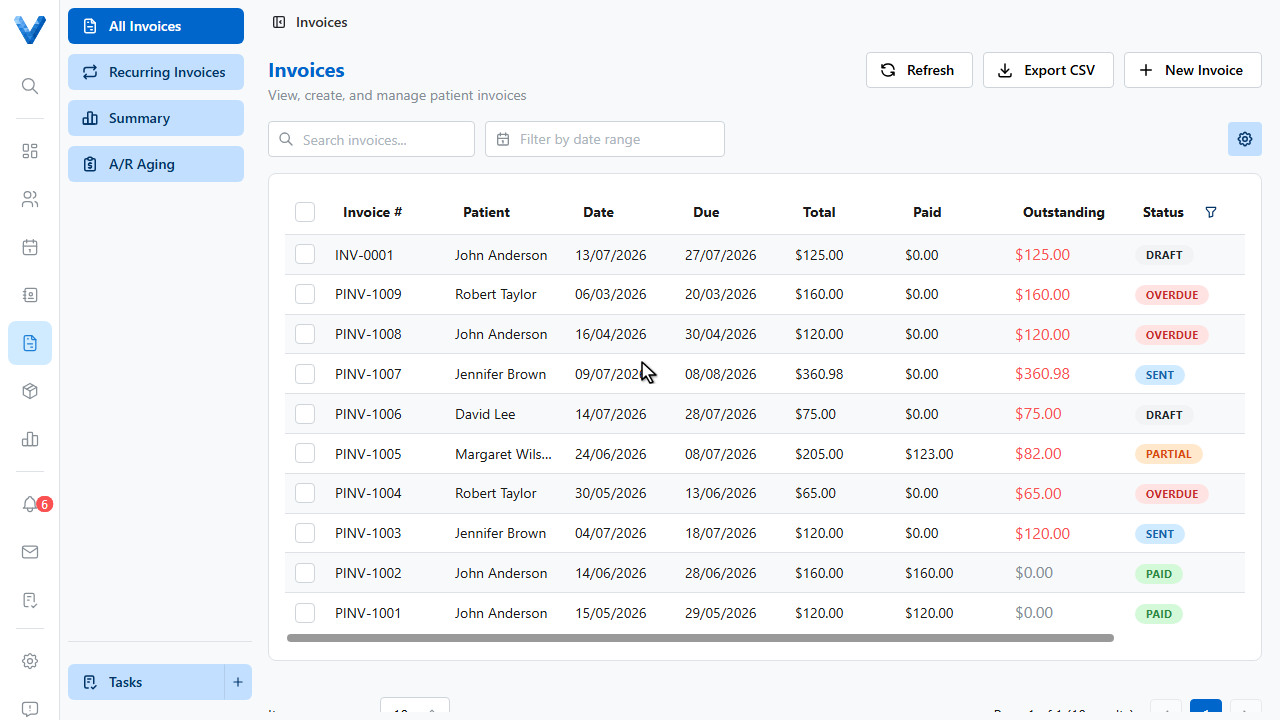
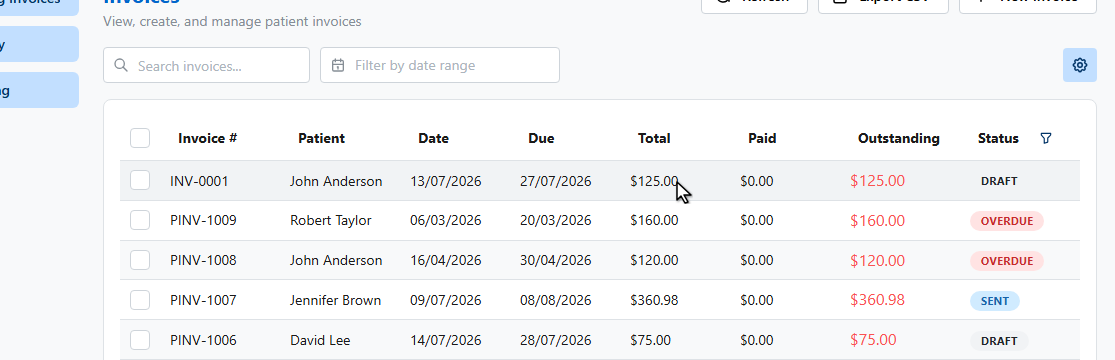
Open All Invoices and click the invoice you’ve been paid for.
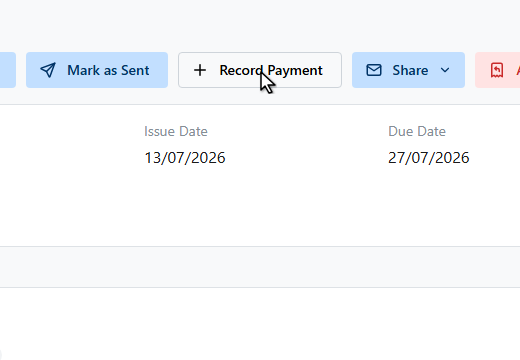
On the invoice detail page, click Record Payment. Use this for any payment received outside the system, like cash, EFTPOS, or a bank transfer.
The modal shows the outstanding balance, and the amount defaults to the full amount owing. Adjust it for a part payment.
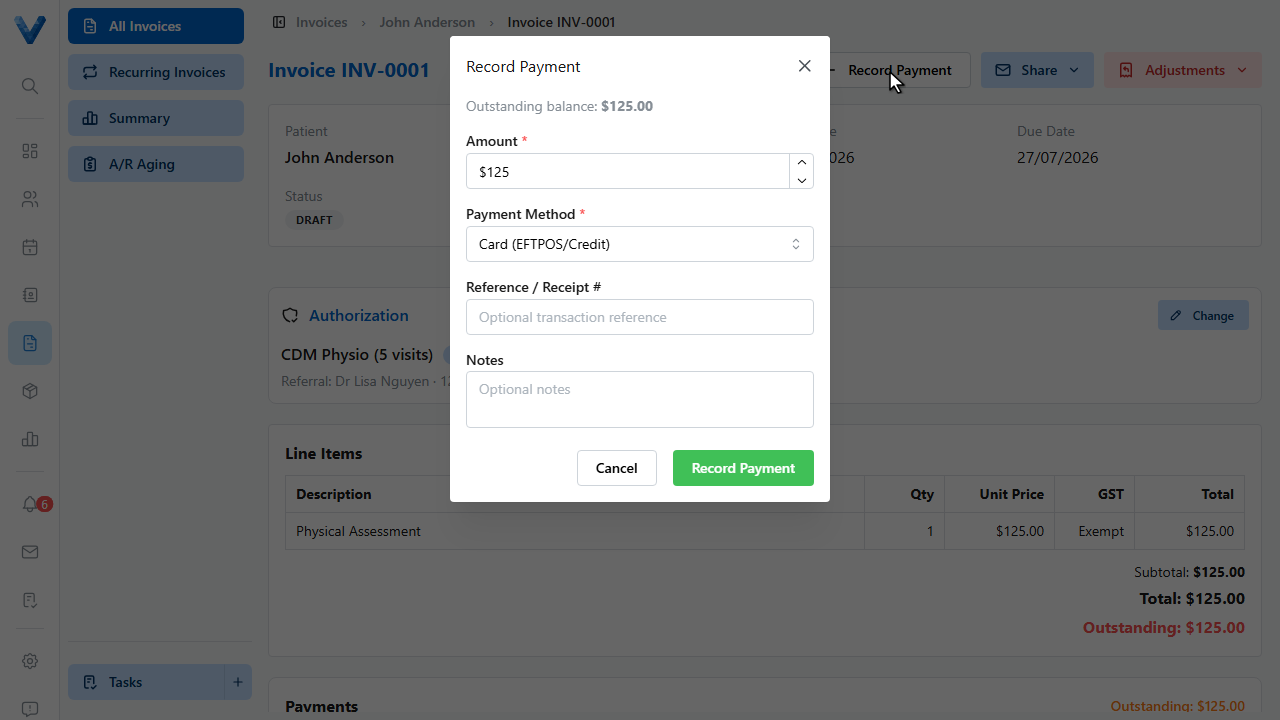
Choose the payment method, and optionally add a receipt reference and notes.
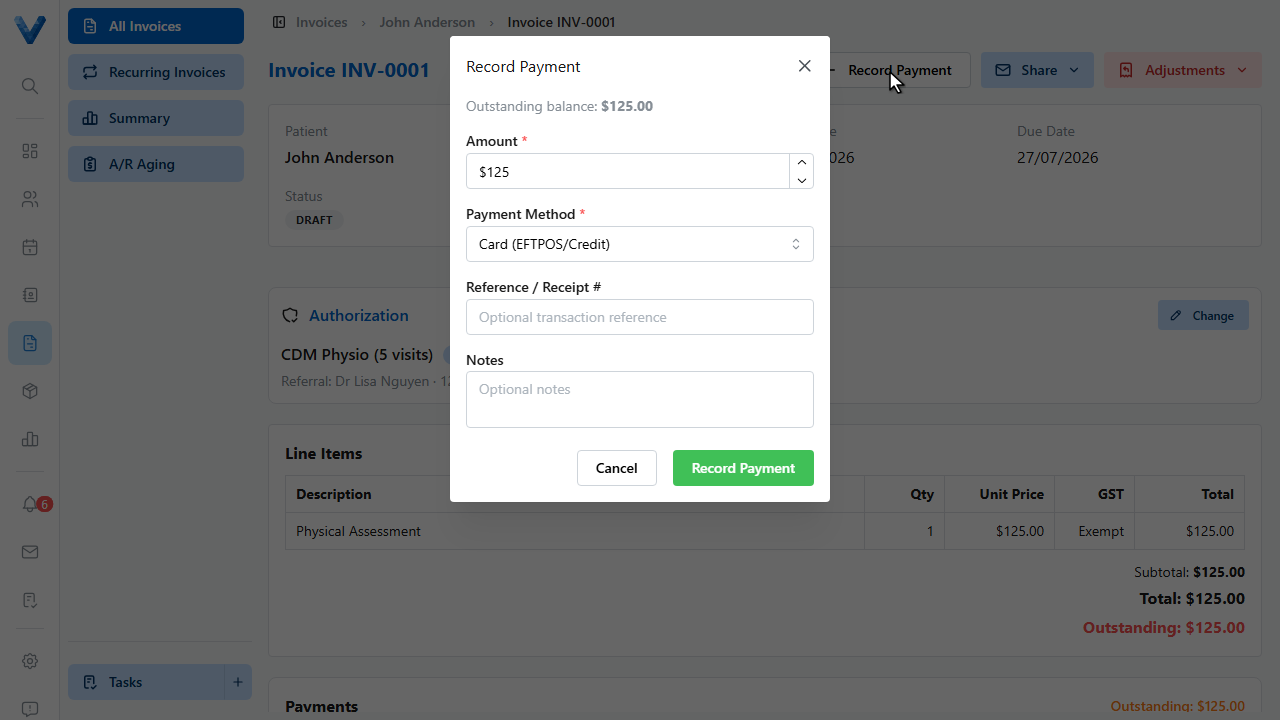
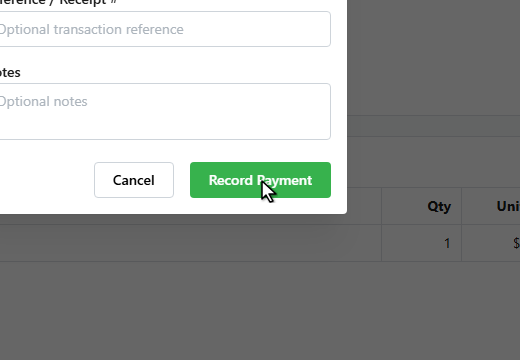
Click Record Payment to save it.
The payment appears in the Payments panel, and the invoice status updates to Partially Paid, or Paid once the balance reaches zero.
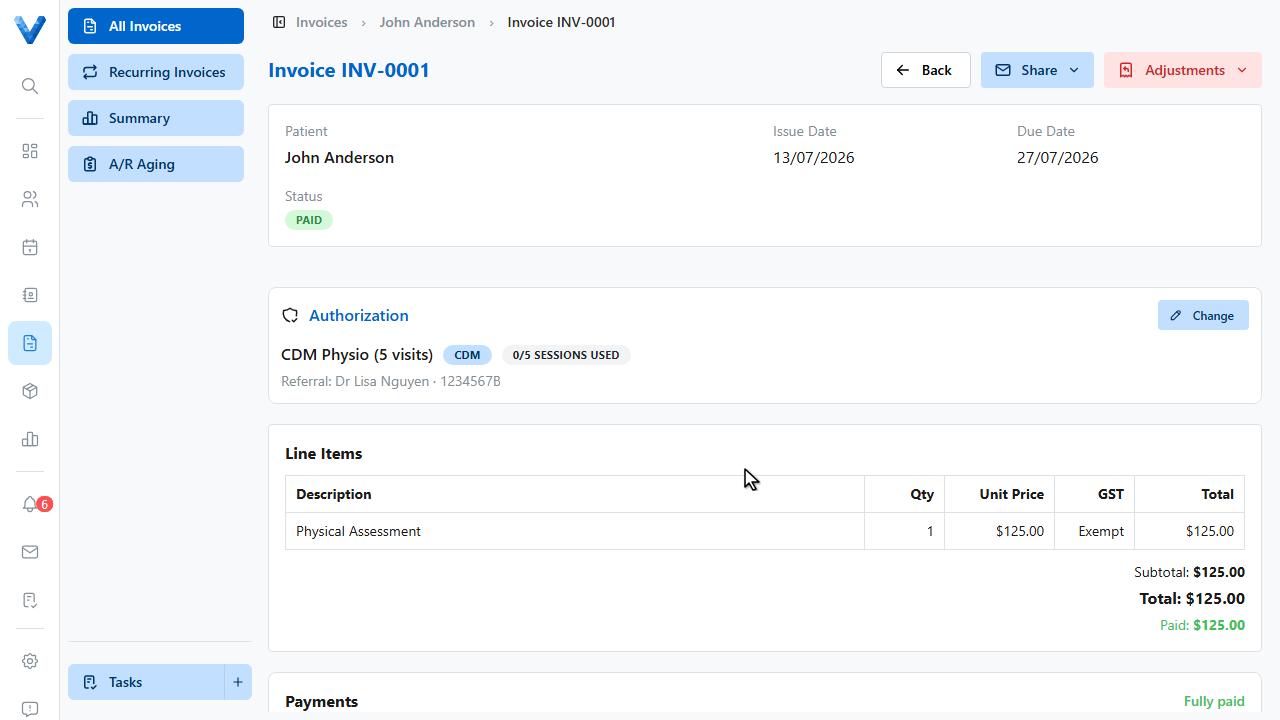
Invoices move through Draft → Sent → Partially Paid → Paid. An unpaid invoice past its due date shows as Overdue. If the patient has a credit balance, an Apply Credit button also appears on the invoice so you can use it against the outstanding amount.