 Volition
You can raise an invoice from an appointment — open the appointment and click Generate invoice to pre-fill the patient, practitioner, location, and a line item from the appointment’s service — or from scratch as shown below.
Open All Invoices from the main navigation. You can also generate an invoice straight from an appointment, which pre-fills most of these details.
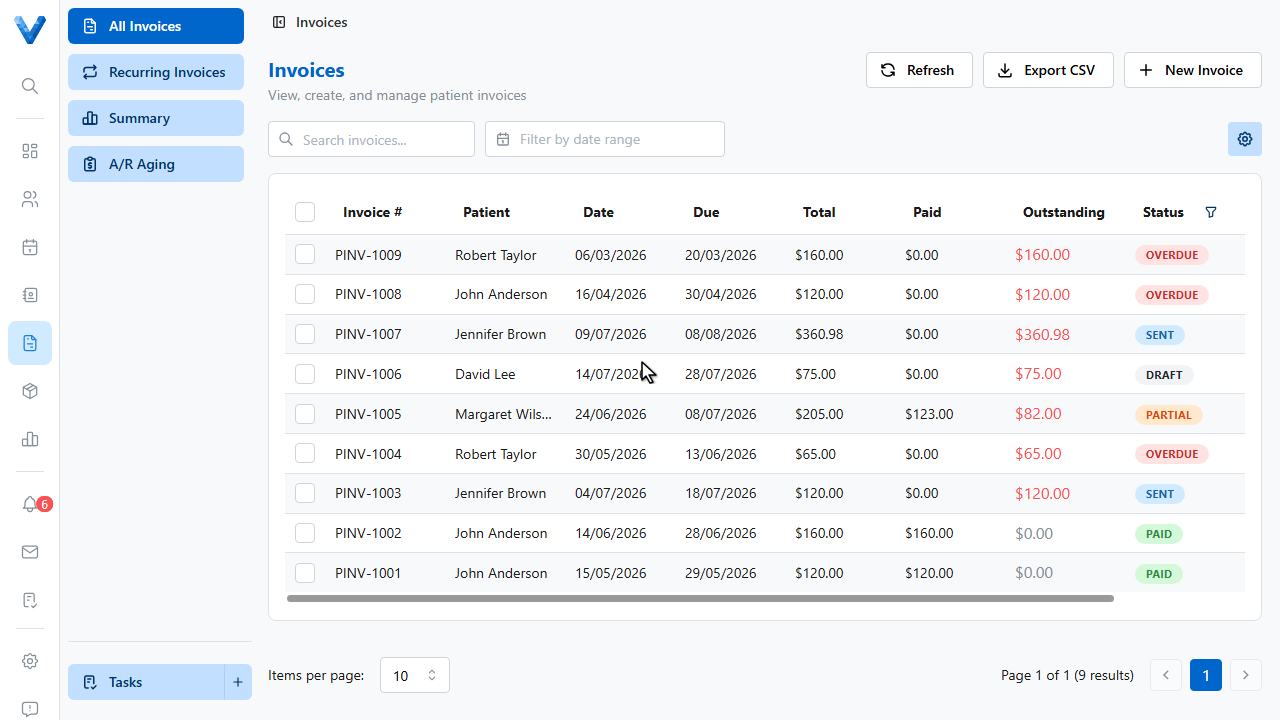
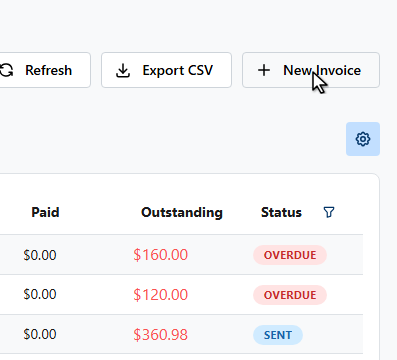
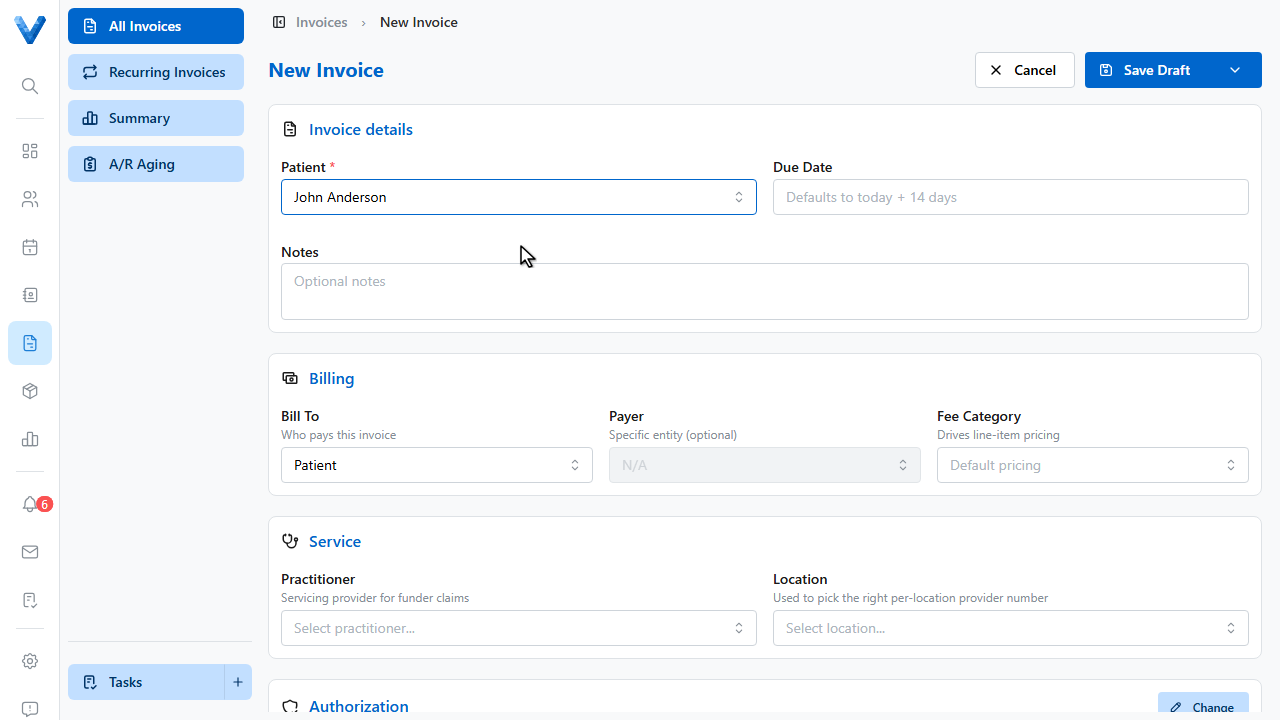
Click New Invoice.
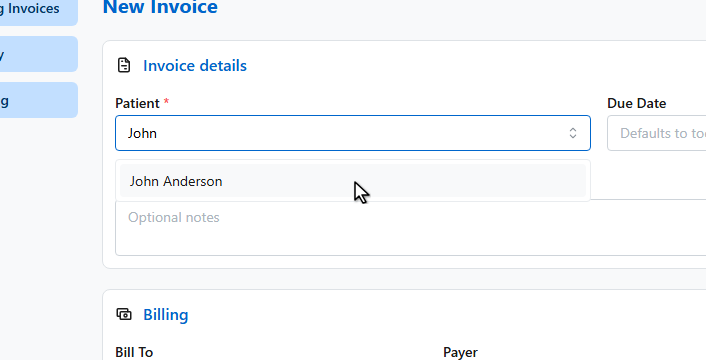
In Invoice details, search for and select the patient.
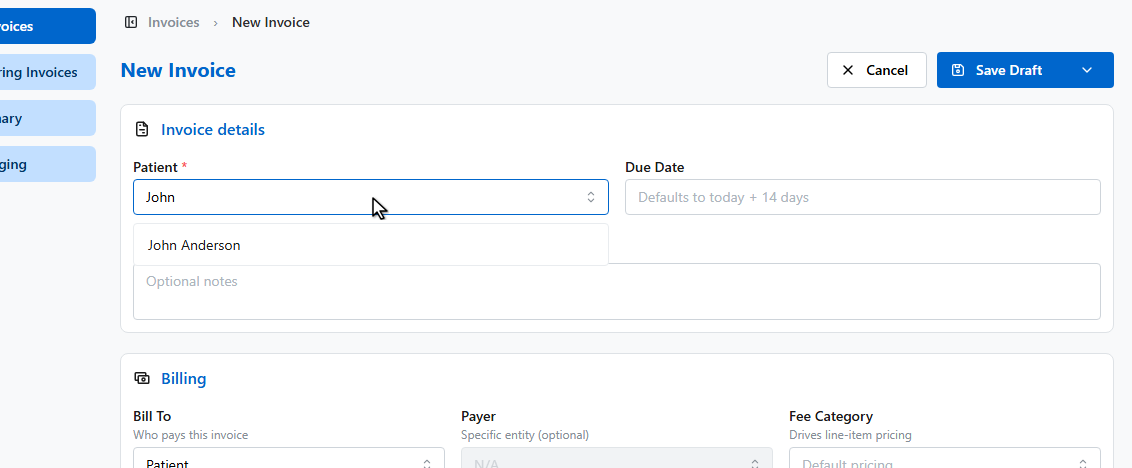
The Billing card sets who pays. Bill To can be the patient, or a third party like a health fund, Medicare, N.D.I.S., or an employer.
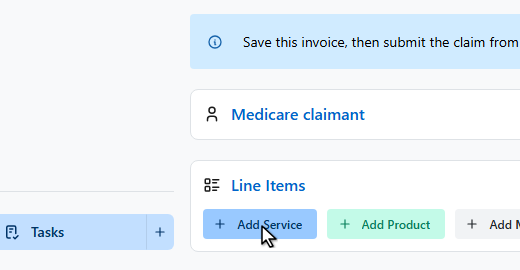
In Line Items, click Add Service.
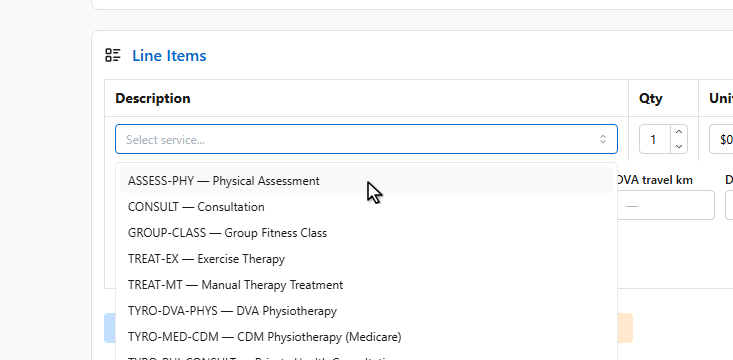
Pick the service for this line.
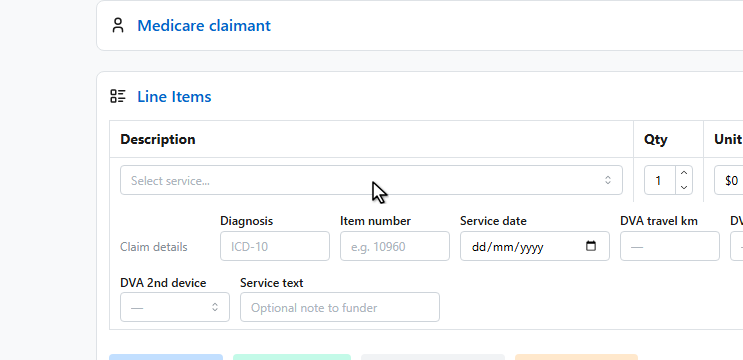
The quantity, unit price, and G.S.T. fill in from the service code, and you can adjust them per line. The totals update automatically.
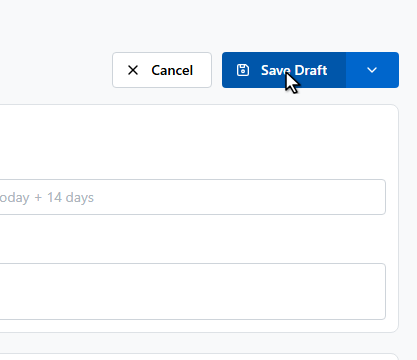
Click Save Draft. The arrow next to it offers shortcuts like Save and Record Payment for front desk payments.
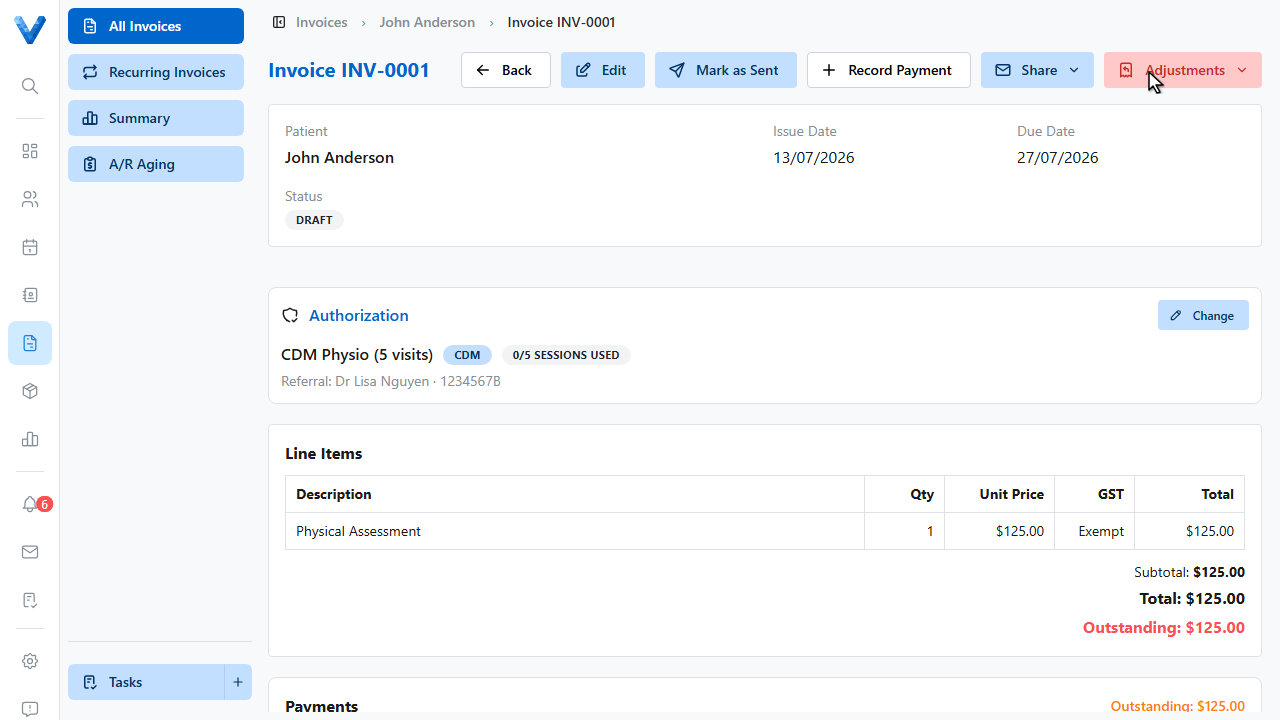
The invoice is created as a draft and you land on its detail page, ready to record a payment or email it to the patient.
The arrow next to Save Draft offers shortcuts: Save & Record Payment, Save & Send Email, and Save & Mark Sent — handy when the patient is paying at the front desk.