 Volition
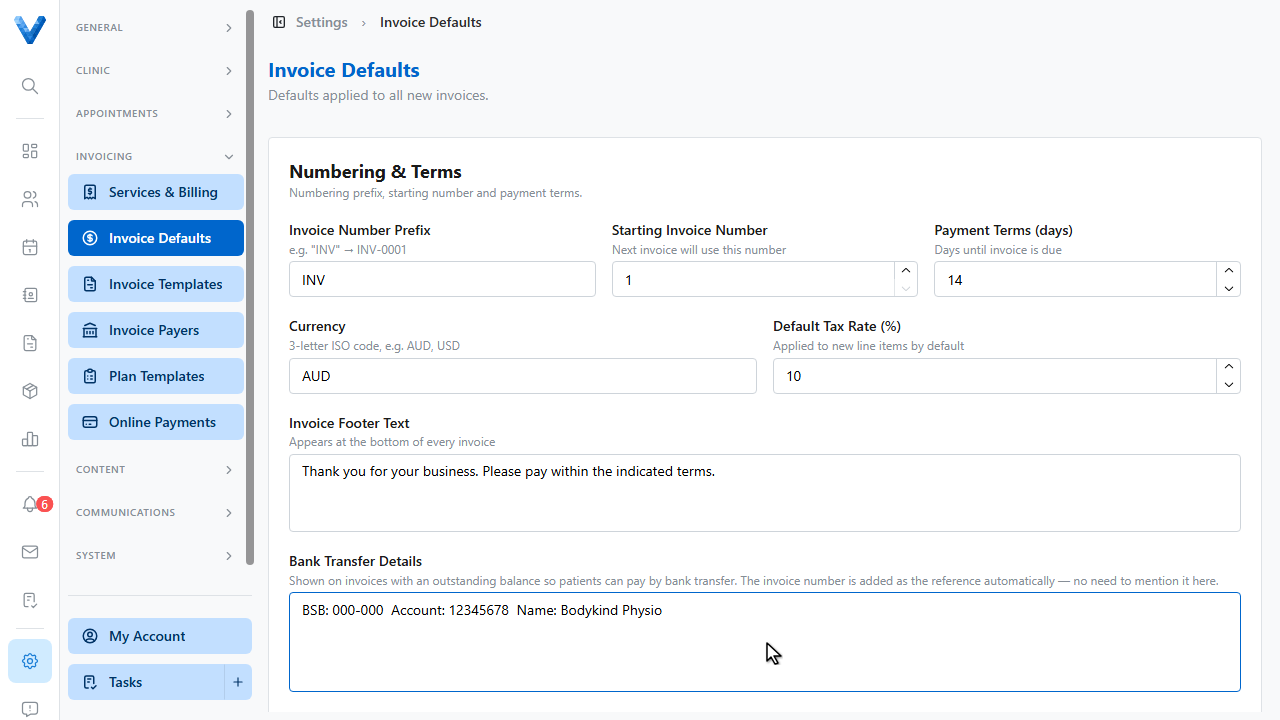
Go to Settings and open Invoice Defaults. Everything here is applied to every new invoice you create.
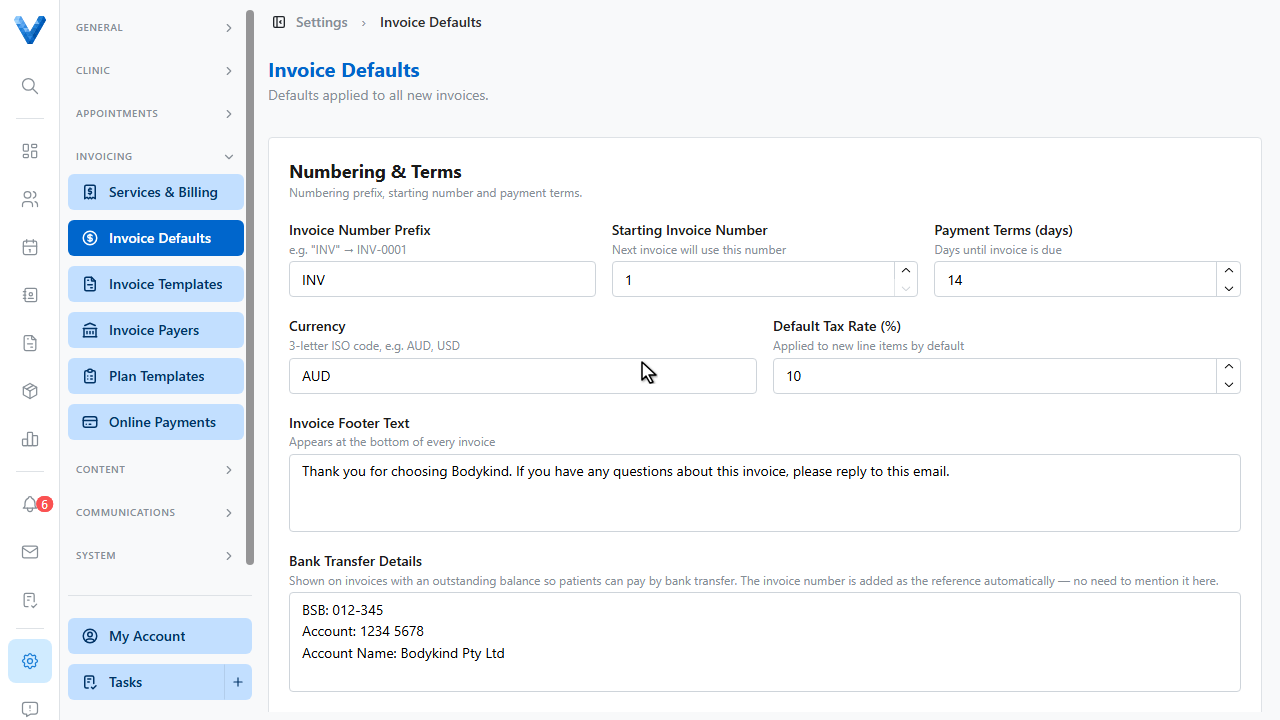
Numbering and terms control the invoice number prefix, the next invoice number, and how many days patients have to pay.
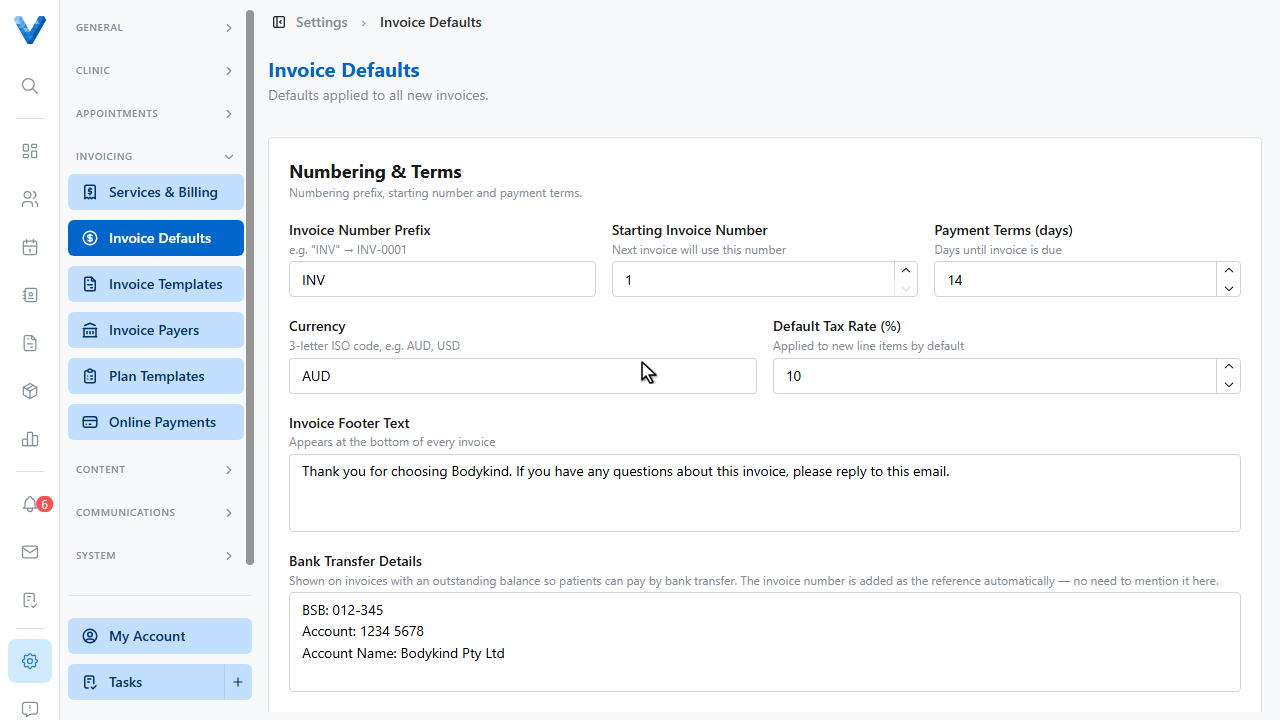
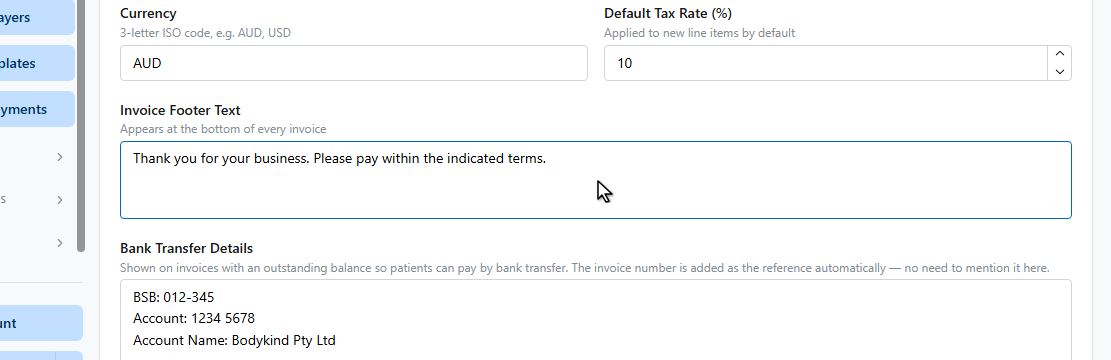
The footer text appears at the bottom of every invoice.
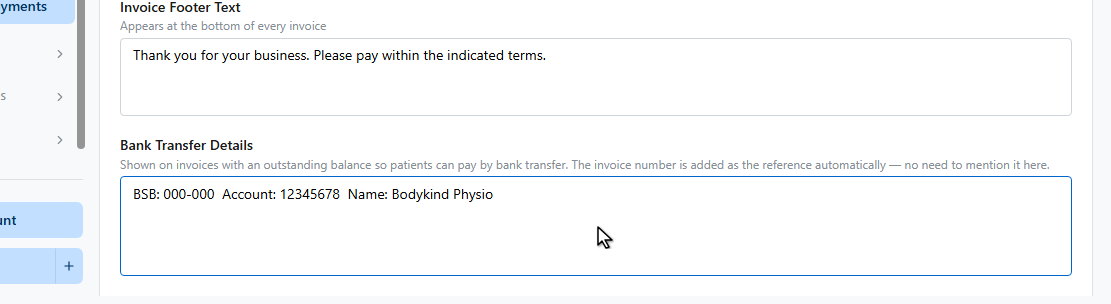
Add your bank transfer details. They’re shown on any invoice with a balance owing, and the invoice number is added automatically as the payment reference.
Overdue reminders can automatically email patients when an invoice goes past due, on a schedule you choose.
Click Save Invoice Defaults.
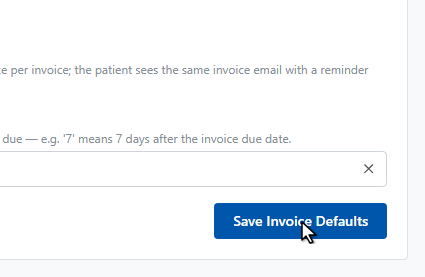
Done — every new invoice now picks up these defaults.
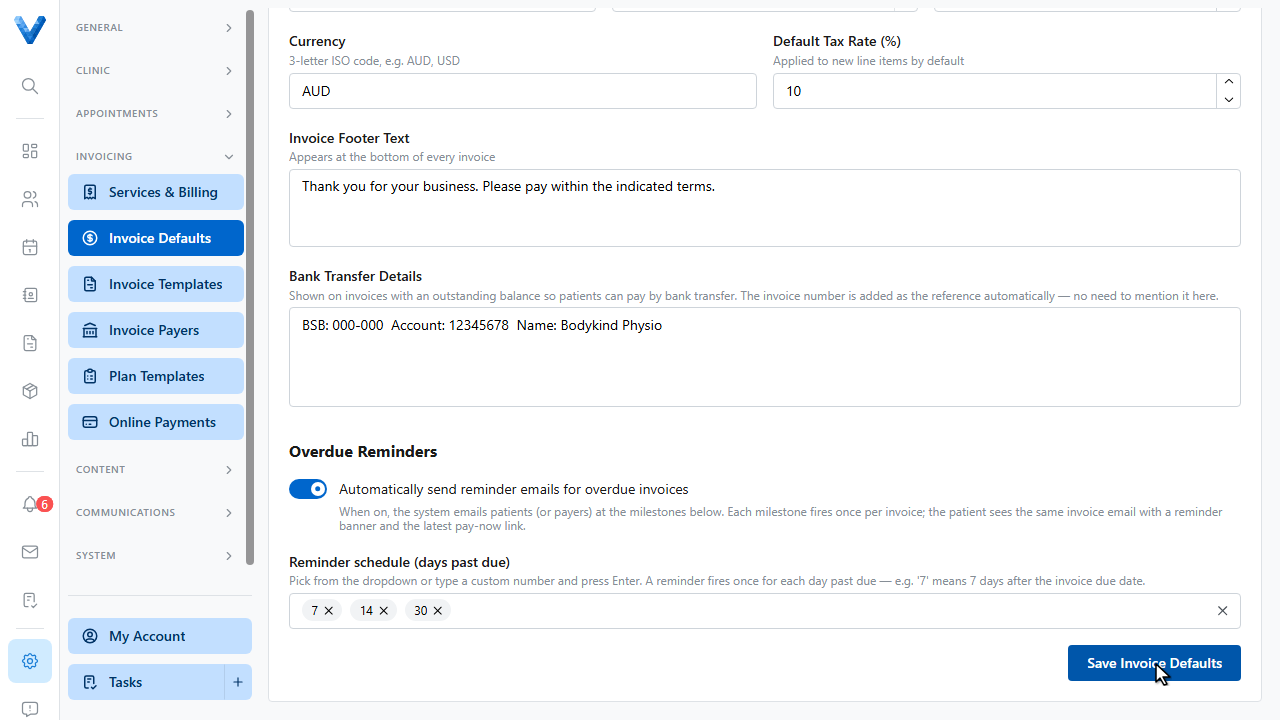
The automatic overdue reminder emails follow the schedule you set here (e.g. 7, 14, and 30 days past due), so chasing late invoices doesn’t rely on anyone remembering.