 Volition
Open Reports in the main navigation. The Revenue report is the landing view.
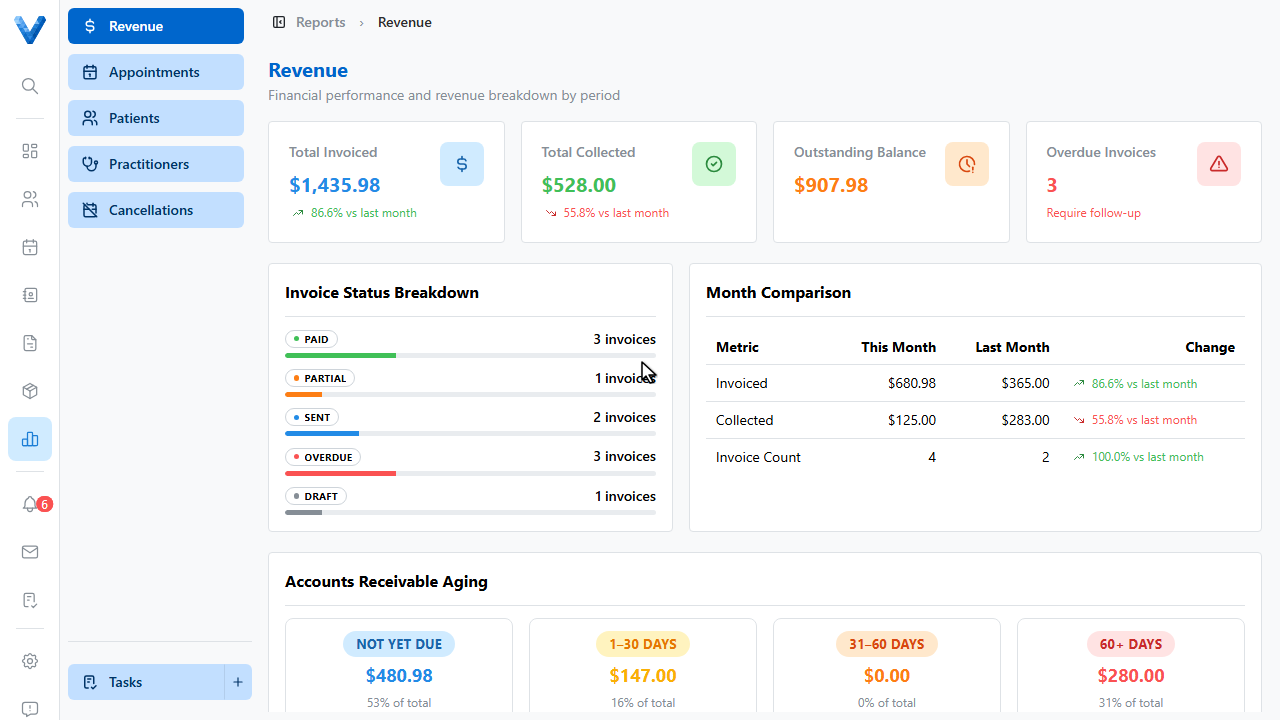
The top cards show total invoiced, total collected, the outstanding balance, and how many invoices are overdue.
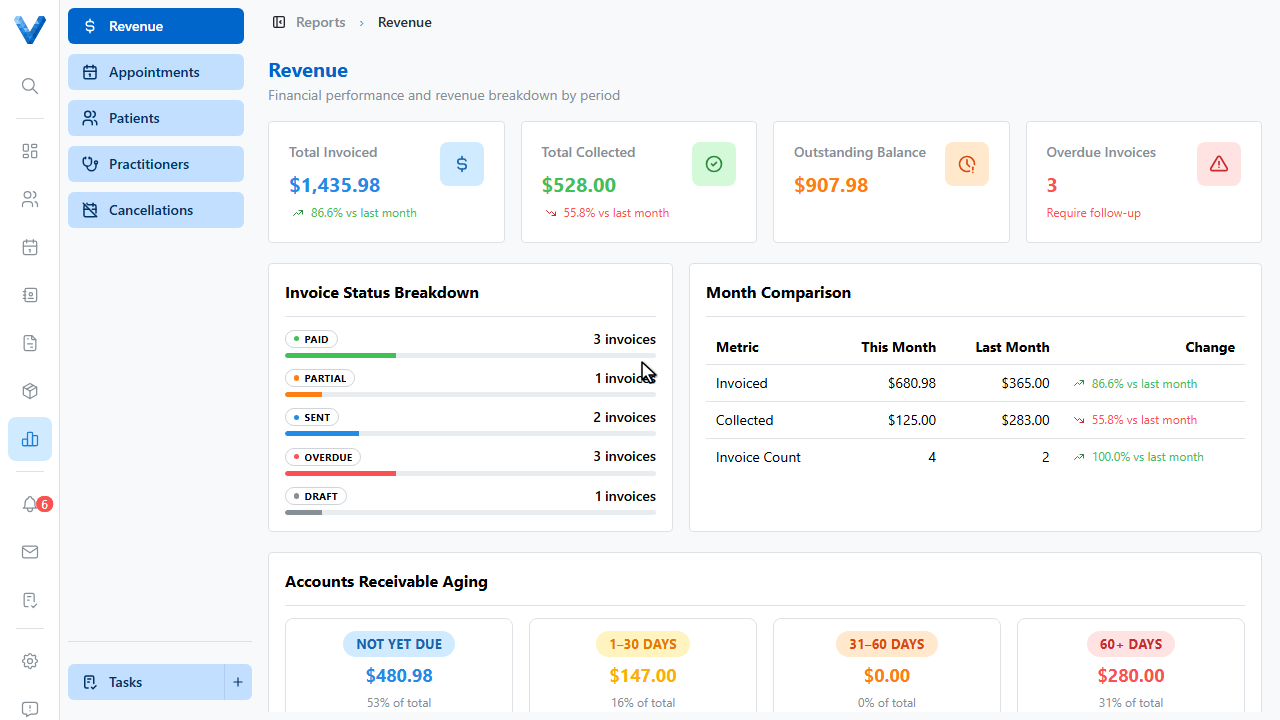
The invoice status breakdown shows where your billing sits — drafts, sent, partially paid, and paid — and the month comparison tracks this month against last.
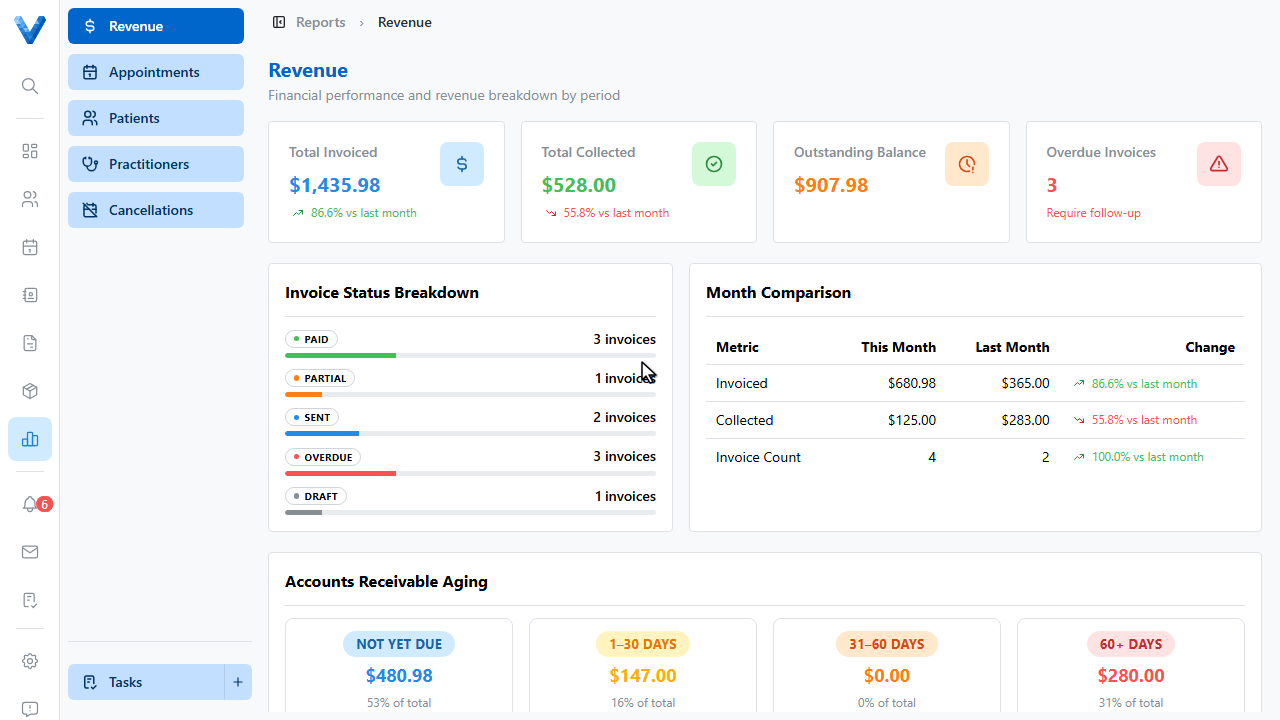
Accounts receivable aging groups unpaid invoices by how overdue they are — not yet due, one to thirty days, thirty one to sixty, and sixty plus. The older the bucket, the harder the money is to collect.
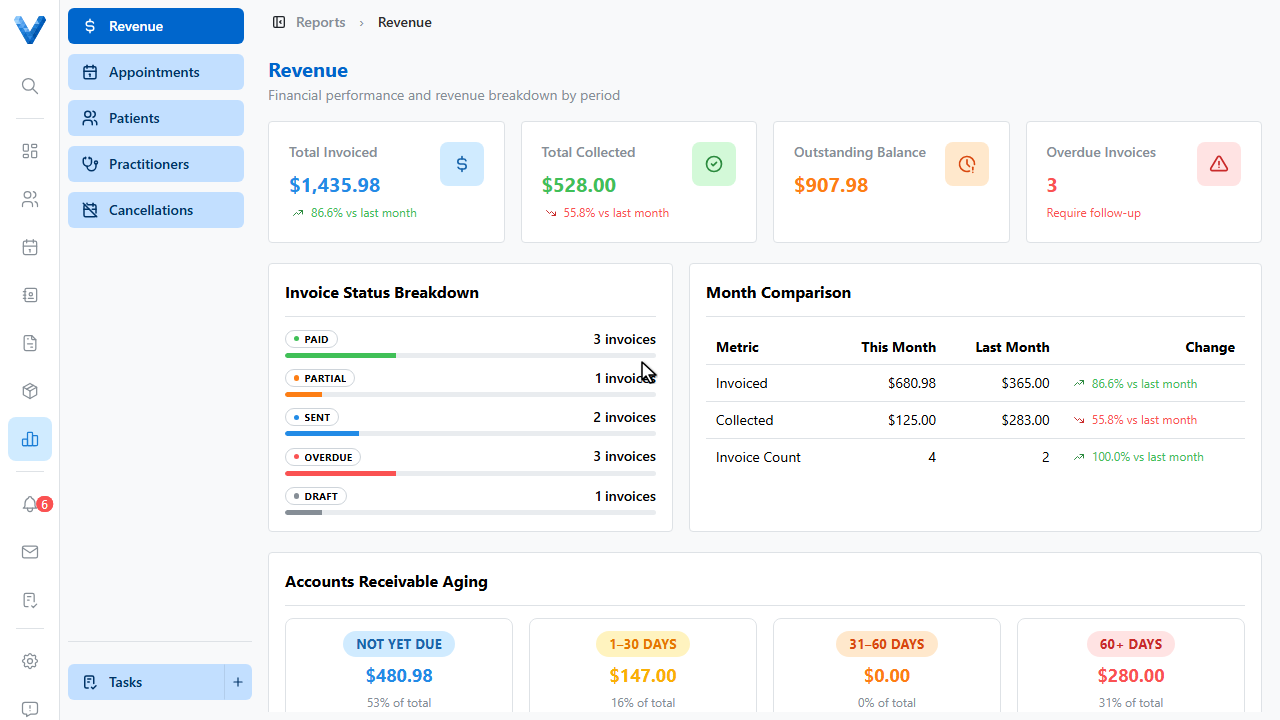
The sidebar has more reports — appointments, patients, practitioners, and cancellations — and the Invoices area has a dedicated A.R. aging tab with the individual invoices in each bucket.
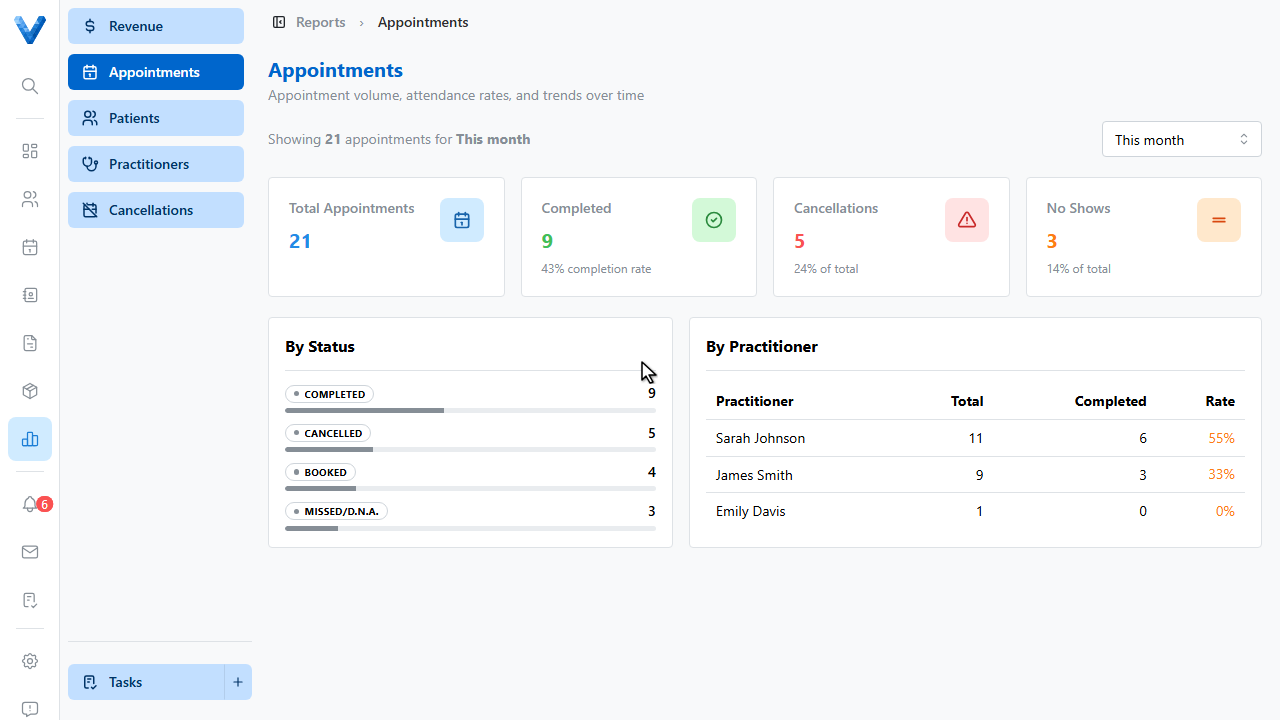
Check the revenue report weekly — the aging buckets tell you exactly who to chase.
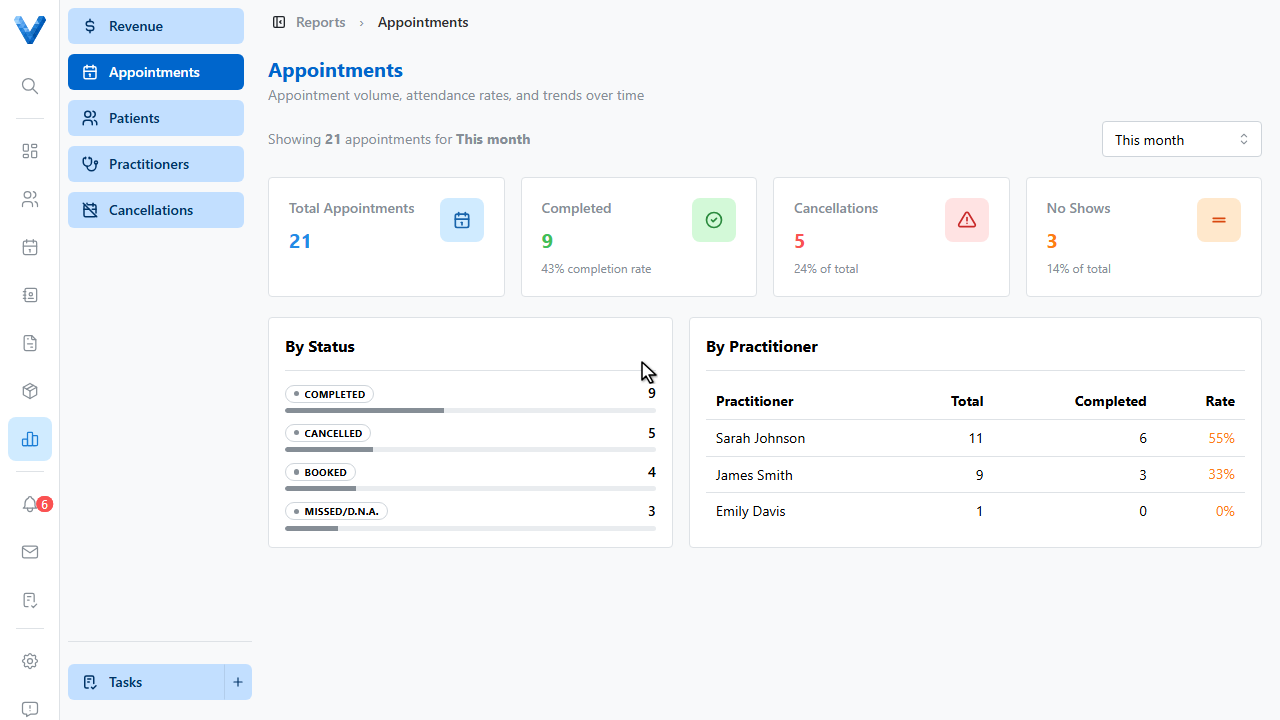
Pair this report with automatic overdue reminders (Settings → Invoice Defaults → Overdue Reminders) and the bulk Send Reminder action on the invoices list, so the aging buckets stay short.