 Volition
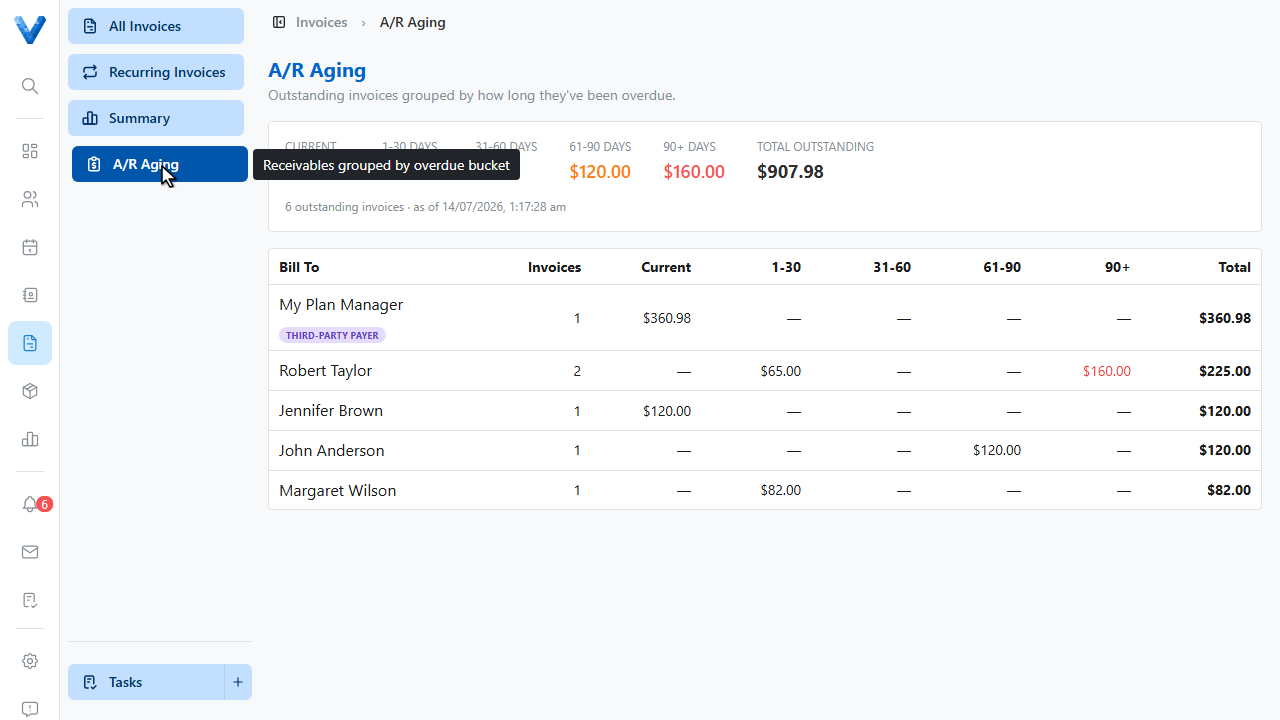
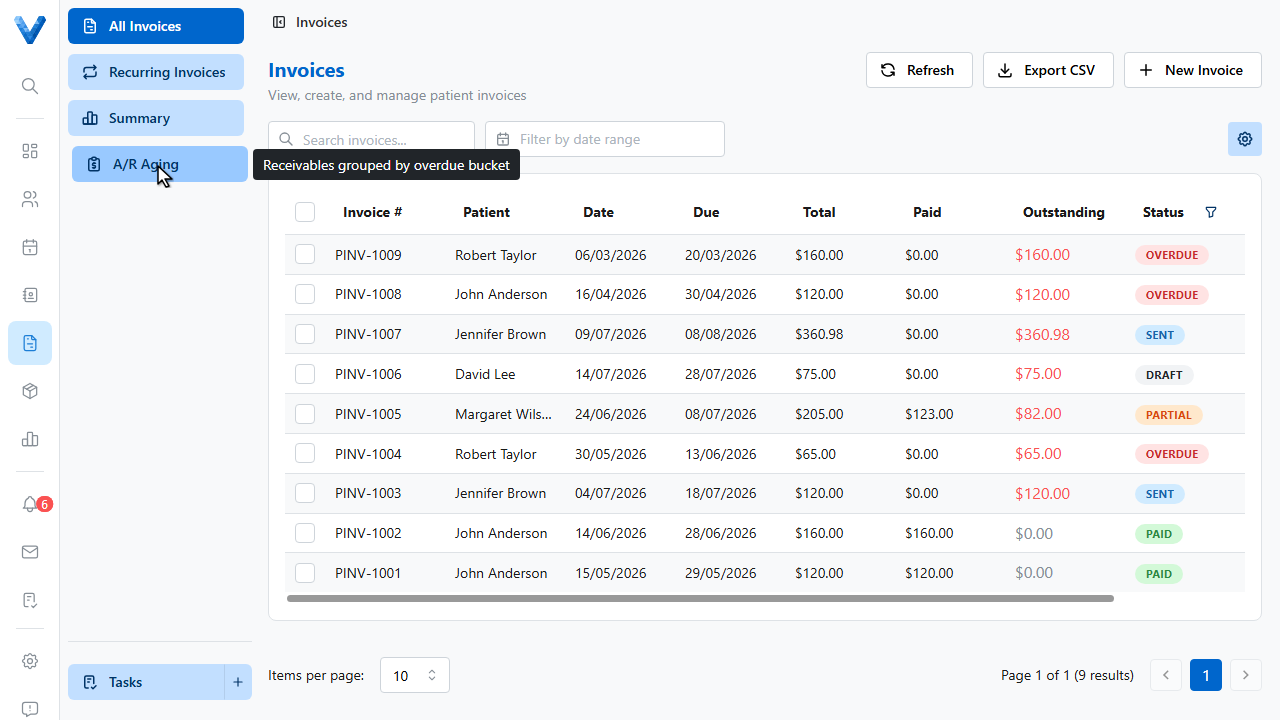
In the Invoices area, open the A.R. Aging tab. Every unpaid invoice is grouped by how overdue it is.
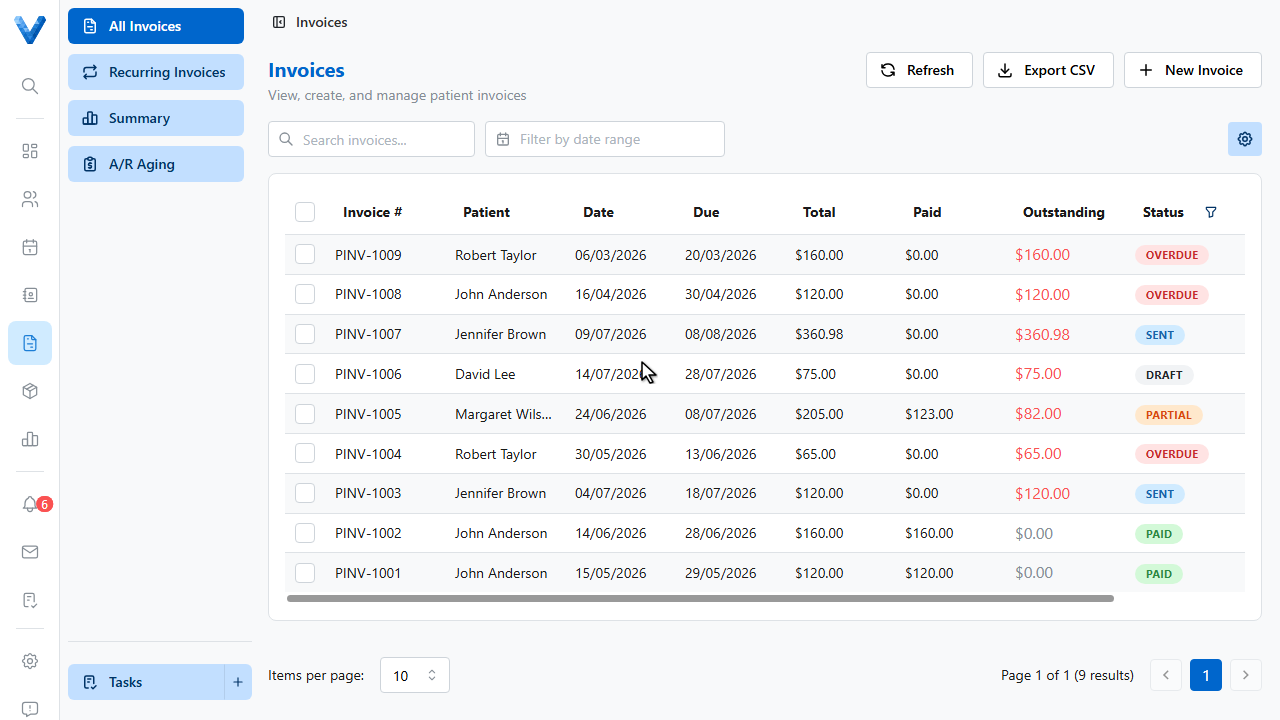
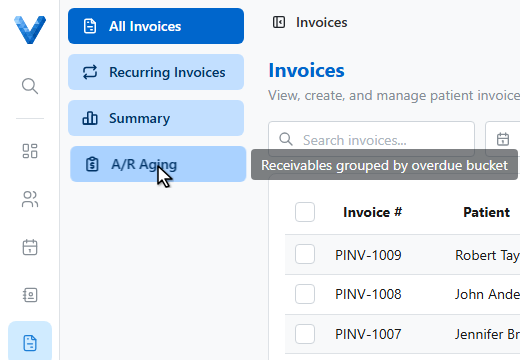
Work the oldest buckets first — money in the sixty plus bucket is the hardest to collect, so it gets the phone call, while the one to thirty bucket usually just needs a reminder.
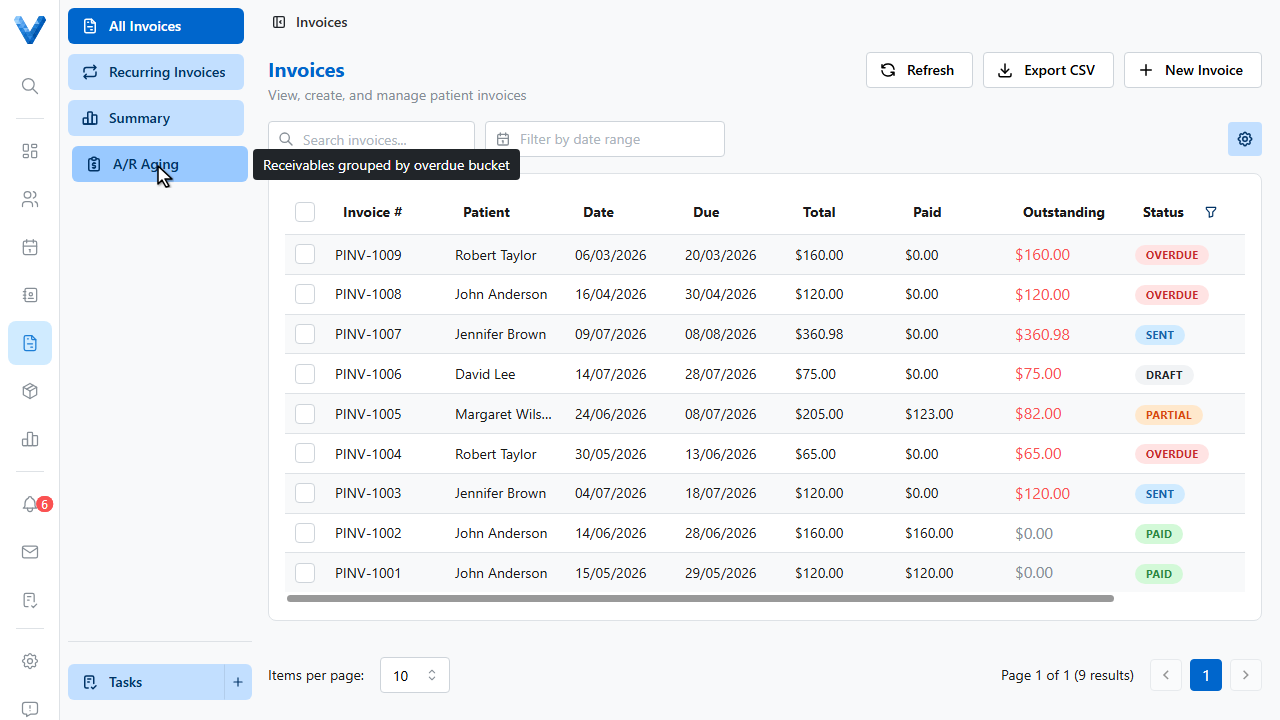
From All Invoices, select the overdue invoices and use Send Reminder to email them in bulk — each reminder includes the invoice and its online payment link.
And set the automatic overdue reminder schedule under Invoice Defaults so most chasing happens without anyone lifting a finger.
Automatic overdue emails (Invoice Defaults) handle the routine, bulk Send Reminder handles the stragglers, and the 60+ day bucket gets a phone call. Write off only what you’ve genuinely given up on — it keeps the aging honest.