 Volition
1
Open the patient, then go to Exercise Plans in their sidebar.
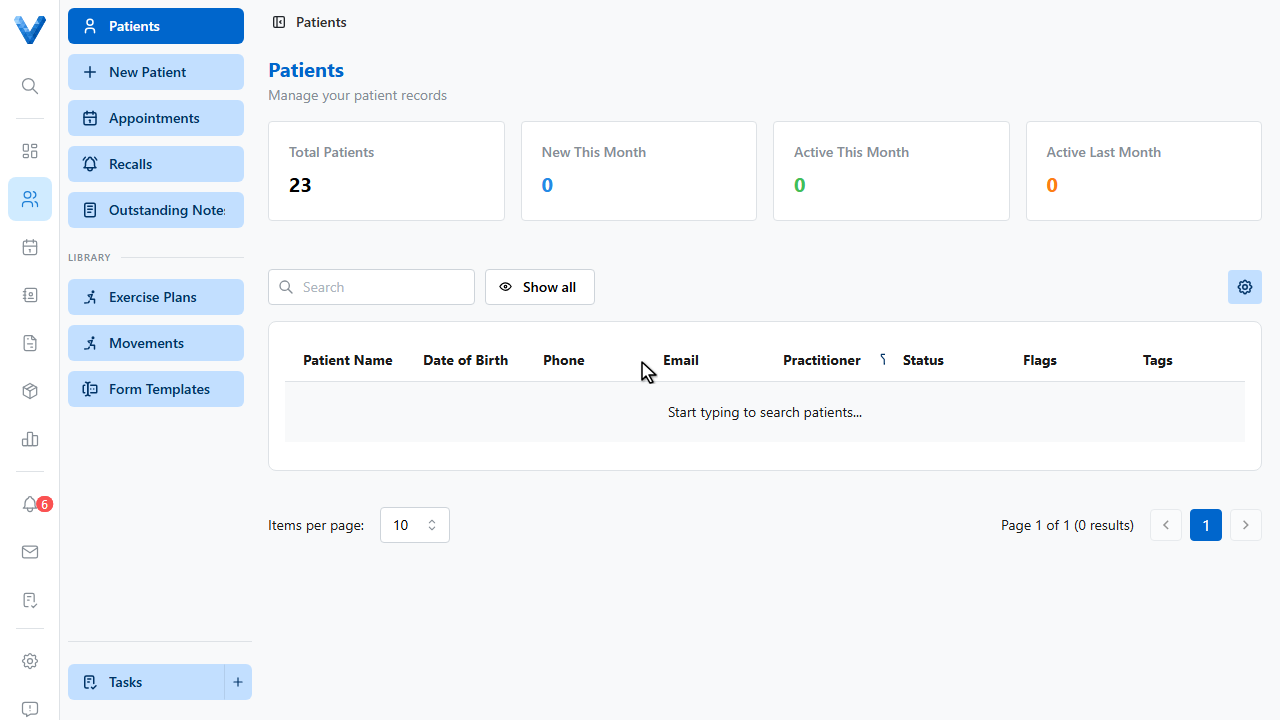
2
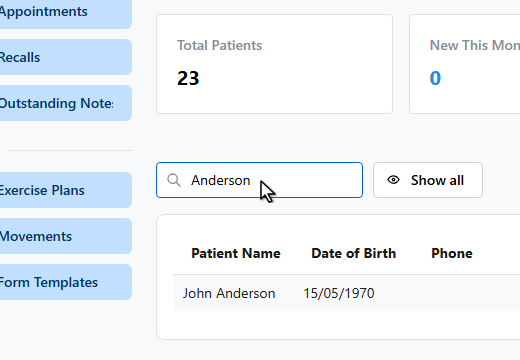
3
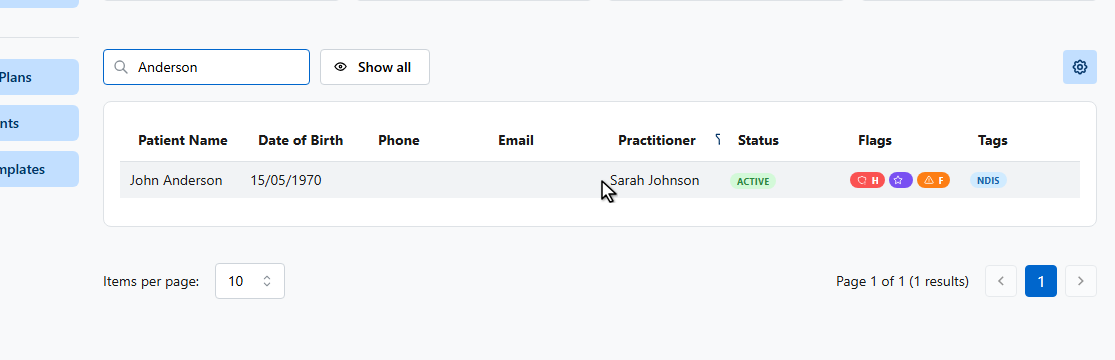
4
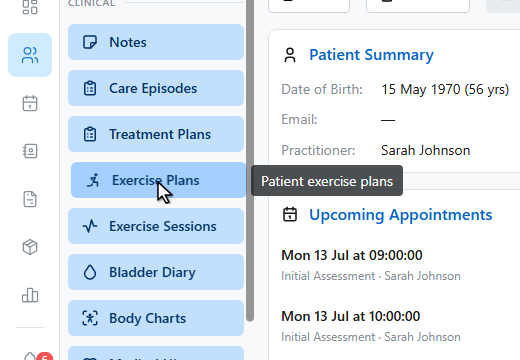
5
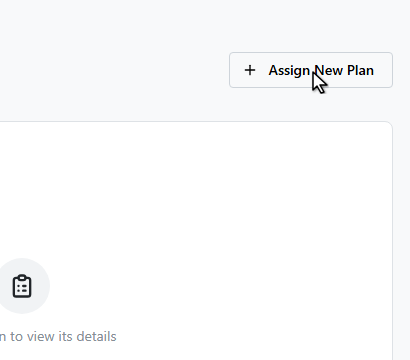
Click Assign New Plan. You can start from a template, or build the plan from scratch.
6
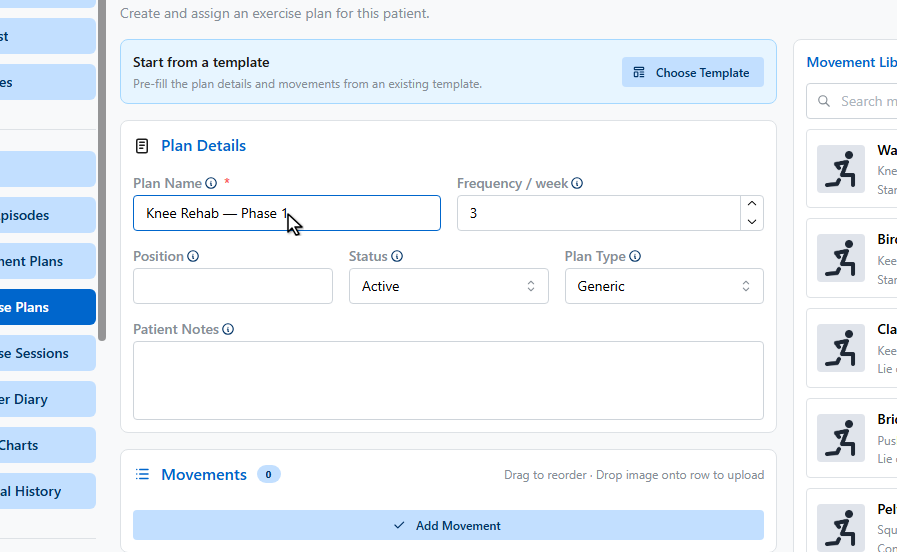
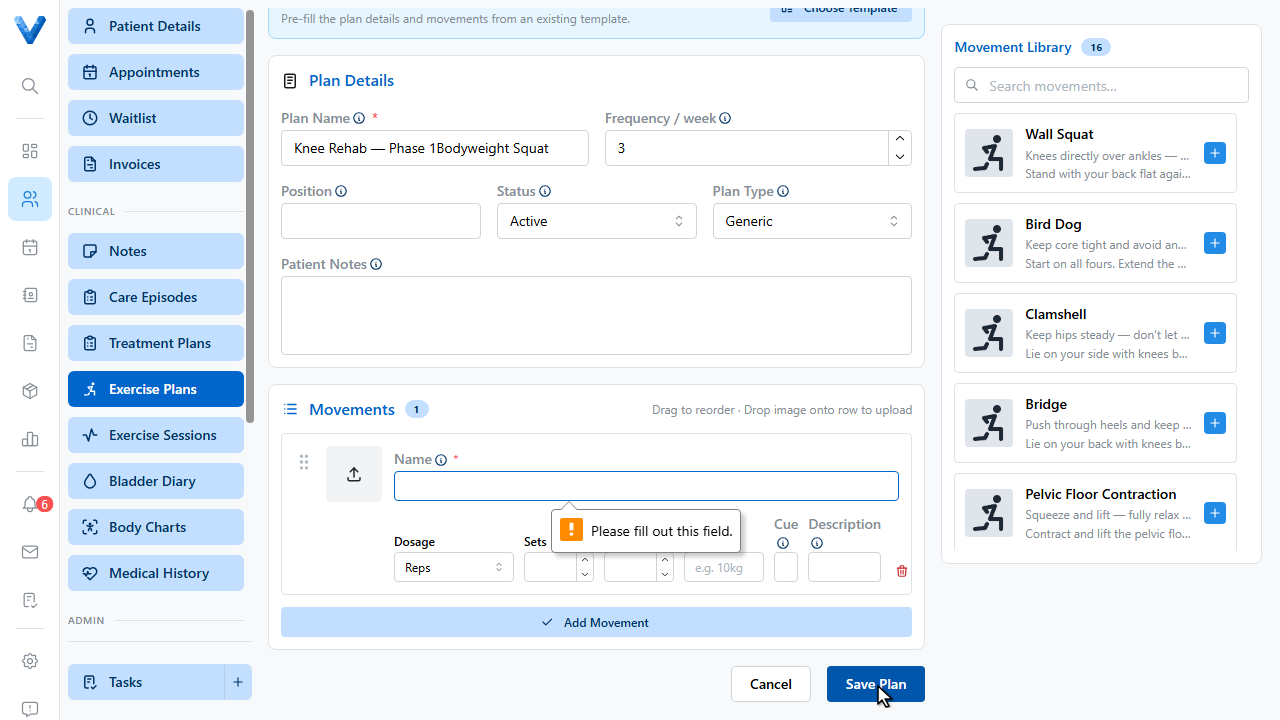
Name the plan and set how many times a week it should be done.
7
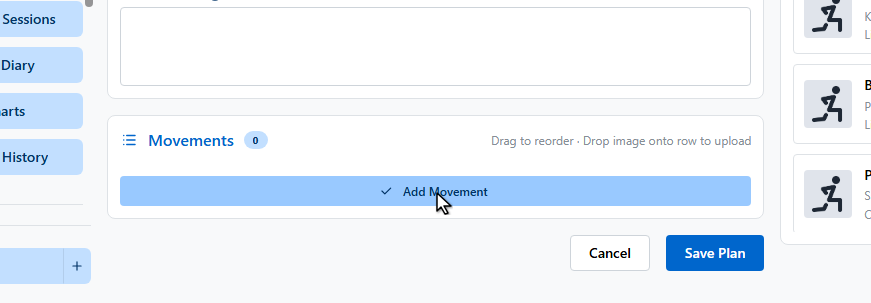
Add movements — either from the movement library on the right, or manually.
8
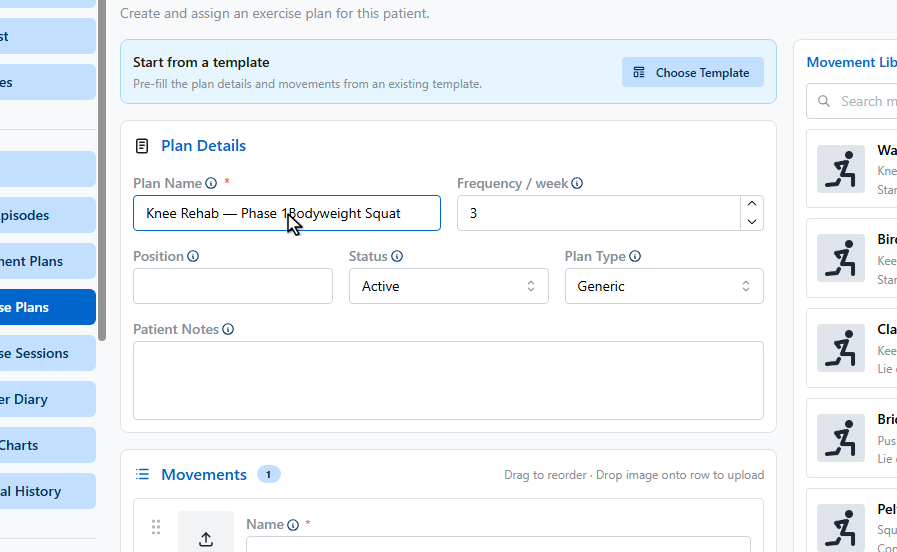
Each movement has a name, dosage, coaching cue, and an image the patient sees.
9
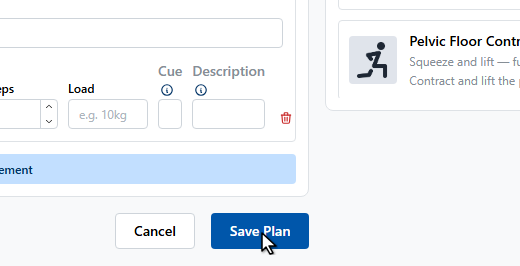
Click Save Plan.
10
The plan is now active for the patient, with movements and session history tracked on this page.
Templates and the movement library
Build reusable plans under Patients → Exercise Plans (Library) and reusable movements under Movements — then Choose Template fills the whole plan in one click.