 Volition
1
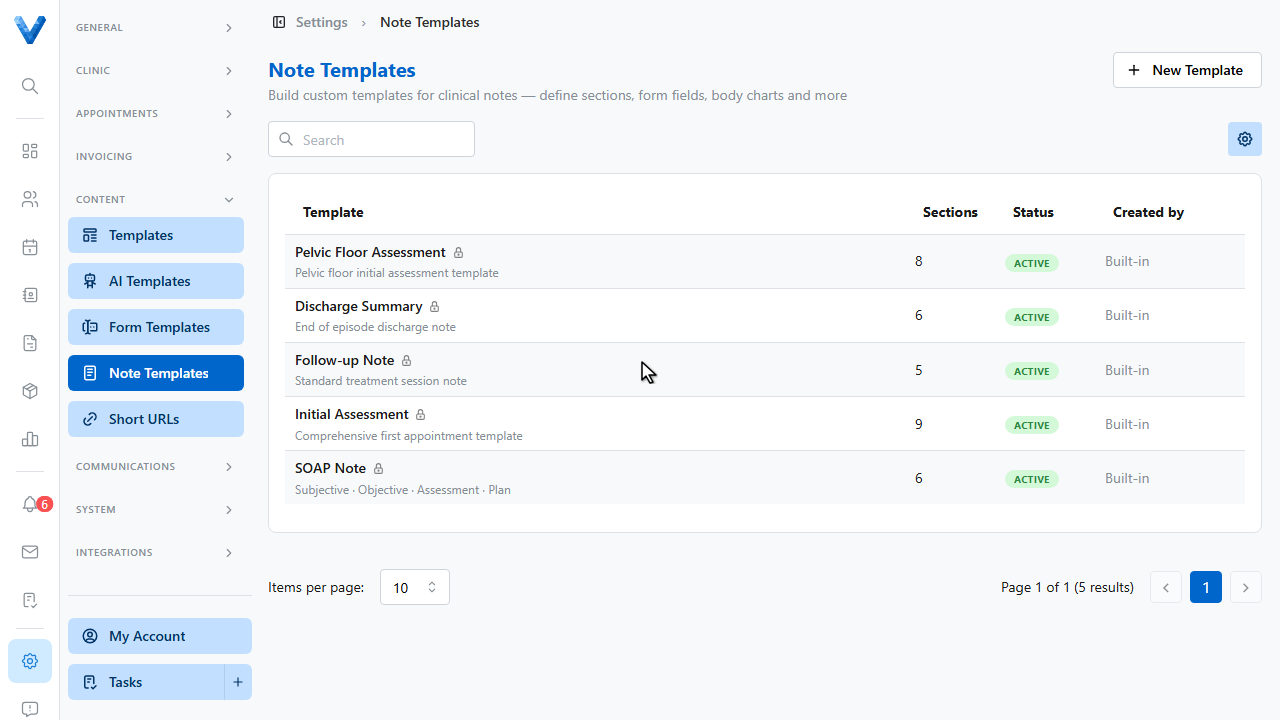
Go to Settings and open Note Templates. Built in templates like the SOAP note live here, and you can add your own.
2
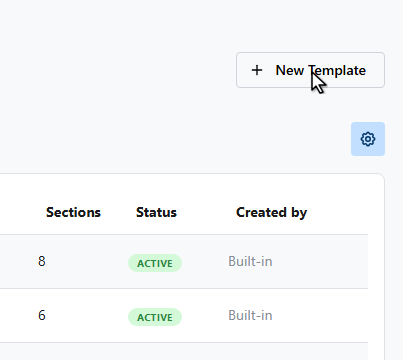
Click New Template.
3
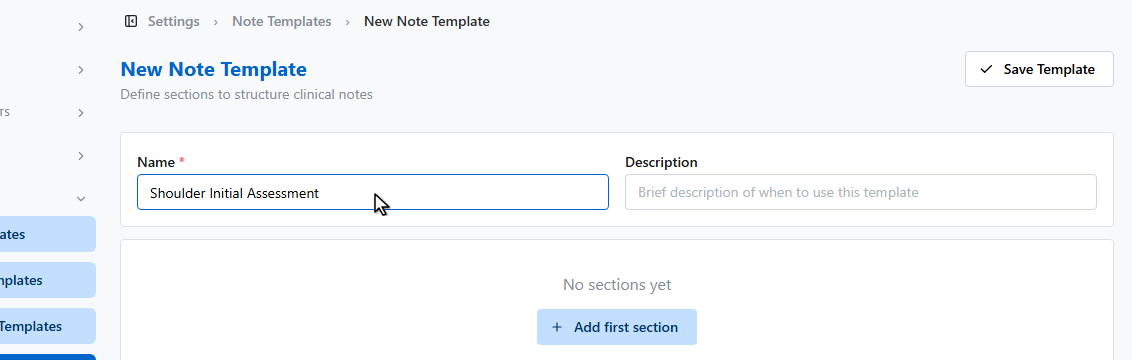
Name the template.
4
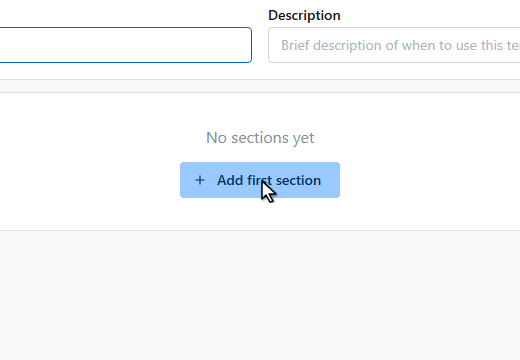
Add your first section.
5
Sections can be rich text, body charts, images, form fields like scales and dropdowns, or display headings.
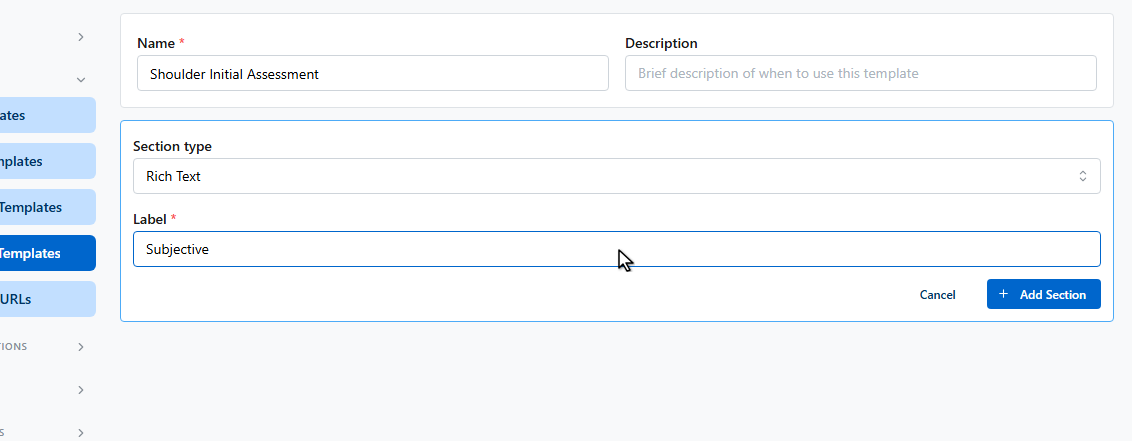
6
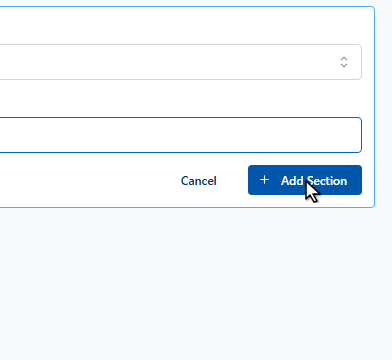
7
Keep adding sections to match how you document — pain scales, range of motion numbers, or a body chart for annotations.
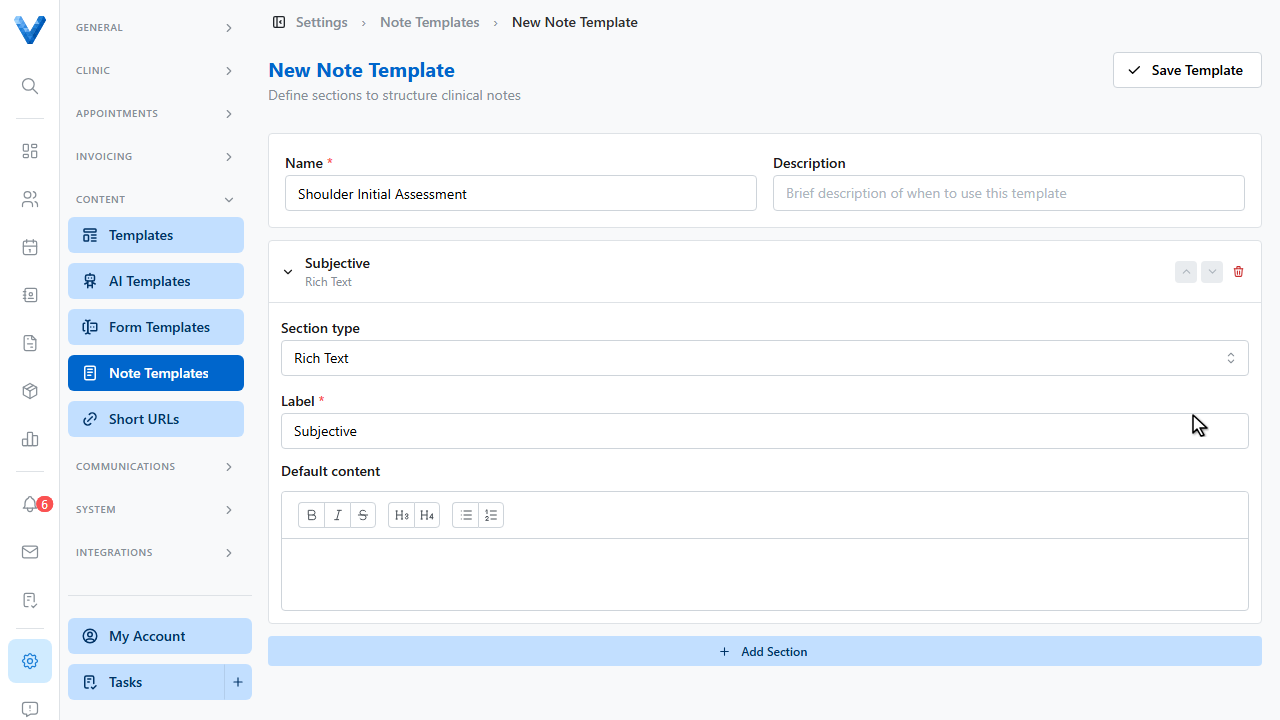
8
Click Save Template.
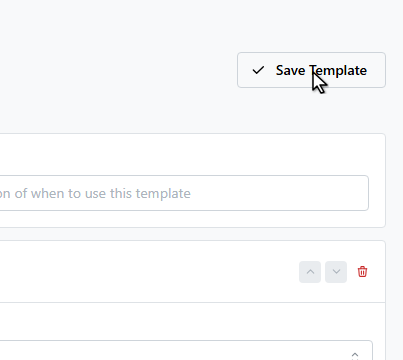
9
The template now appears in the From template menu when writing a clinical note.
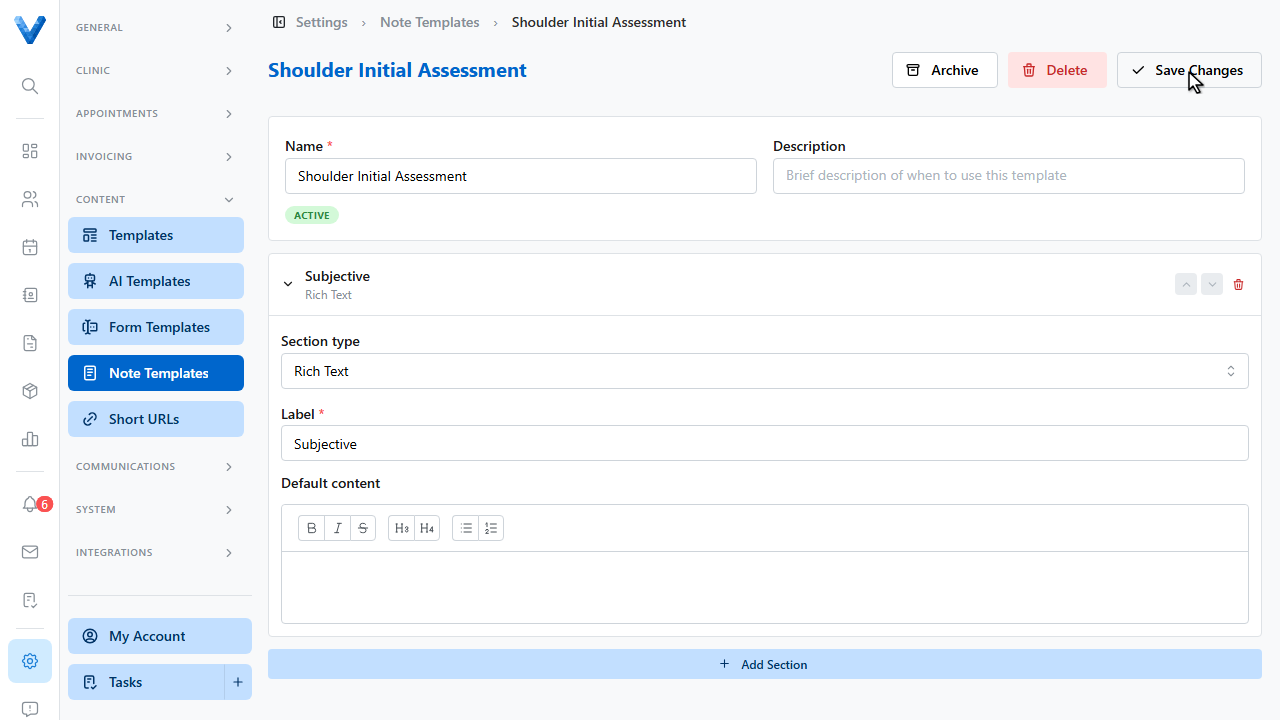
Section types
Mix rich text with structured fields — pain scales, range-of-motion numbers, body charts for annotations, and signature capture — so notes stay consistent across the team.