Volition
Notes are written from the patient record. Open the patient first.
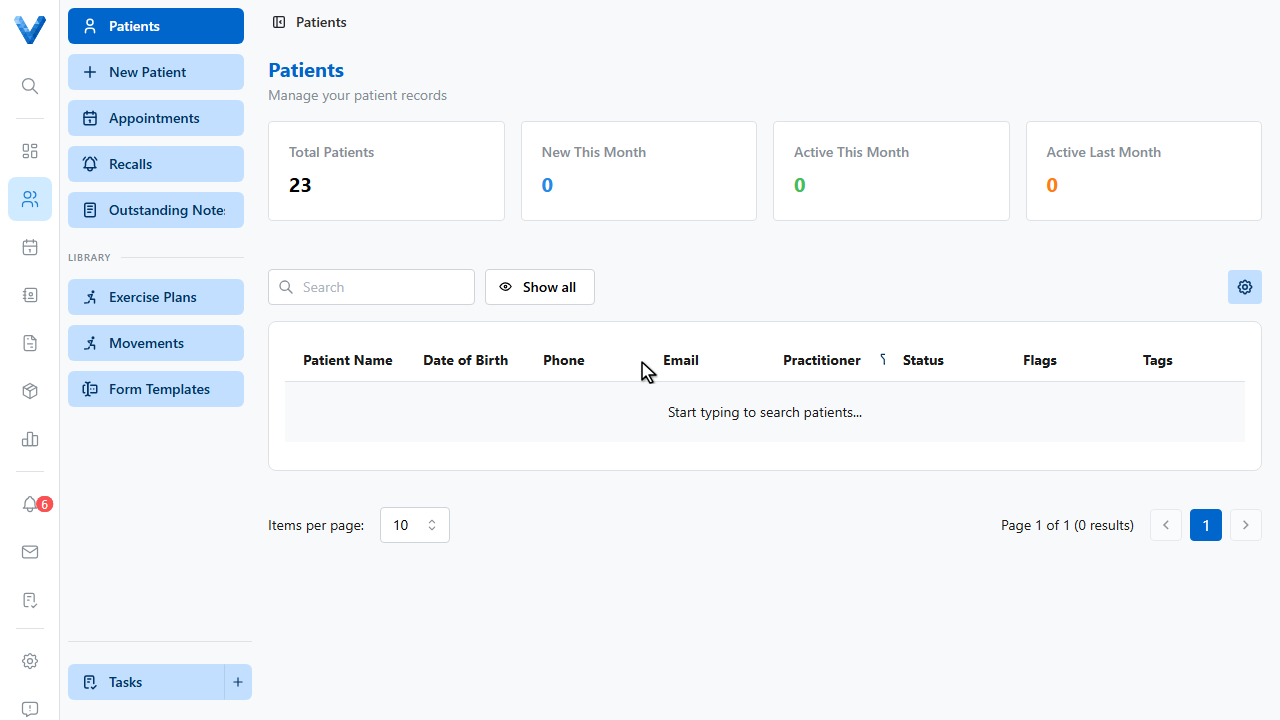
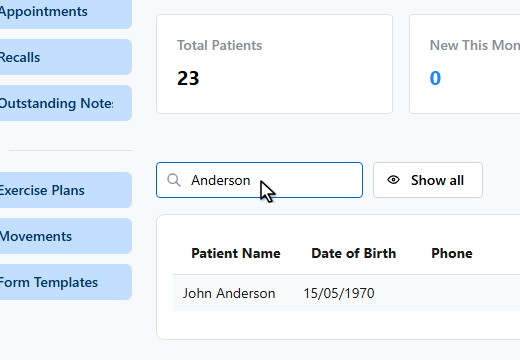
Search for them by name.
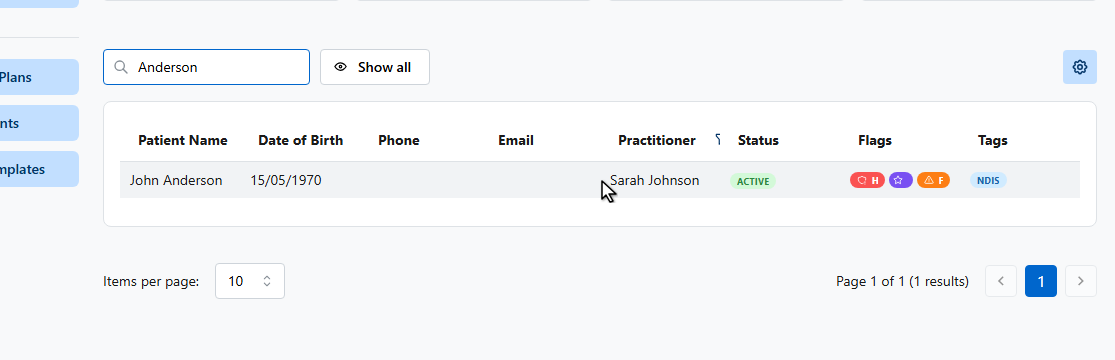
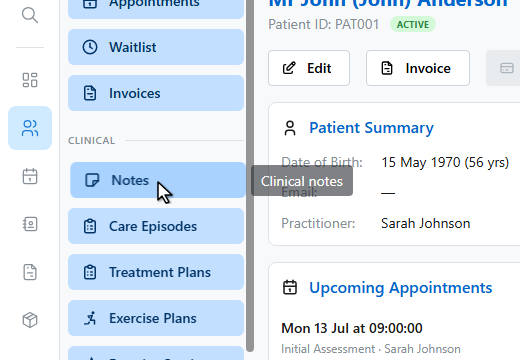
In the patient sidebar, open Notes under the Clinical section.
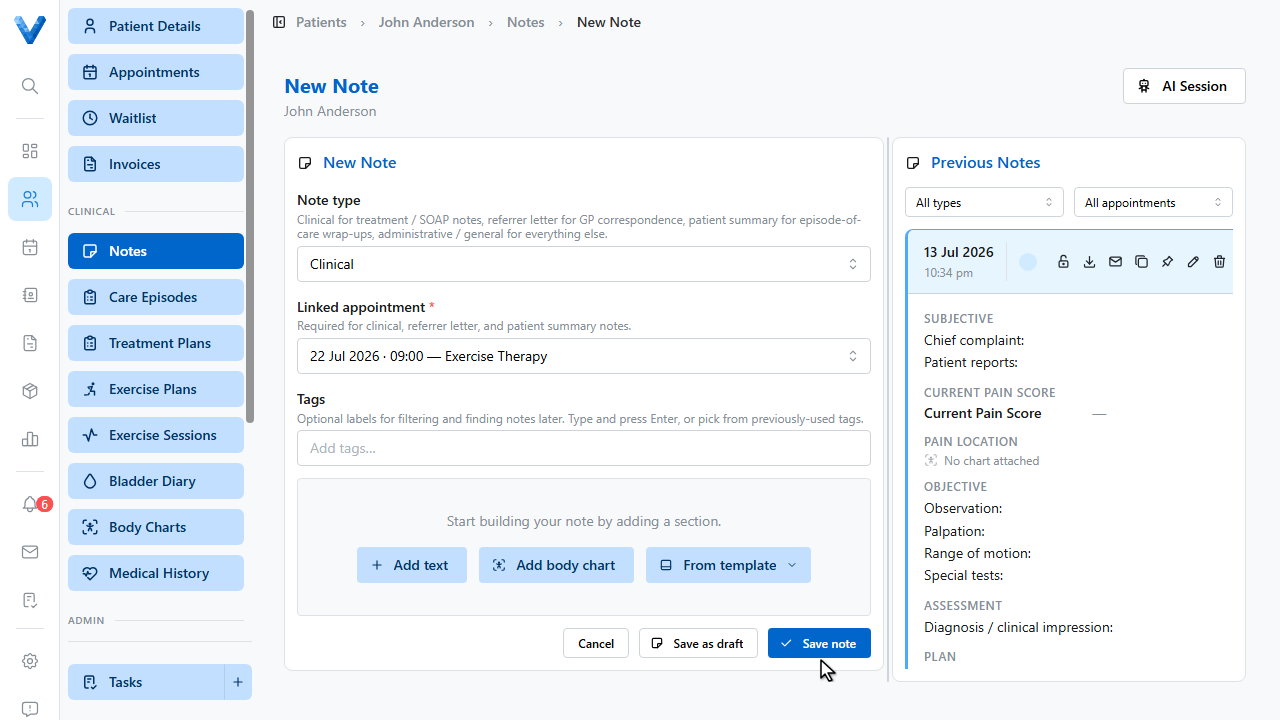
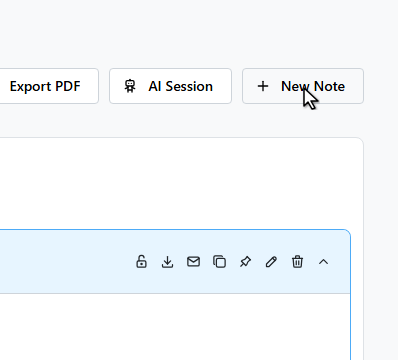
Click New Note.
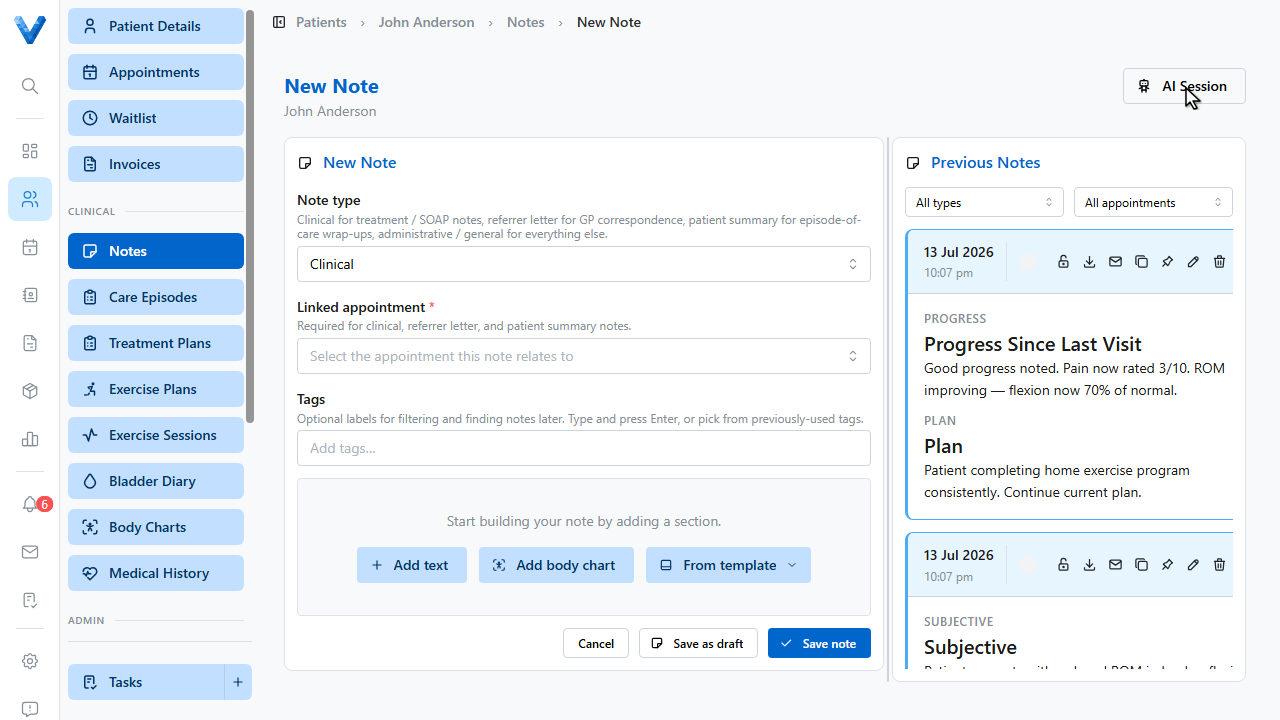
Choose the note type. Clinical is for treatment and SOAP notes.
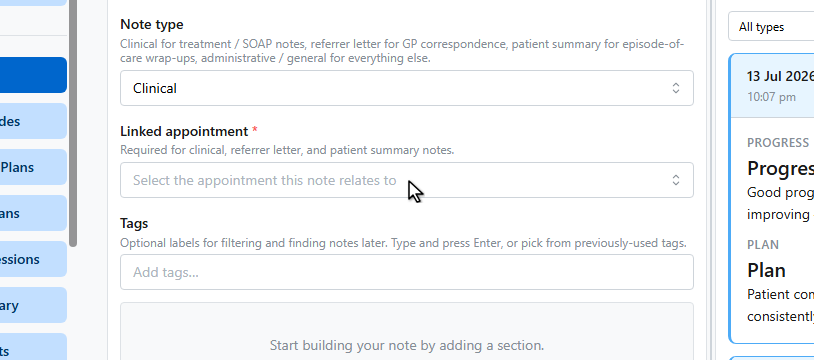
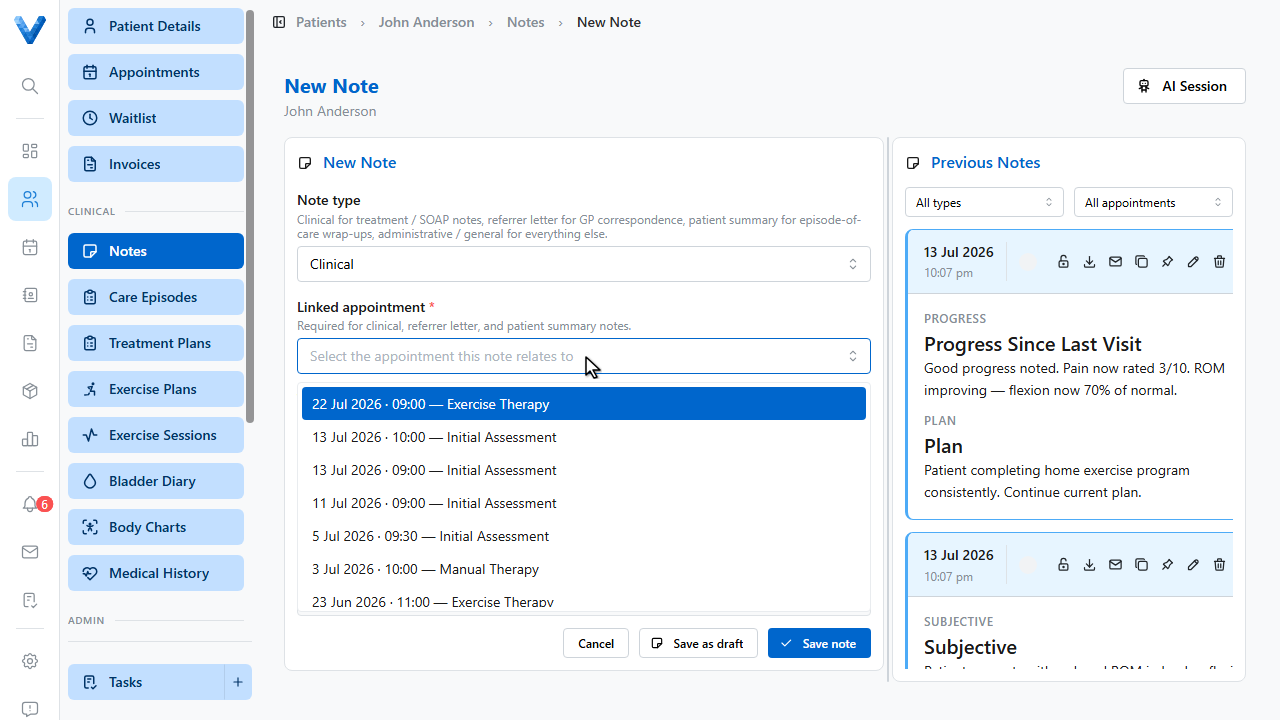
Select the appointment this note relates to. Linking is required for clinical notes.
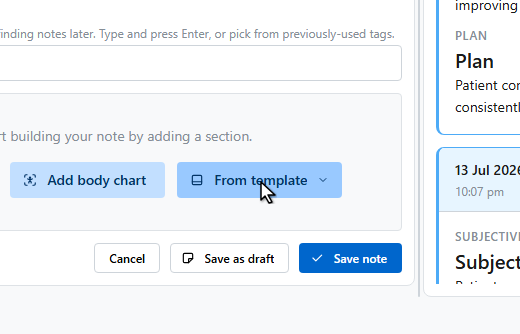
Build the note from sections. Add text for a rich text block, add a body chart, or start from a template.
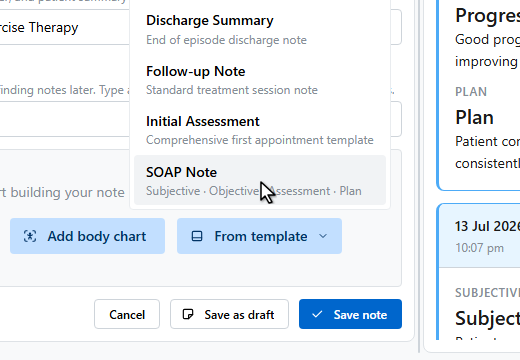
The SOAP Note template inserts Subjective, Objective, Assessment, and Plan sections.
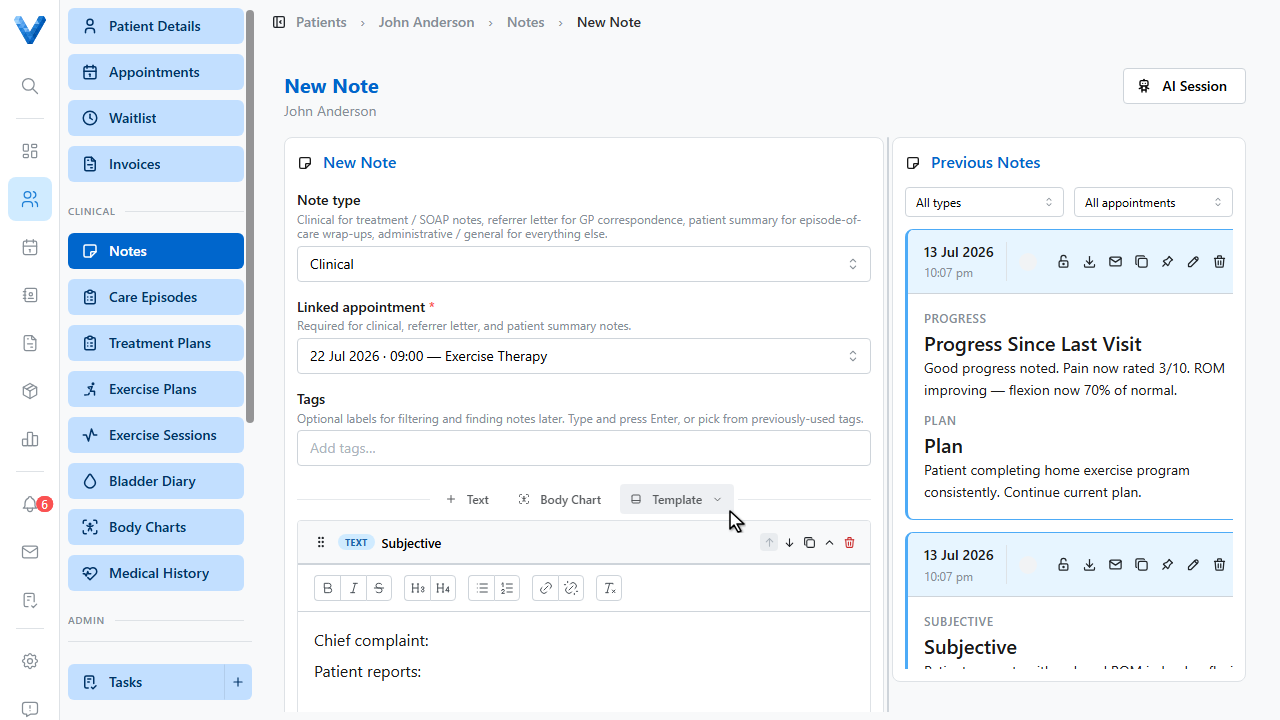
Write into each section. The editor supports full formatting, and the Previous Notes panel on the right lets you refer back while you write.
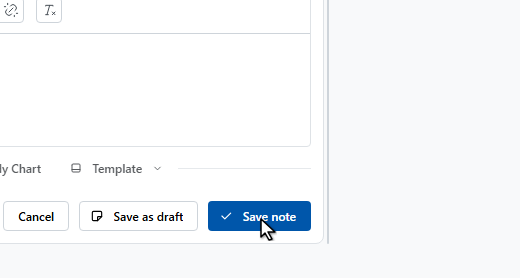
Click Save note to finalise it, or Save as draft to come back later.
The note now appears in the patient’s clinical notes list.