 Volition
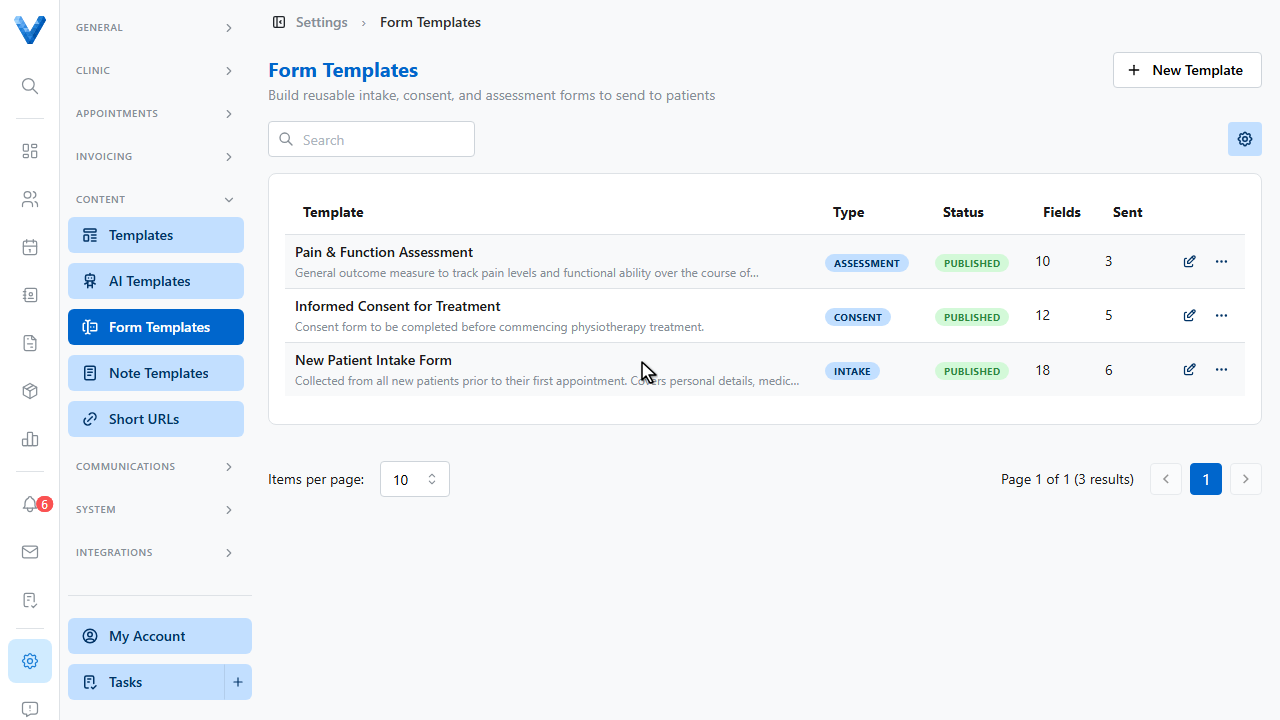
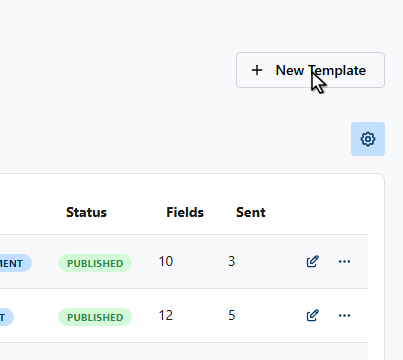
Go to Settings and open Form Templates, then click New Template.
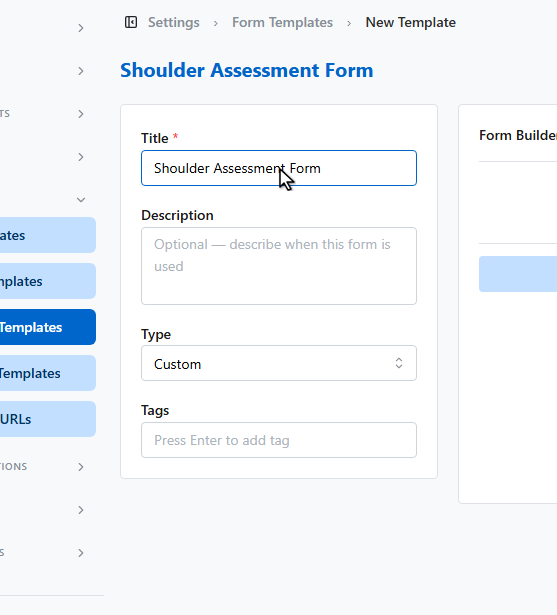
Give the form a title, and pick its type — intake, consent, assessment, evaluation, or custom.
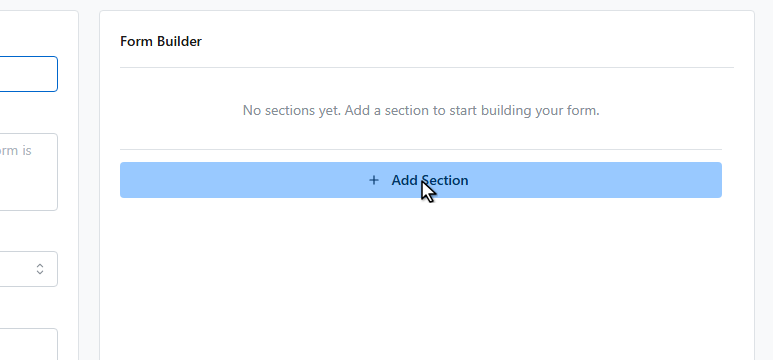
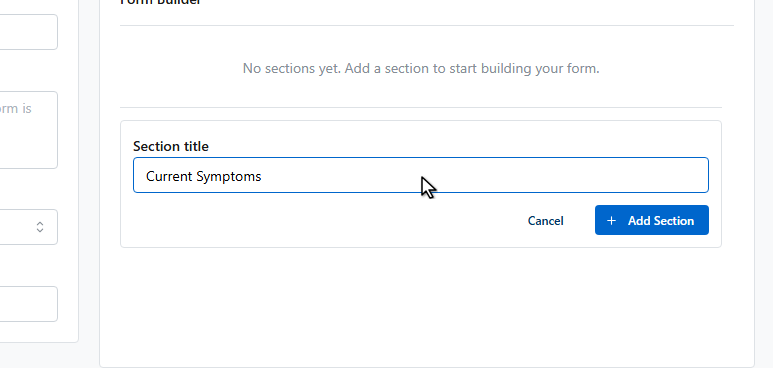
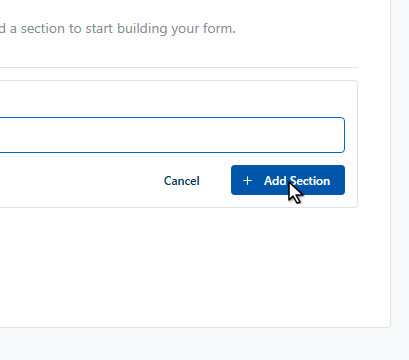
Forms are built from sections. Click Add Section.
Name the section.
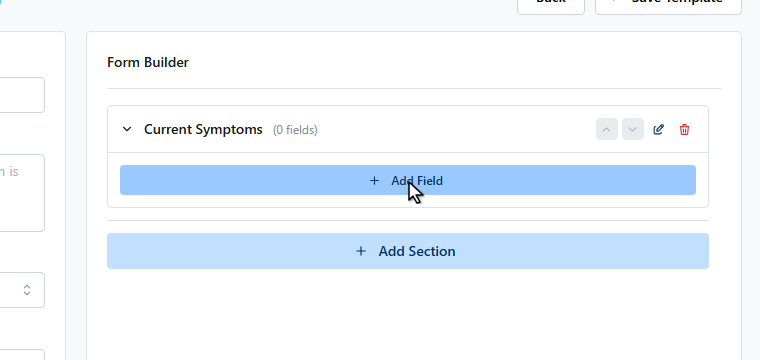
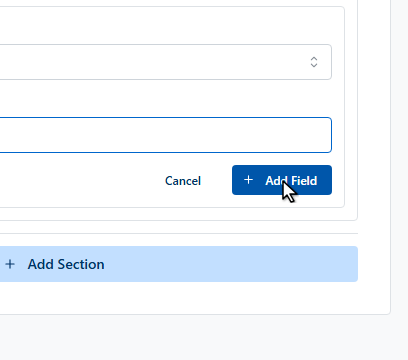
Now add fields to the section.
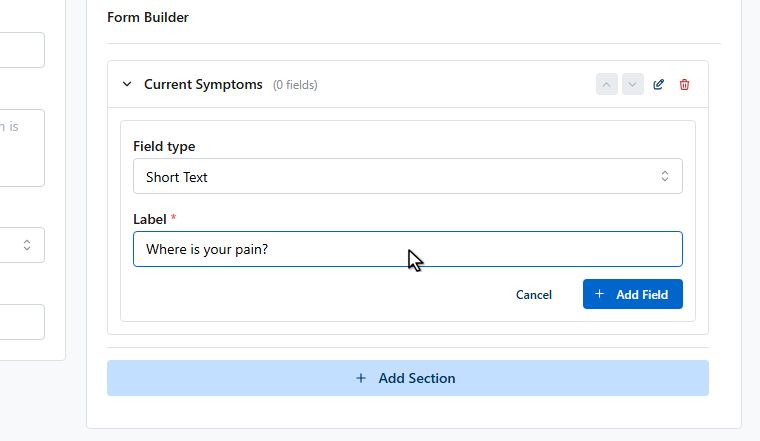
Each field has a type — short and long text, numbers, dates, yes or no, scales, dropdowns, checkboxes, and signature capture.
Click Save Template.
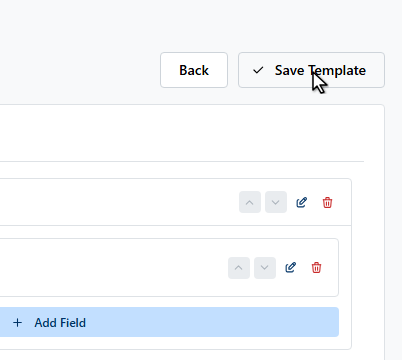
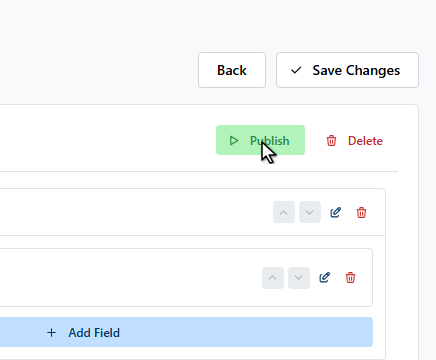
The template saves as a draft. Click Publish to make it sendable.
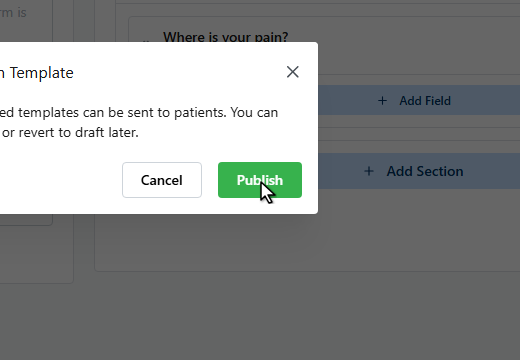
Published templates can be sent from any patient’s Forms page, or attached to an appointment type so they’re emailed automatically when a booking is confirmed.
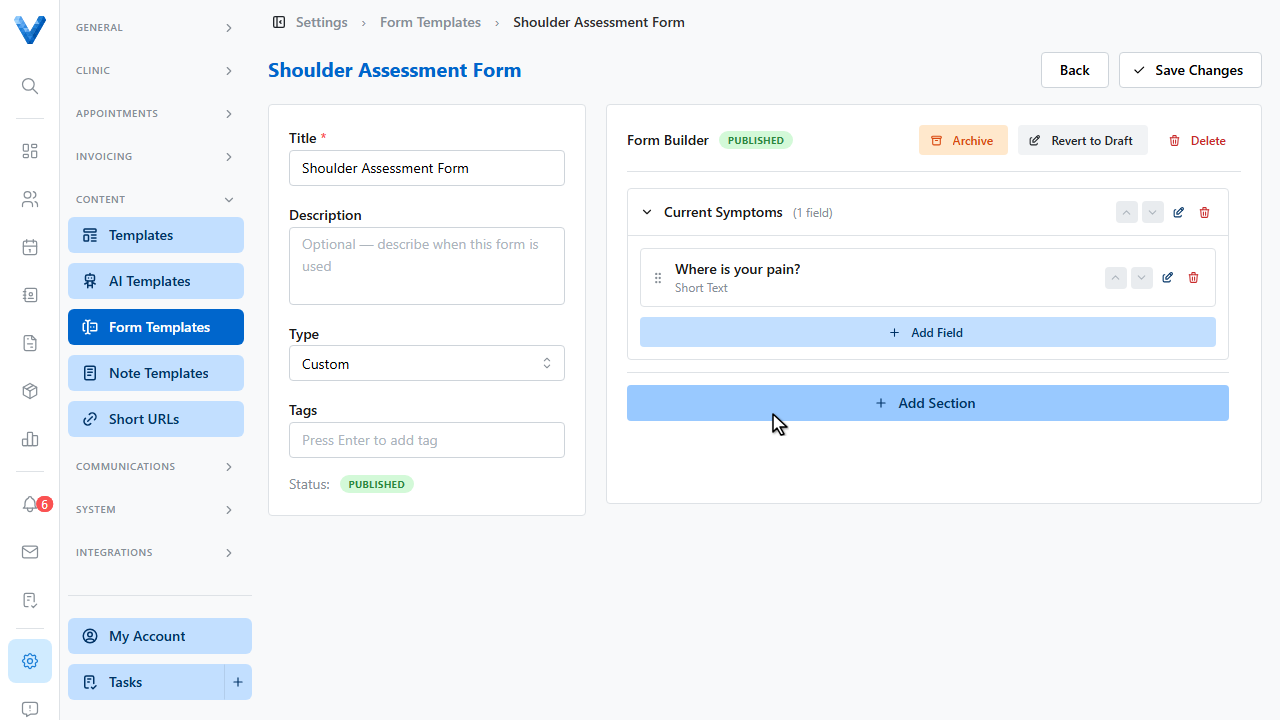
Only published templates can be sent. Archive retires a template without losing past submissions, and Revert to Draft takes it off the send list while you edit.