 Volition
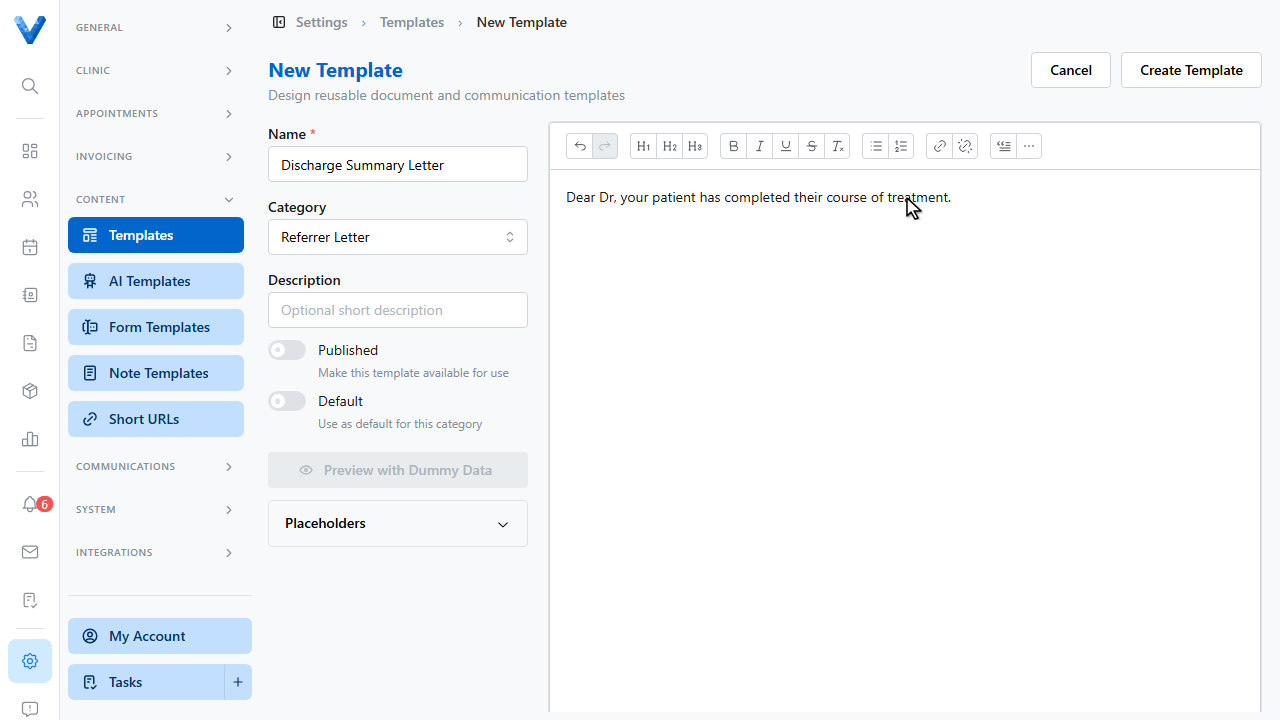
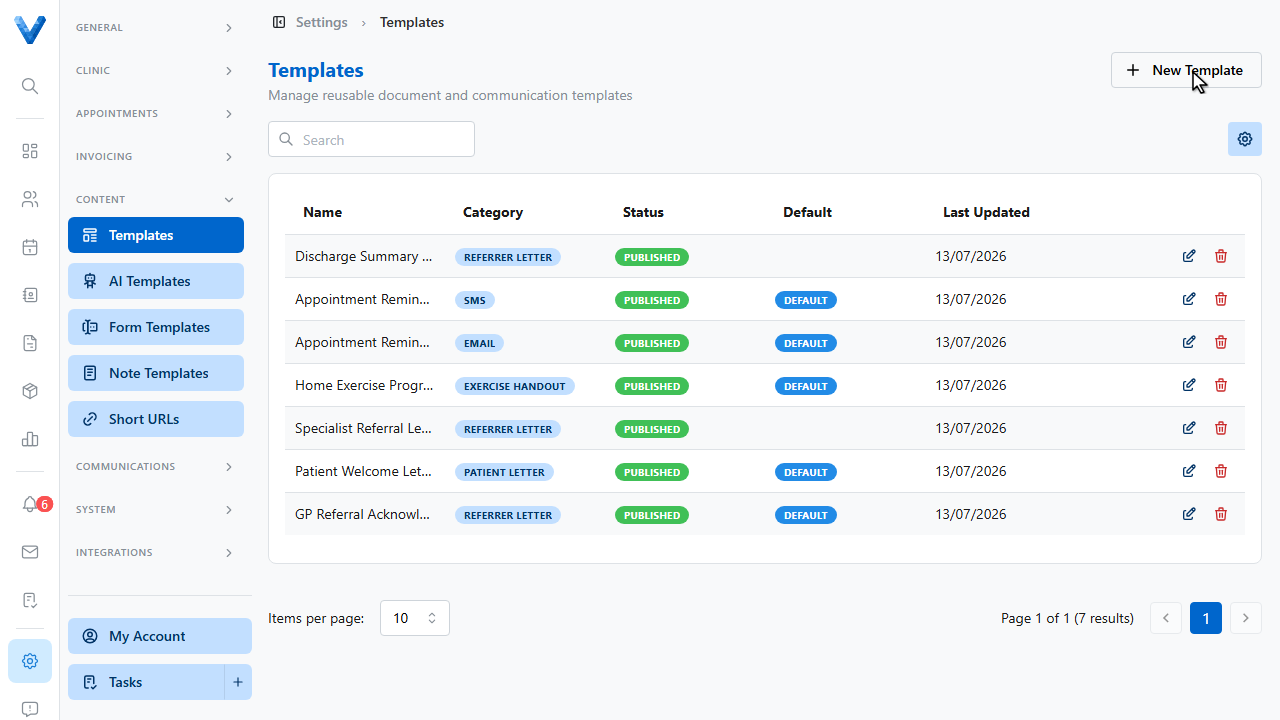
Go to Settings and open Templates. Reusable letters save time on every report and referral reply.
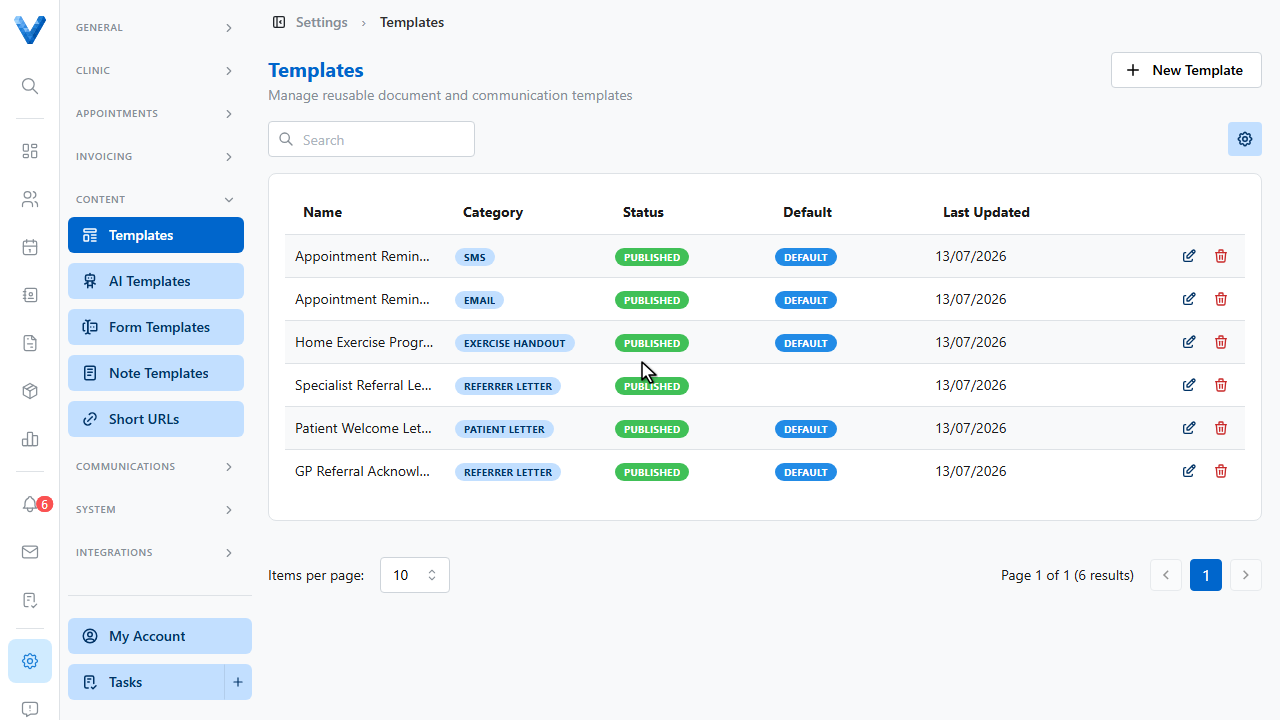
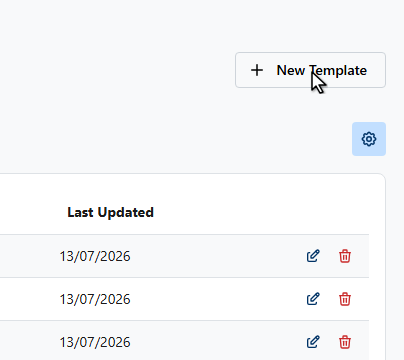
Click New Template.
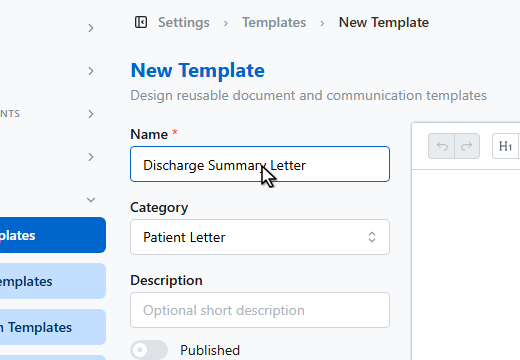
Name the template.
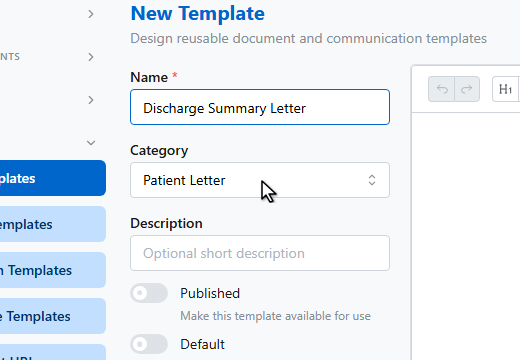
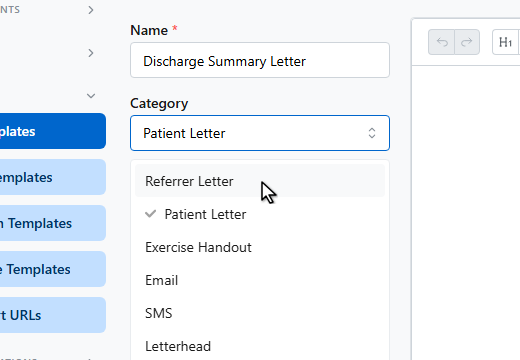
Pick a category — referrer letter, patient letter, email, S.M.S., or letterhead.
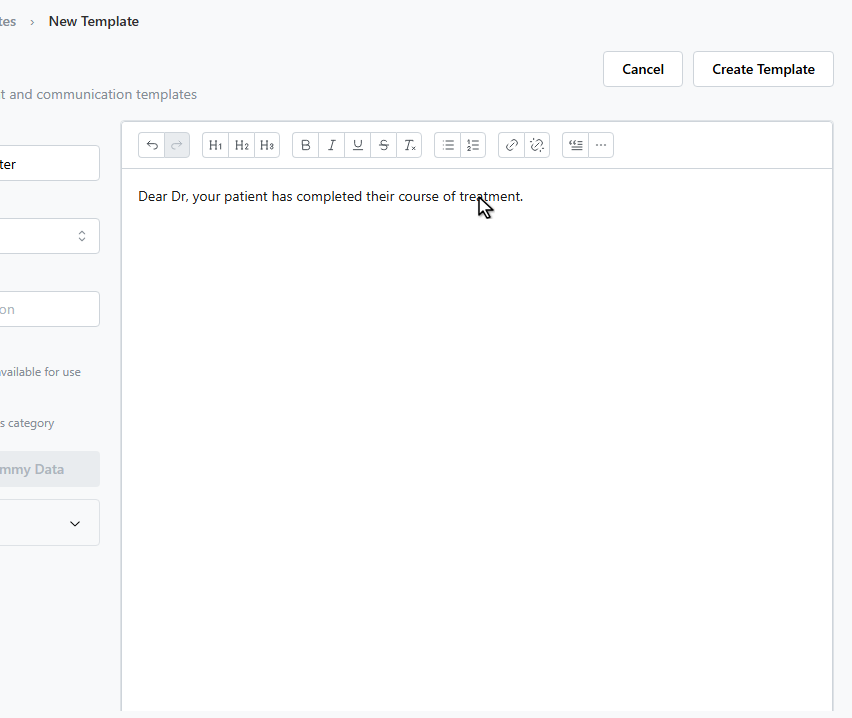
Write the letter in the editor.
The Placeholders panel lists tokens you can copy in — patient names, practitioner details, appointment dates, and your organisation’s details are filled automatically when the letter is used.
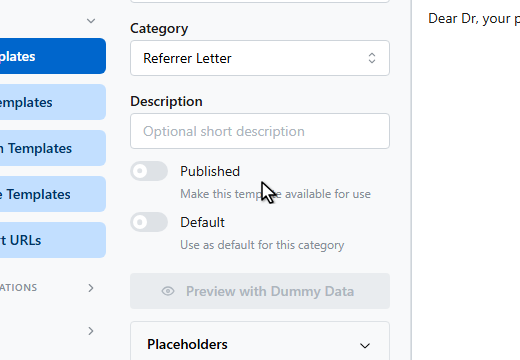
Switch on Published so the template can be used.
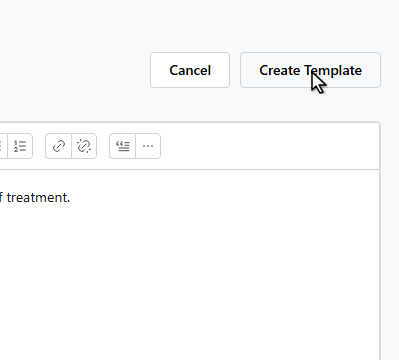
Click Create Template.
The template is now available when composing emails and letters from any patient’s record.
Tokens like {{patient.preferredOrGivenName}}, {{practitioner.fullName}}, and
{{appointment.date}} fill in automatically when the template is used. Use
Preview with Dummy Data to check the layout before publishing.