Volition
1
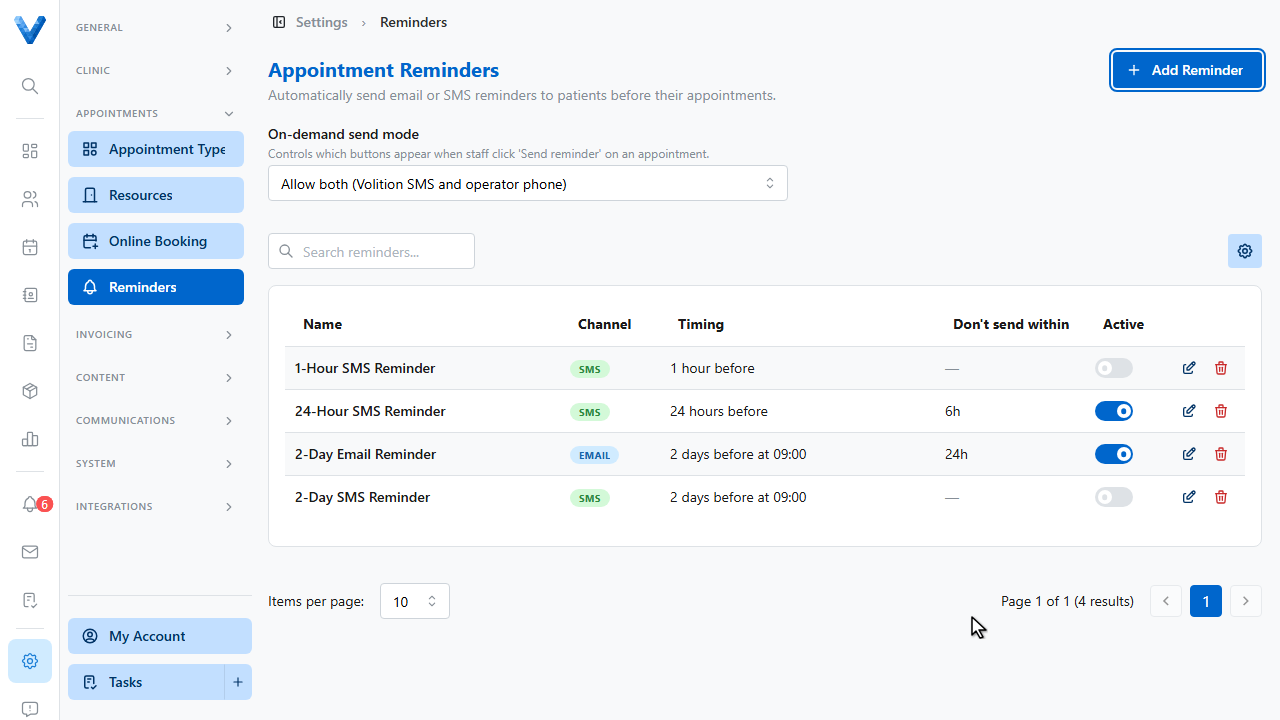
Go to Settings and open Appointment Reminders. Automatic reminders cut no shows, and you can run several at once.
2
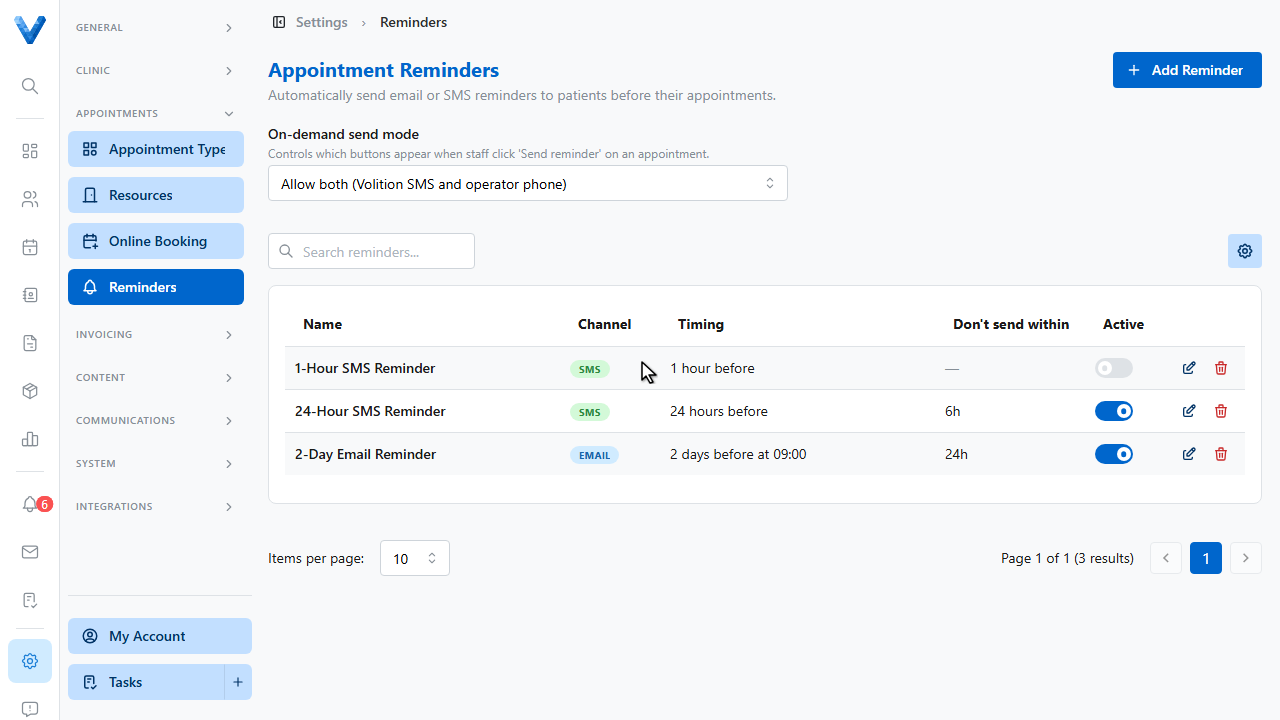
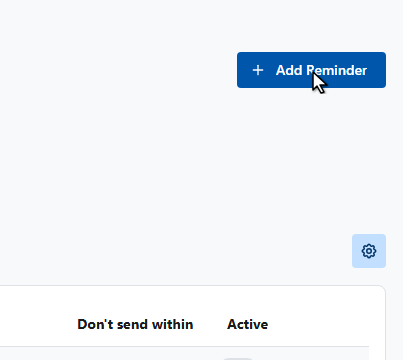
Click Add Reminder.
3
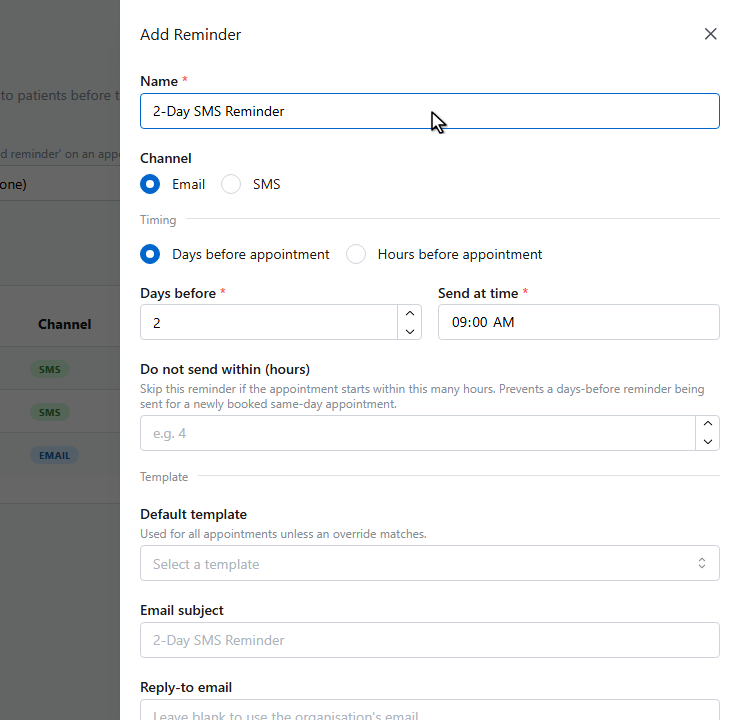
Give the reminder a name.
4
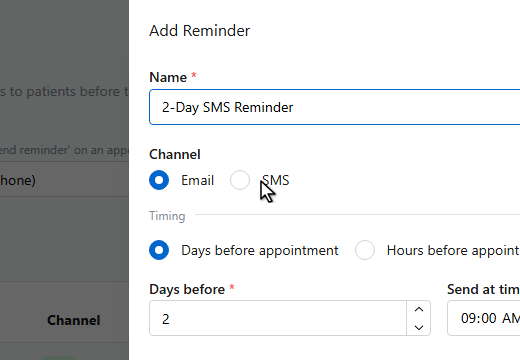
Choose the channel, email or SMS.
5
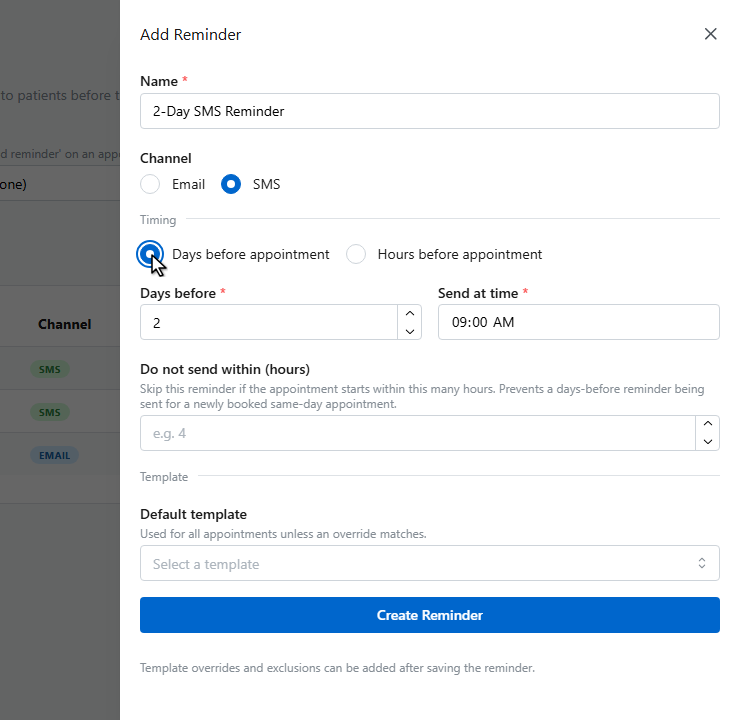
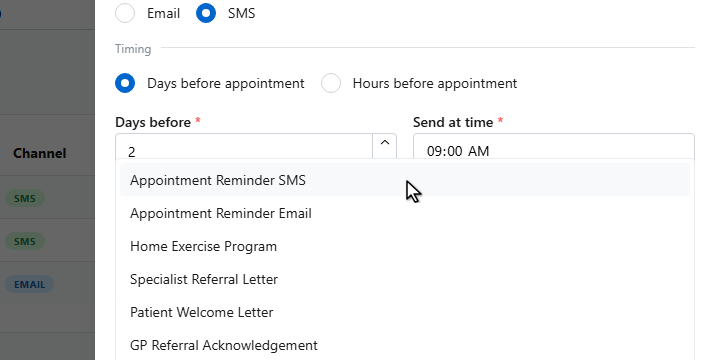
Under Timing, choose days or hours before the appointment, and when to send.
6
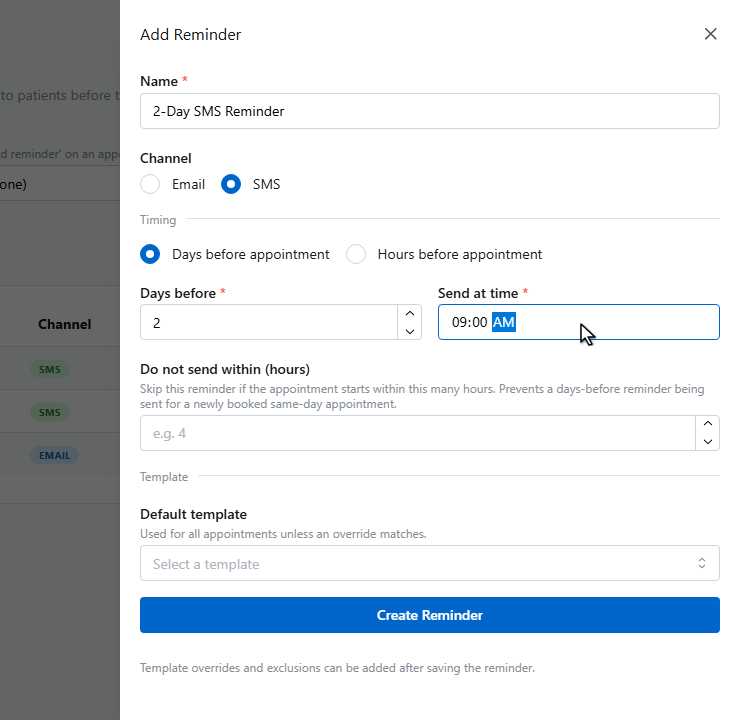
Set the send time.
7
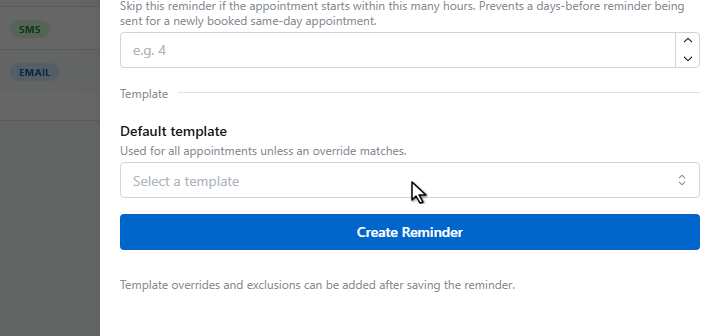
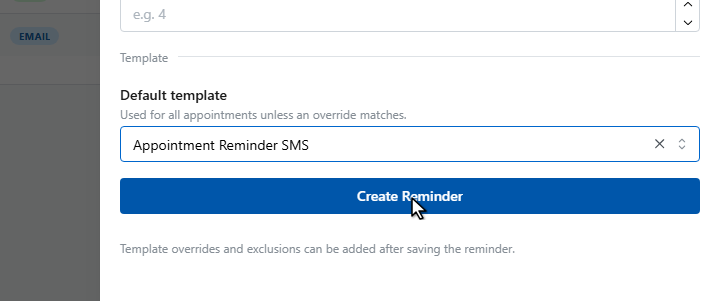
Pick the default template used for the message. You can override it per appointment type later.
8
Choose a template.
9
Click Create Reminder.
10
11
The reminder appears in the list with its timing, and the Active toggle lets you pause it at any time. Open it again to add template overrides and exclusions.