Volition
1
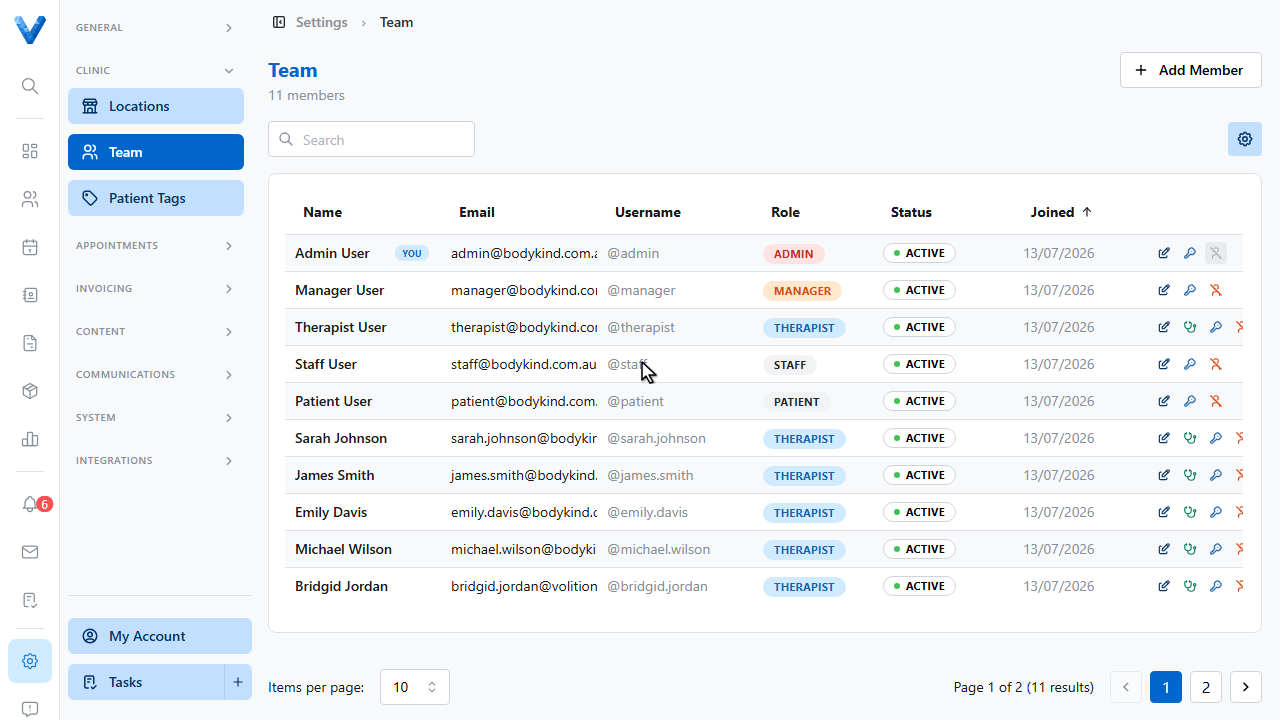
Practitioners are team members with the Therapist role, so start in Settings and open Team.
2
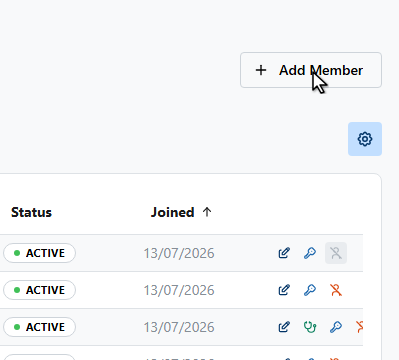
Click Add Member.
3
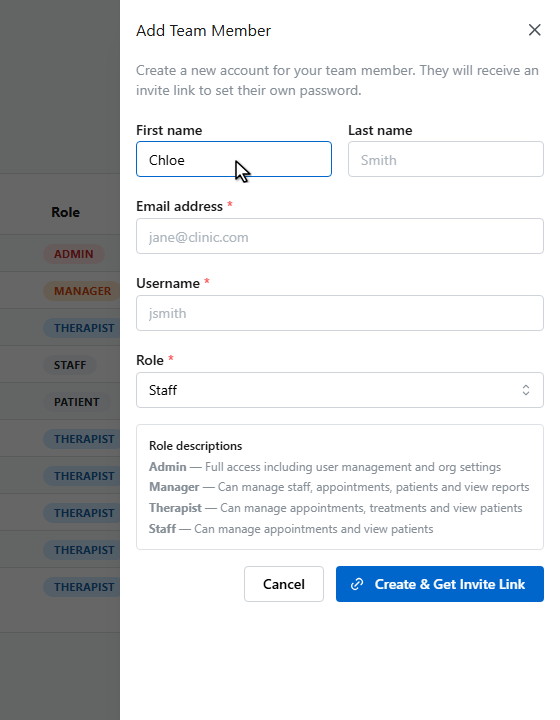
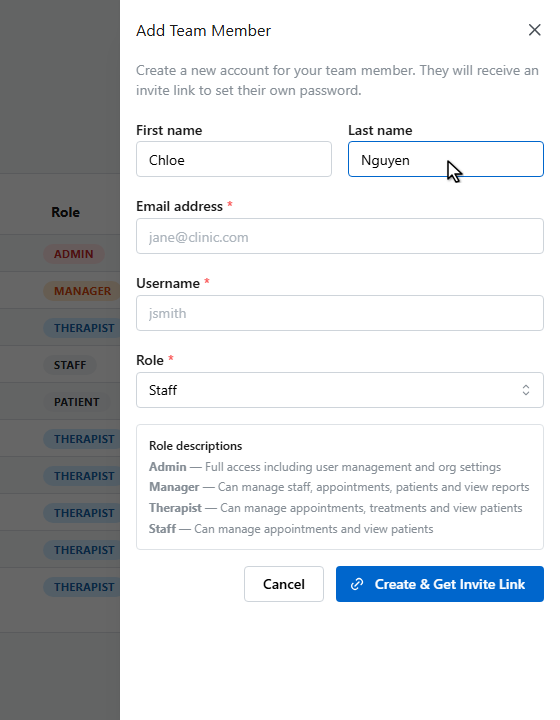
Enter their first name.
4
And their last name.
5
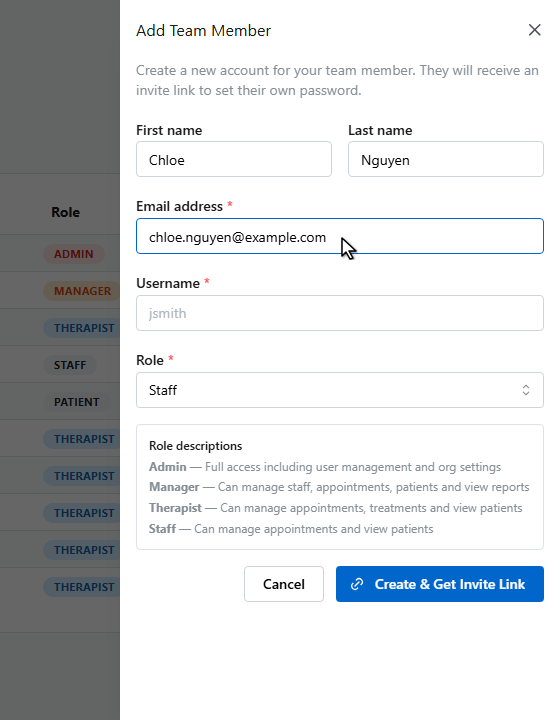
Enter their email address. The invite link and notifications go here.
6
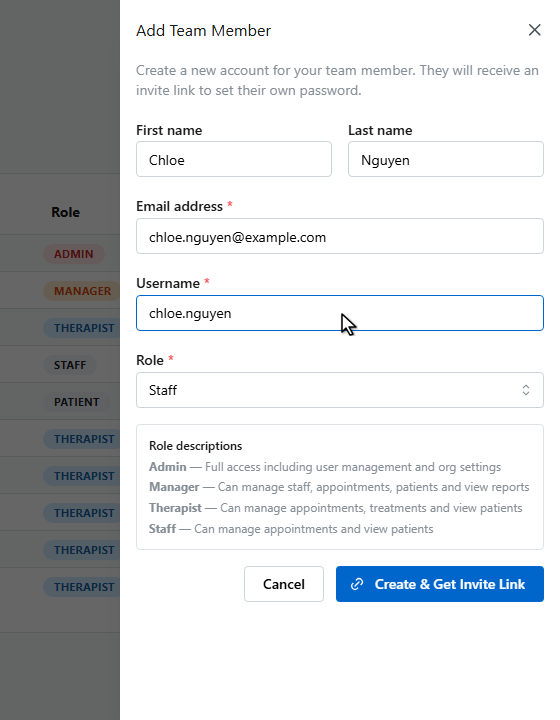
Choose a username they’ll sign in with.
7
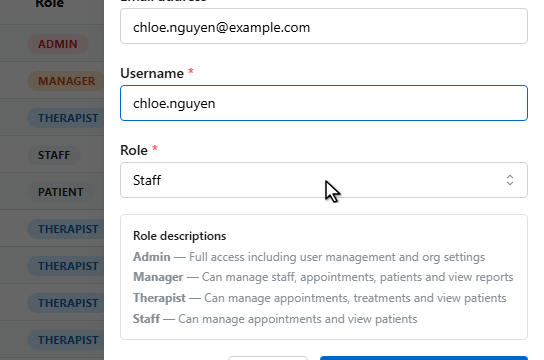
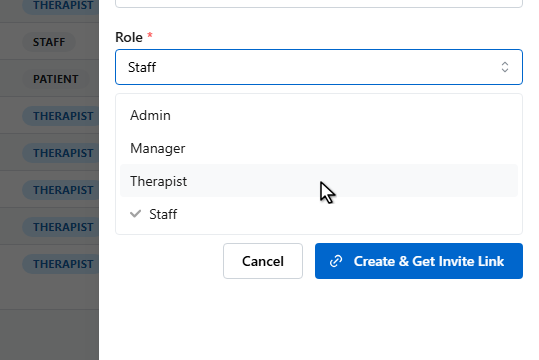
Now choose the role. Select Therapist for anyone who treats patients. This is what makes them bookable as a practitioner.
8
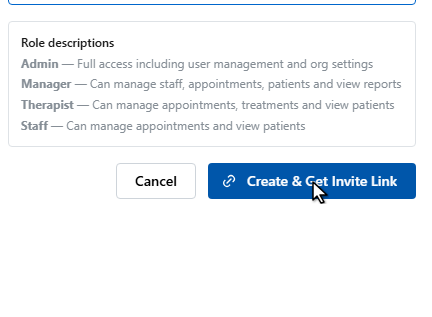
The role descriptions explain what each role can do.
9
Click Create and Get Invite Link.
10
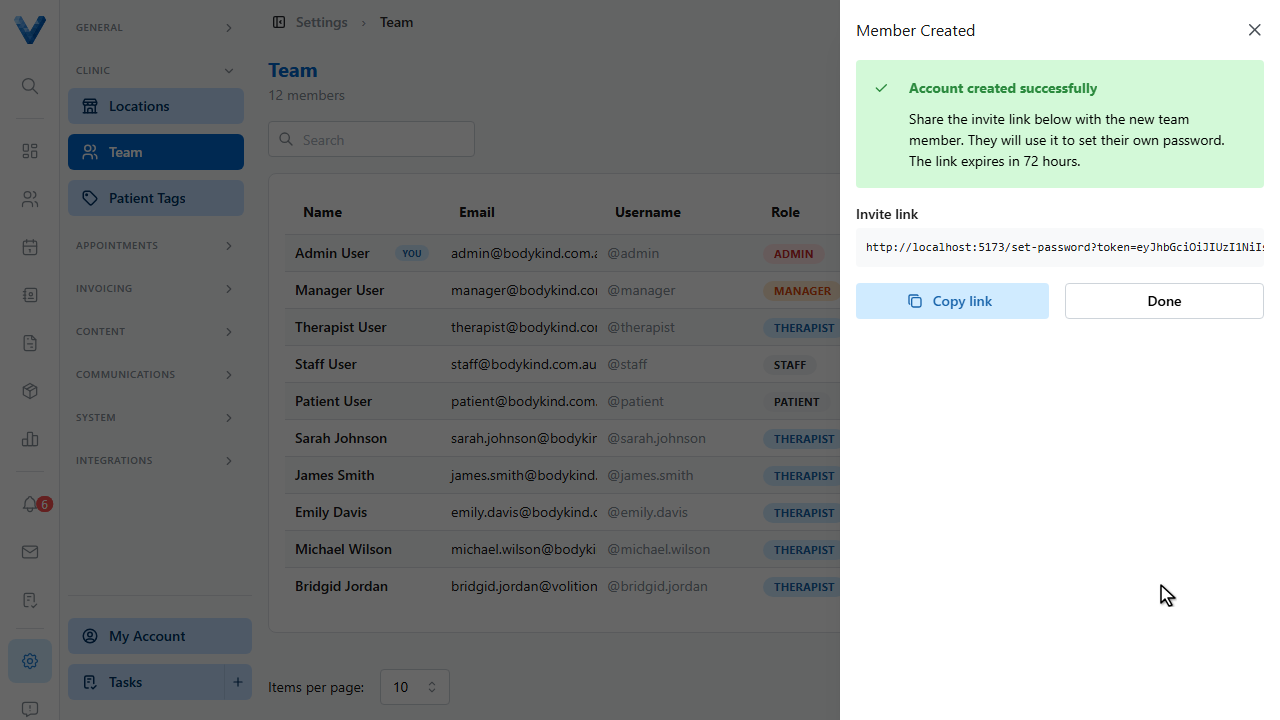
Copy the invite link and share it with your new team member. They use it to set their own password. The link expires after seventy two hours.