Volition
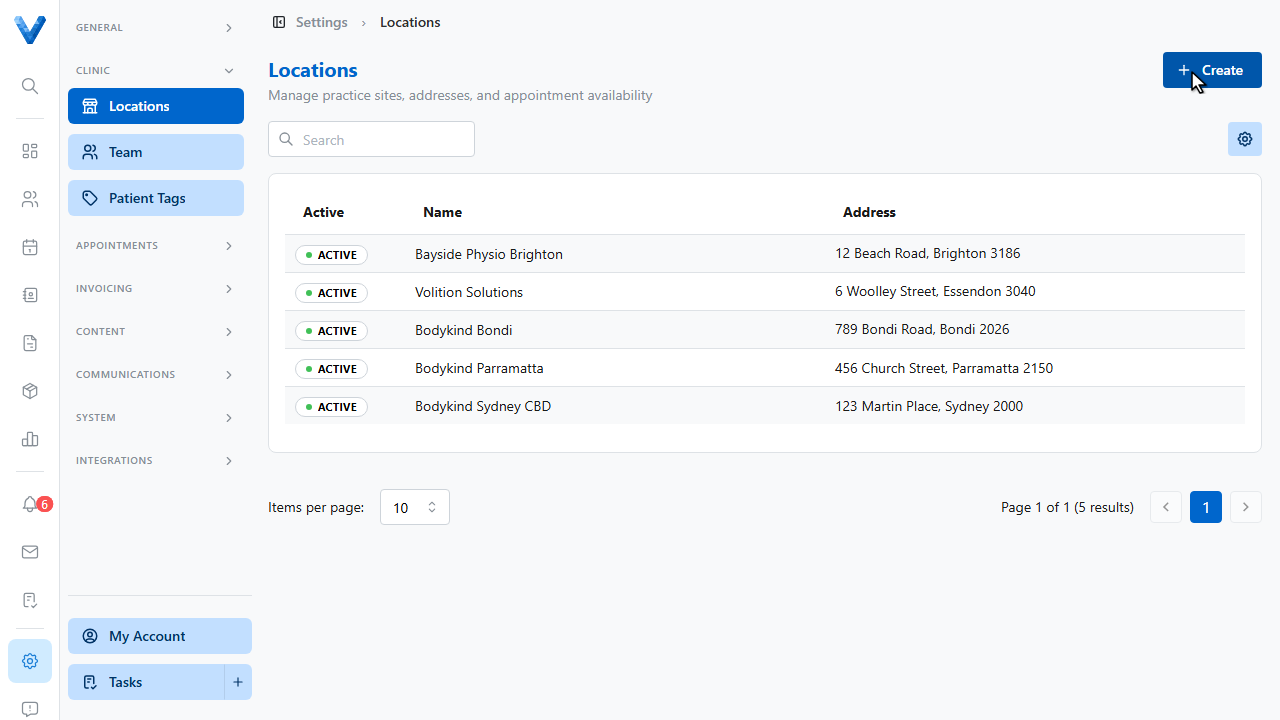
Start in Settings and open Locations. This page lists every practice site.
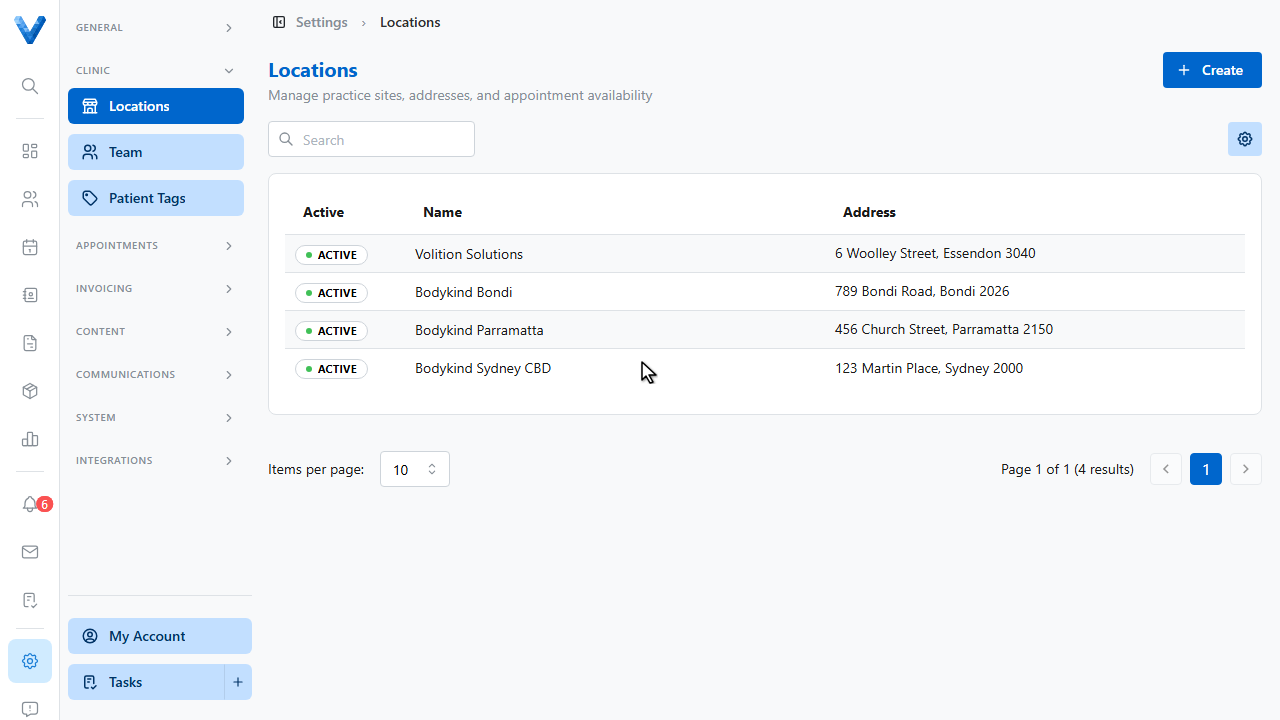
Click Create in the top right to add a new location.
The New Location page opens.
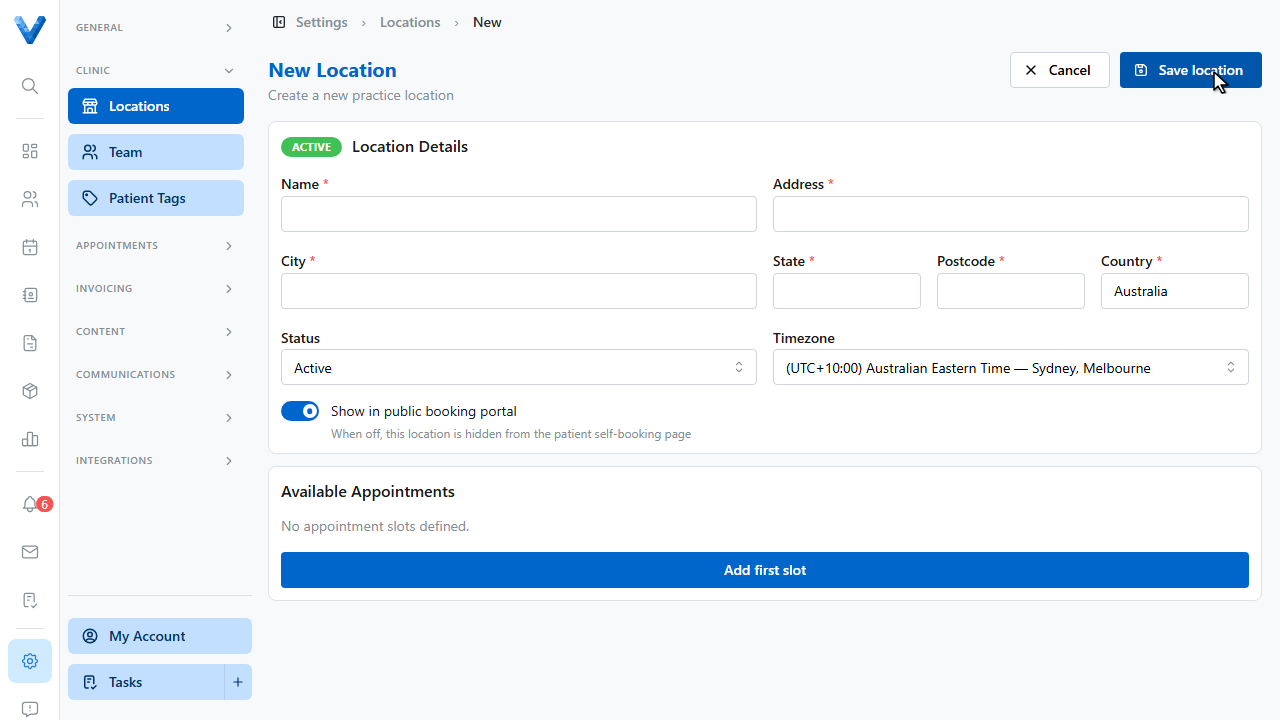
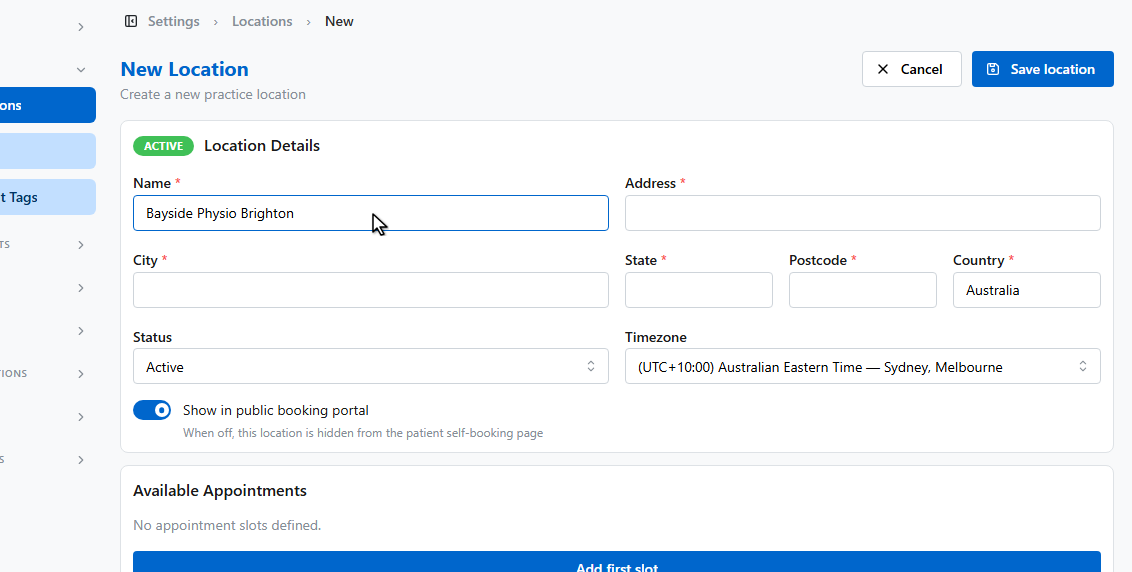
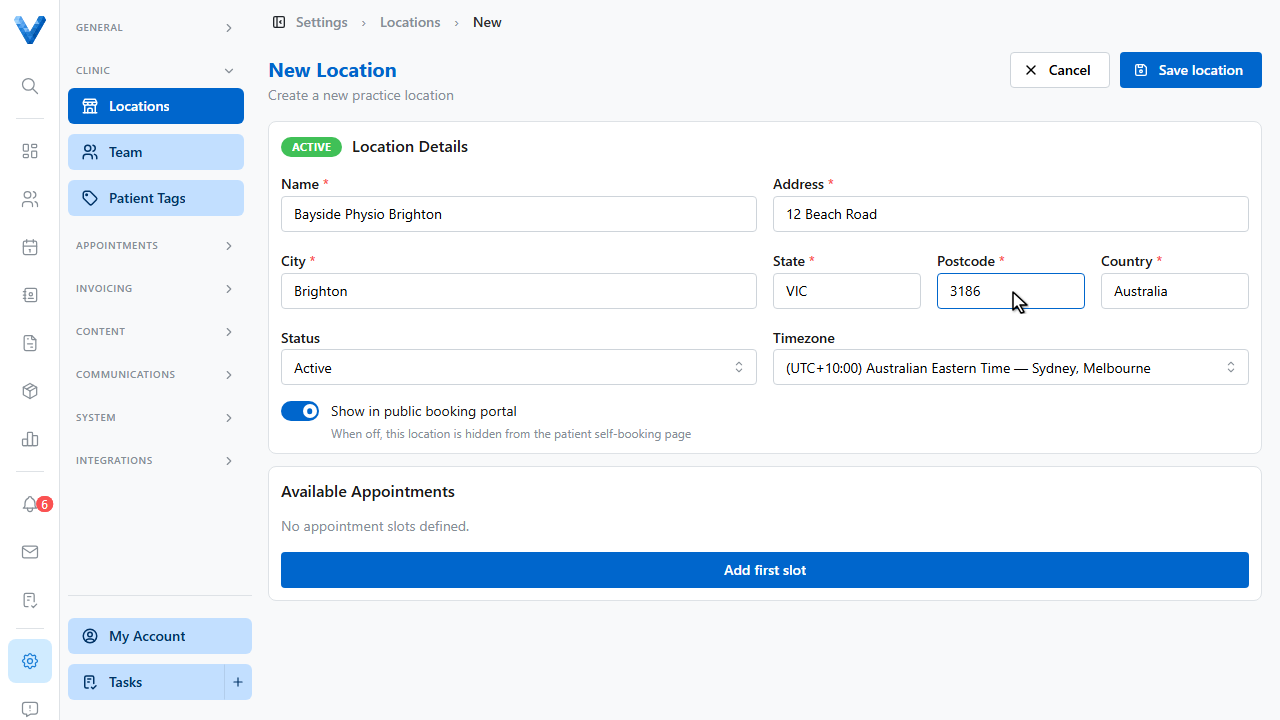
Enter the location’s name. This is what staff and patients will see.
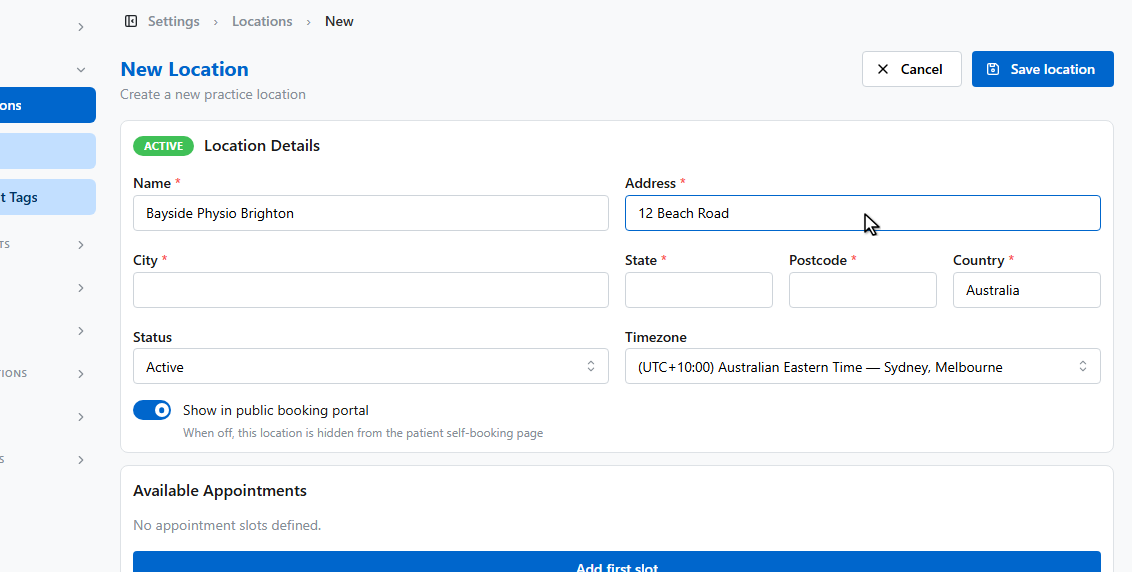
Then enter the street address.
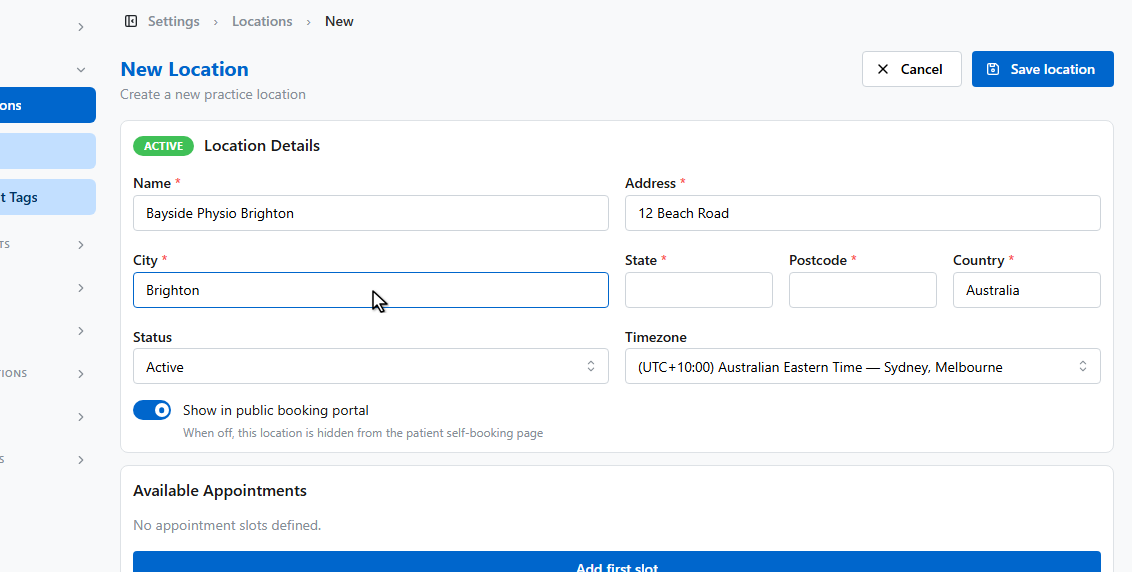
Fill in the city.
The state.
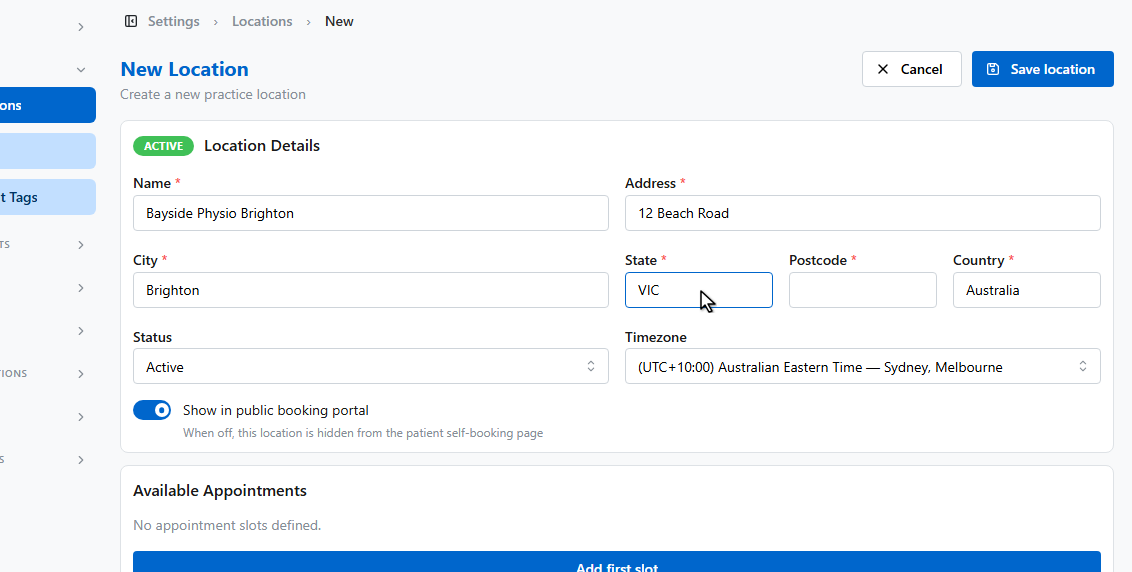
And the postcode.
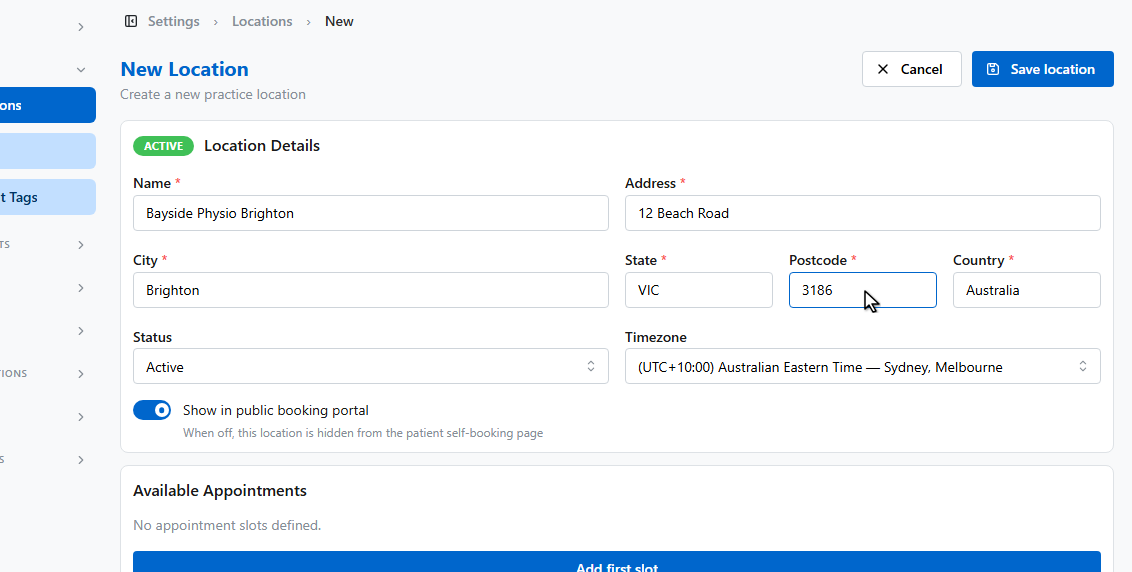
The public booking switch controls whether patients can see this location on the self booking page. Leave it on for now.
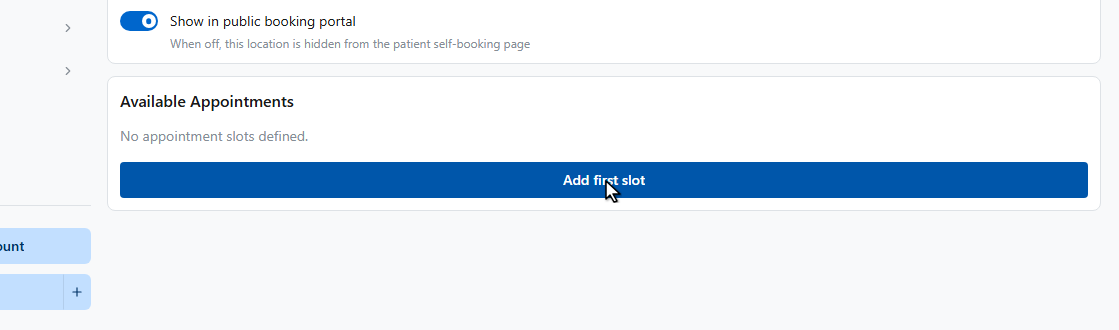
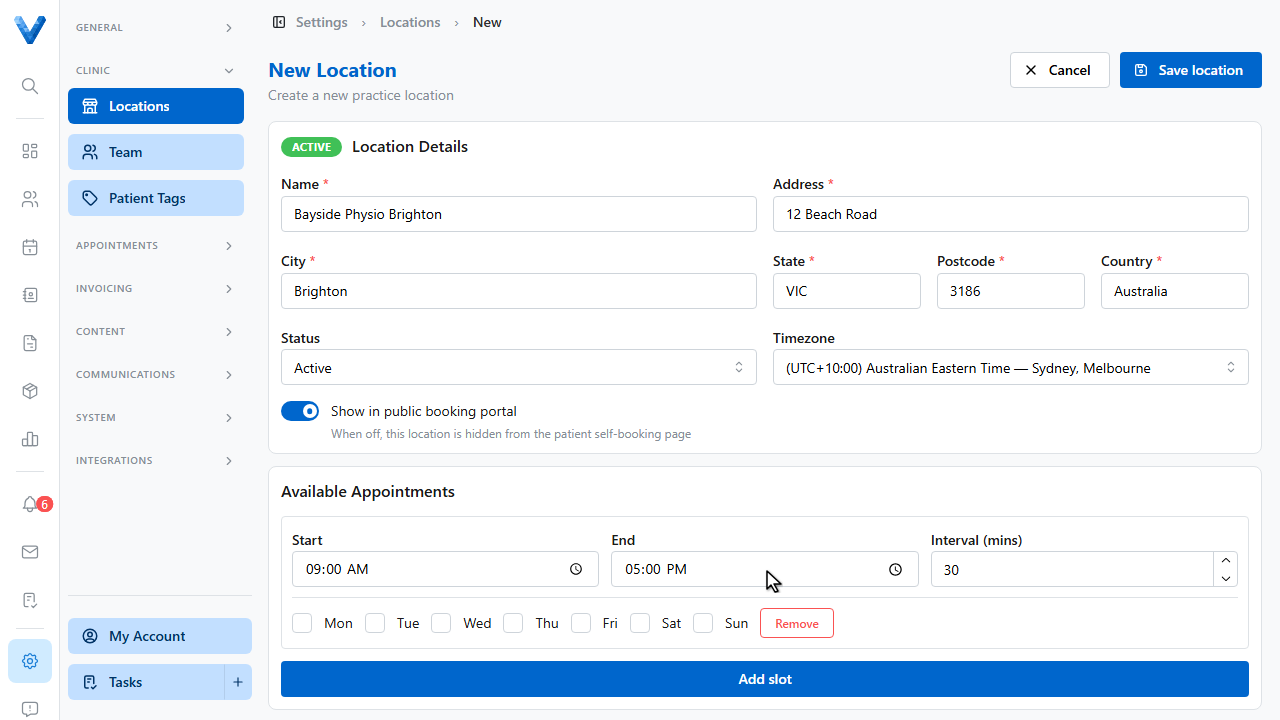
Under Available Appointments, add a slot to define when appointments can be booked online at this location.
Each slot has a start time, an end time, an interval between bookable times, and the days it applies to.
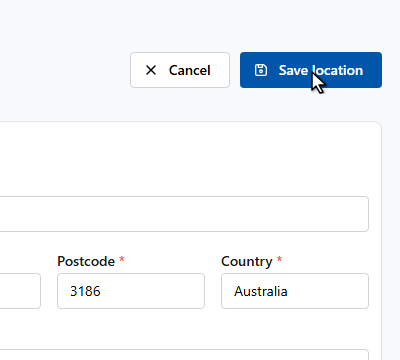
When you’re done, click Save location.
The location is created and appears in your Locations list, ready to be used for appointments and online booking.