Volition
Forms are sent from the patient’s record, so start by opening the patient.
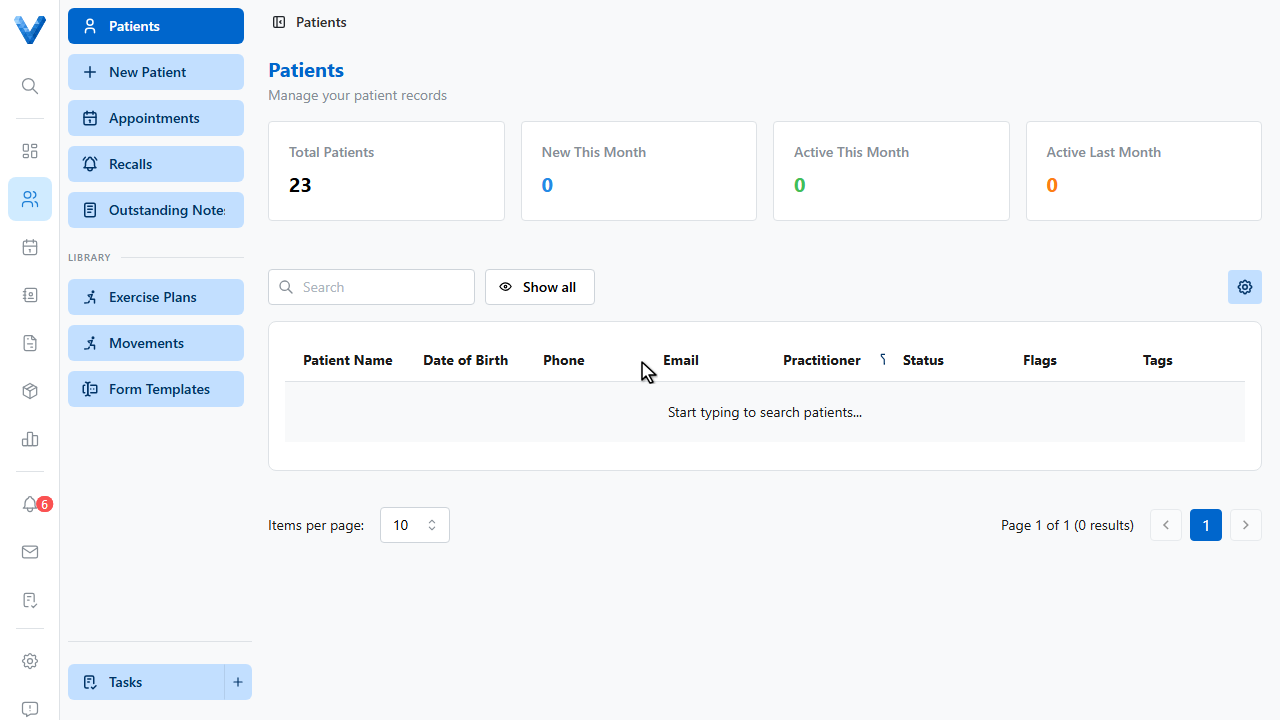
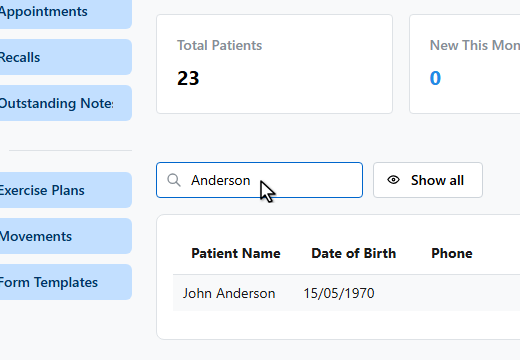
Search for them by name.
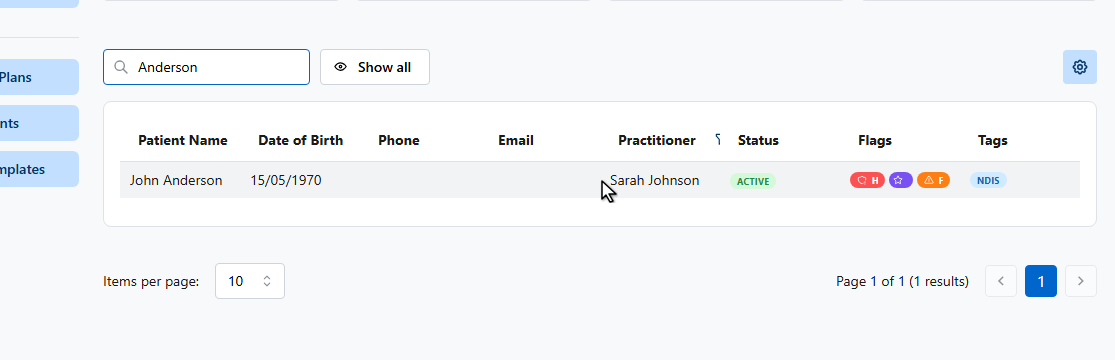
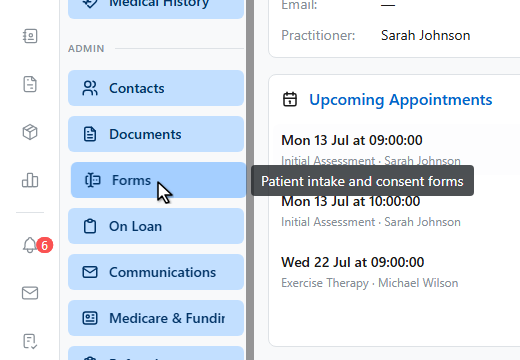
In the patient sidebar, open Forms under the Admin section.
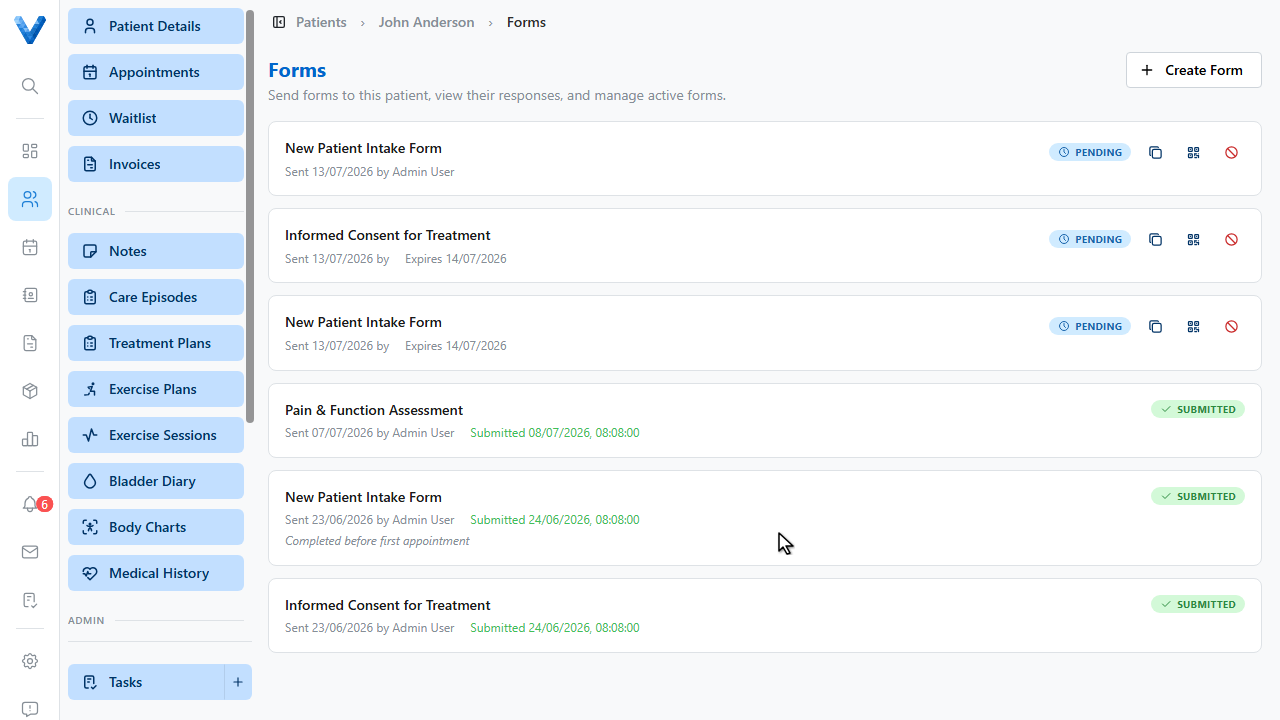
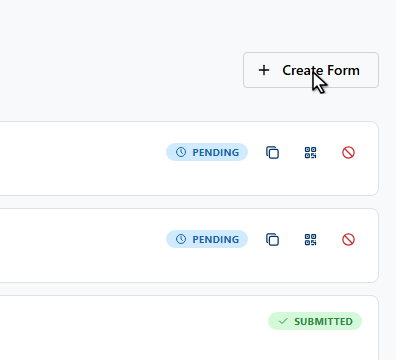
Click Create Form.
Choose the form template. Only published templates can be sent. Build them under Settings, Form Templates.
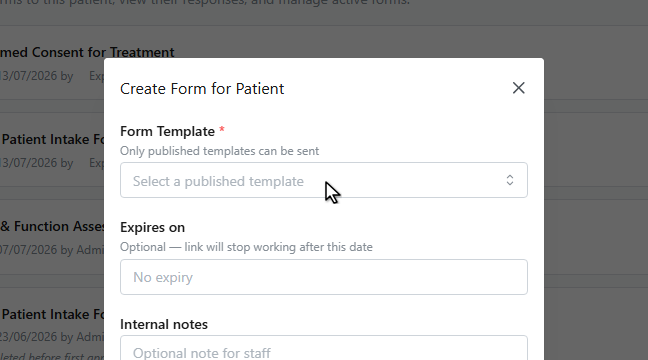
You can also set an expiry date, after which the link stops working.
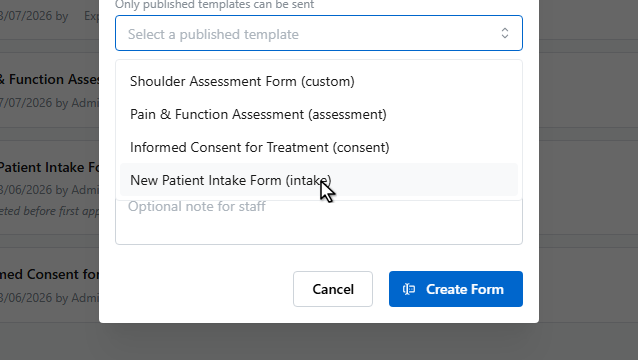
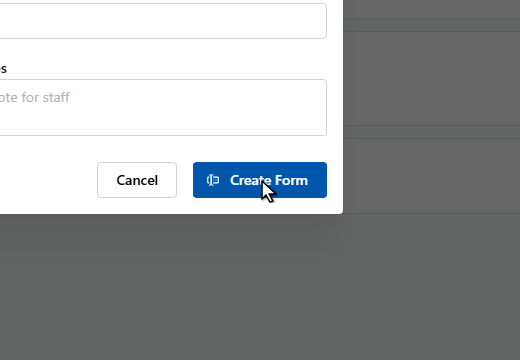
Click Create Form. This generates a secure link the patient can open without logging in. No email is sent automatically.
Share it from the form’s row. Copy form link to paste into a message, or Show QR code for the patient to scan in the clinic.
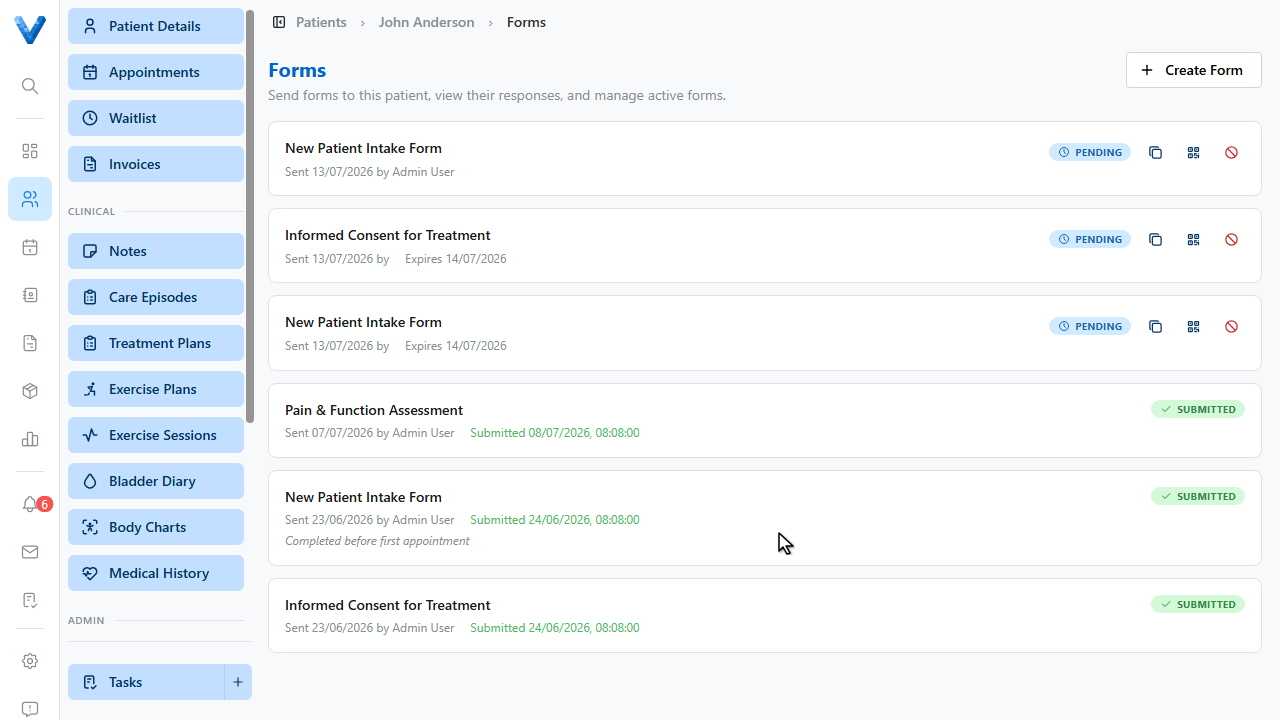
Track progress on the same page as the form moves through Pending, Opened, and Submitted. Click a submitted form to view every response, including signatures.