 Volition
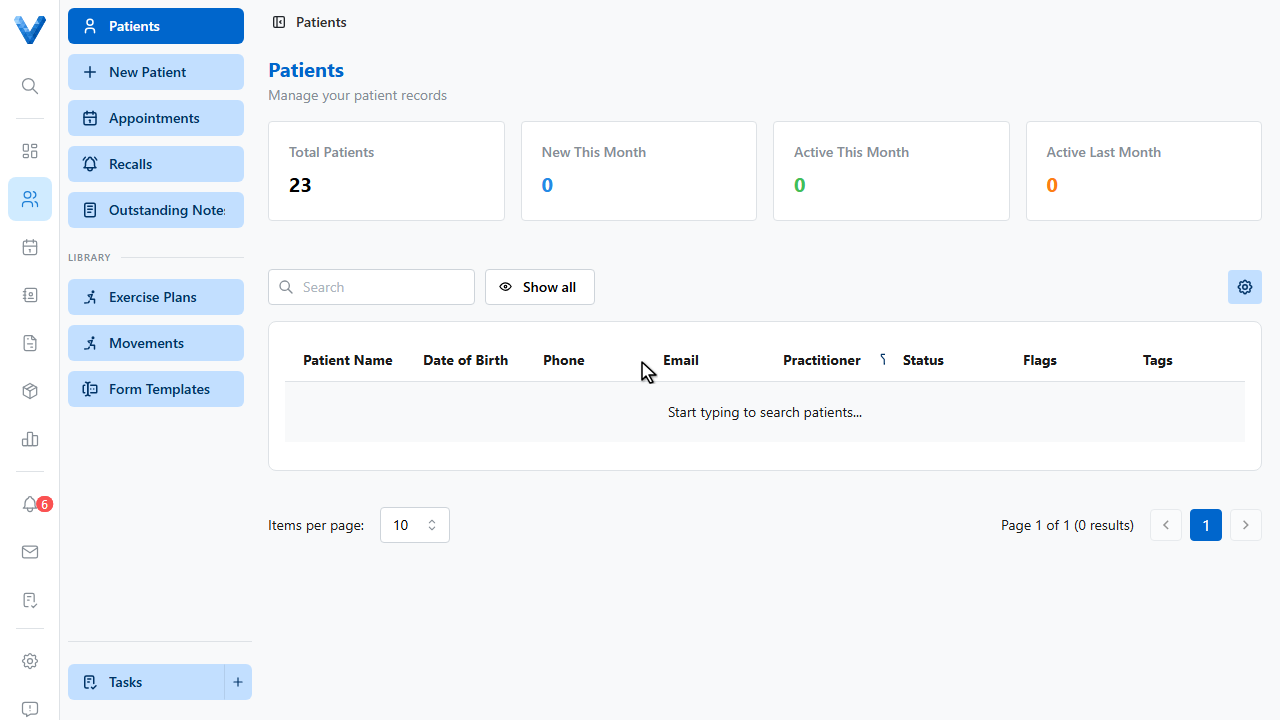
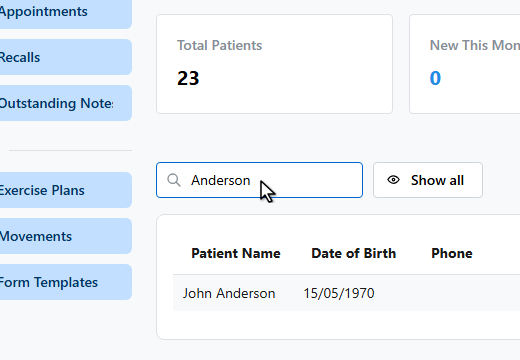
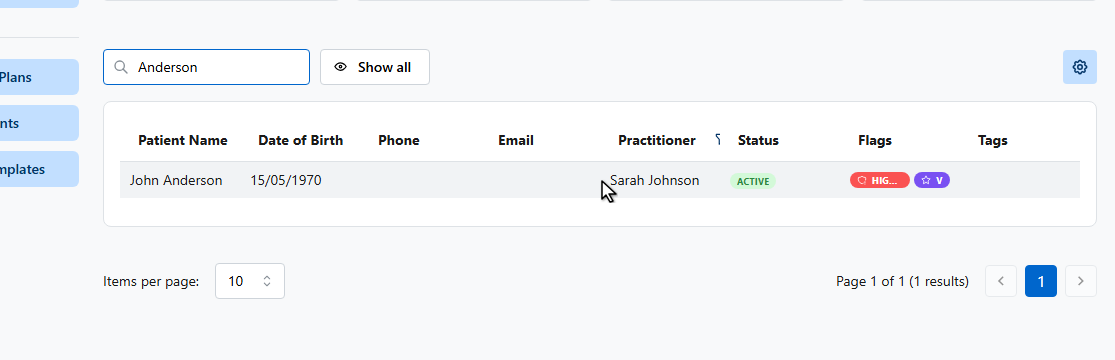
After creating a patient, complete their record so claims and communications work smoothly. Open the patient.
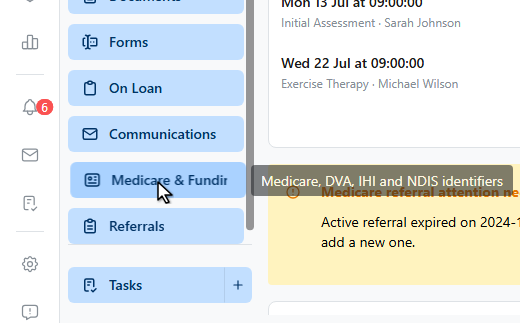
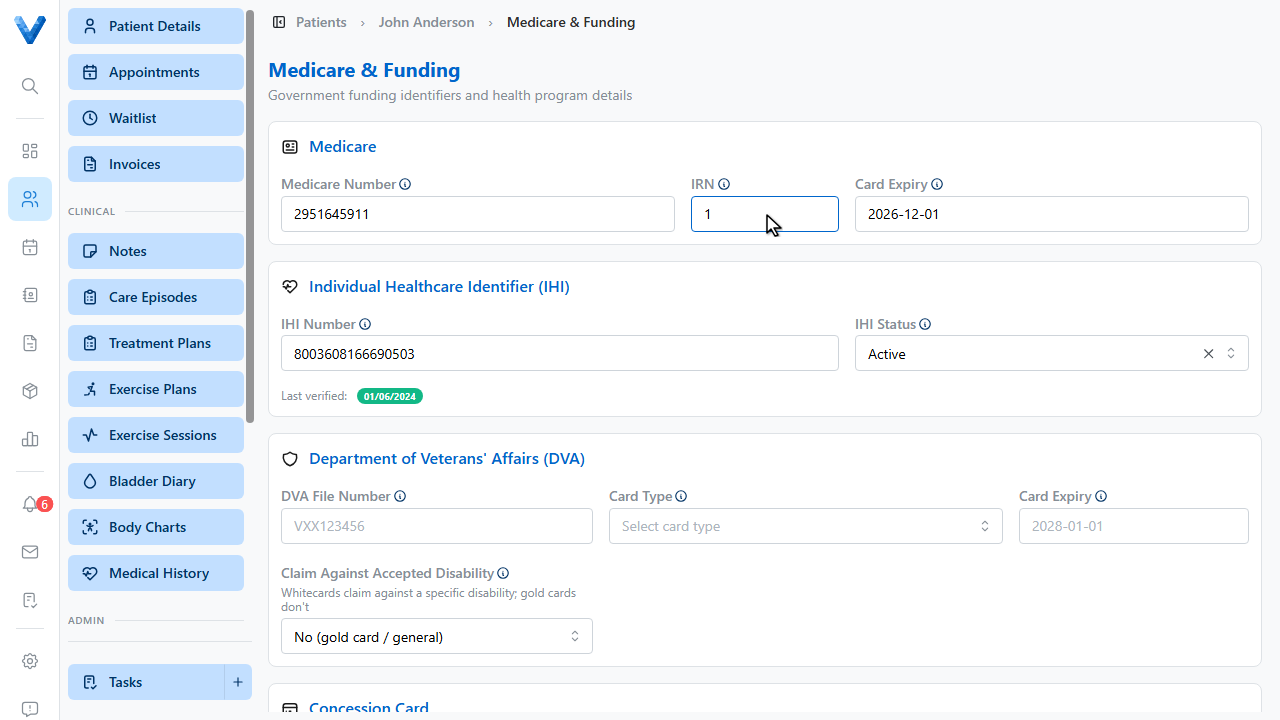
Open Medicare and Funding in the patient sidebar. It holds every government funding identifier.
Enter the Medicare card number and the patient’s I.R.N. — their position number on the card.
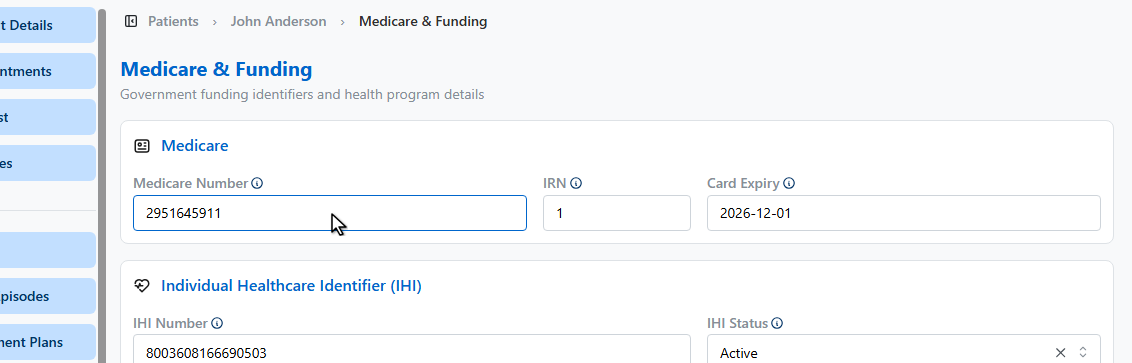
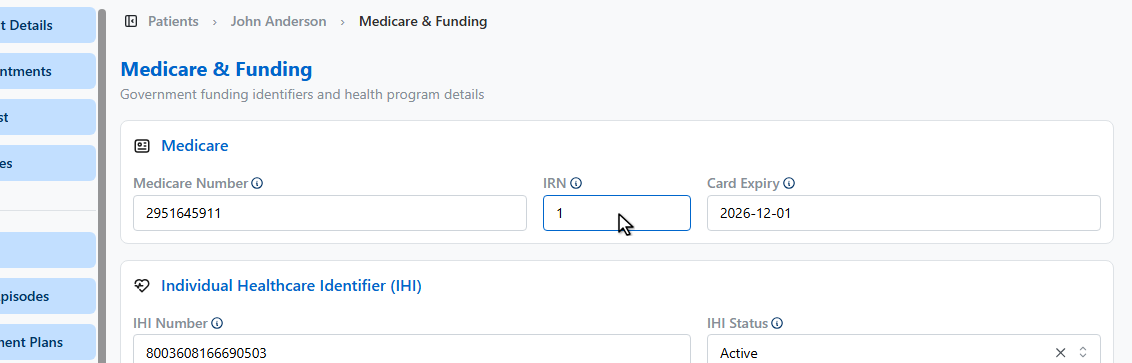
Further down there are sections for the individual healthcare identifier, D.V.A. card details, concession cards, and N.D.I.S. plan information.
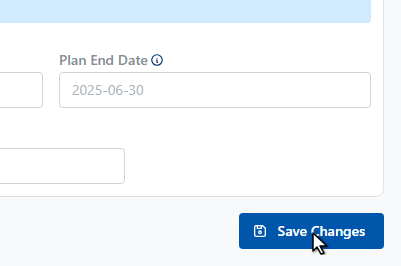
Click Save Changes.
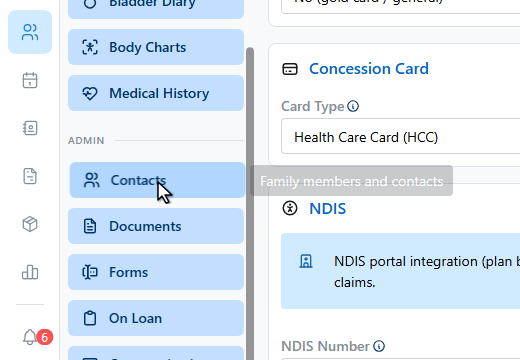
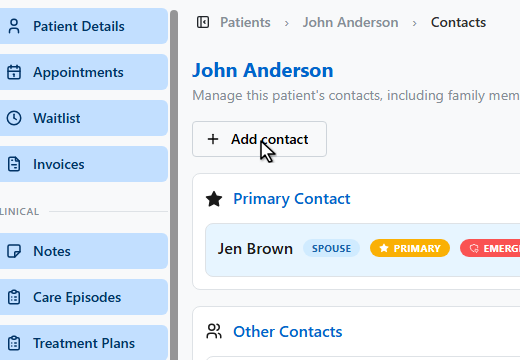
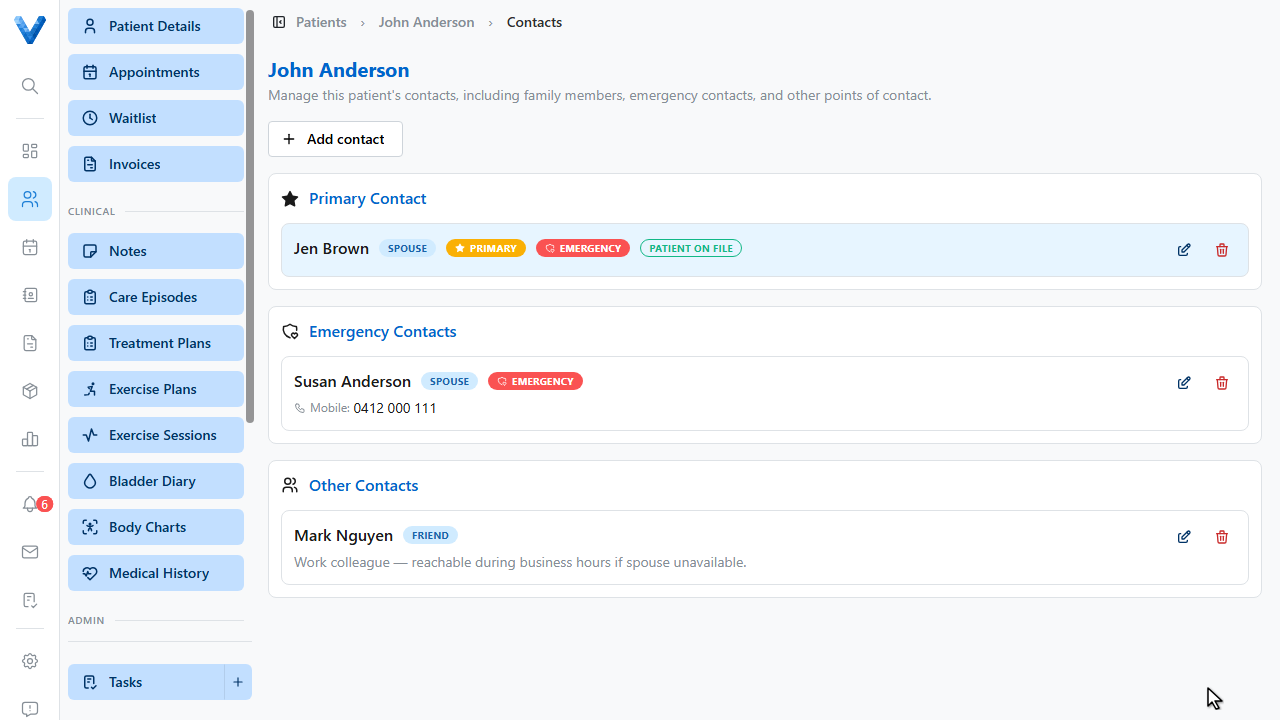
Next, add an emergency contact. Open Contacts in the sidebar and click Add contact.
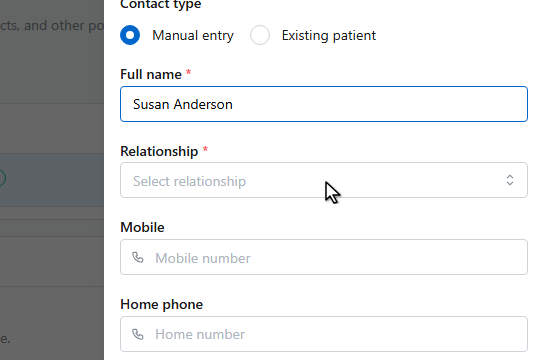
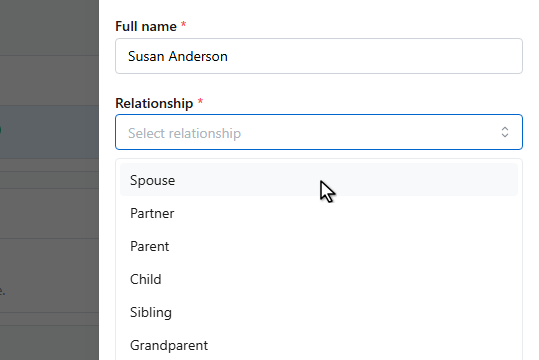
Enter their name and how they’re related to the patient.
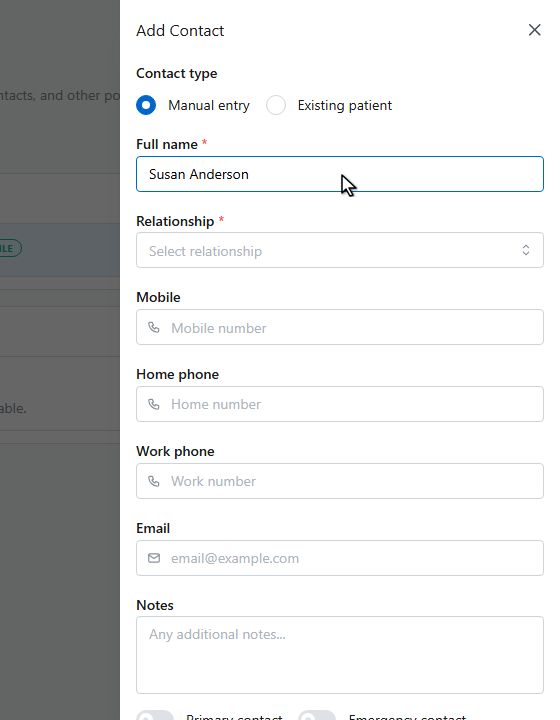
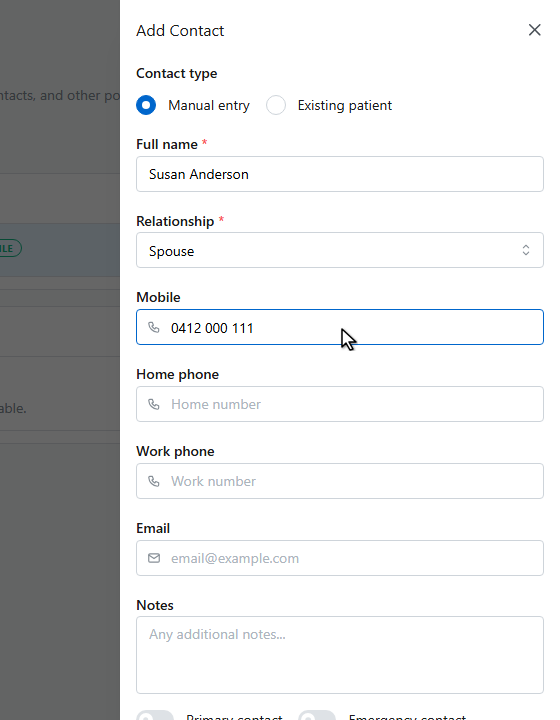
Add a phone number.
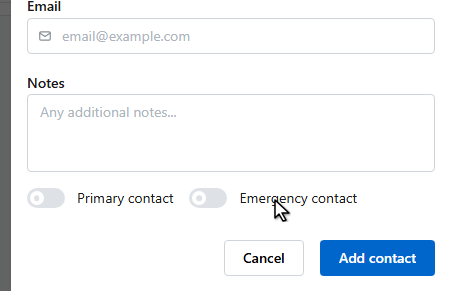
Switch on Emergency contact so they’re flagged for the whole team.
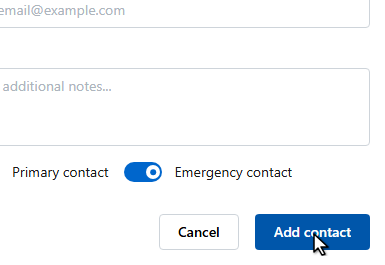
Click Add contact to save.
The contact appears in the Emergency Contacts card, marked with a red Emergency badge.
The Medicare & Funding page covers government identifiers. Private health fund claims are handled at invoicing time (via the Tyro terminal), so there’s no health fund field on the patient record itself.