 Volition
The dashboard is your day at a glance — appointments, outstanding invoices, tasks, and alerts, tailored to your role.
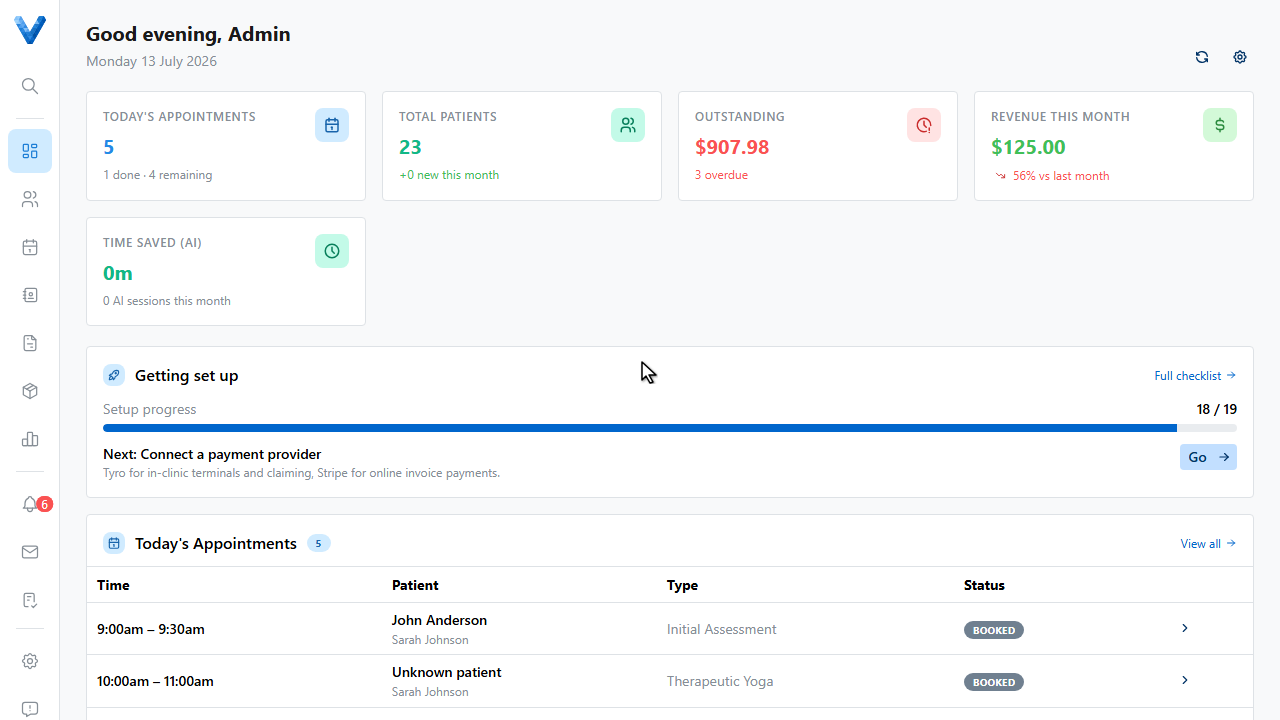
The stat cards up top are clickable — Today’s Appointments jumps to the calendar, Outstanding to your unpaid invoices.
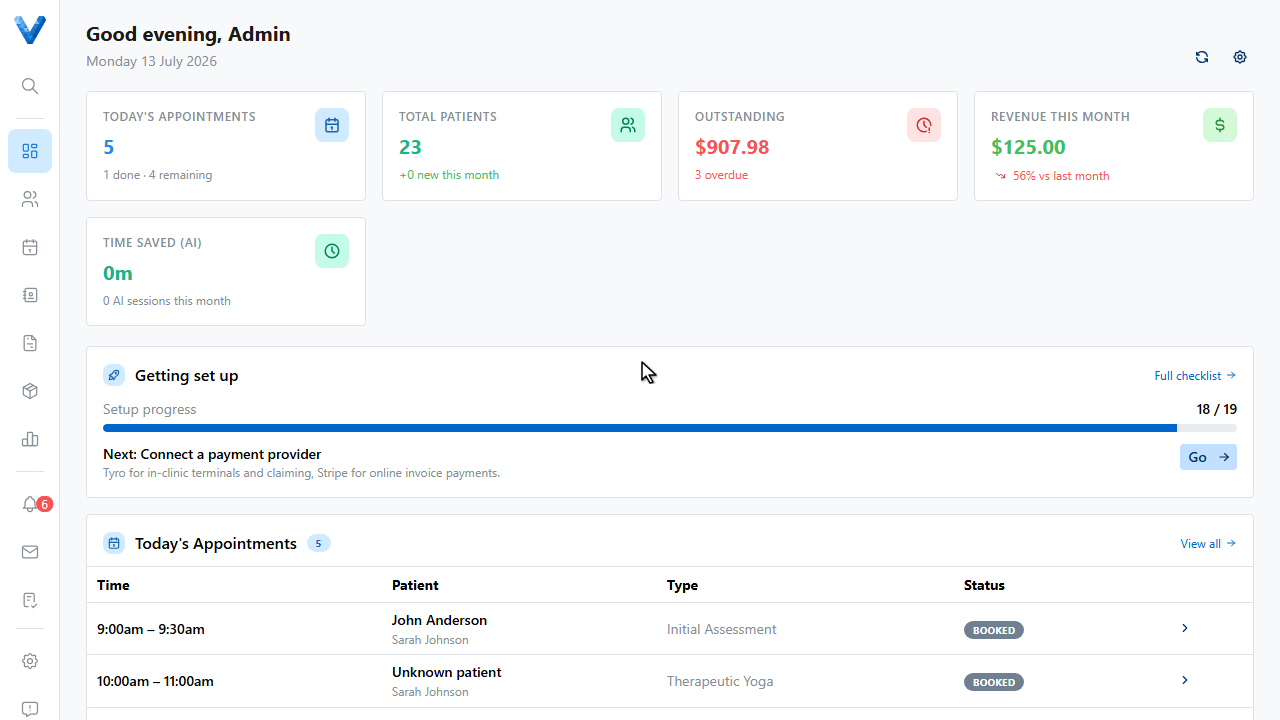
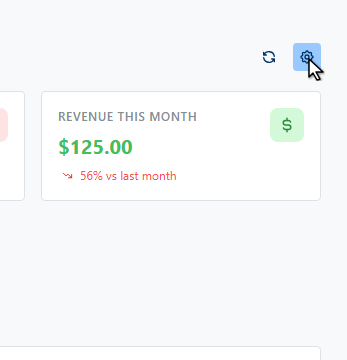
To change what’s shown, click the Customise dashboard gear.
Toggle the stat cards and panel widgets you want. Practitioners might keep Outstanding Notes and Today’s Appointments front and centre, while admins watch revenue and unconfirmed bookings.
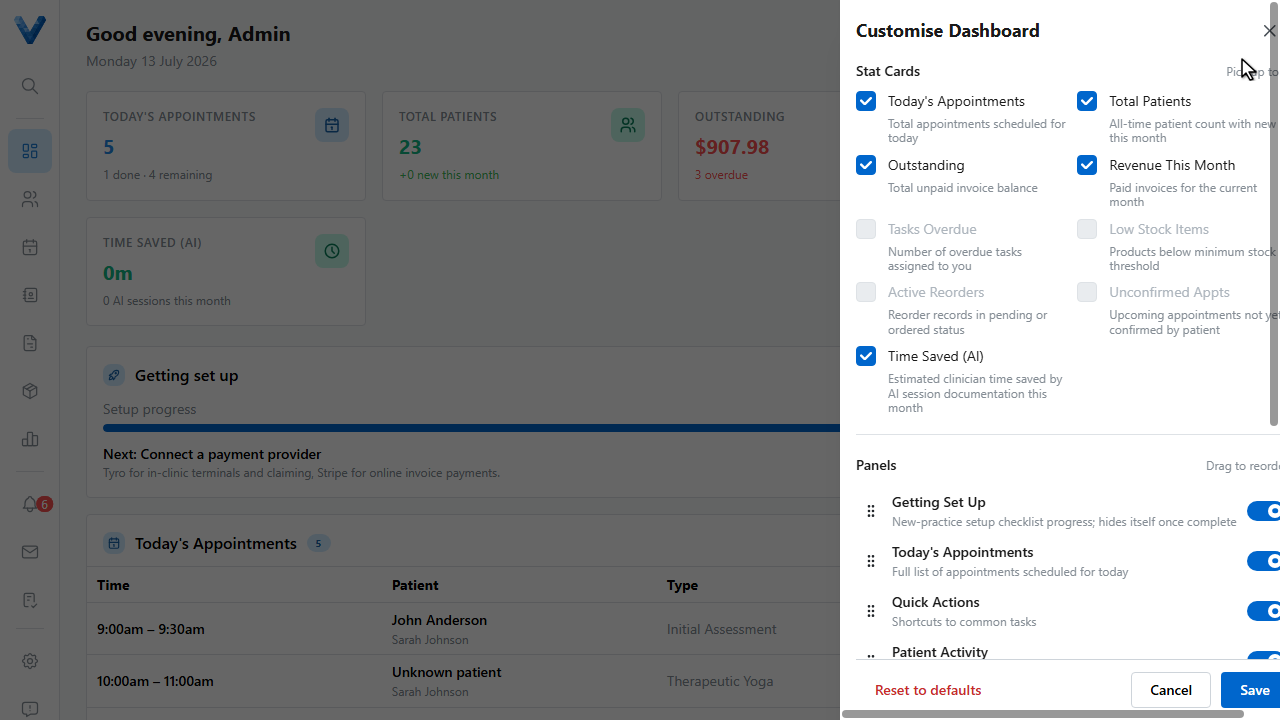
Click Save. Reset to defaults brings back the standard layout for your role.
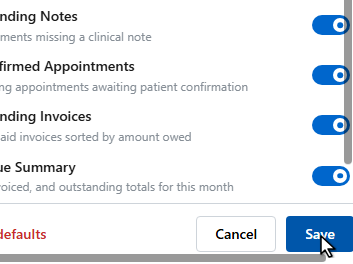
The layout is saved just for you — everyone on the team can arrange their own dashboard.
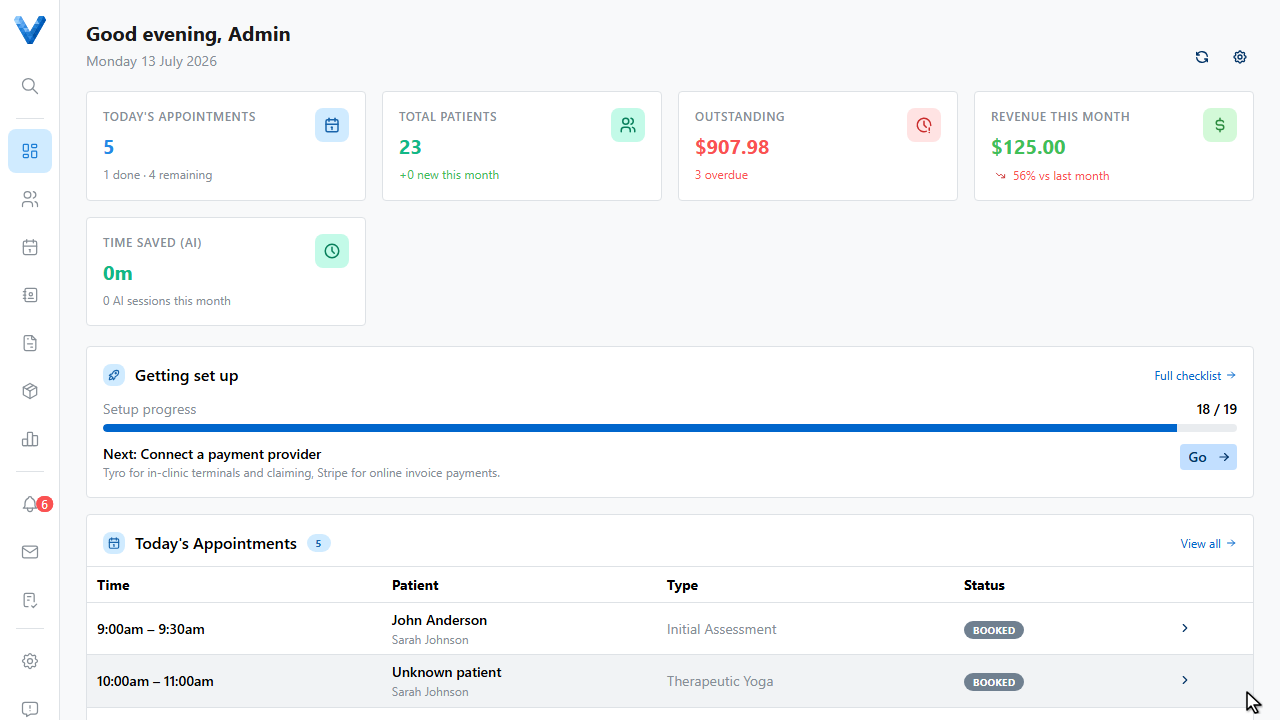
The default layout depends on your role — practitioners see clinical widgets, admins see financial ones. Customising only changes your view.