 Volition
1
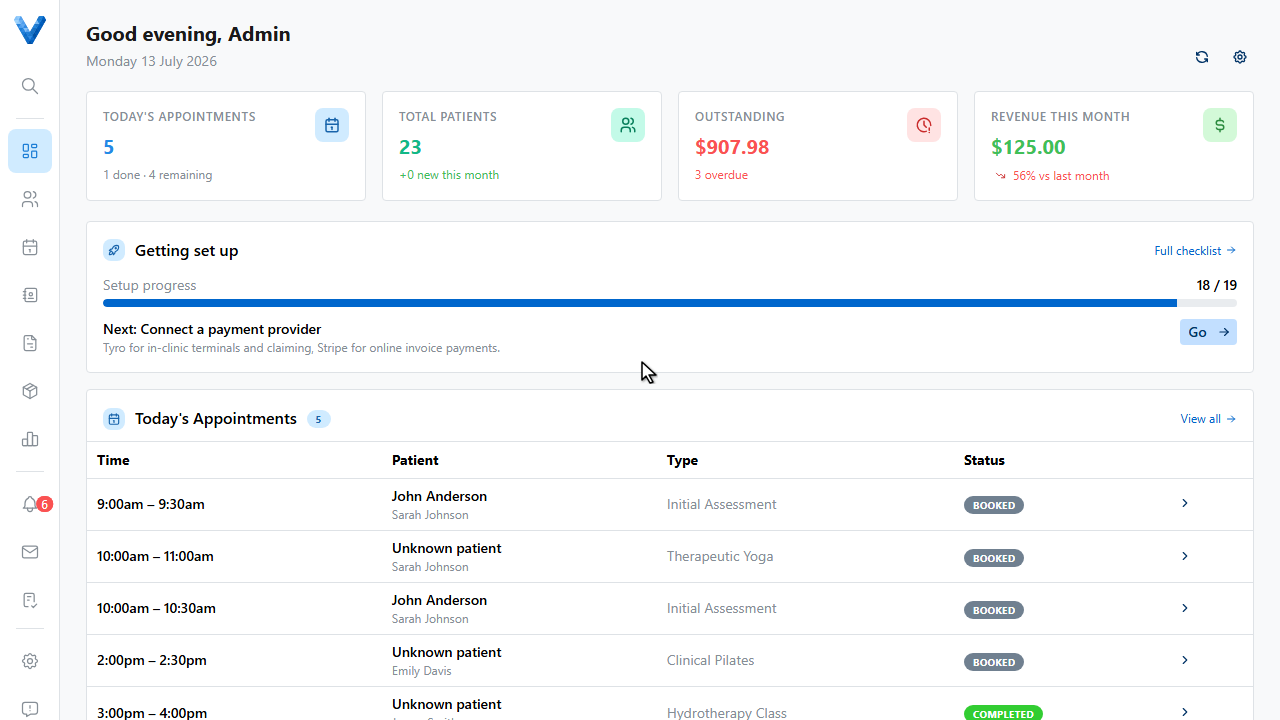
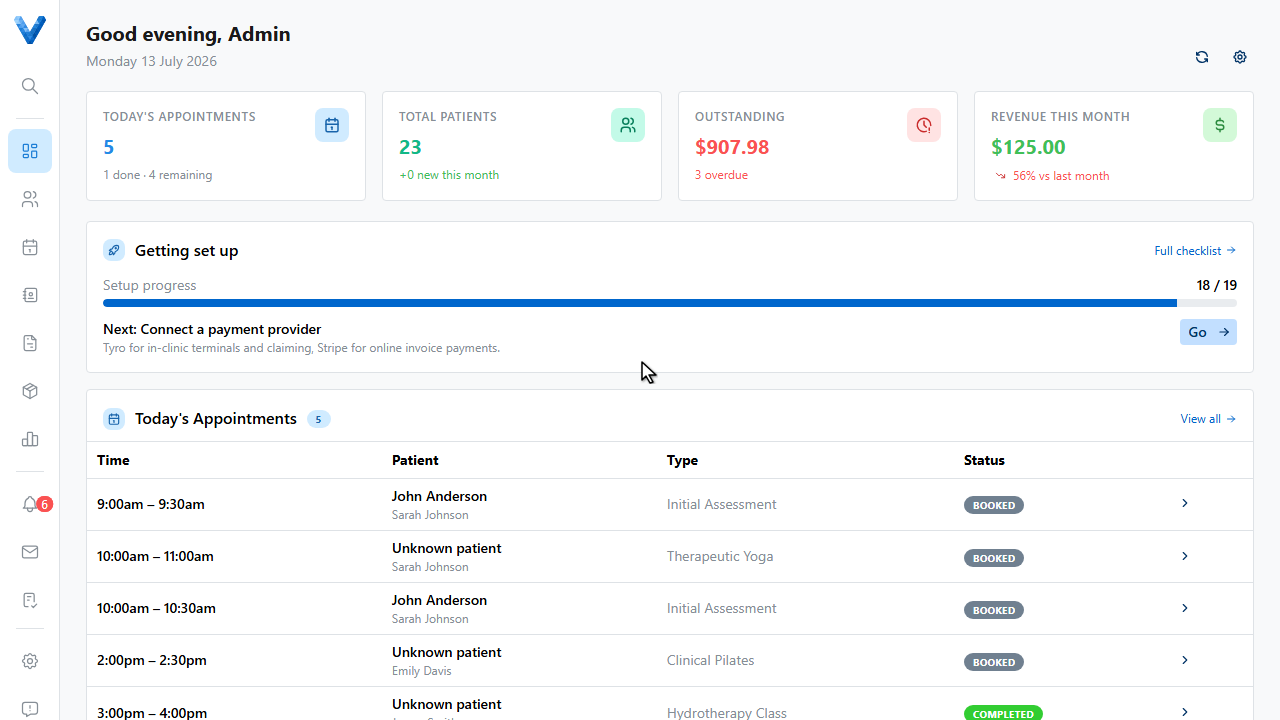
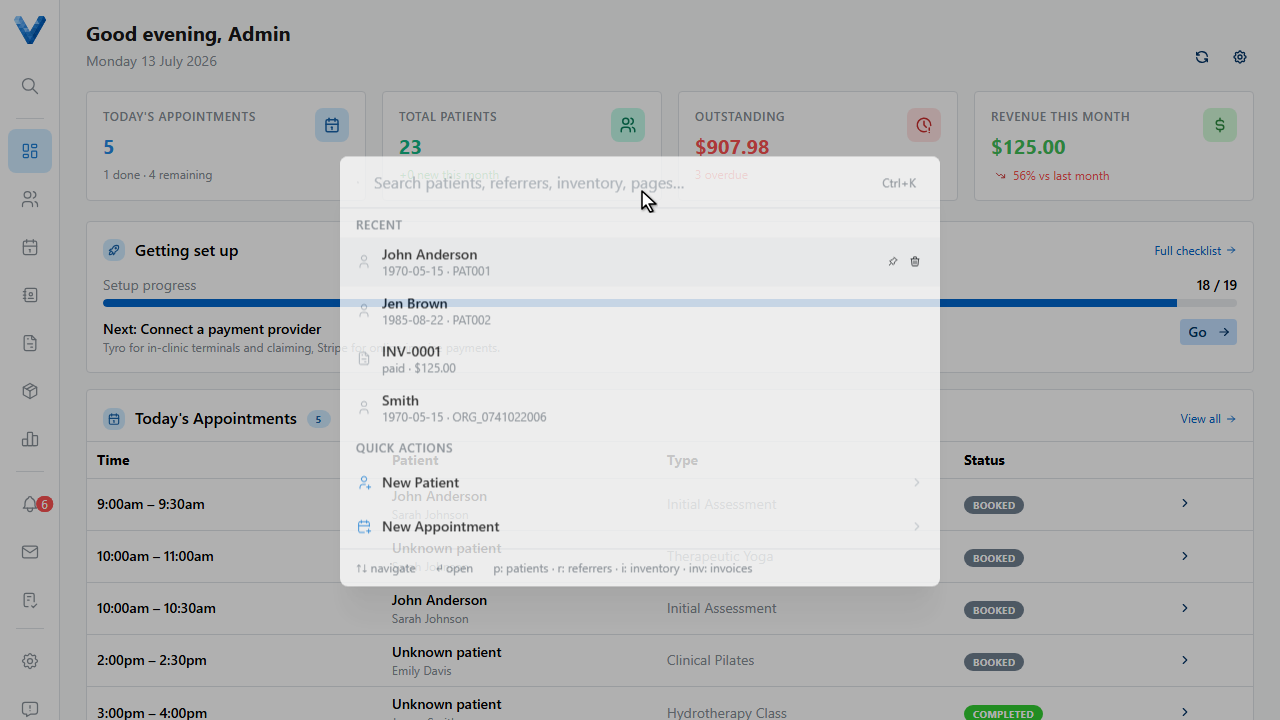
The fastest way around Volition is the search palette. Press control K, or command K on a Mac, from any page.
2
3
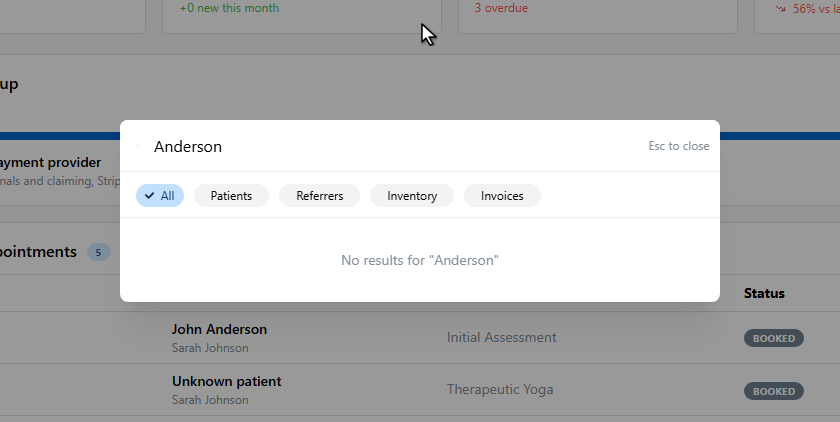
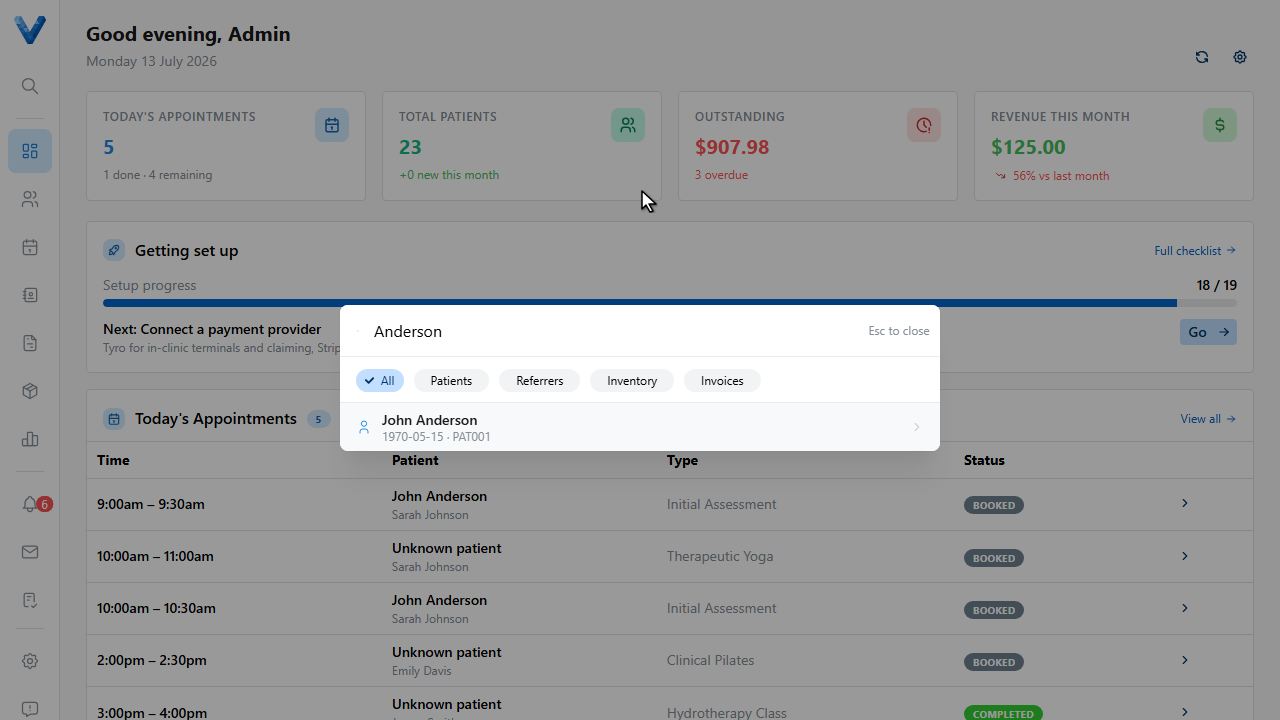
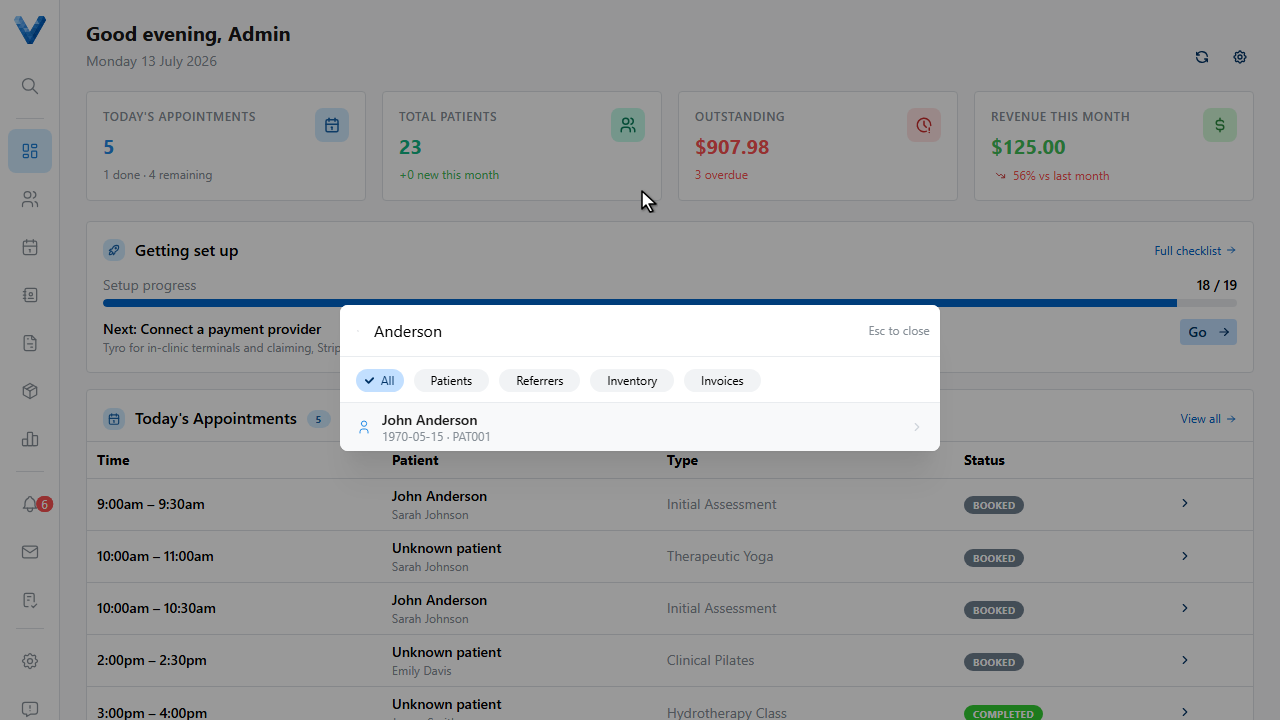
Type what you’re looking for — patient names, referrers, products, invoice numbers, or pages.
4
Results are grouped, with your pinned favourites and recent records close to hand. The chips narrow the search to just patients, referrers, inventory, or invoices.
5
Quick actions live here too — jump straight to creating a new patient or appointment without touching the mouse.
6
Press Escape to close it.
Prefix searches
Prefix your query to jump a category: p: patients, r: referrers, i: inventory,
and inv: invoices.