 Volition
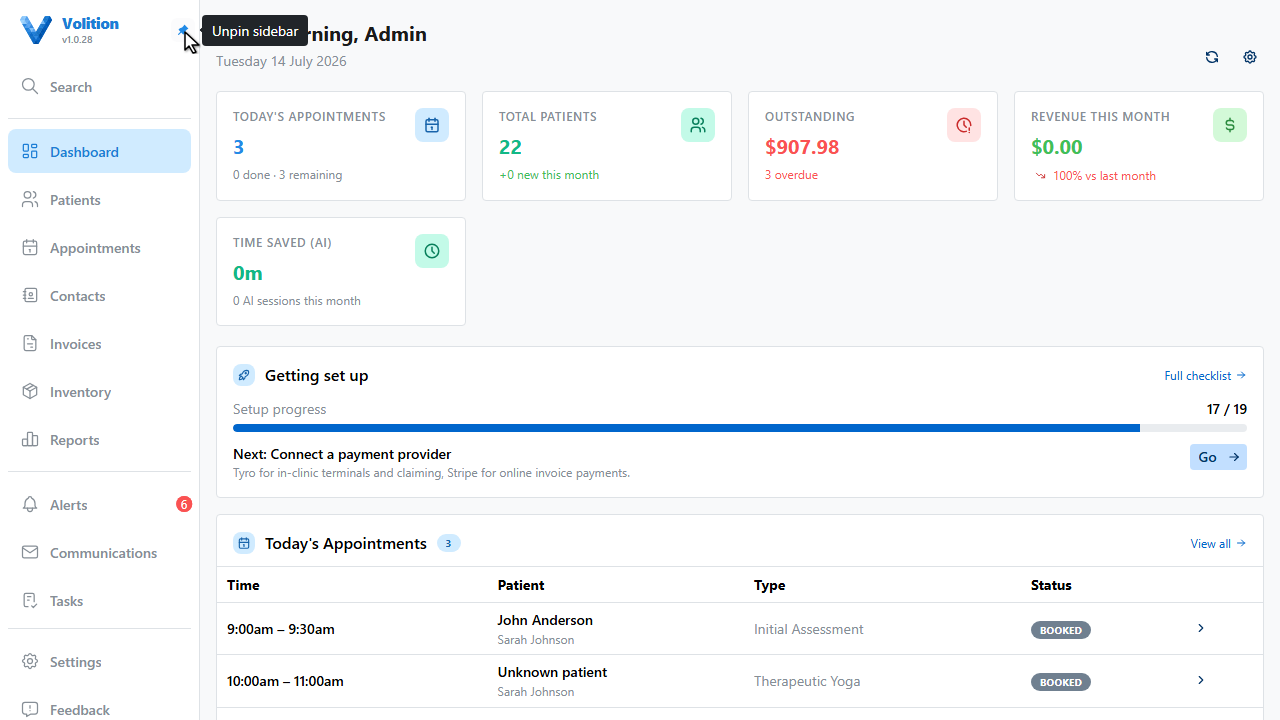
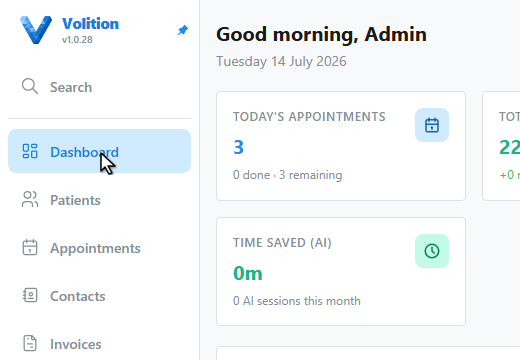
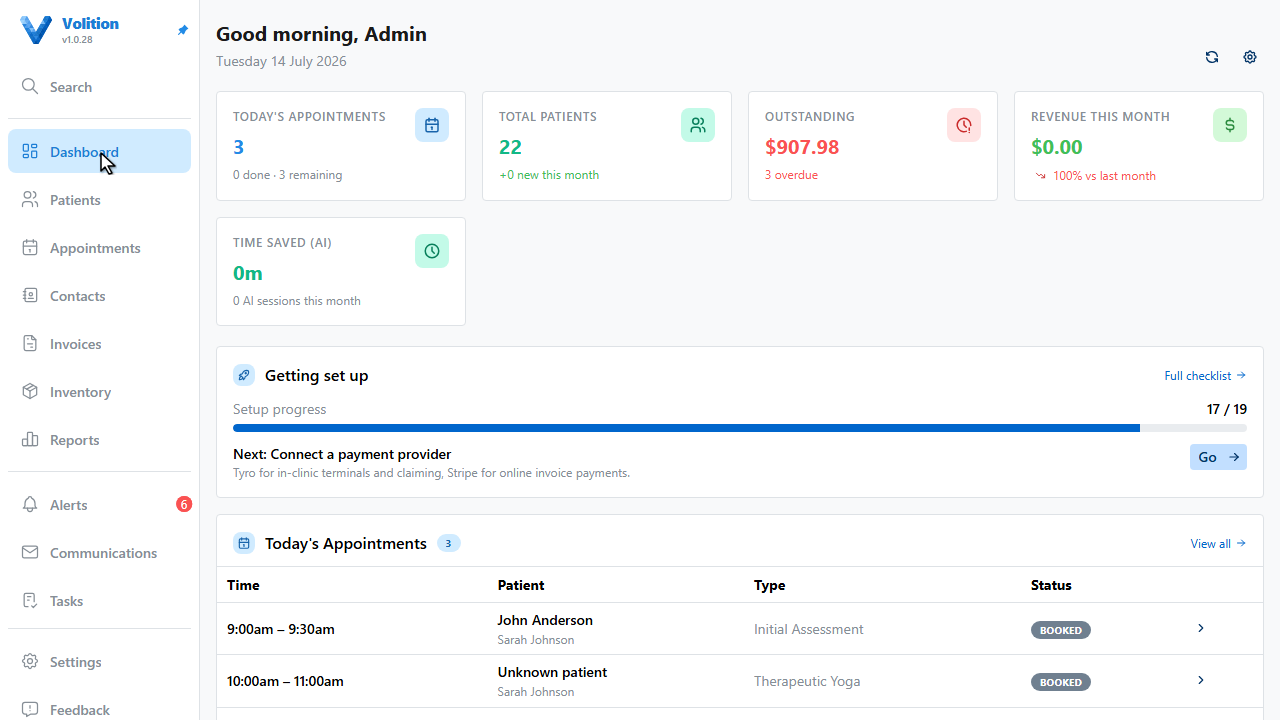
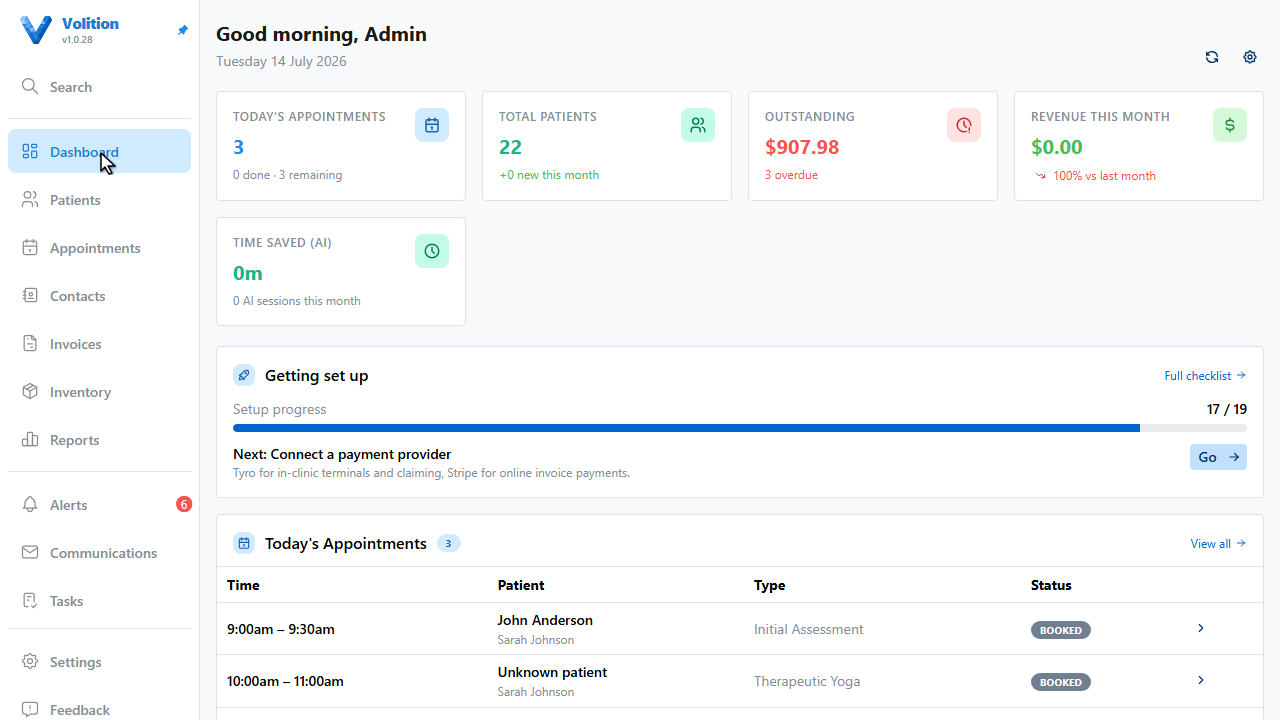
Everything in Volition hangs off the bar on the left. Collapsed, it’s an icon strip — hover over it for a moment and it expands with labels.
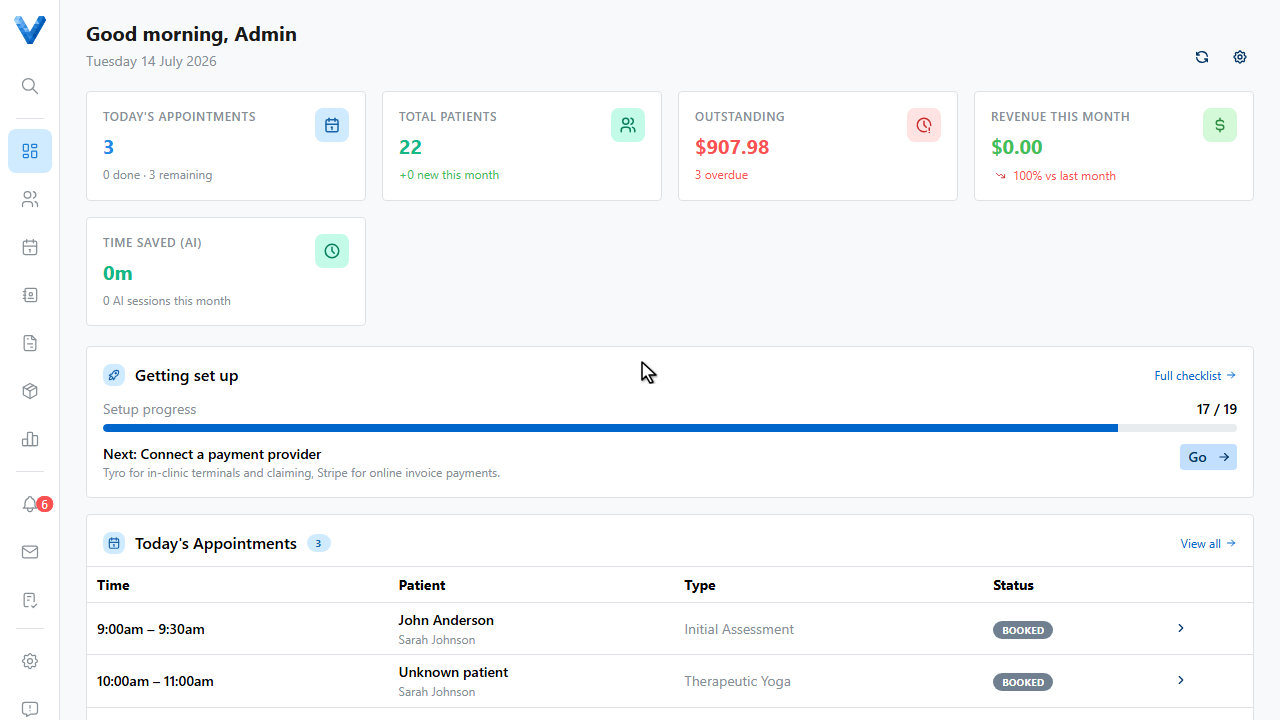
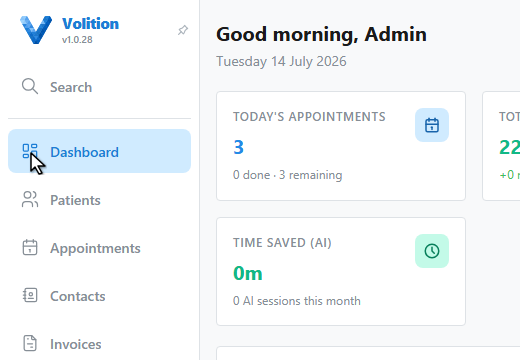
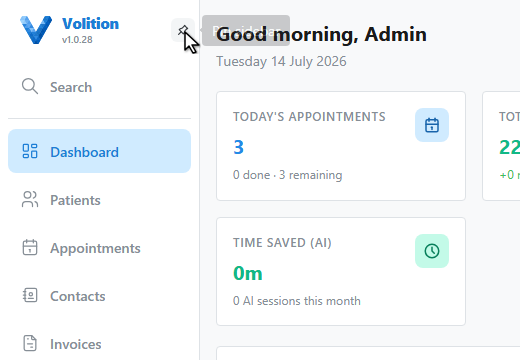
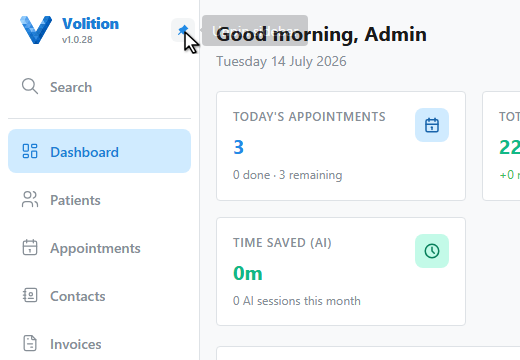
Prefer it always open? Click the pin in the expanded header — it stays put until you unpin it.
The main tabs cover your day — dashboard, patients, appointments, contacts, invoices, and inventory. Below them, the bell is your alerts inbox with a badge for anything waiting, and Communications holds every email your organisation has sent.
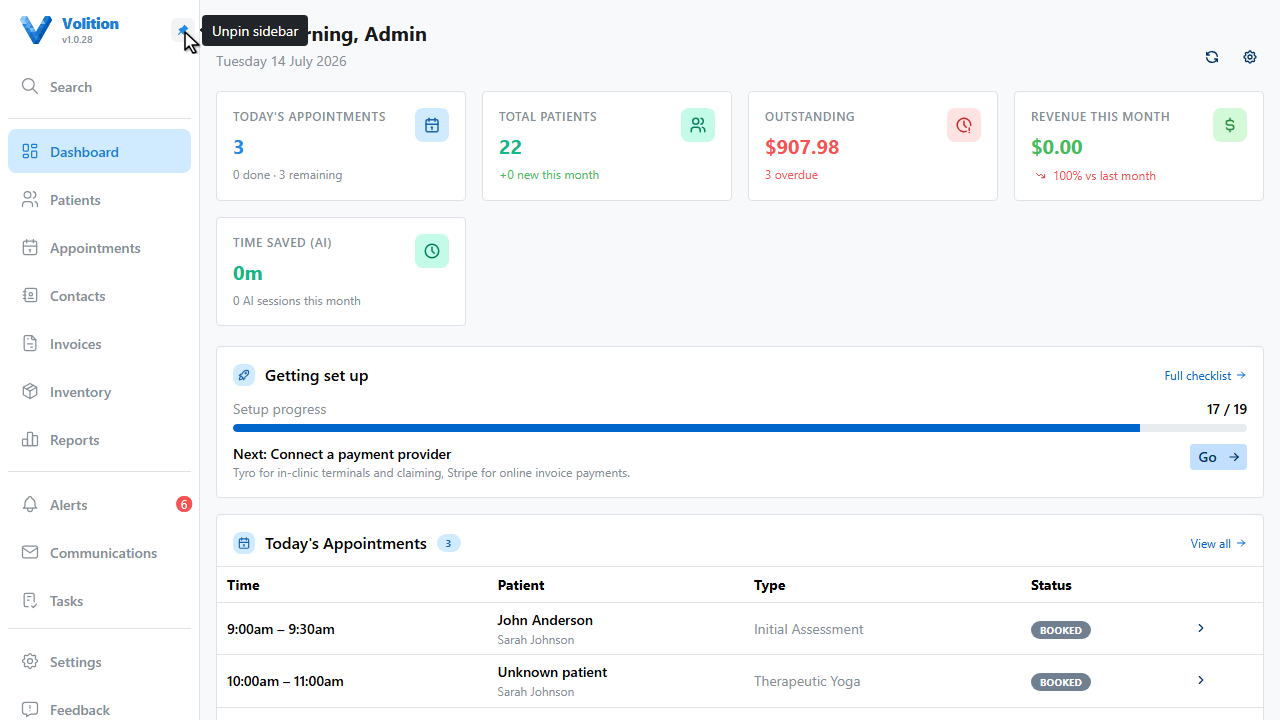
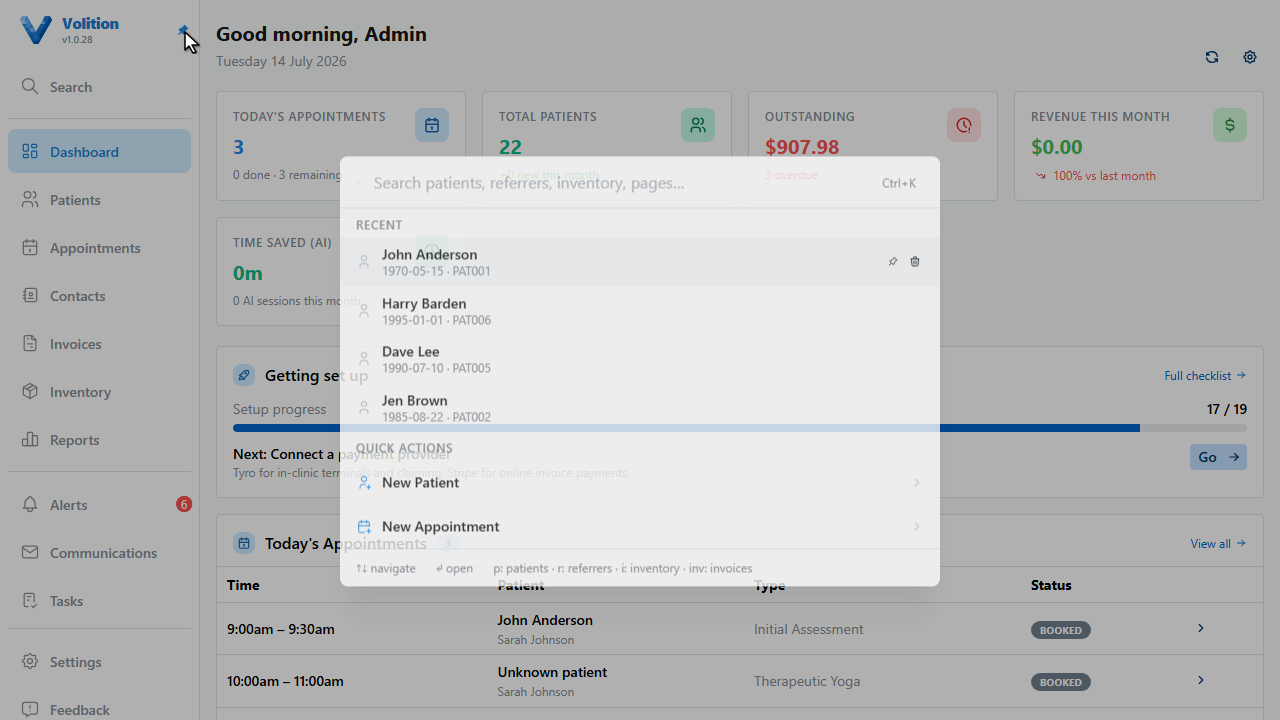
The magnifier — or control K from anywhere — opens search across patients, referrers, inventory, invoices, and pages.
The Tasks button at the bottom opens your task list, and its plus quick adds a to do from any page.
Found a bug or want a feature? Feedback sends it straight to the team, with drafts saved as you type.
And the Help item is context aware — Help with this page opens the help centre article for wherever you’re standing, just like the one you’re reading now.
Your account and logout live at the very bottom. That’s the whole shell — everything else is two clicks away.
If you remember nothing else: Ctrl+K (⌘K on Mac). It finds patients, invoices,
products, referrers, and pages — and includes quick actions like New Patient. Use
p:, inv:, i:, or r: prefixes to jump a category.
Each area the bar links to has its own guide — see Work Your Alerts Inbox, Create and Assign Tasks, and Customise Your Dashboard.