 Volition
The Alerts tab is one inbox for everything that needs attention — low stock, expiring batches, overdue invoices, and security incidents.
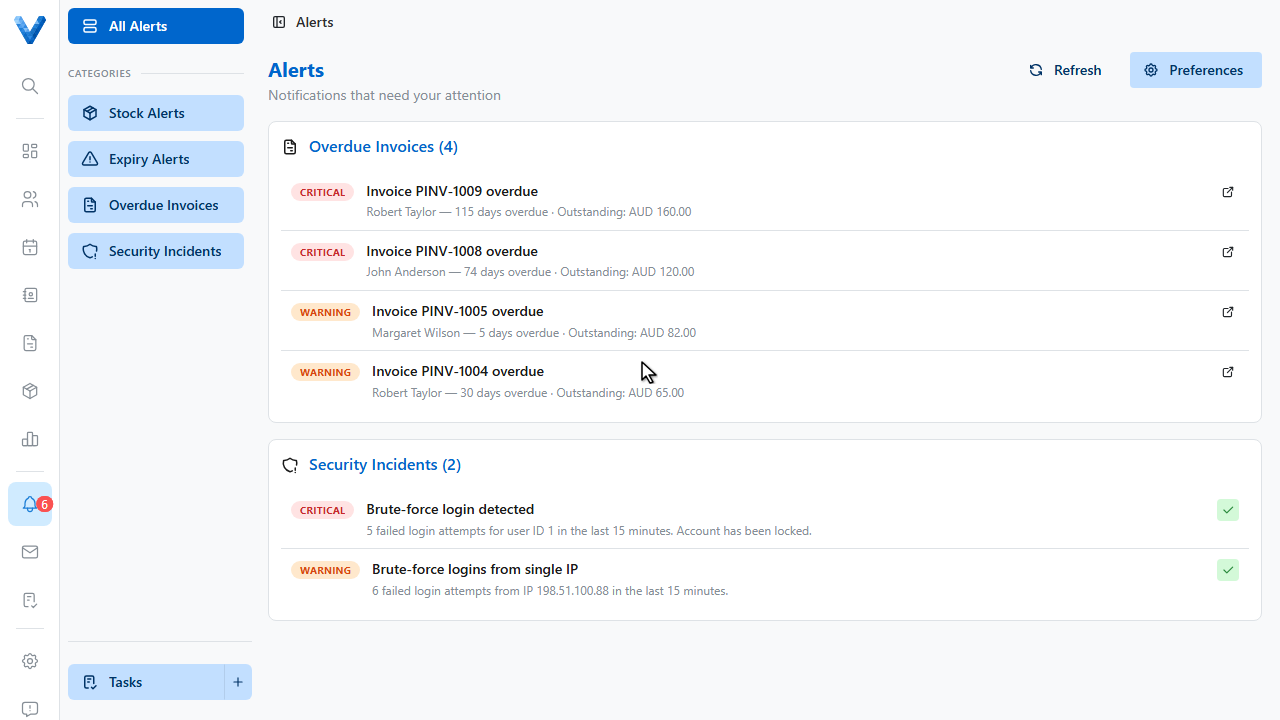
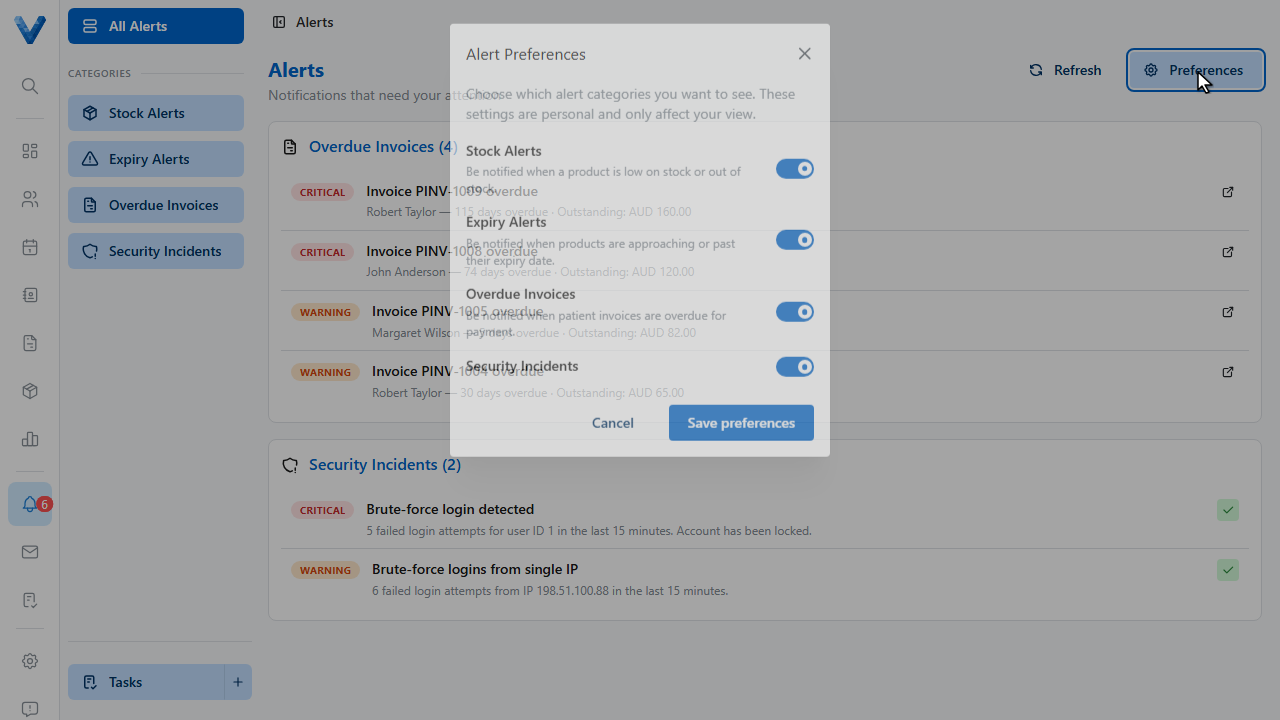
Alerts are grouped by category with severity badges — critical, warning, and info. Each row deep links to the product or invoice it’s about.
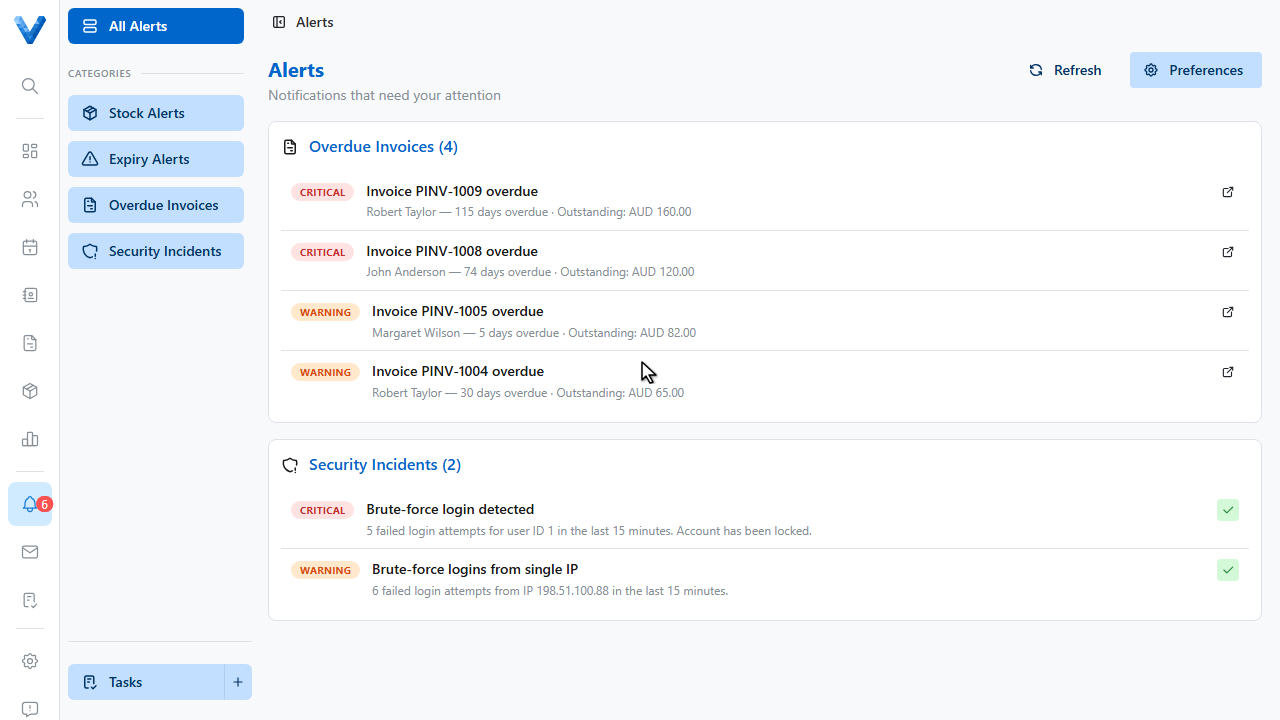
Use the tick to acknowledge an alert you’ve seen, and the resolve actions to close them out — expiring stock can be written off and resolved in one step.
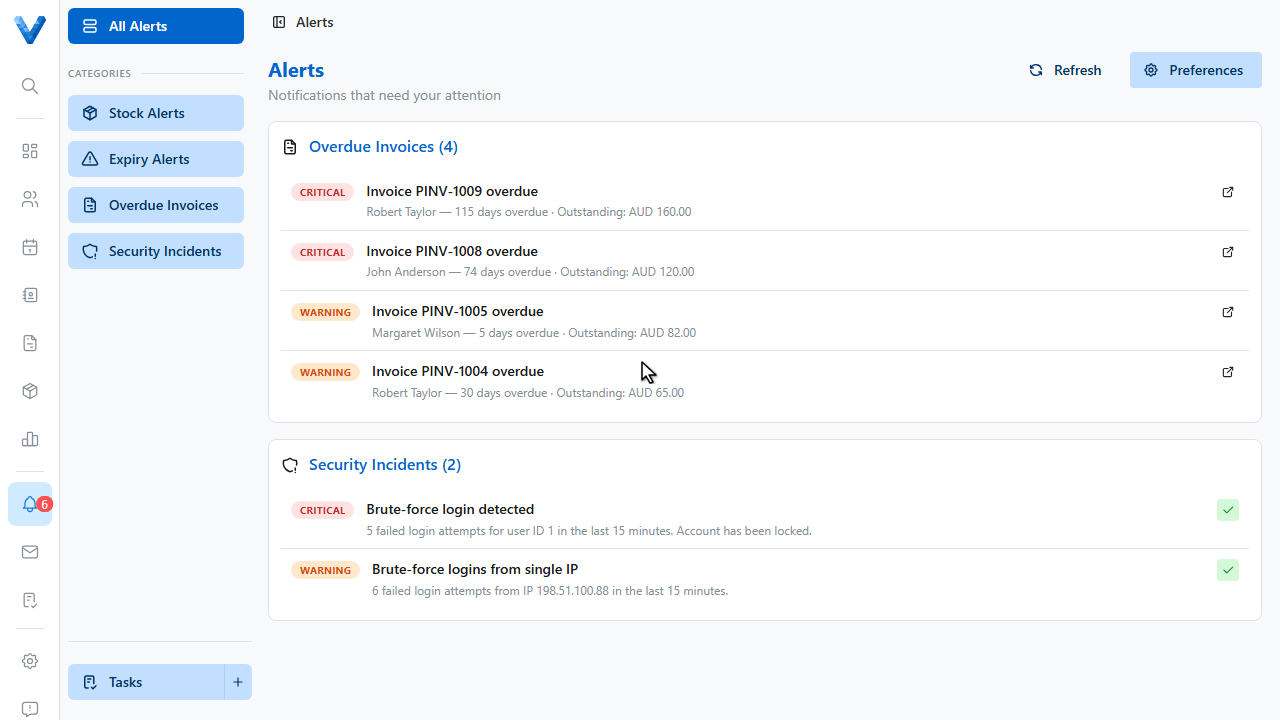
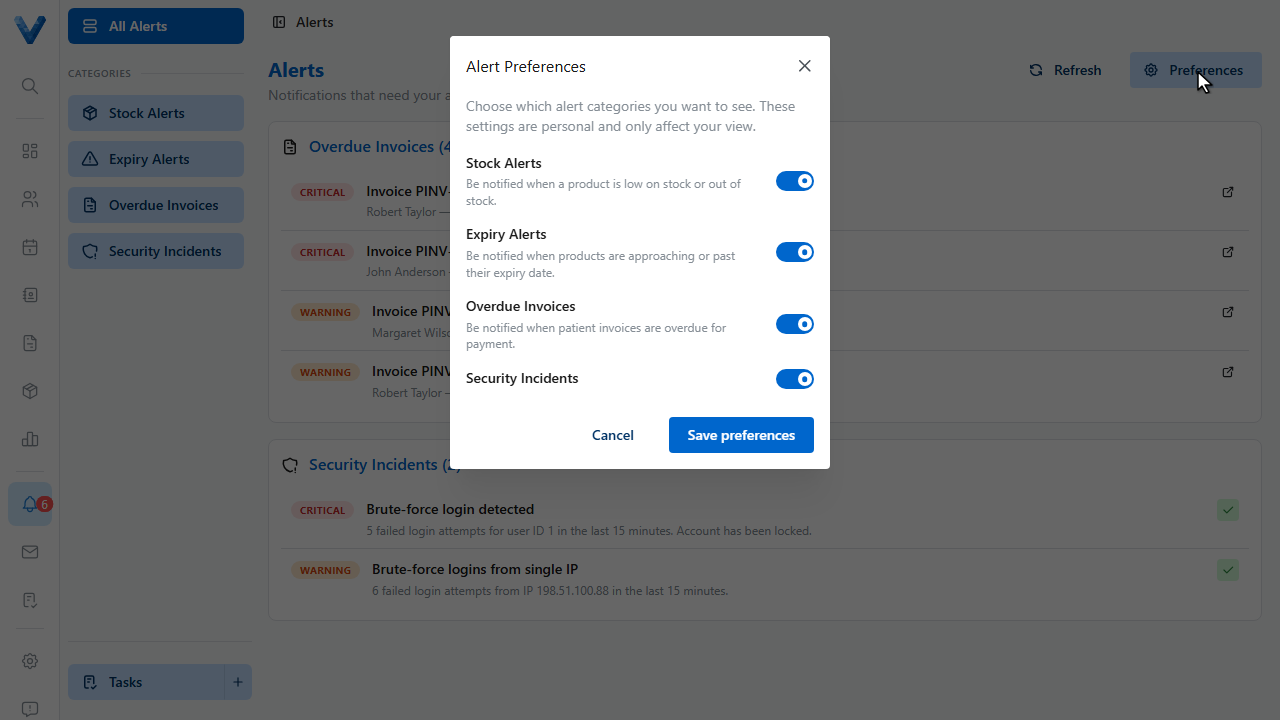
Click Preferences to choose which alert types you see.
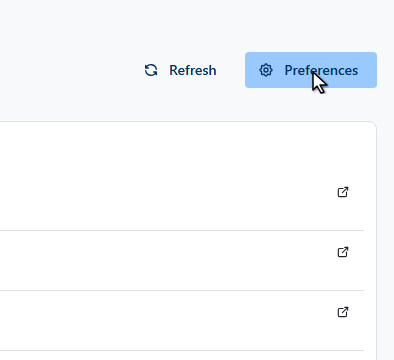
Tune these per user, so the front desk sees billing alerts and clinicians aren’t bothered by stock levels.
The bell in the sidebar shows how many alerts are waiting.
Stock alerts come from each product’s reorder point and expiry thresholds (Settings → Organisation → Inventory), billing alerts from overdue invoices, and security alerts from suspicious login activity.