 Volition
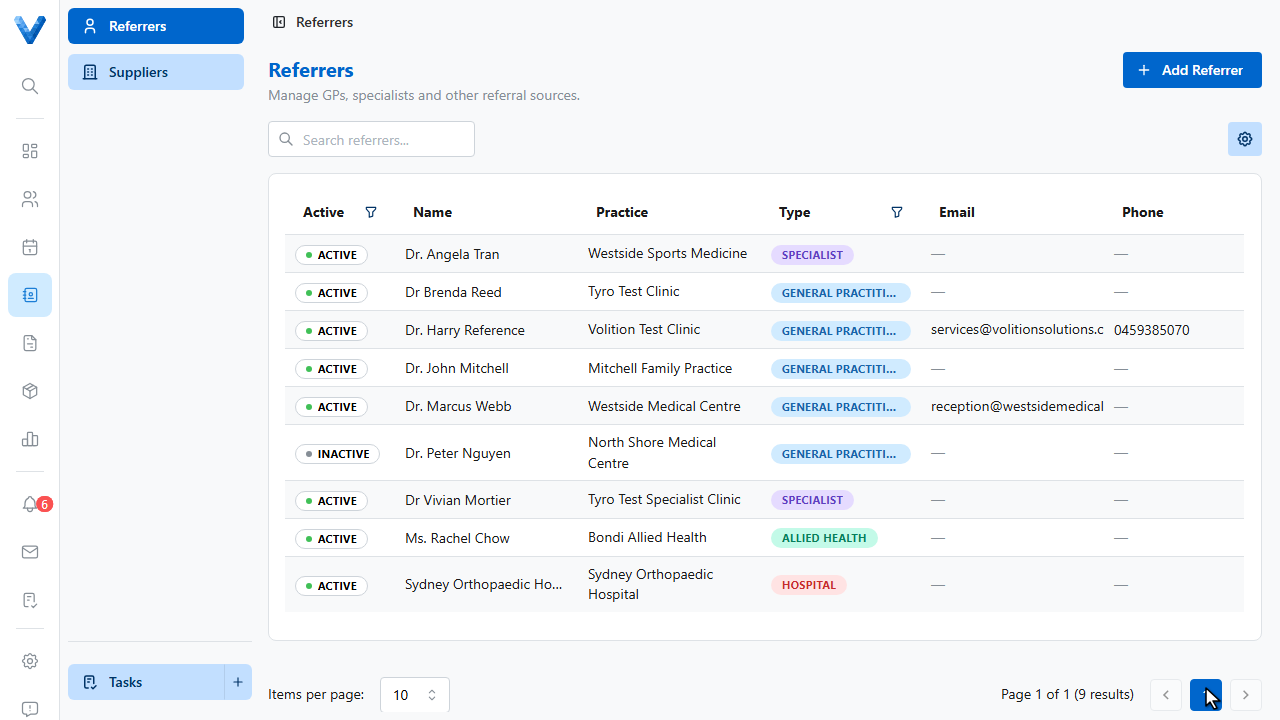
Open Contacts in the main navigation. The Referrers directory holds every G.P., specialist, and allied health provider who sends you patients.
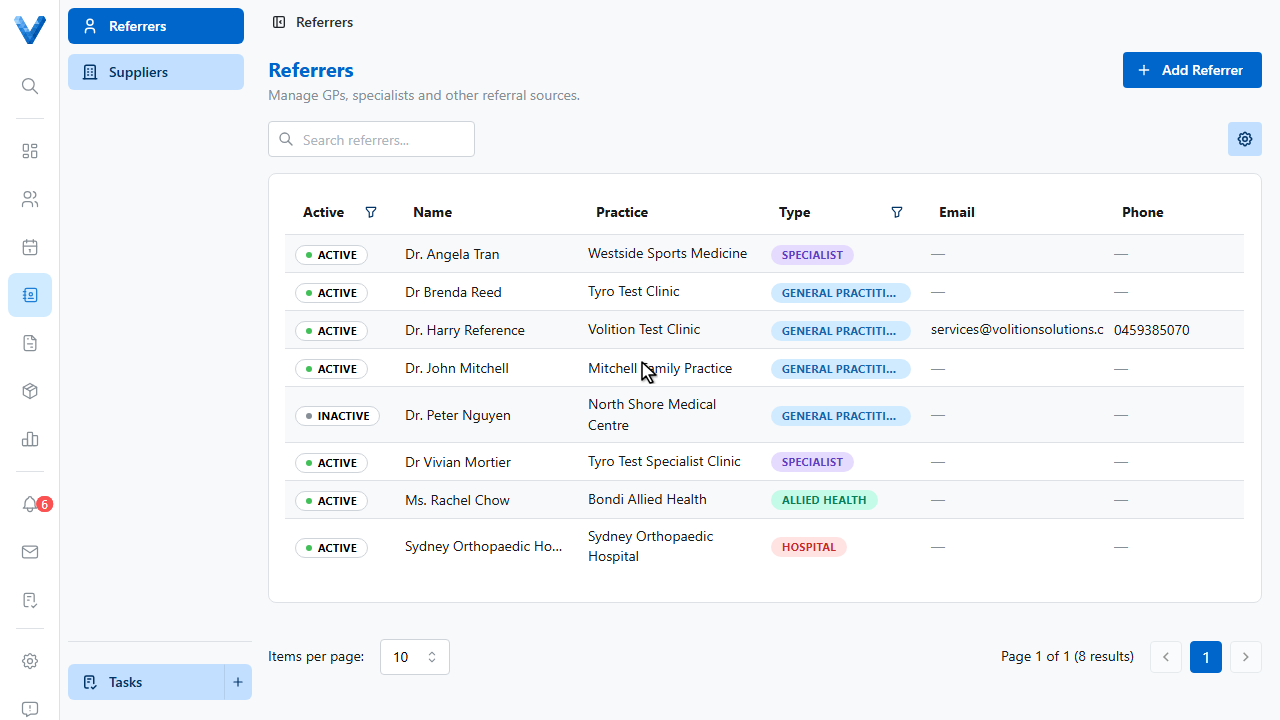
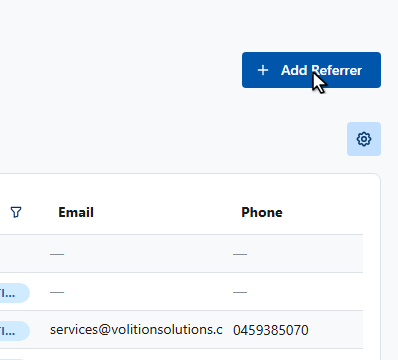
Click Add Referrer.
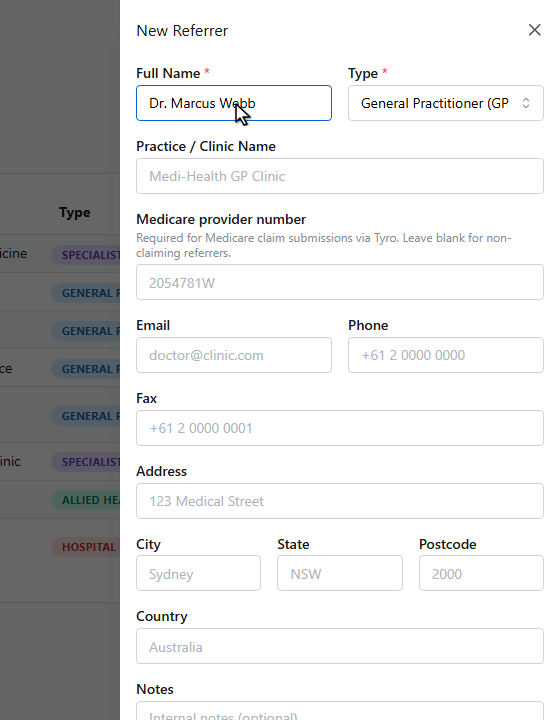
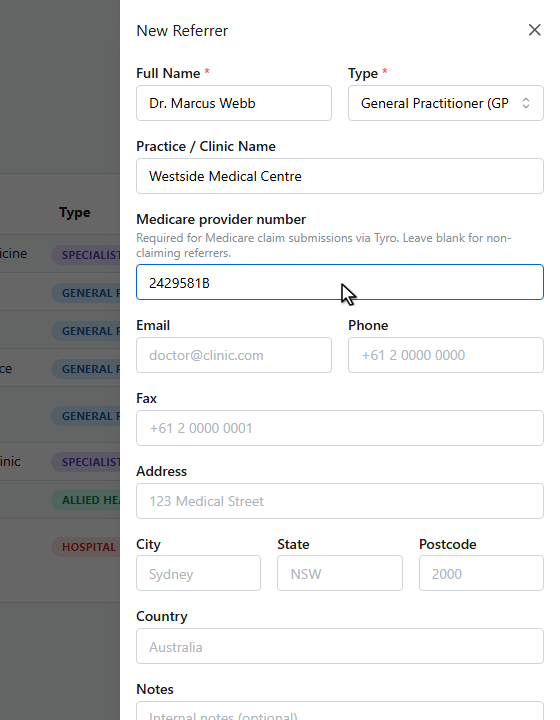
Enter their name.
Their practice.
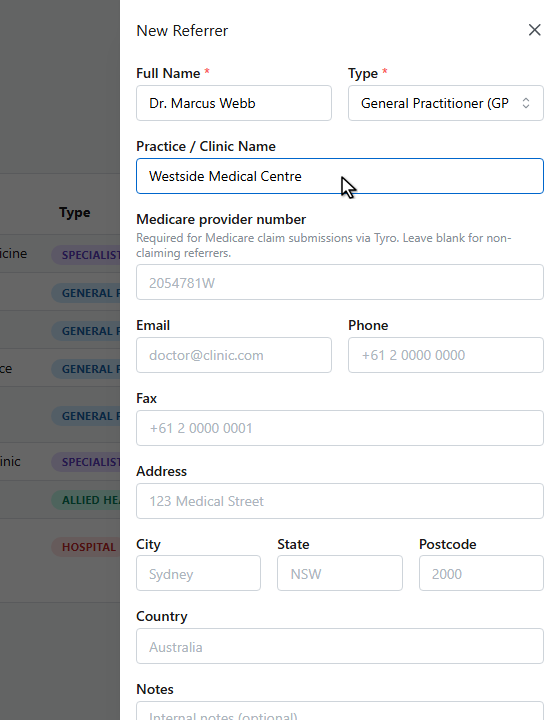
And their Medicare provider number — it’s required for Medicare claim submissions.
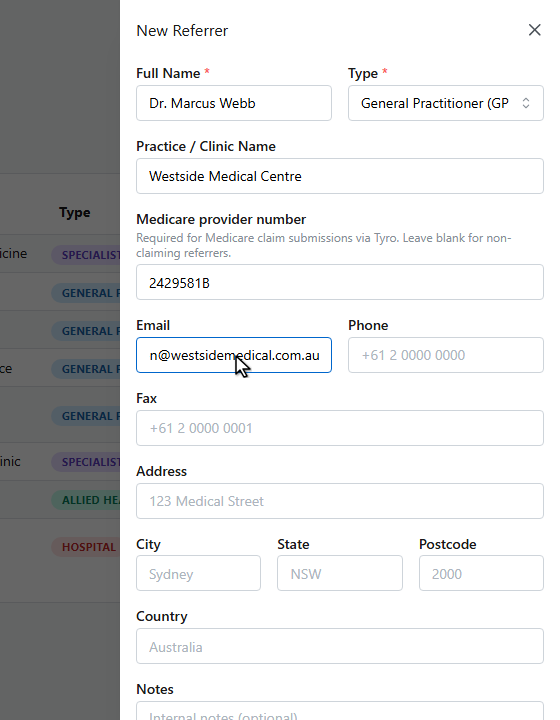
Add their email so referrer letters can be sent straight from patient records.
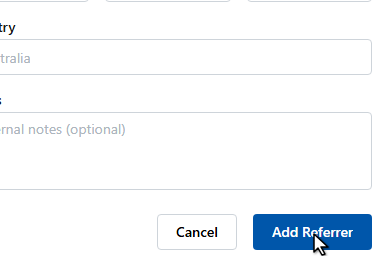
Click Add Referrer.
The referrer’s page tracks every patient they’ve referred and every referral issued, with a communications log and one click referrer emails. When adding a referral to a patient, pick from this directory and the provider details fill in automatically.
Medicare and DVA claims submitted through Tyro need the referring provider’s Medicare provider number — recording it here once means every referral picked from the directory carries it automatically.