 Volition
Recalls remind patients to come back — annual reviews, post op follow ups, or expiring referrals. Open the patient.
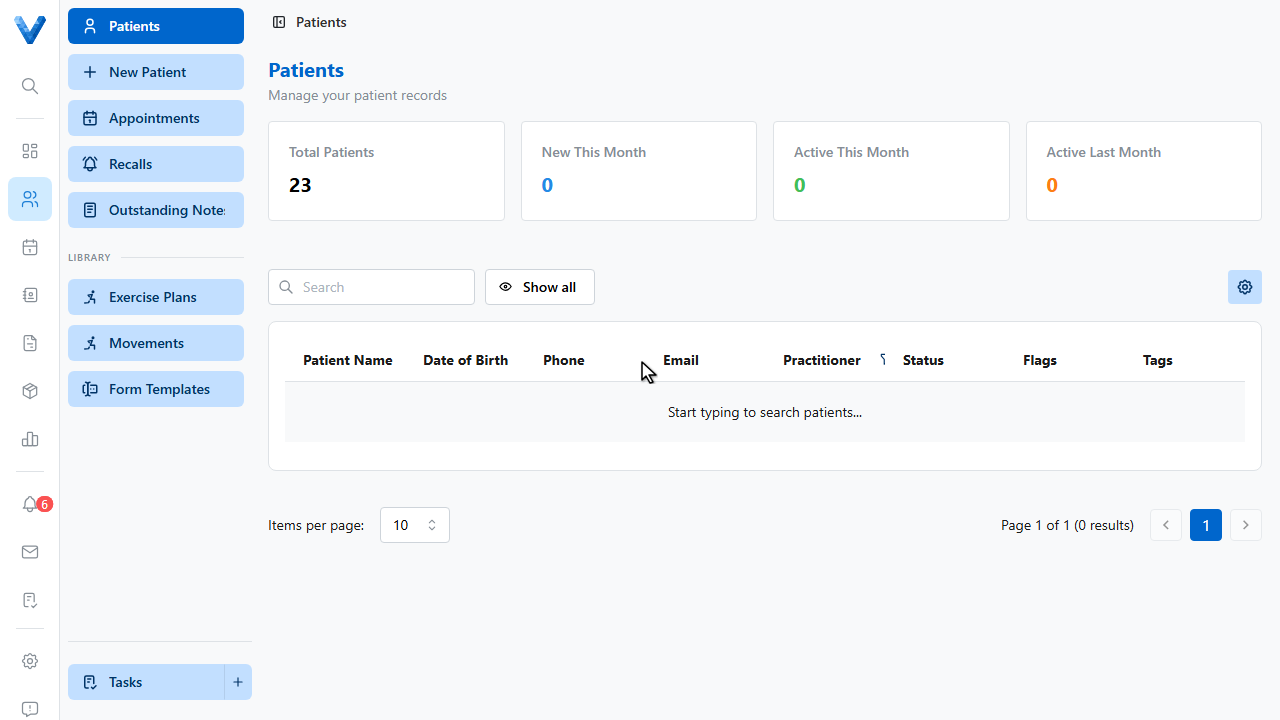
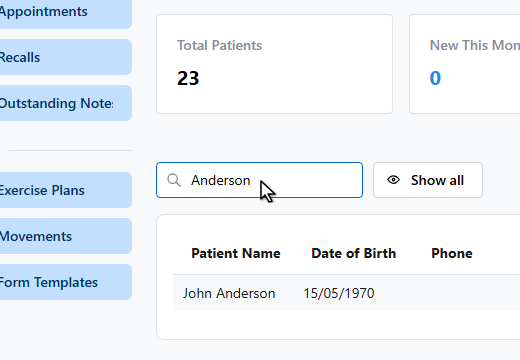
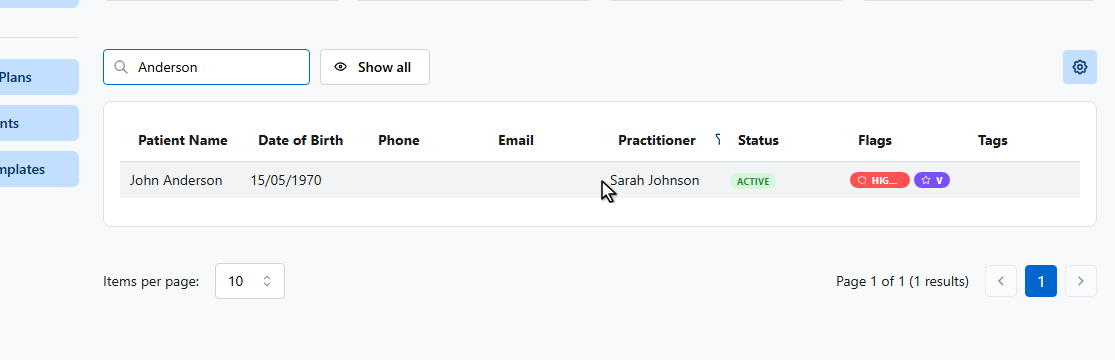
On the patient’s details page, find the Recalls card and click Schedule recall.
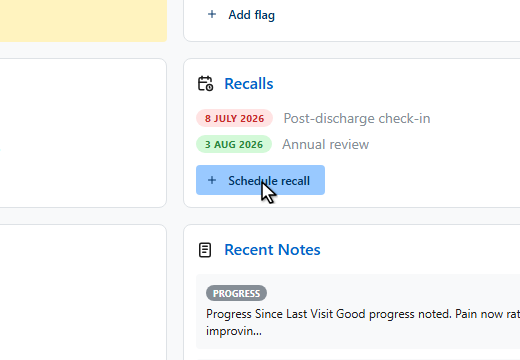
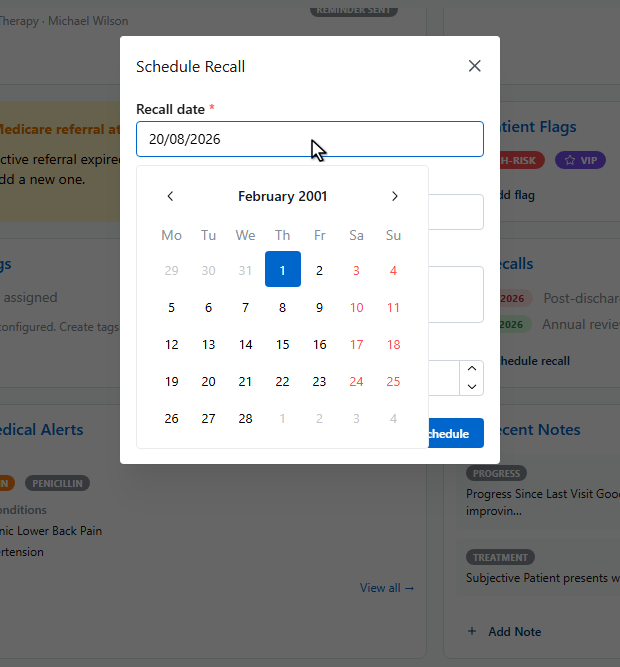
Set the recall date.
Add a reason so the front desk knows what it’s for.
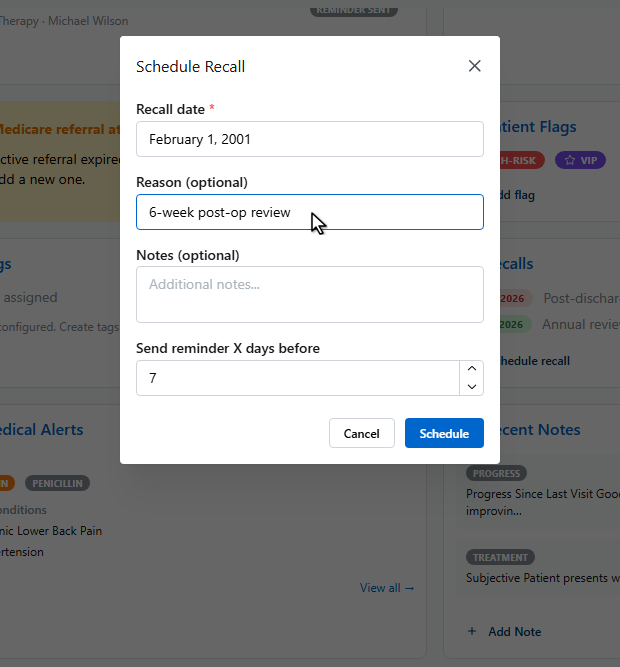
The reminder lead time controls when the patient is emailed — seven days before by default.
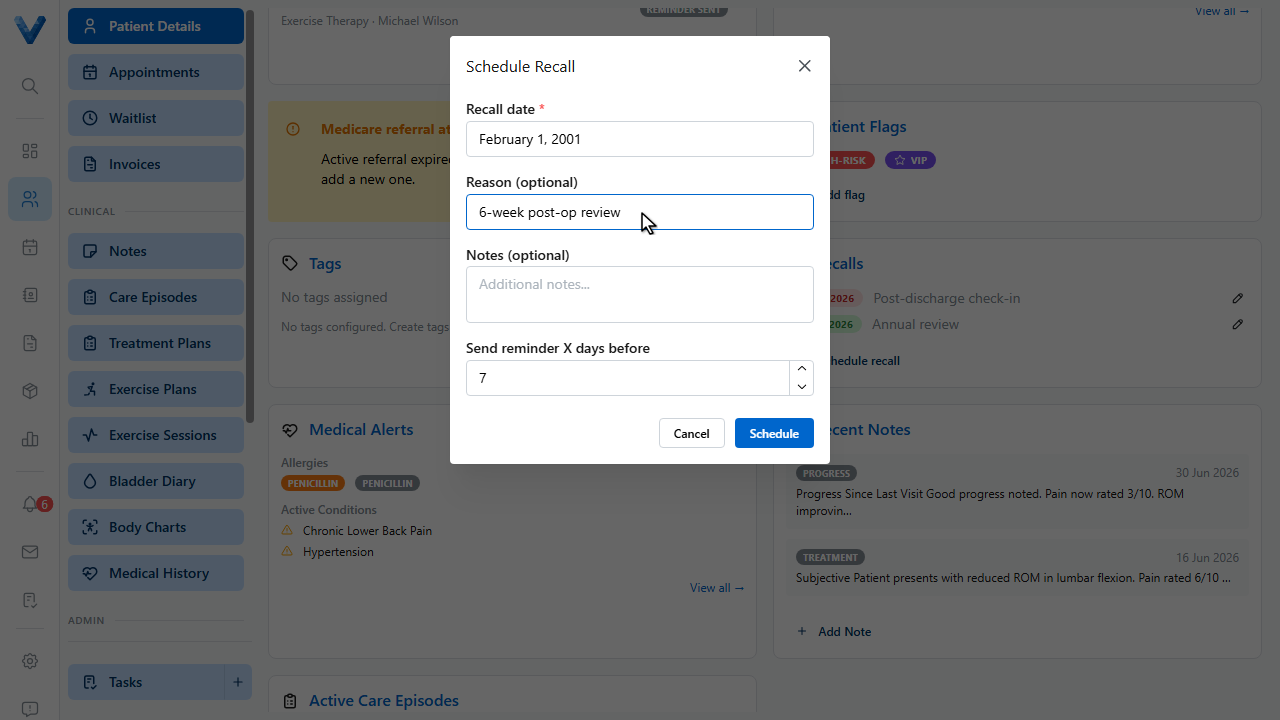
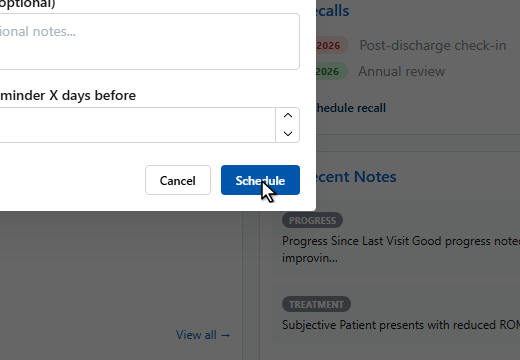
Click Schedule.
Every recall across the practice is tracked on the Recalls page, showing what’s overdue, due today, and coming up. Right click an entry to mark it complete once the patient rebooks.
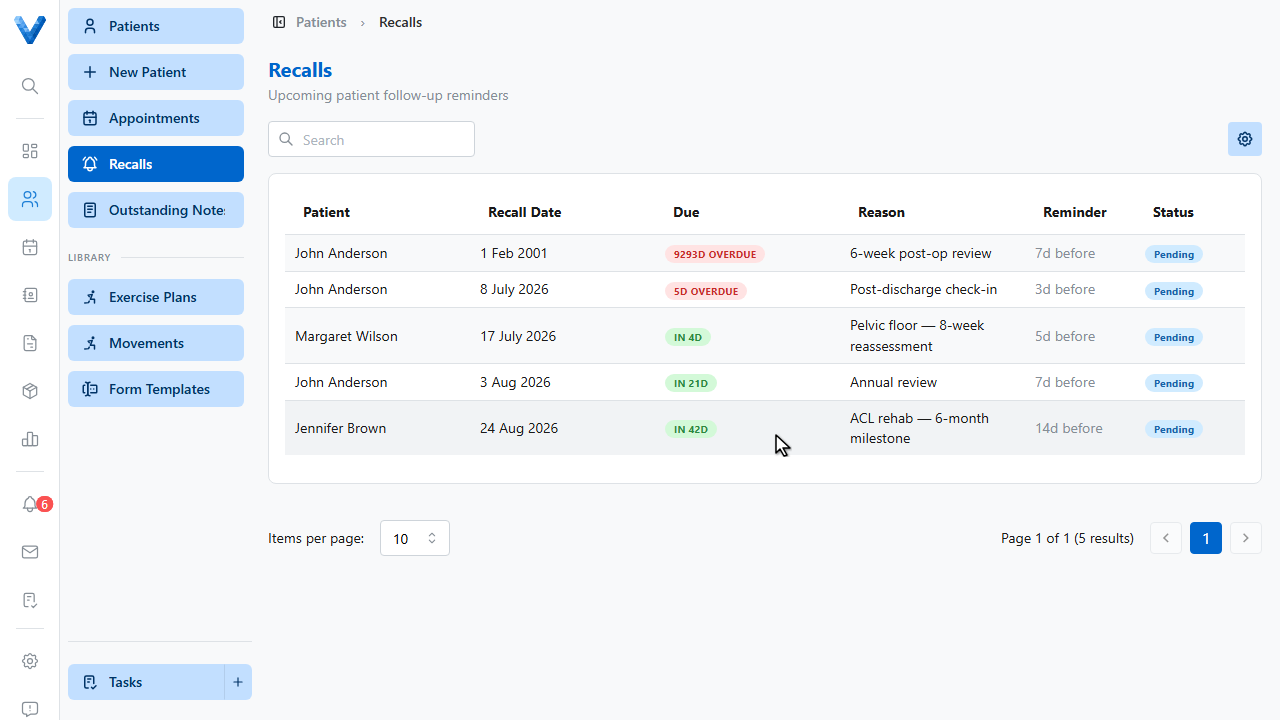
Patients with an email on file are reminded automatically as the date approaches.
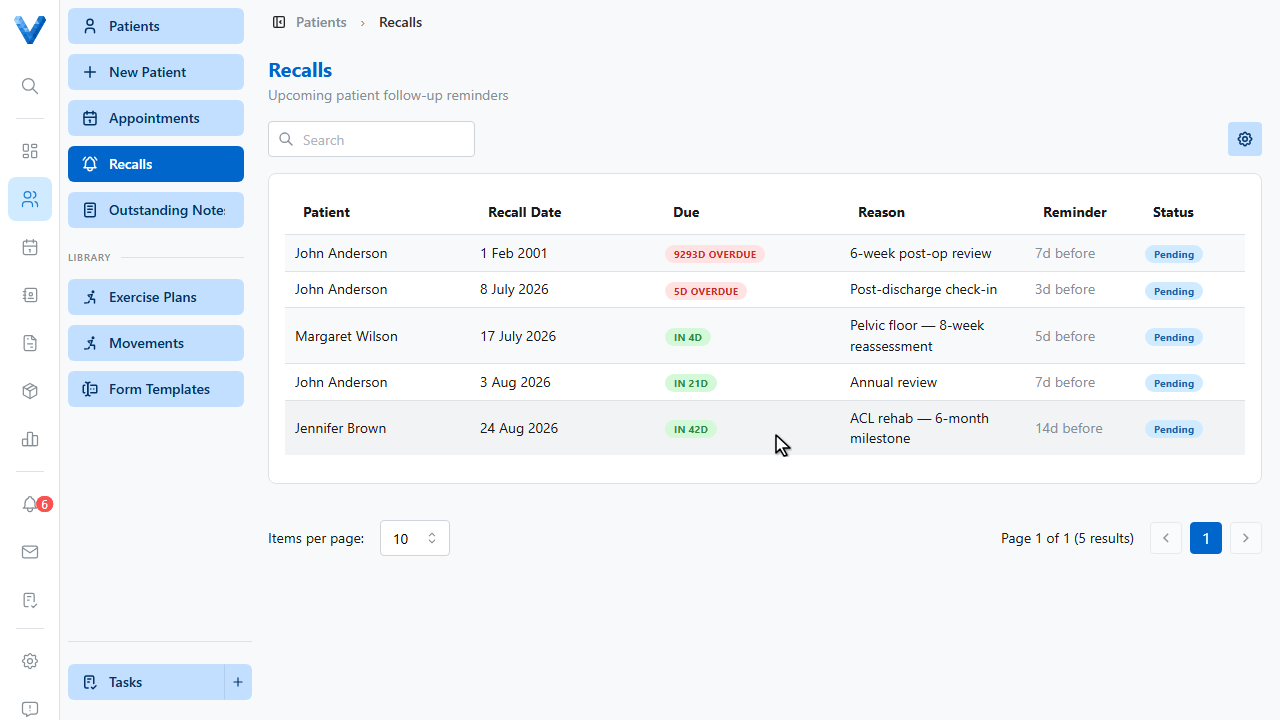
Patients with an email address on file are emailed automatically as the recall date approaches, using the lead time on each recall. Recalls without an email still appear on the Recalls page for the front desk to action.