Volition
1
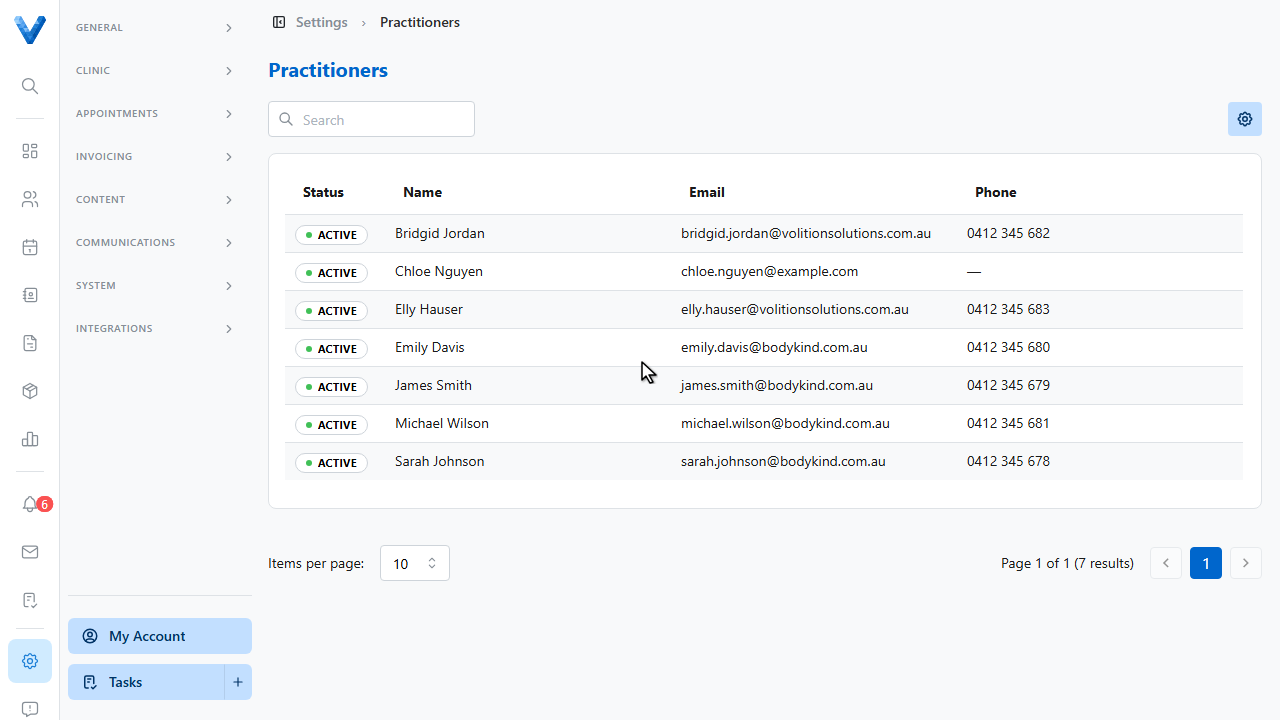
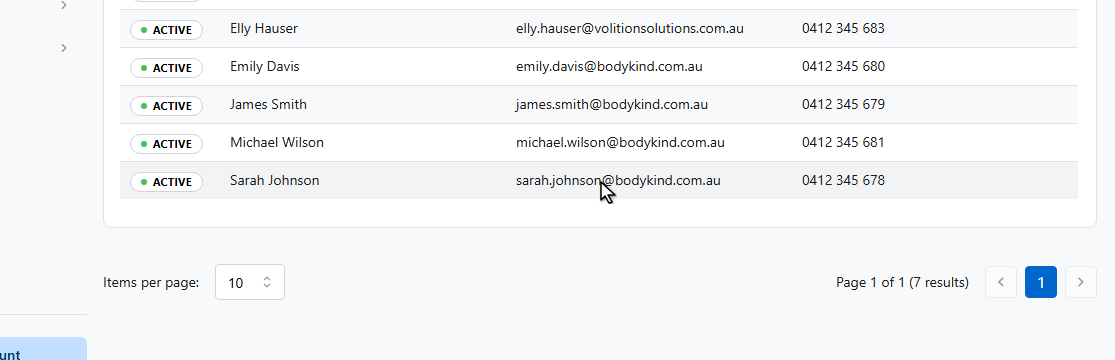
Go to Settings and open Practitioners, then click the practitioner whose hours you want to set.
2
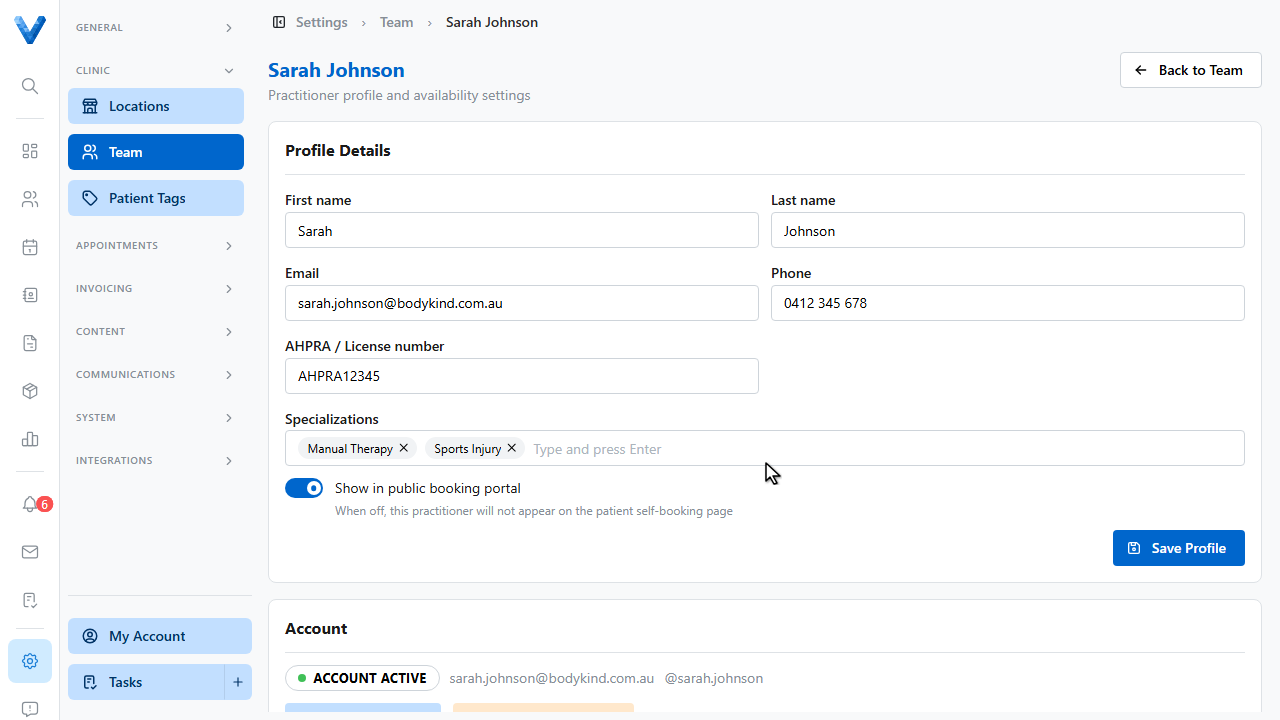
Their profile page opens.
3
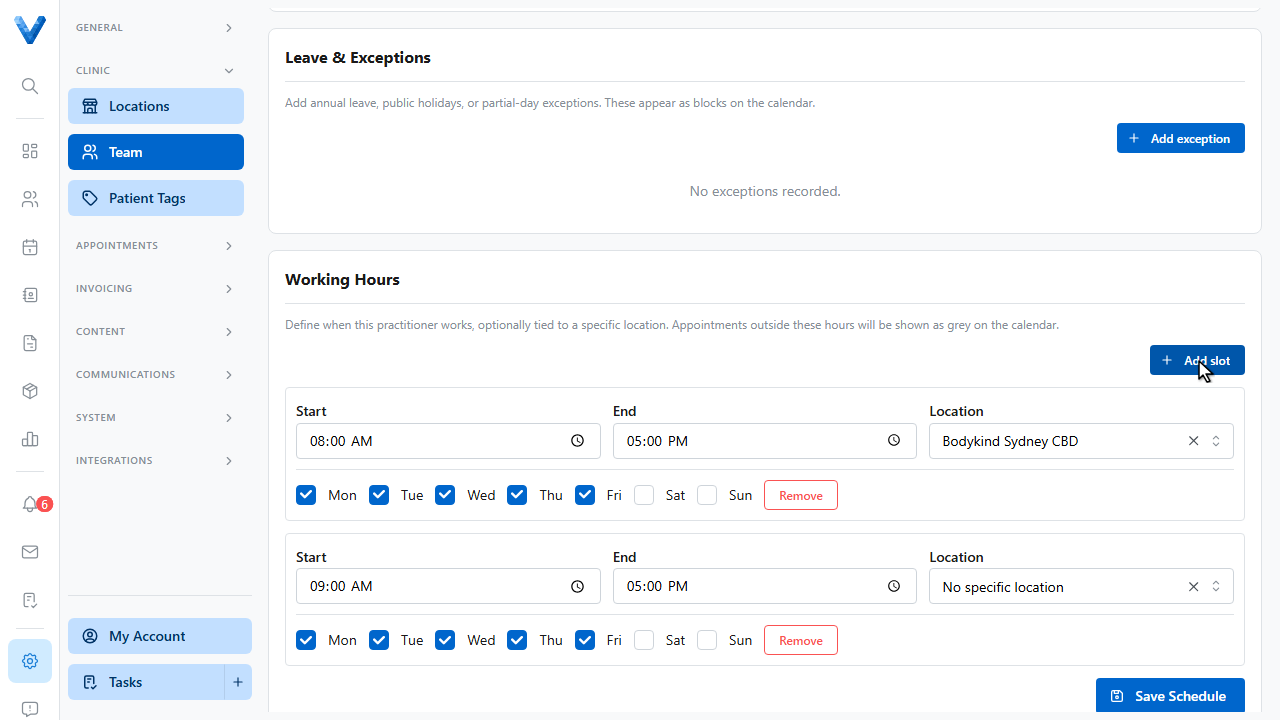
Scroll to the Working Hours section. Appointments outside these hours show as grey on the calendar, and patients can only book online within them.
4
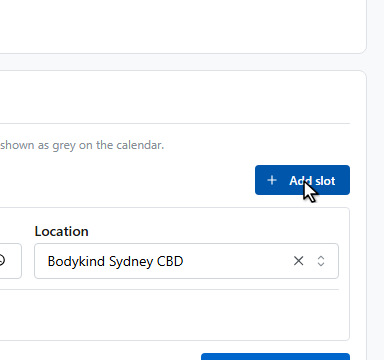
Click Add slot.
5
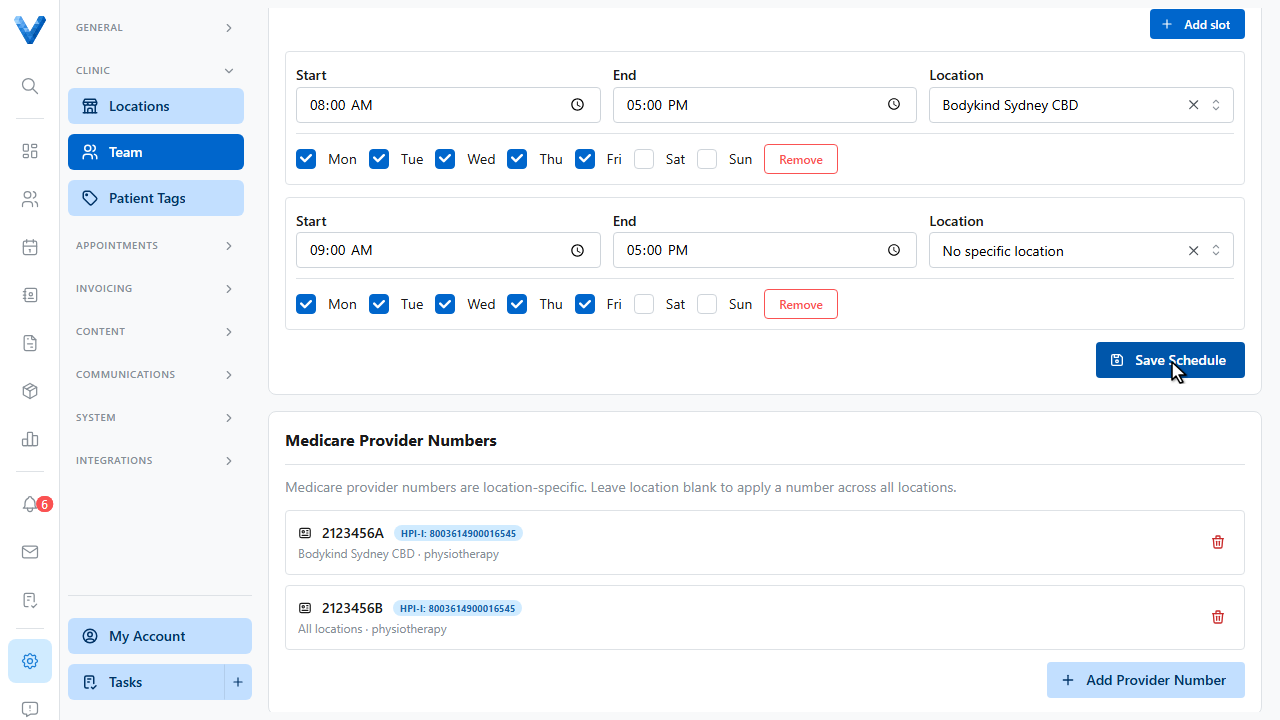
Set the start and end times and tick the days the slot applies to. New slots default to Monday through Friday. You can also tie the slot to a specific location, or leave it as any location.
6
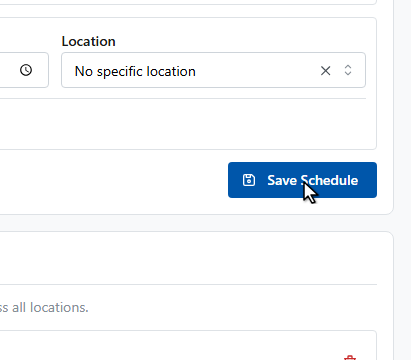
Click Save Schedule to apply the hours.
7
The schedule is saved. Add more slots for split days or a second clinic, and use the Leave section for one off absences.