 Volition
1
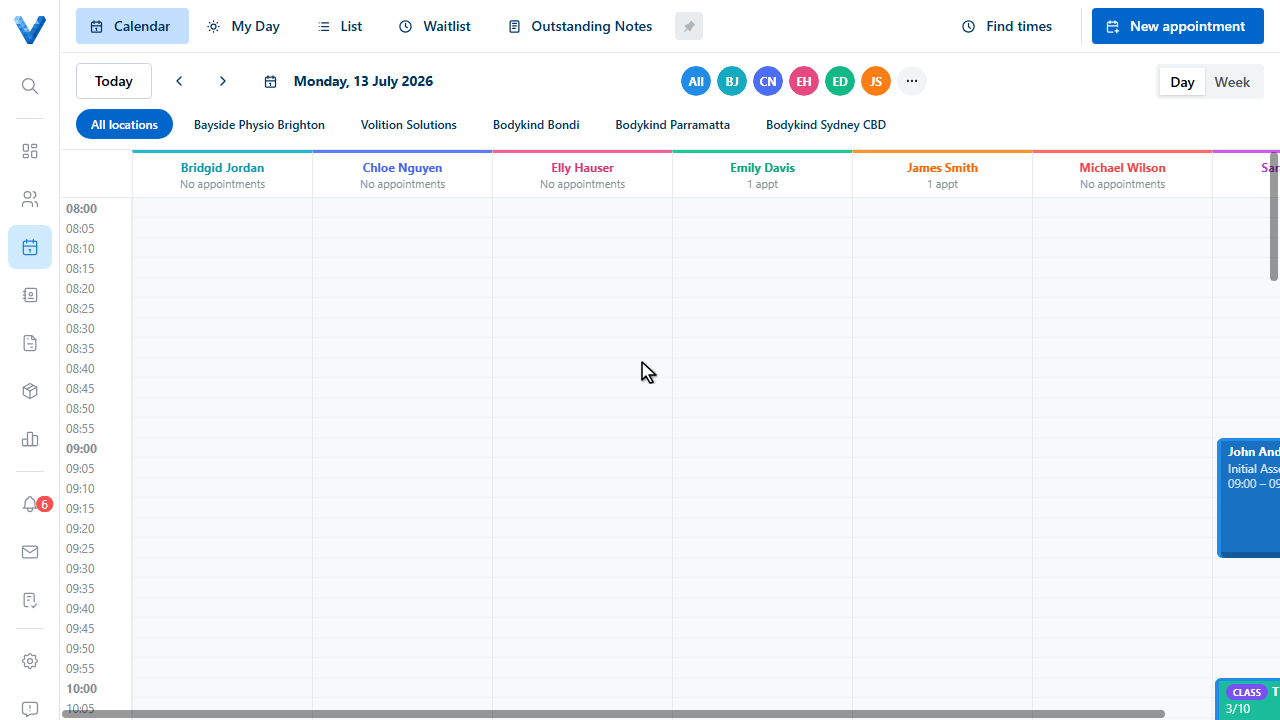
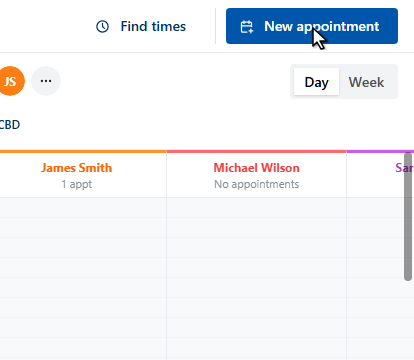
To reserve time that isn’t a patient appointment — meetings, lunch, admin — use a calendar block. Click New appointment.
2
3
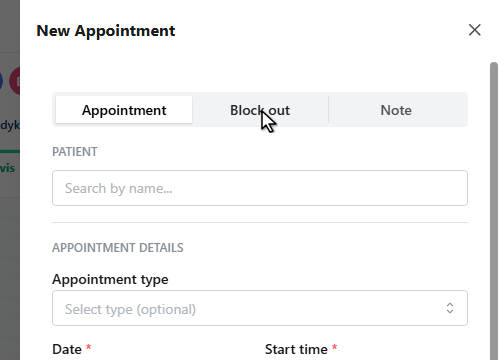
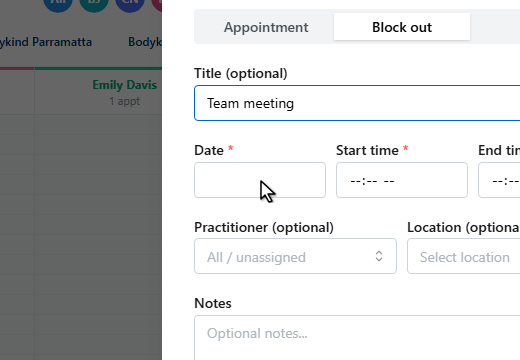
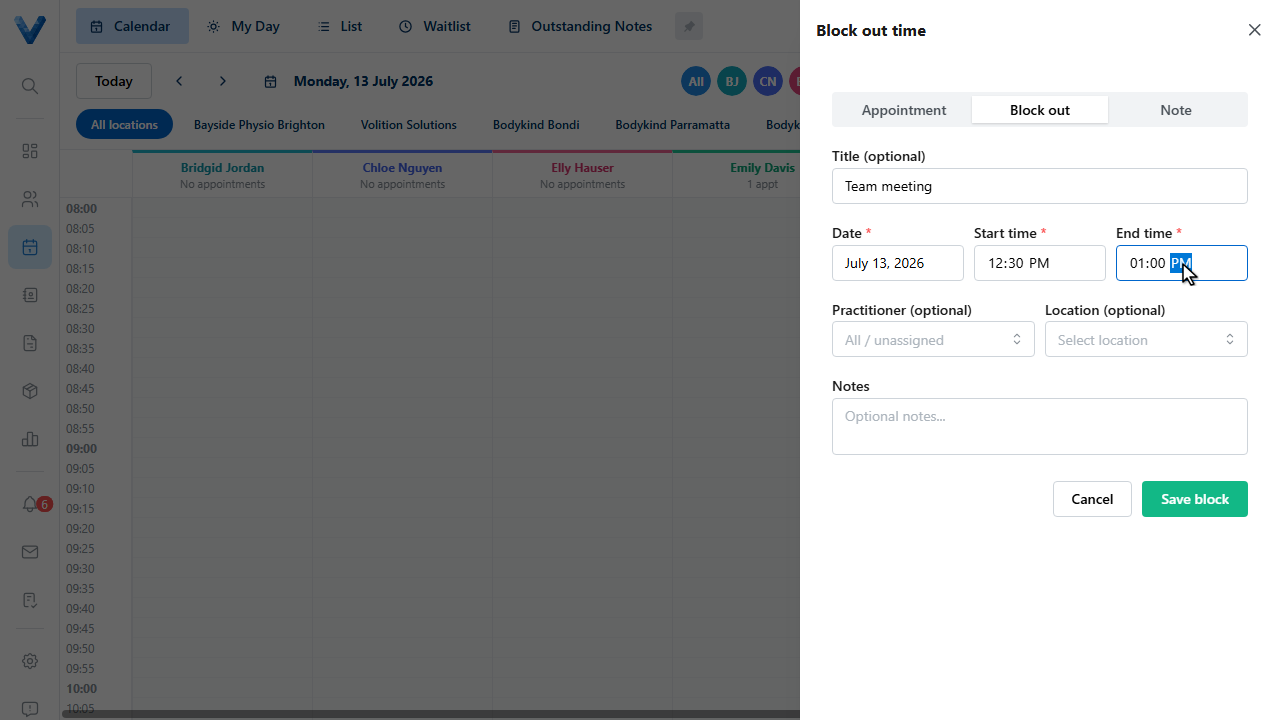
Switch the drawer to Block out.
4
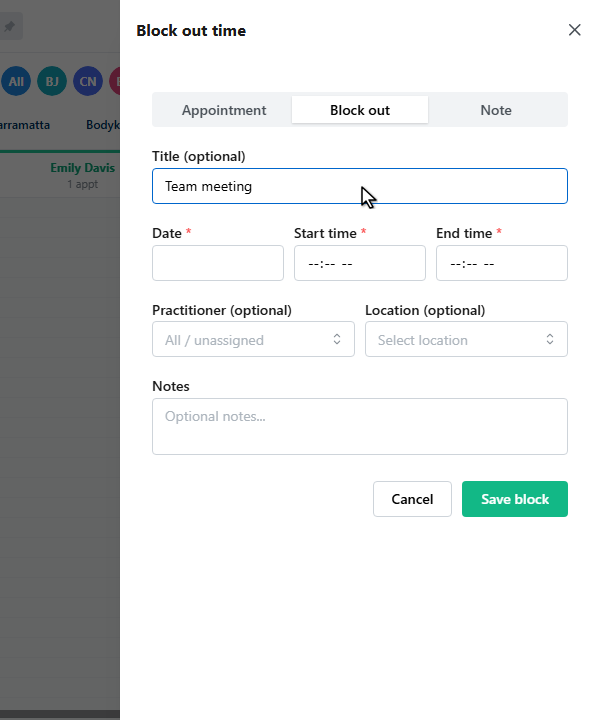
Give it a title.
5
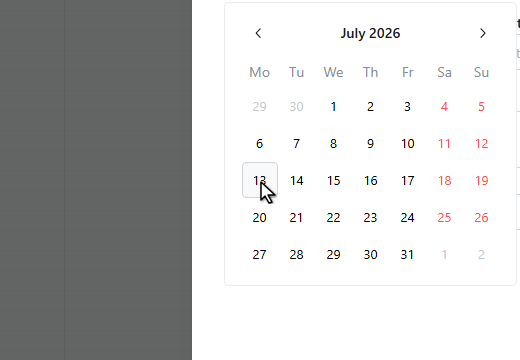
Pick the date.
6
7
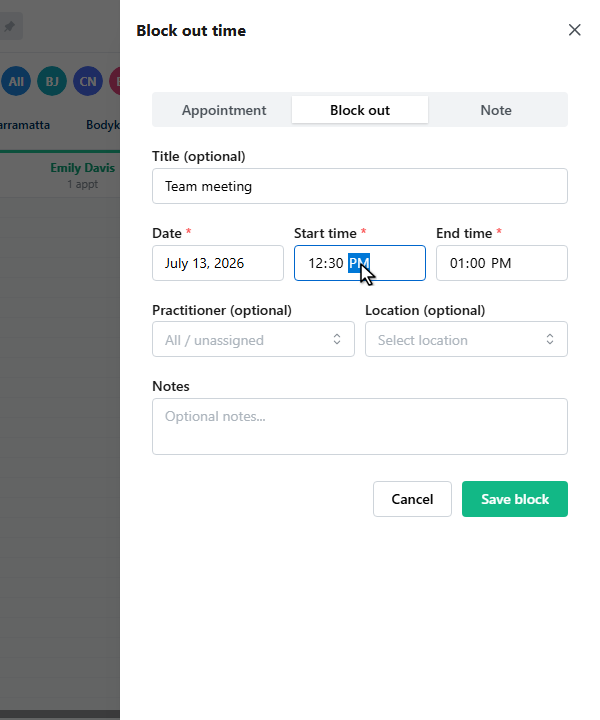
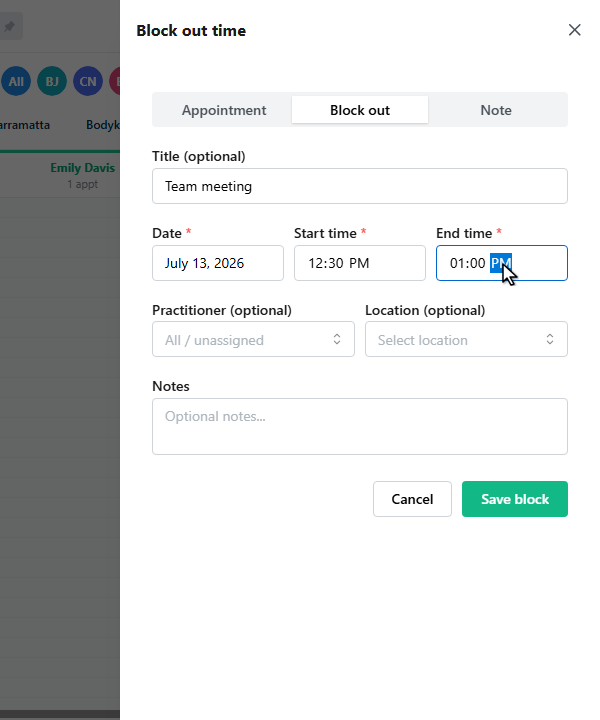
Set the start and end times.
8
9
Leave the practitioner blank to block everyone, or pick one to block just their column. You can scope it to a location too.
10
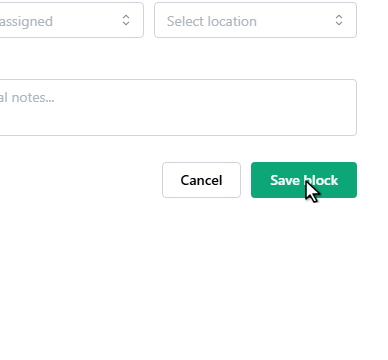
Click Save block.
11
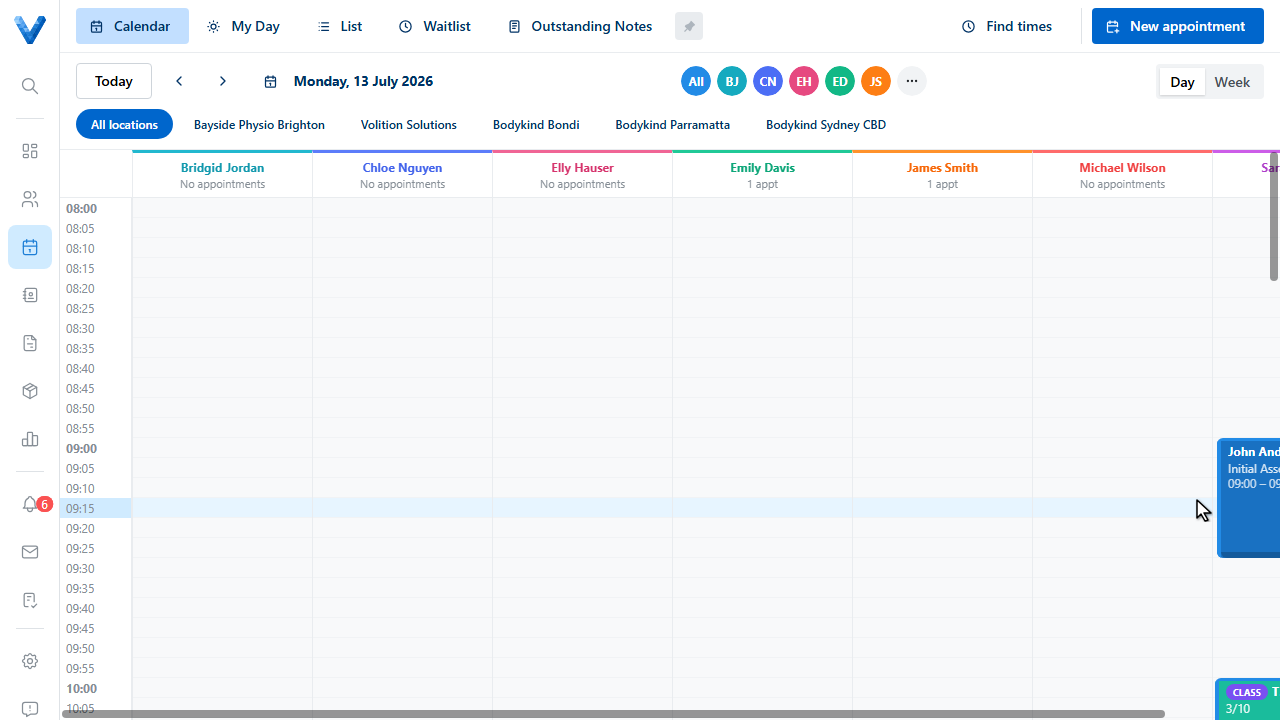
The block appears on the calendar, and online booking won’t offer times inside it.
Blocks vs non-clinical appointments
Blocks reserve time without a patient. For admin bookings that DO involve a patient, use an appointment type with the Clinical appointment switch off instead.