 Volition
1
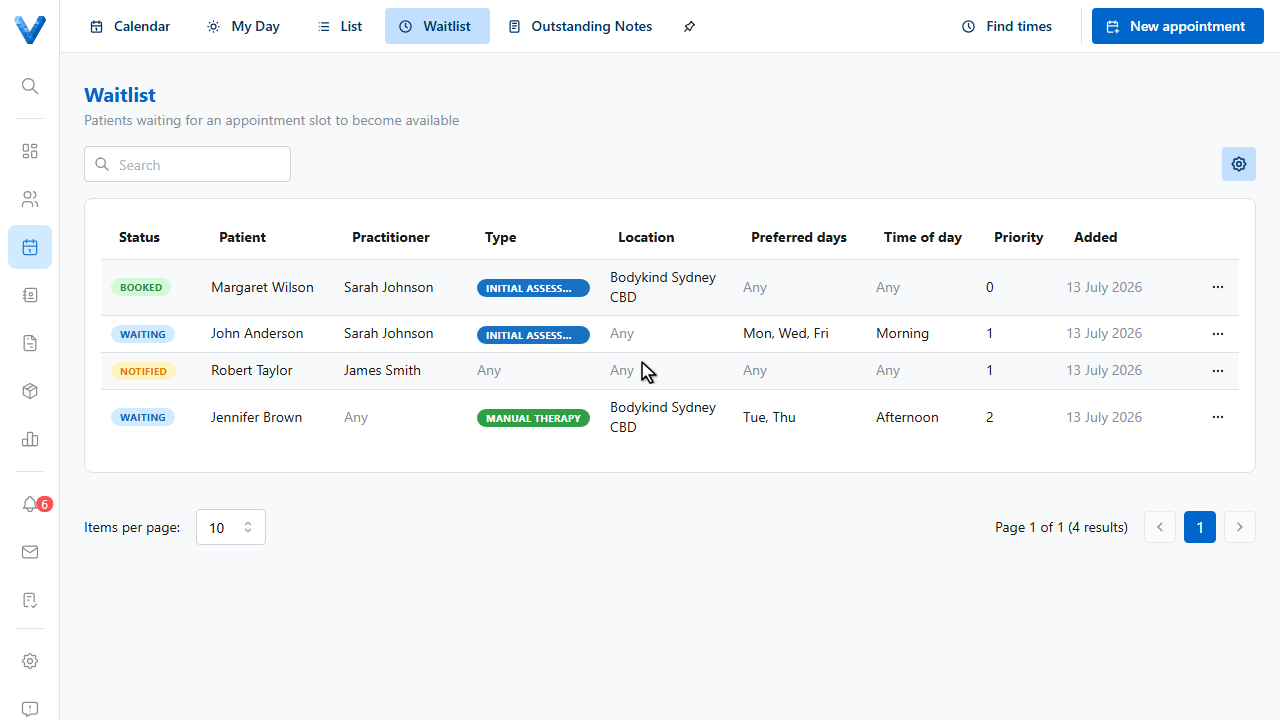
Open the Waitlist tab in Appointments. It holds patients waiting for a slot to open up.
2
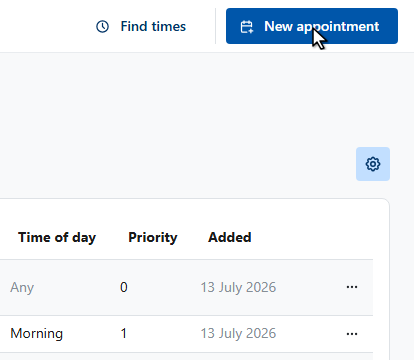
Click New appointment to add an entry.
3
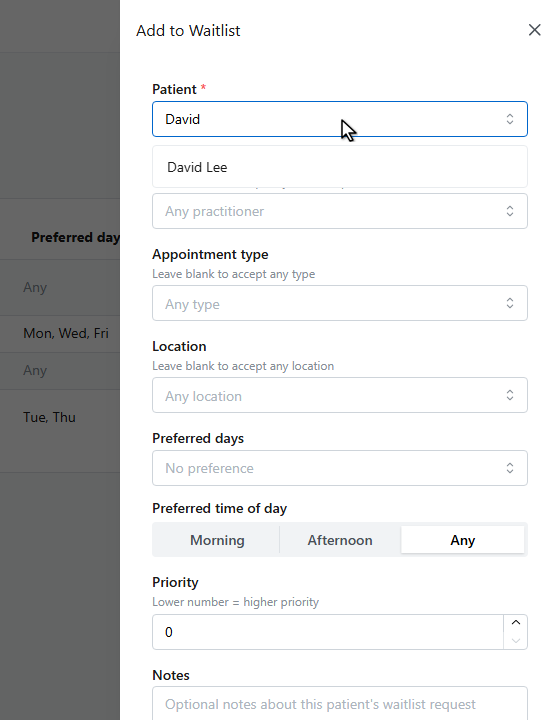
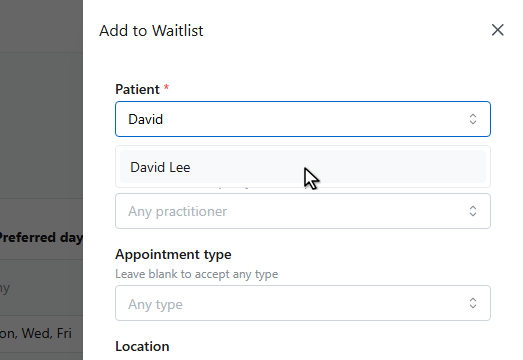
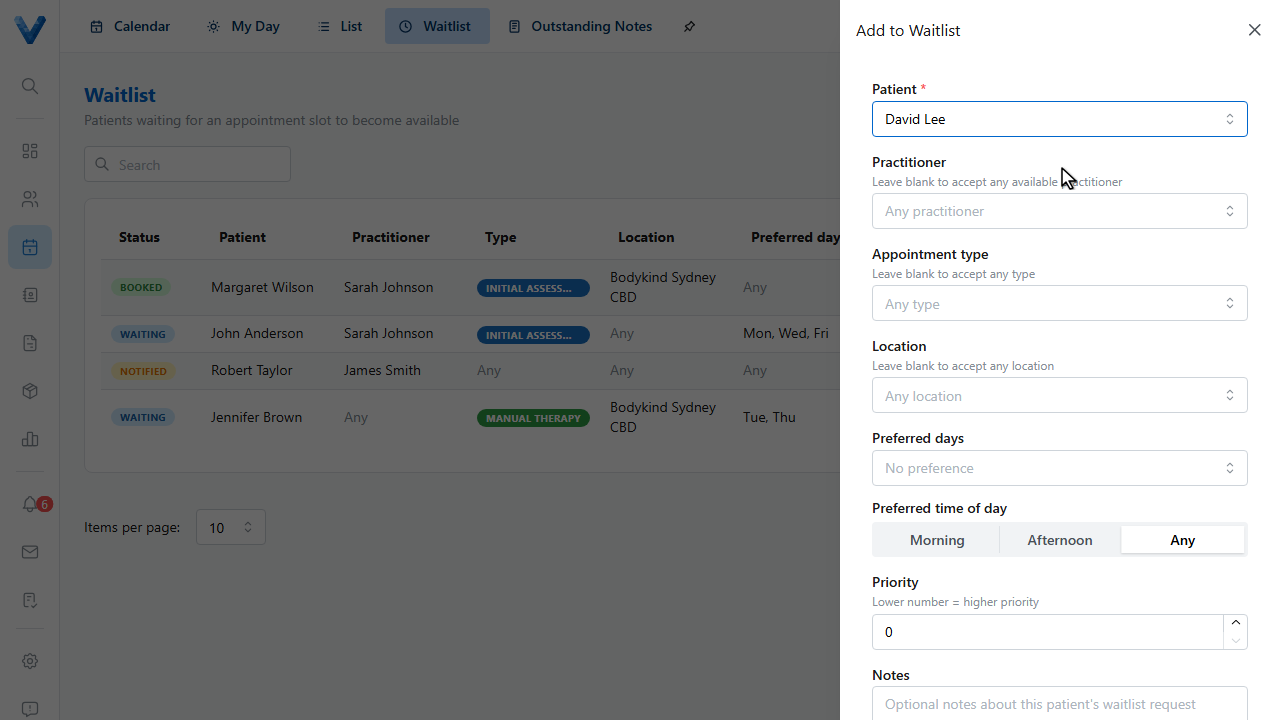
Pick the patient.
4
5
Record their preferences — a specific practitioner, appointment type, and location, or leave any of them blank to accept whatever comes up first.
6
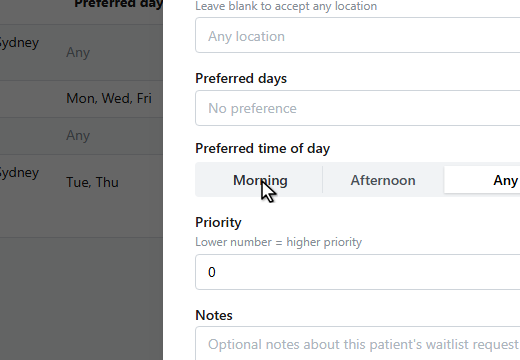
Set preferred days and time of day, and a priority if some patients should be offered slots first.
7
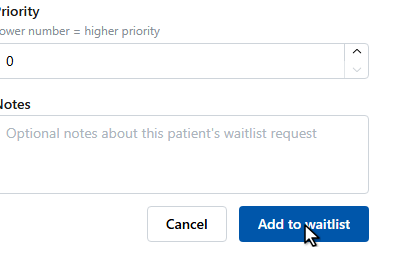
Click Add to waitlist.
8
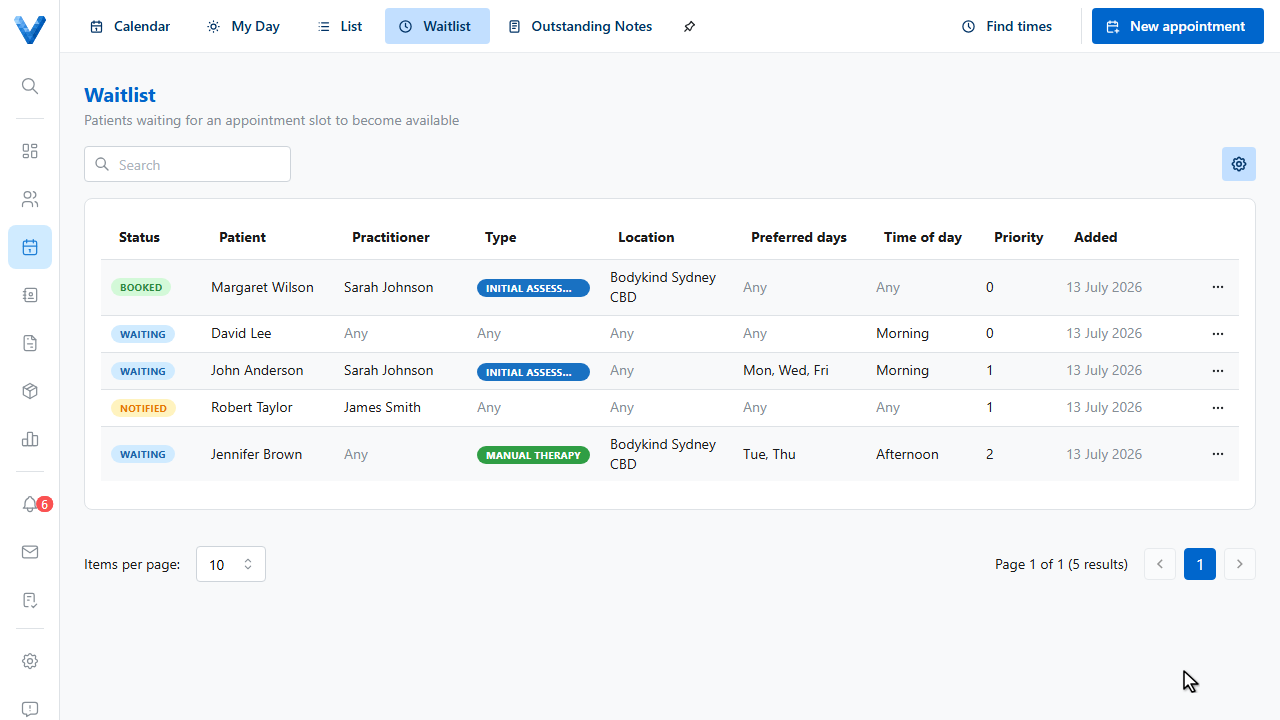
The entry shows as Waiting. When something opens up, use the row menu to Find a slot, Convert to appointment, or Notify the patient — booking them automatically marks the entry as Booked.
Add from the patient too
You can also add a patient to the waitlist from their own record — the patient field is pre-filled for you.