 Volition
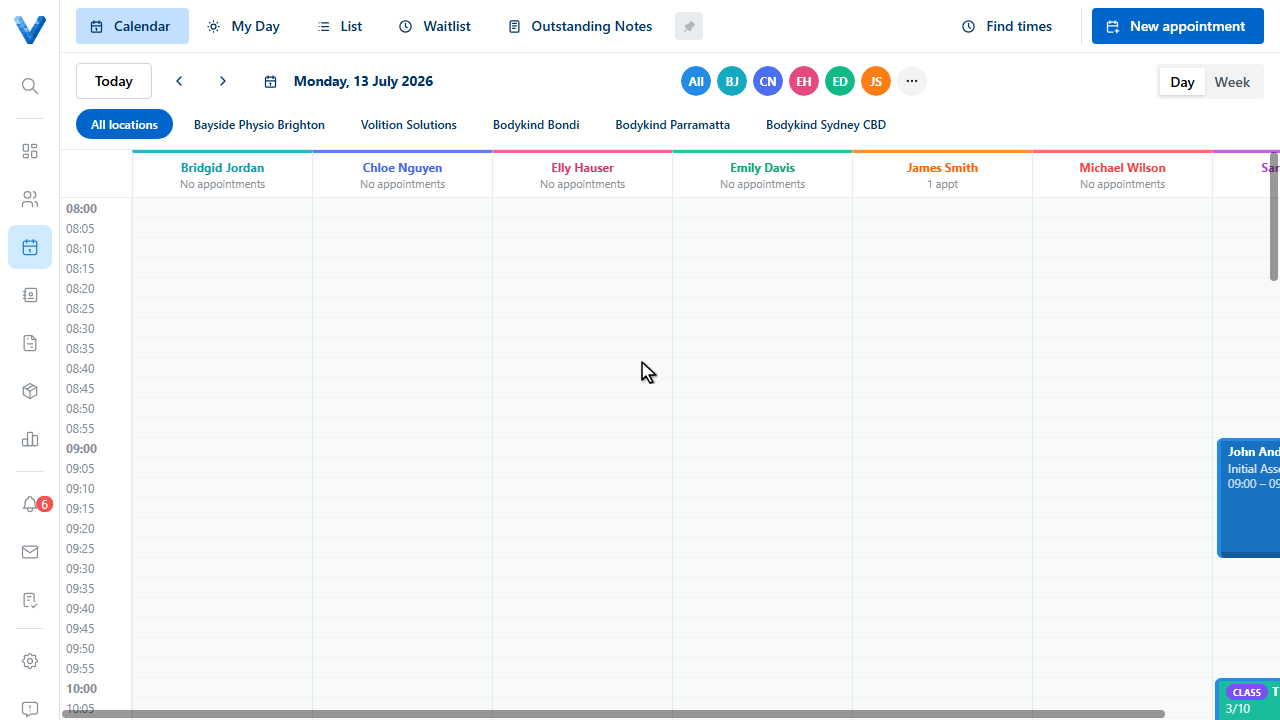
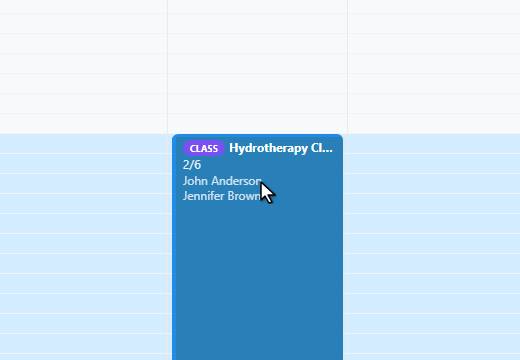
Every appointment moves through a simple status flow. Open the calendar and click an appointment to see it.
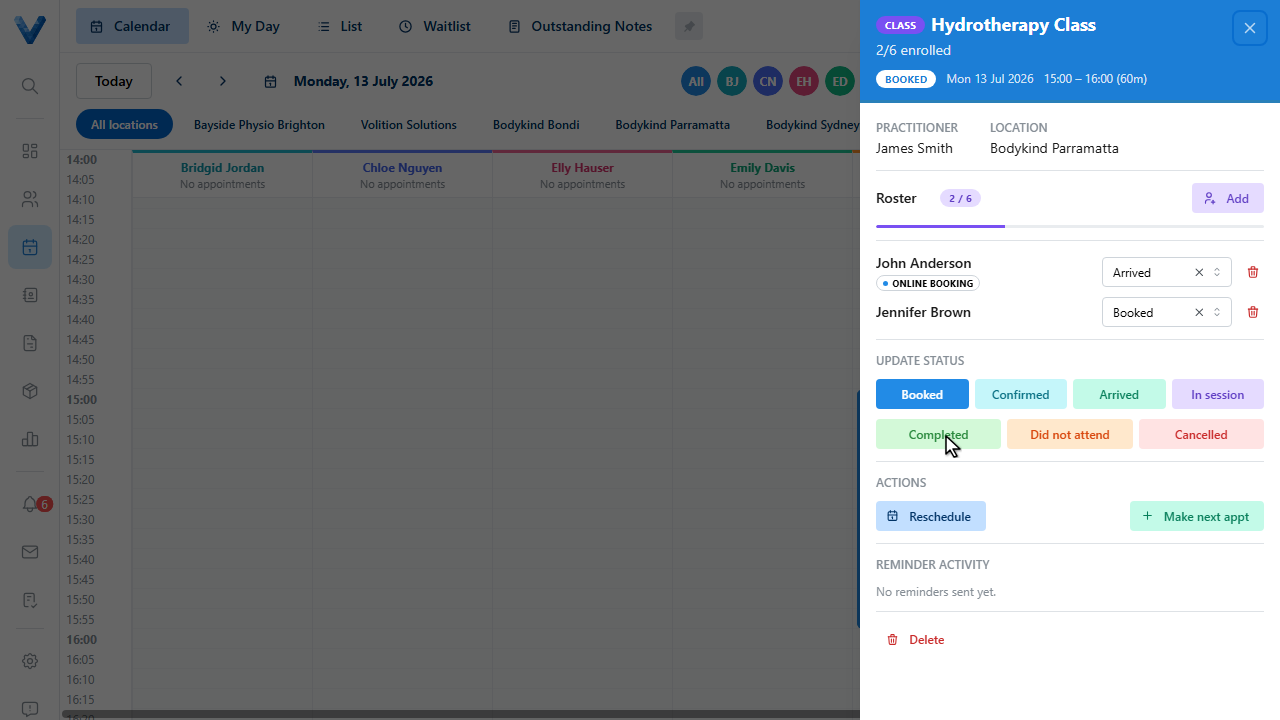
The Update Status row shows every stage. New bookings start as Booked.
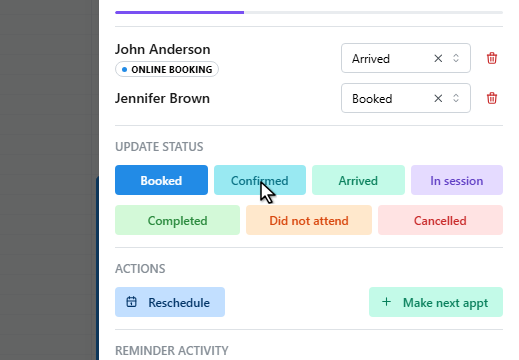
Mark it Confirmed when the patient confirms — reminders with confirmation links do this automatically.
When they walk in, click Arrived.
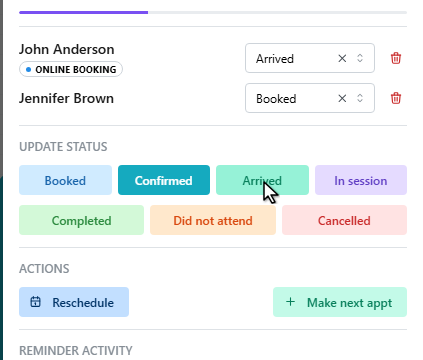
In session while they’re being treated.
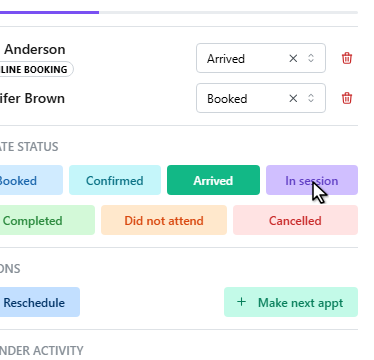
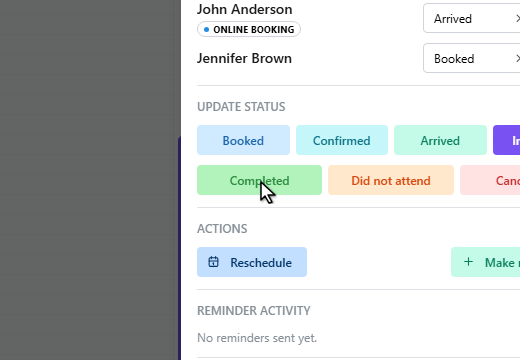
And Completed once they’re done. Use Did not attend for no shows, and Cancelled to cancel — the appointment stays on record either way.
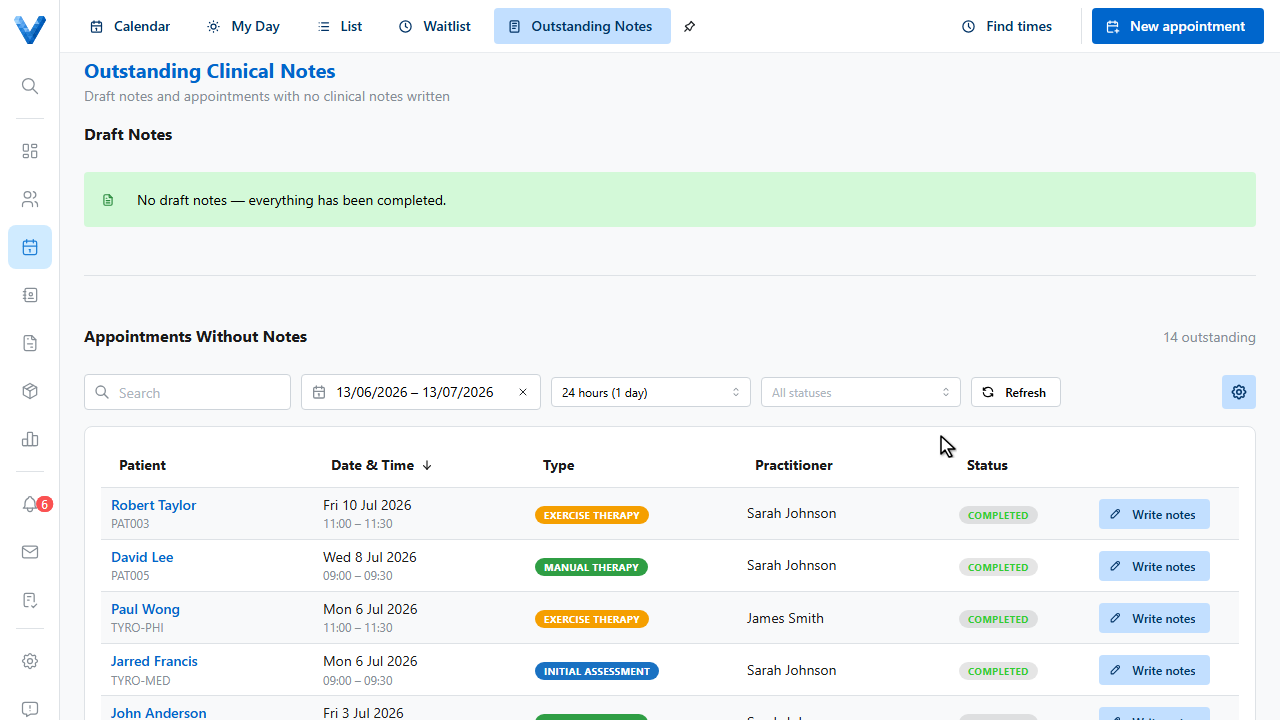
The Outstanding Notes tab is the practitioner’s worklist — it shows draft notes to finish and completed appointments that still have no clinical note.
Statuses are colour coded on the calendar, so the whole day’s state is visible at a glance.
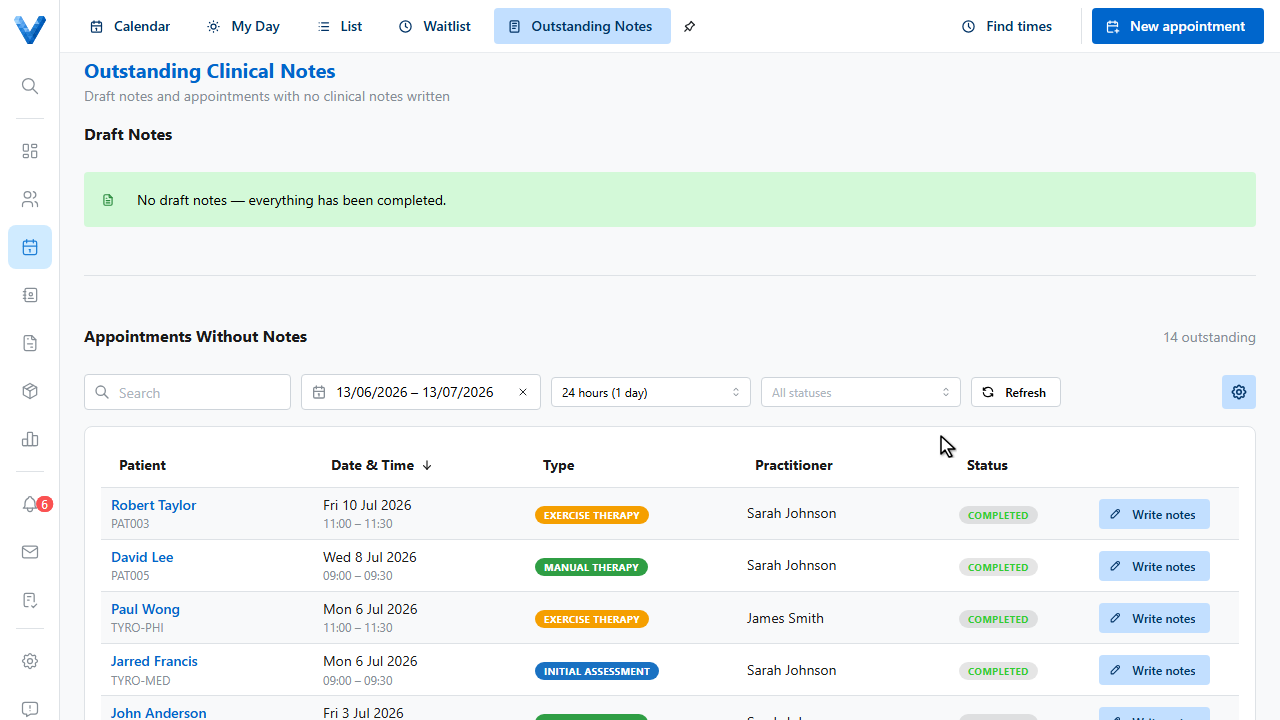
The Outstanding Notes page has a grace period filter, so practitioners aren’t nagged about notes for appointments that finished minutes ago — set it to the window that suits your practice.