 Volition
1
The movements library holds your reusable exercises. Find it under the Patients section, in the Library group.
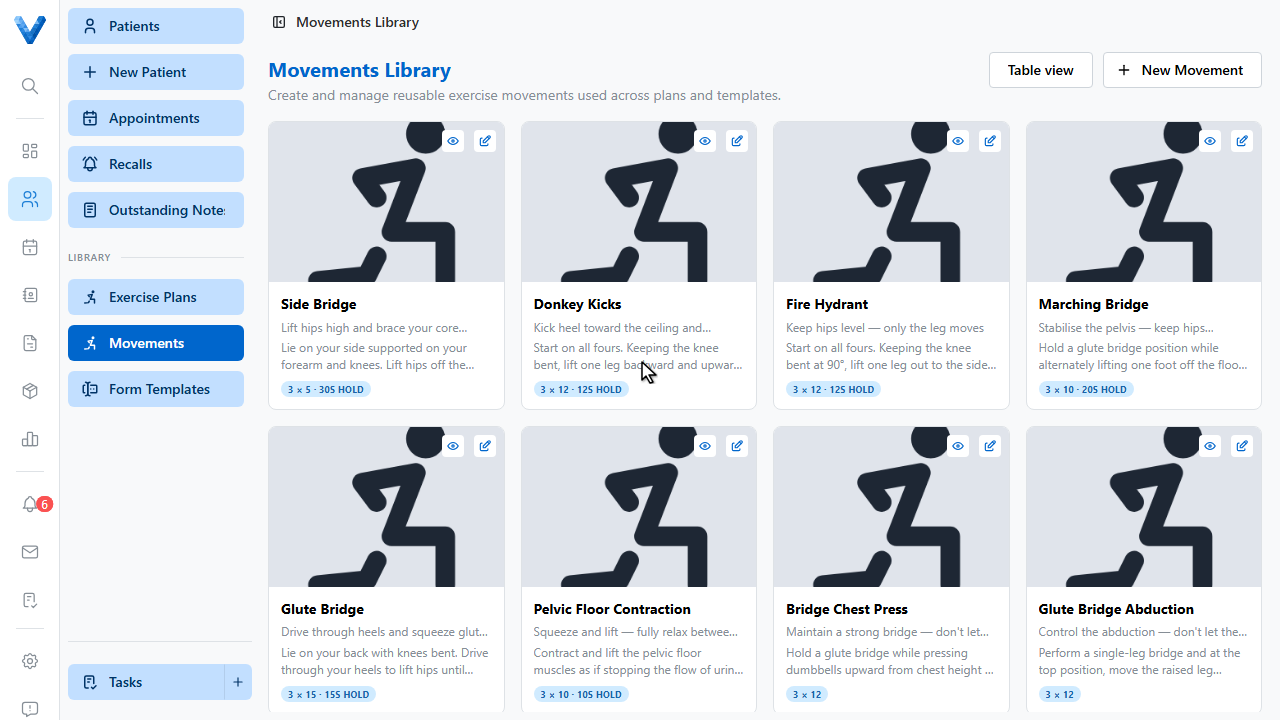
2
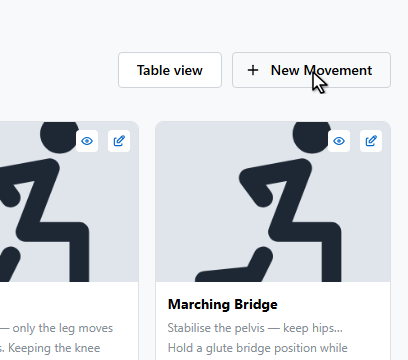
Click New Movement.
3
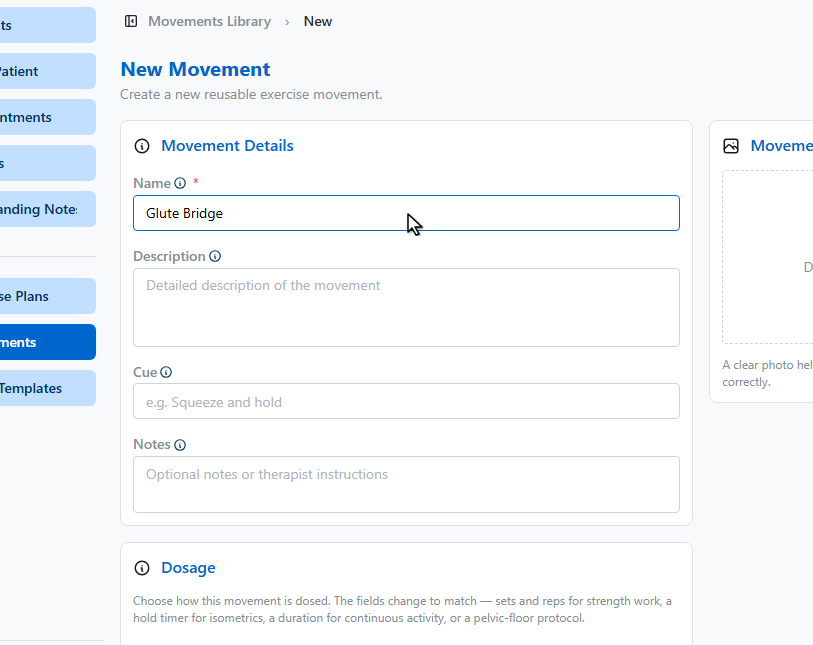
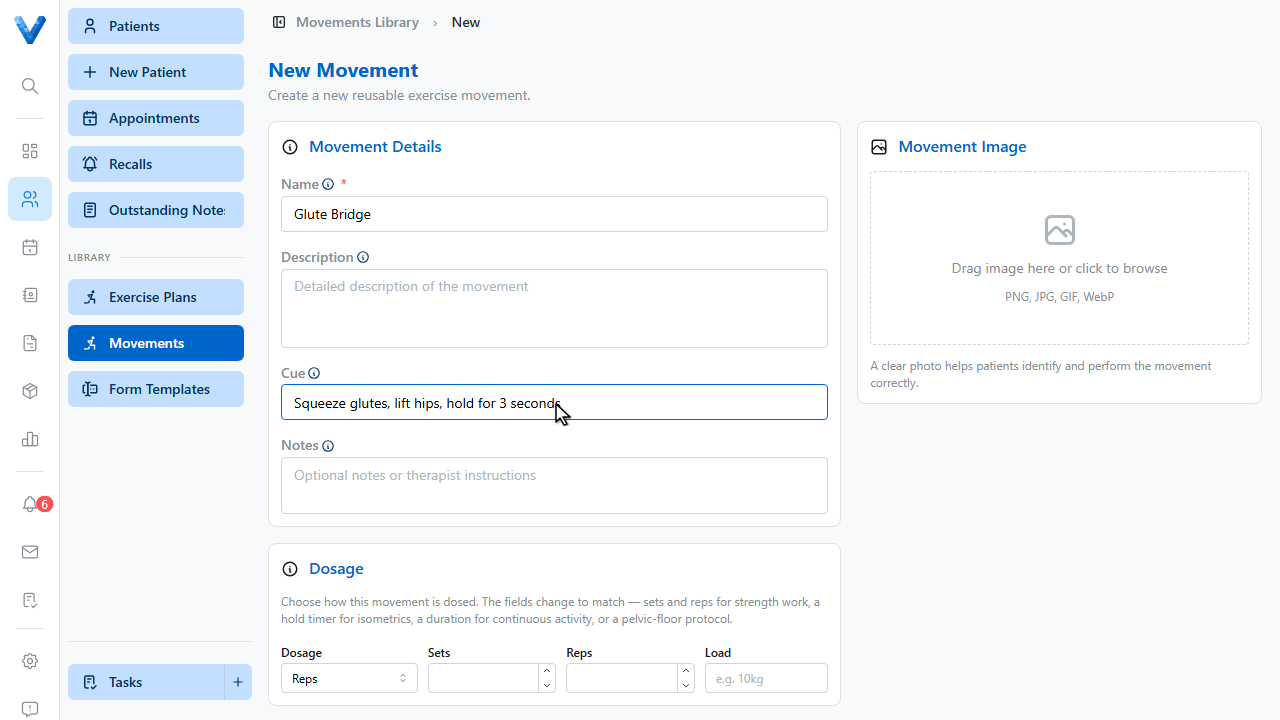
Name the movement.
4
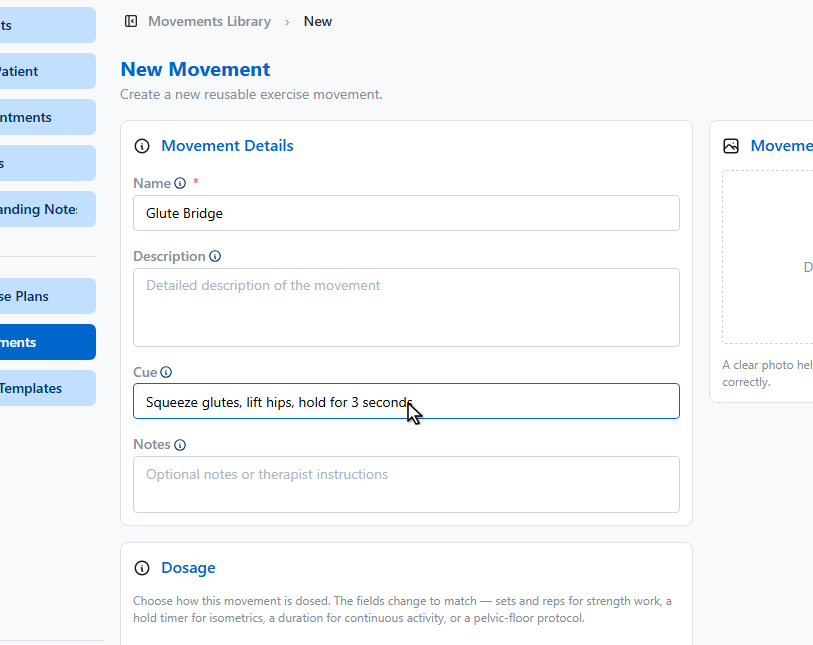
Add the coaching cue patients see with the exercise.
5
Set the default dosage — sets, reps, and holds — and drop in a demonstration image.
6
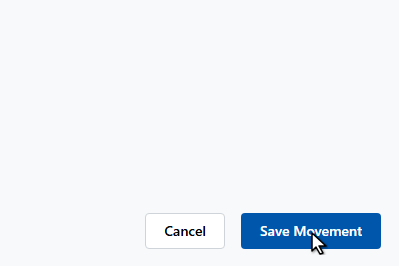
Click Save Movement.
7
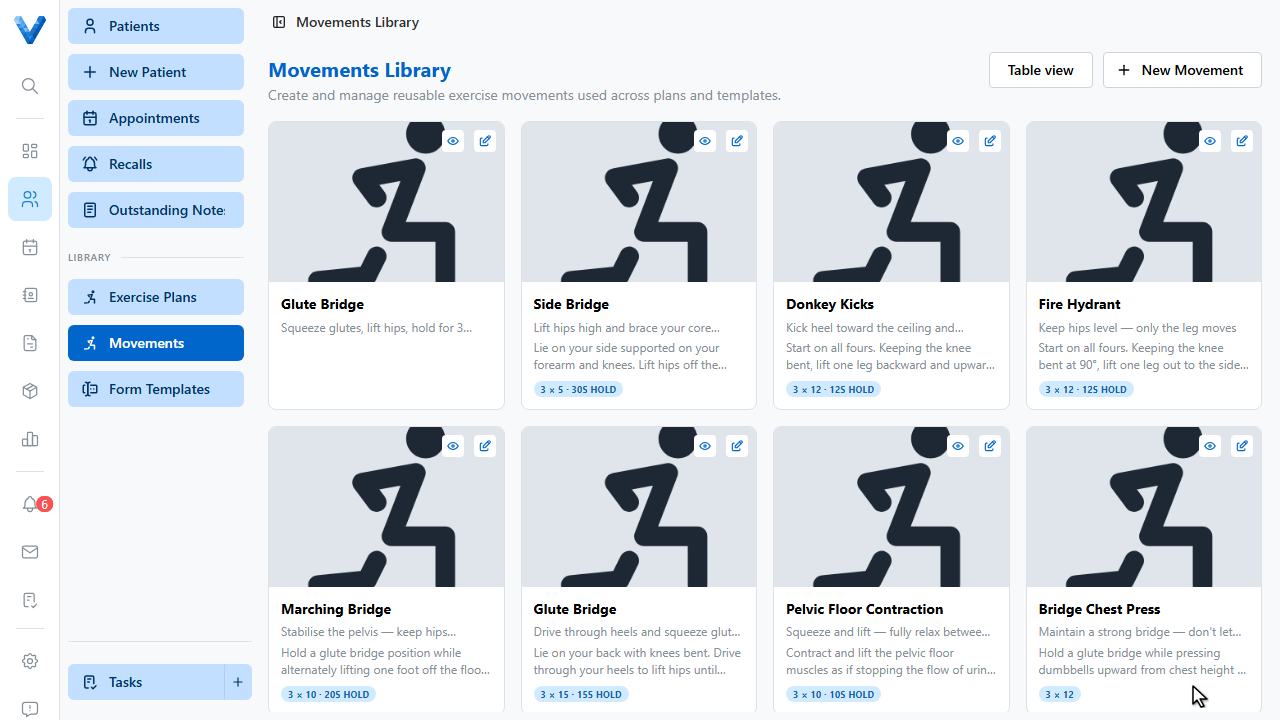
The movement is in the library. When assigning an exercise plan, add it from the library panel and the dosage, cue, and image come with it — and Exercise Plans templates let you save whole programs the same way.
Images matter
Patients follow the pictures more than the text — add a clear demonstration image to every movement. AI-suggested movements without an image are flagged so you can fill the gaps.