 Volition
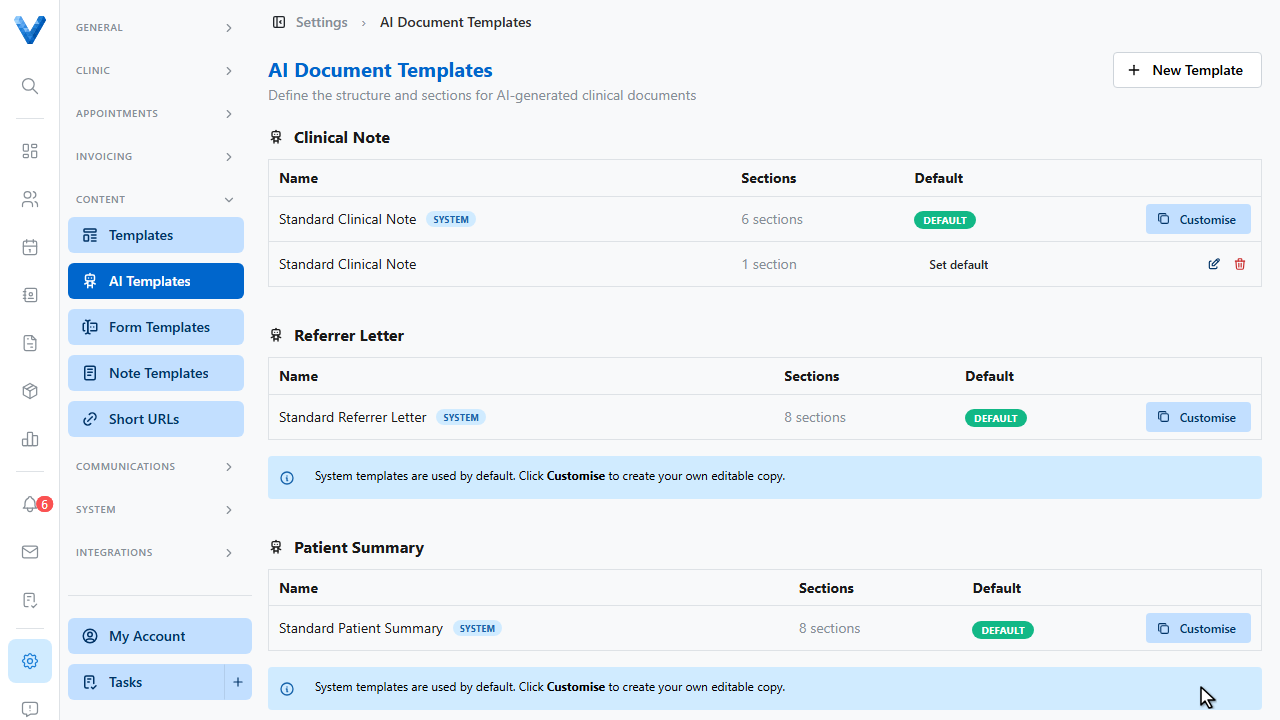
AI Templates control what the AI session pipeline produces — the sections and structure of generated clinical notes, referrer letters, and patient summaries. Go to Settings, AI Templates.
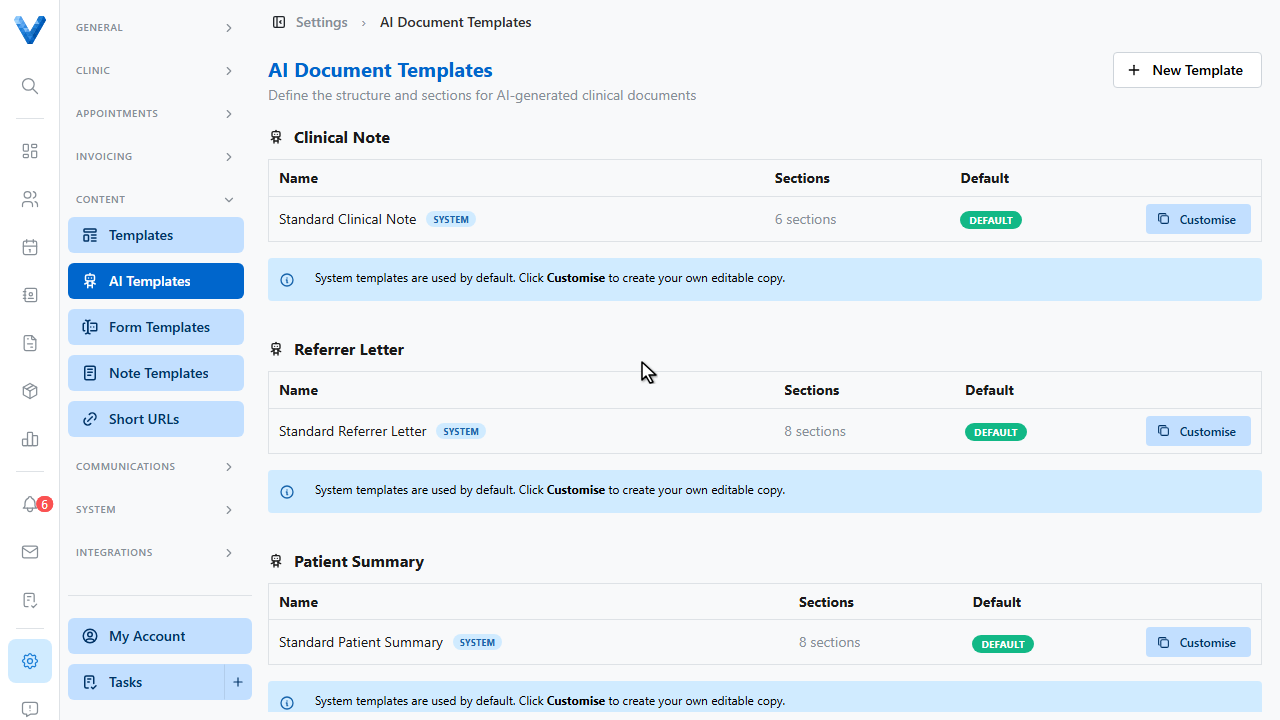
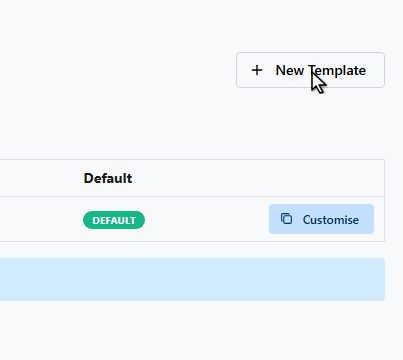
System templates ship built in, grouped by document type. Customise one, or start fresh with New Template.
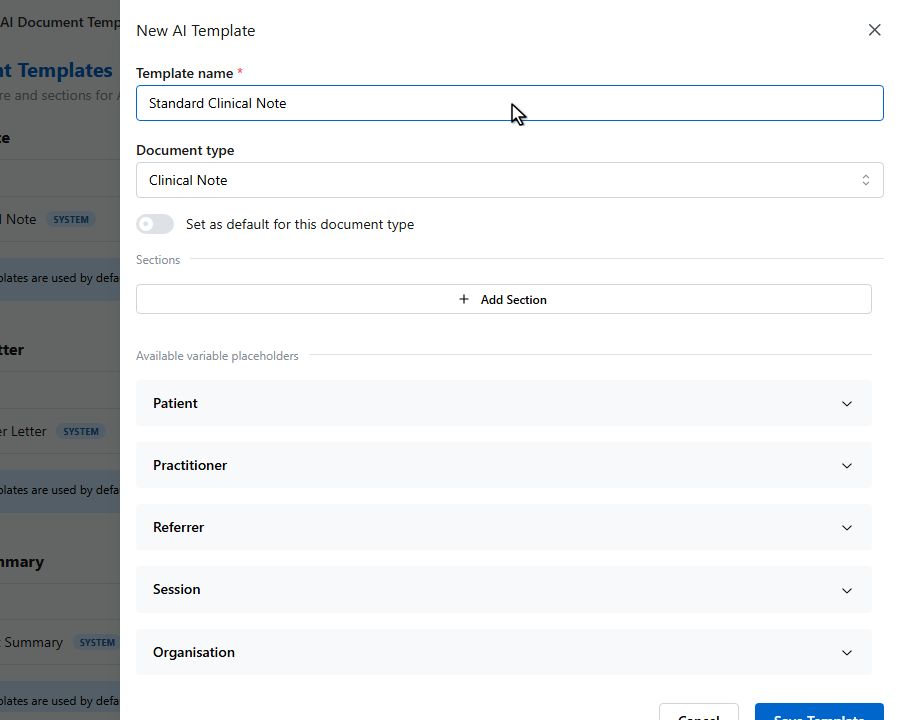
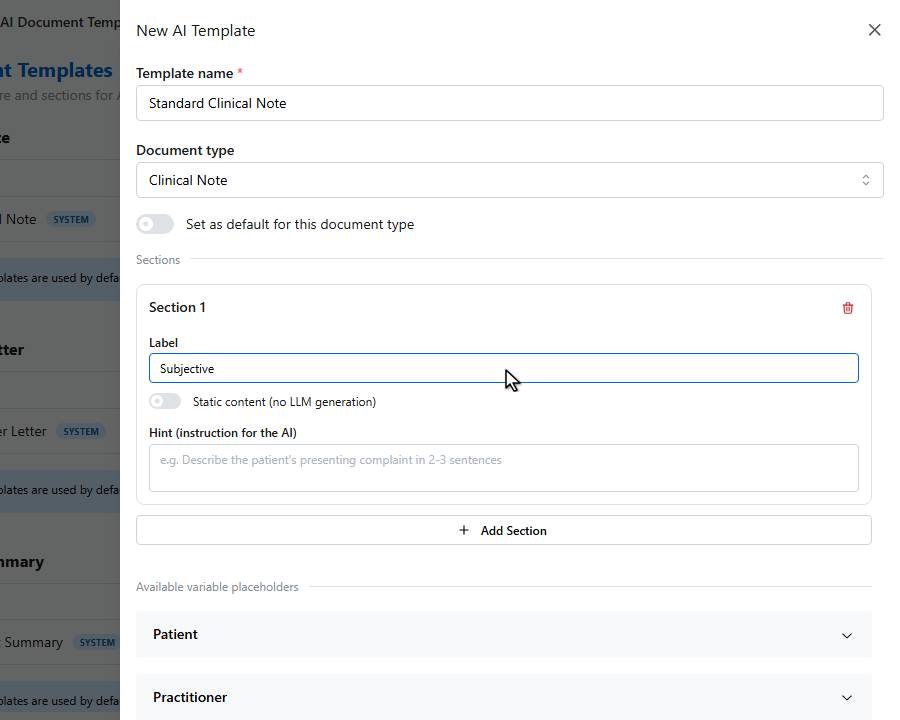
Name the template and pick which document type it generates.
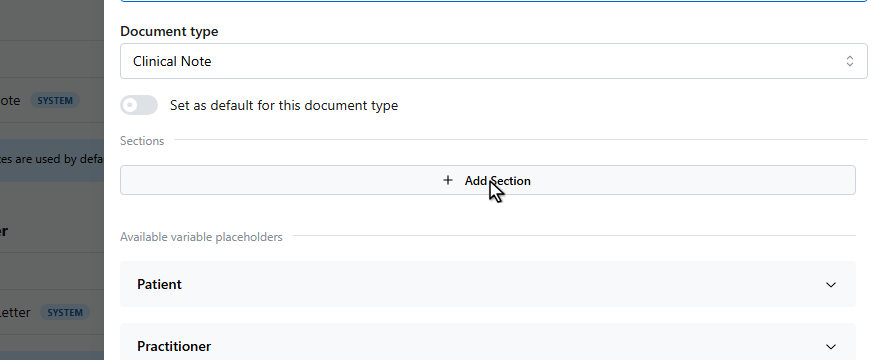
Each section has a label and a hint — the instruction the AI follows when writing that section. Sections can also be static content that’s inserted verbatim, with variable placeholders.
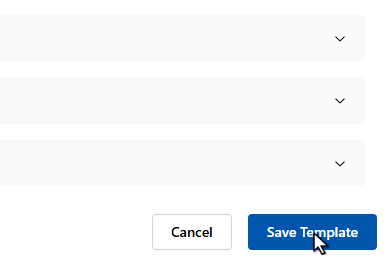
Click Save Template.
Set a template as the default for its document type, and every AI session picks it up — or choose per session on the AI documentation page.
Section hints are instructions to the AI — the more specific (“2-3 sentences on objective findings, include ROM measurements”), the more consistent the drafts.