 Volition
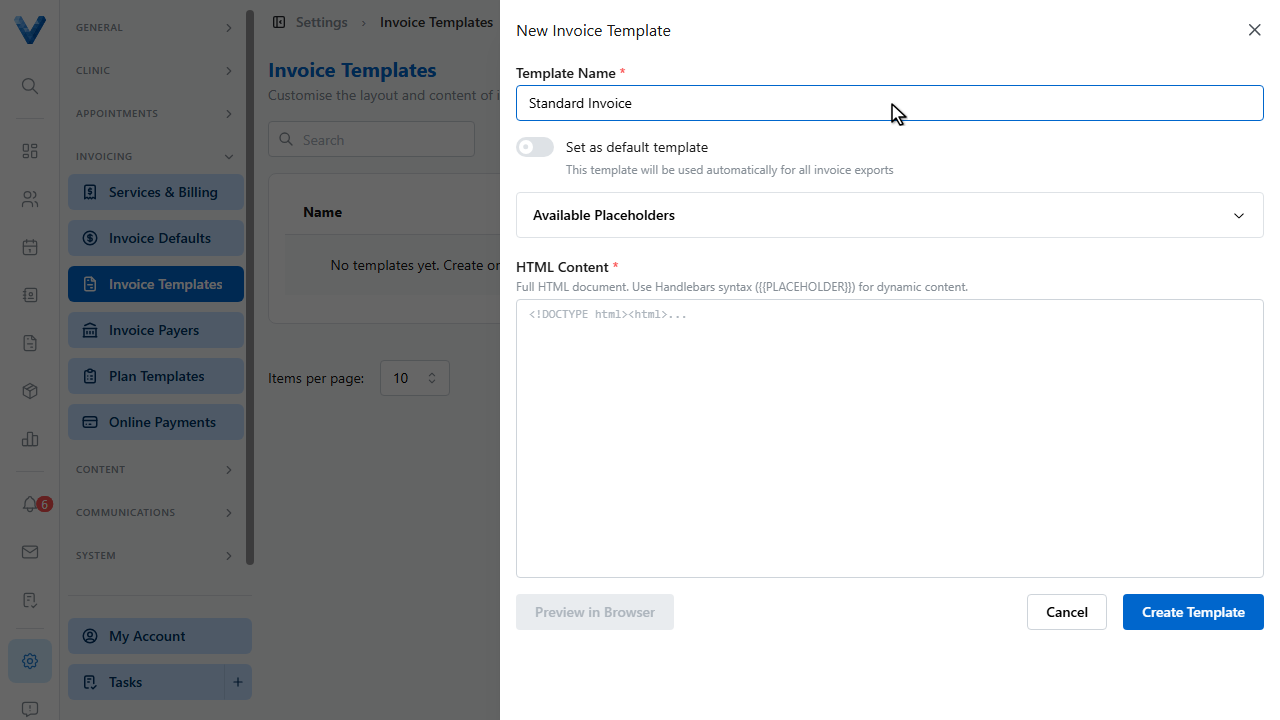
Invoice templates control the exact layout of the P.D.F. invoices patients receive. Go to Settings, Invoice Templates.
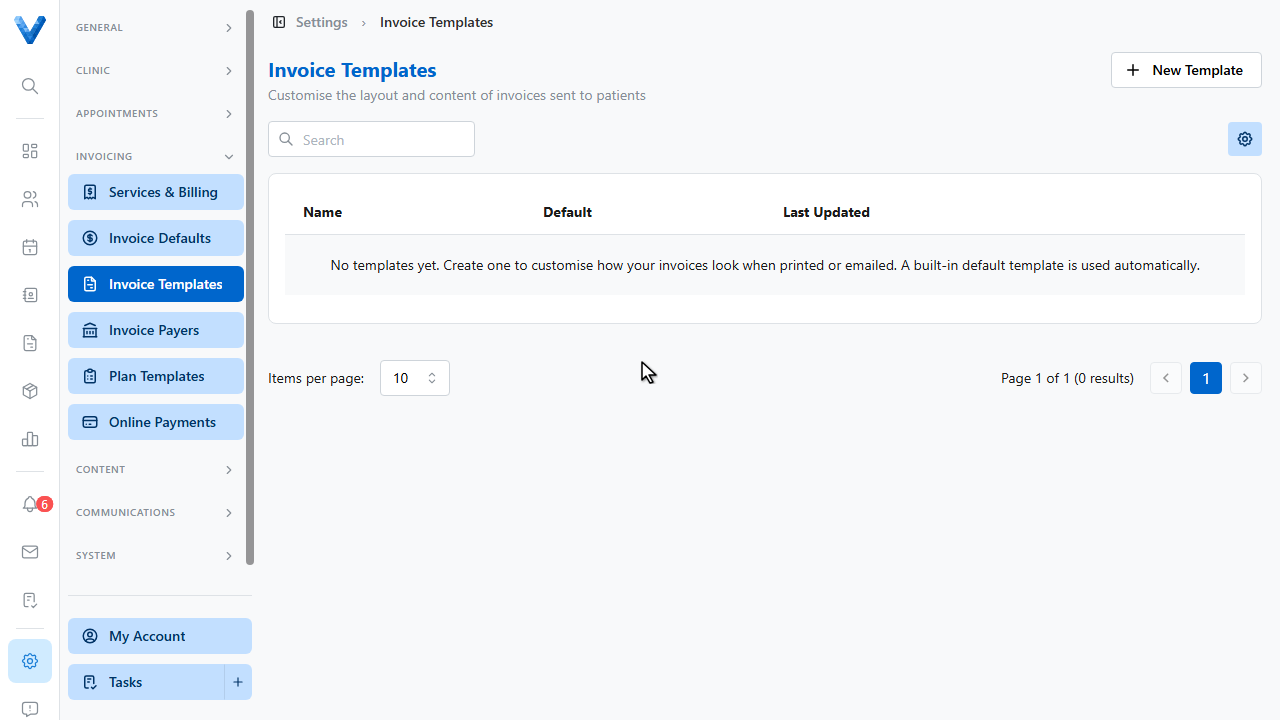
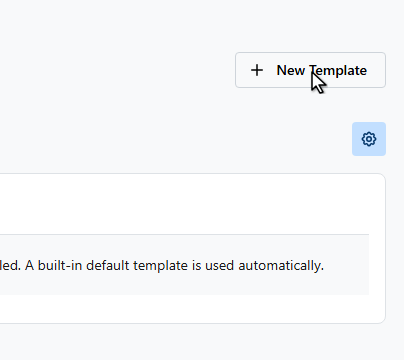
Click New Template.
Name the template.
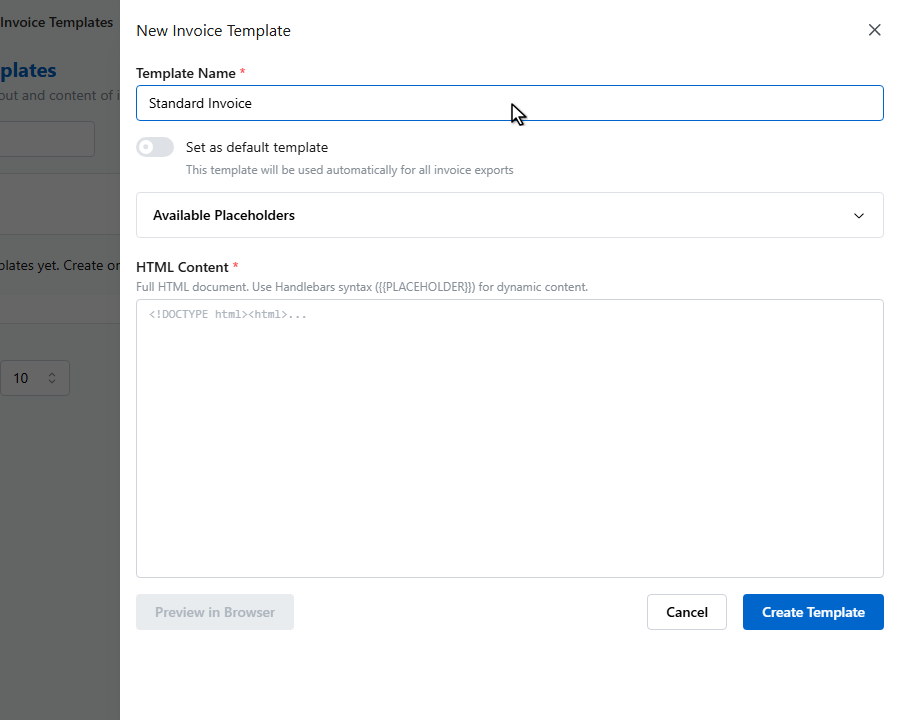
The template is full H.T.M.L., with placeholders for every invoice detail — patient name, line items, totals, your bank details, and branding. The Available Placeholders panel lists them all with copy buttons.
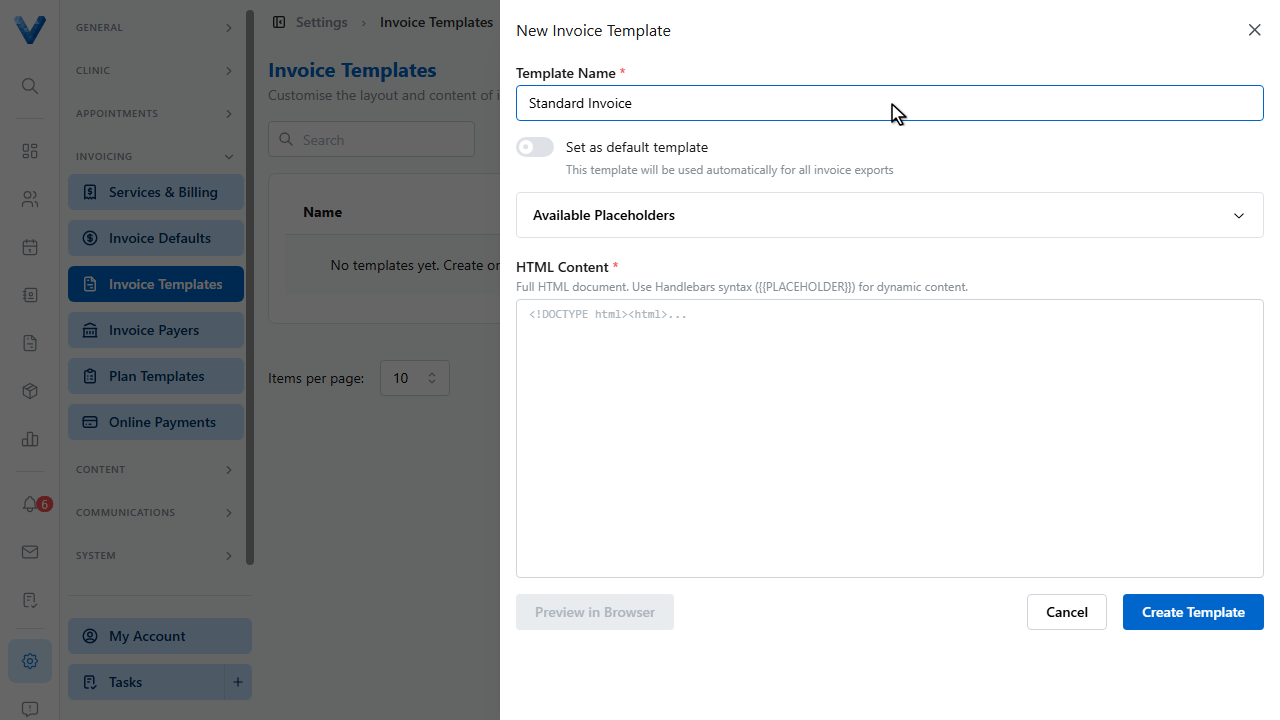
Preview in Browser renders the template with sample data as you work.
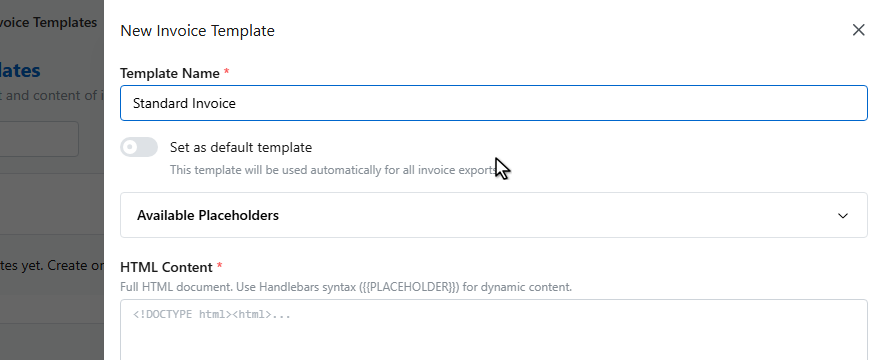
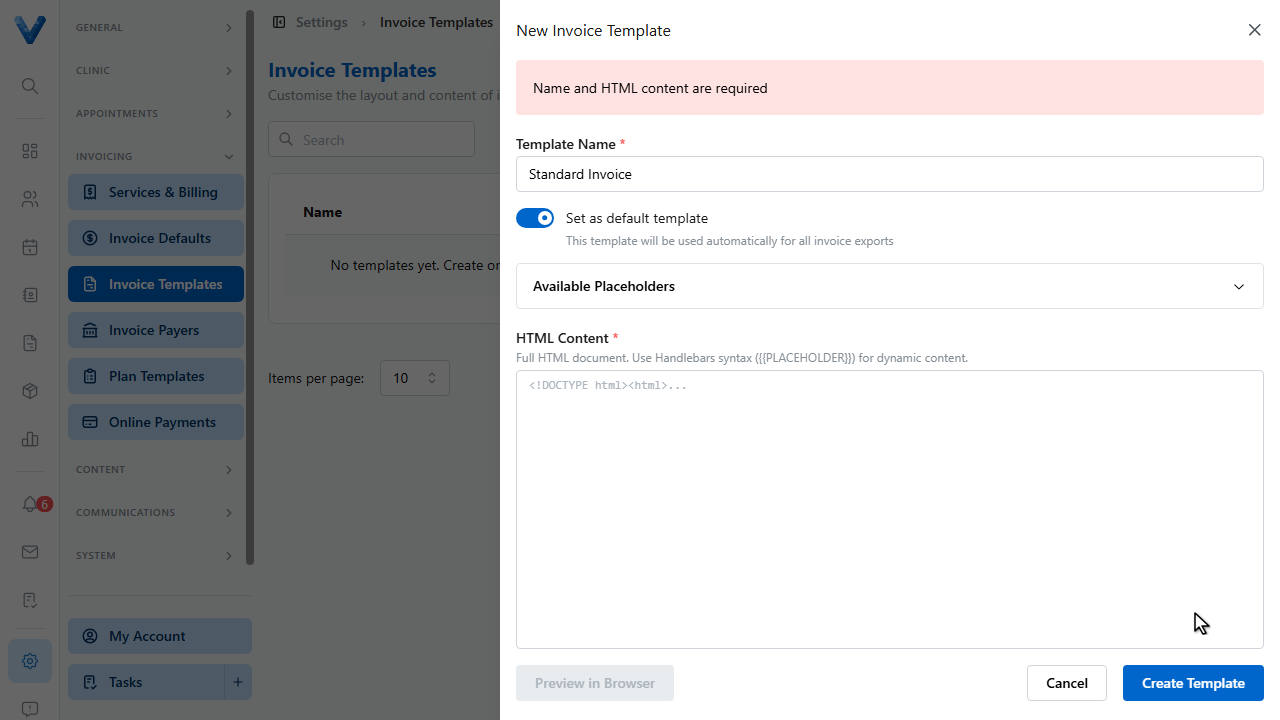
Switch on Set as default template to use it for every invoice.
Click Create Template.
Emailed and downloaded invoices now use your layout. Most practices only ever adjust the default template — but you can keep several and switch the default any time.
The built-in layout already includes your logo, colours, bank details, and footer from Invoice Defaults and Branding — custom templates are for when you need a fully bespoke layout.