 Volition
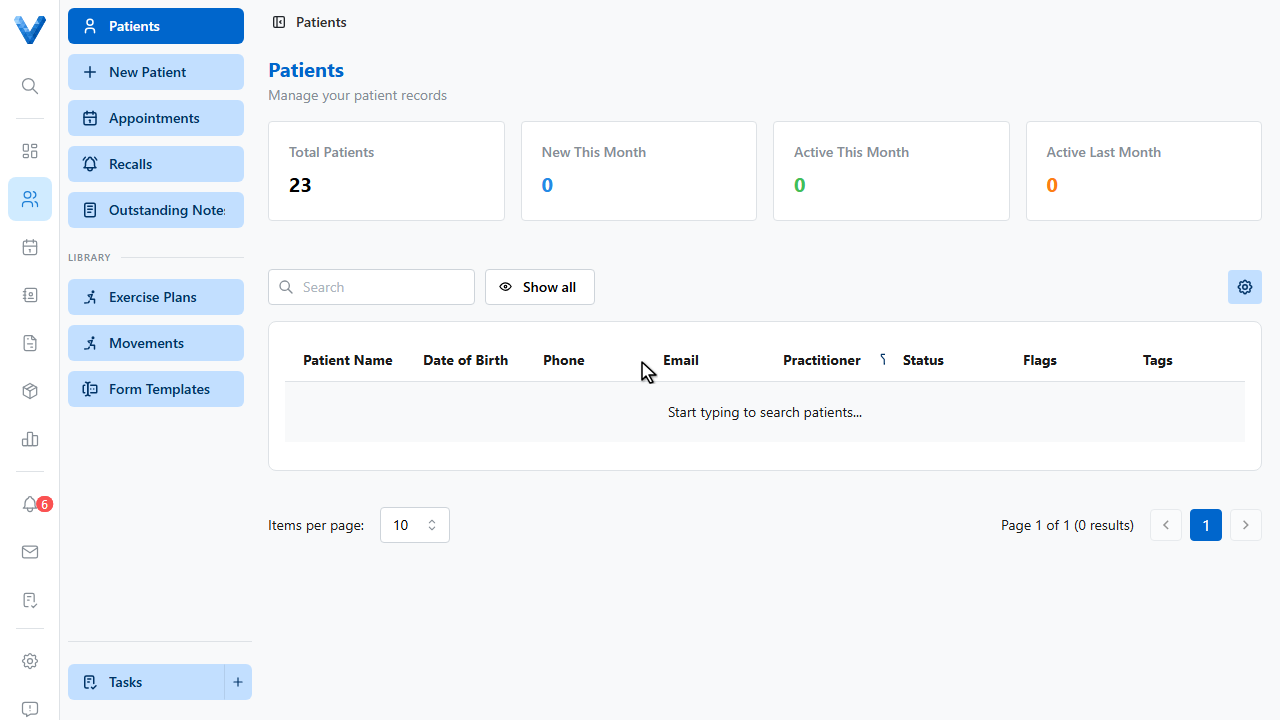
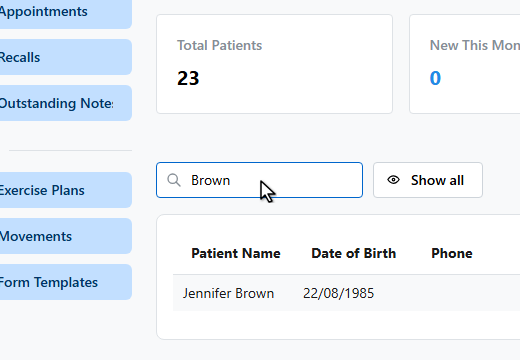
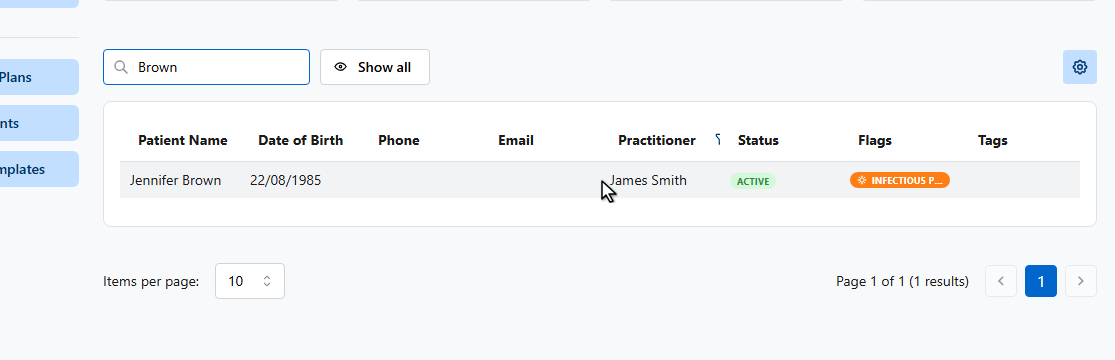
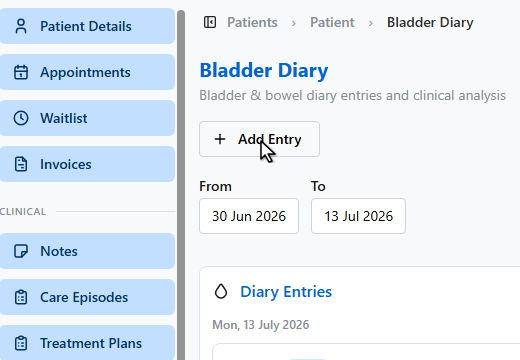
For pelvic health patients, the bladder diary turns raw entries into clinical numbers. Open the patient and go to Bladder Diary.
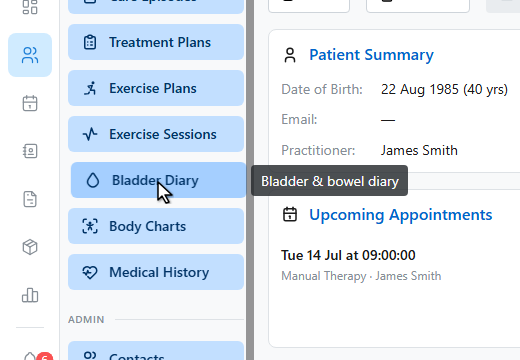
Click Add Entry.
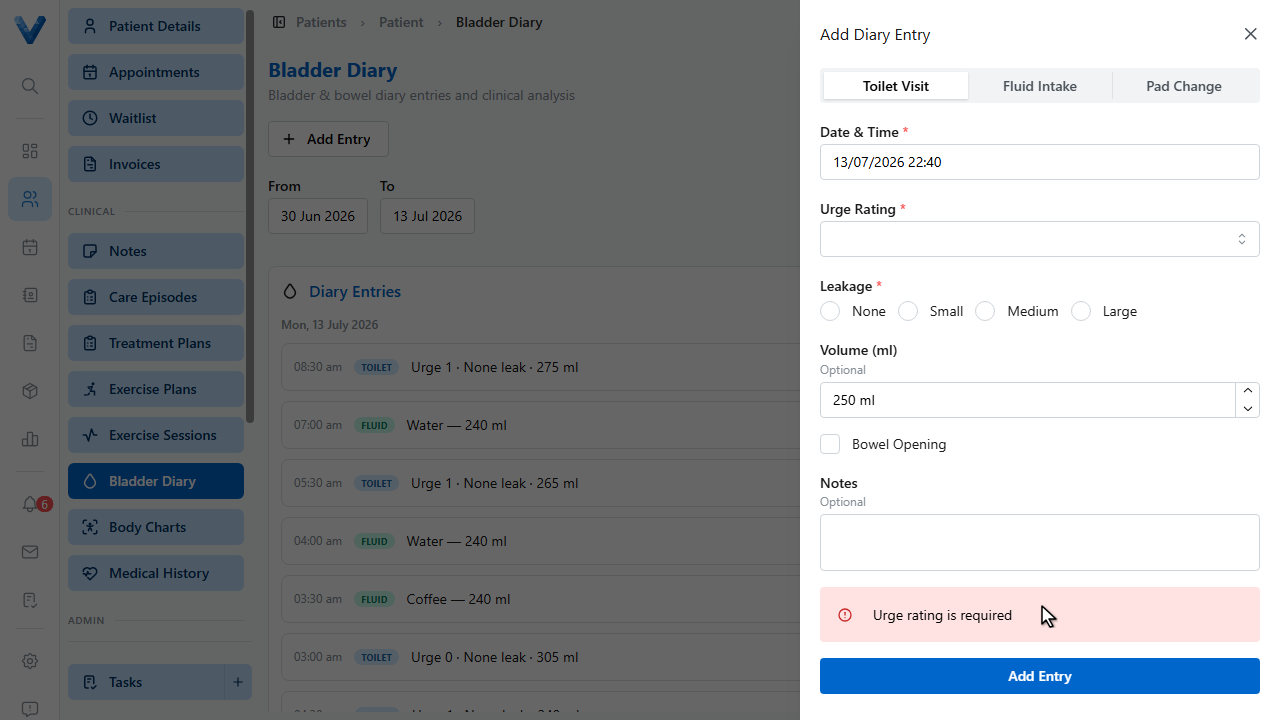
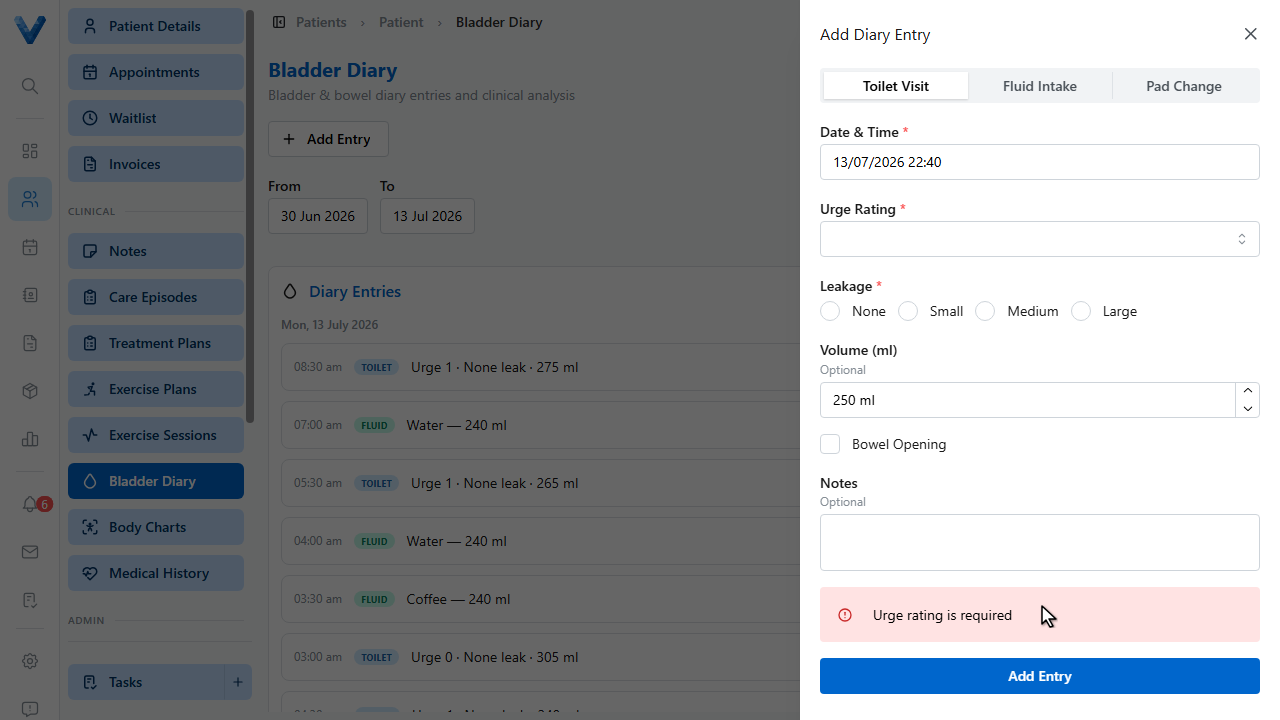
Entries are toilet visits, fluid intake, or pad changes. For a toilet visit, record the urge rating, any leakage, and the voided volume.
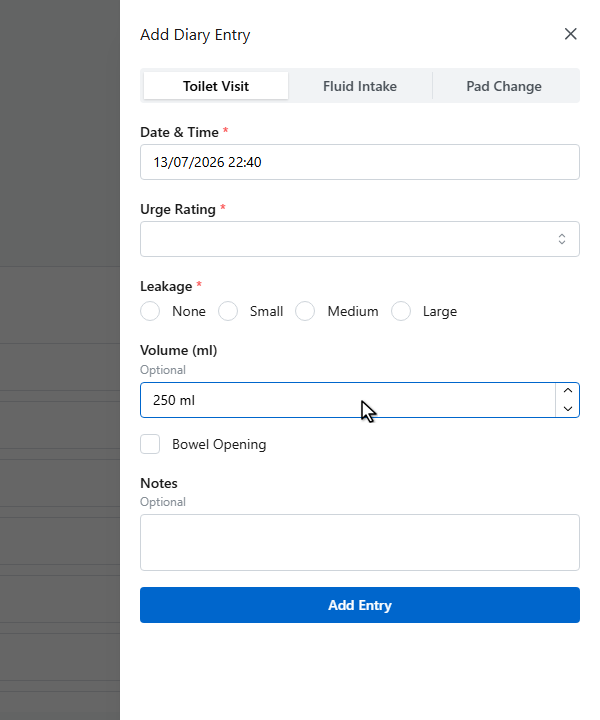
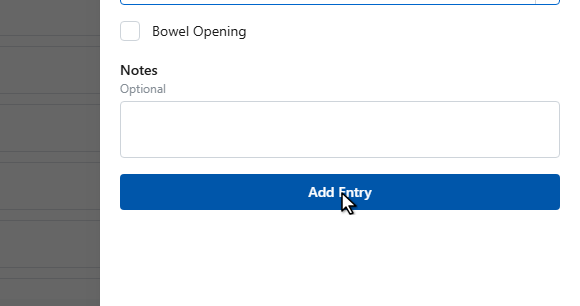
Click Add Entry to save it.
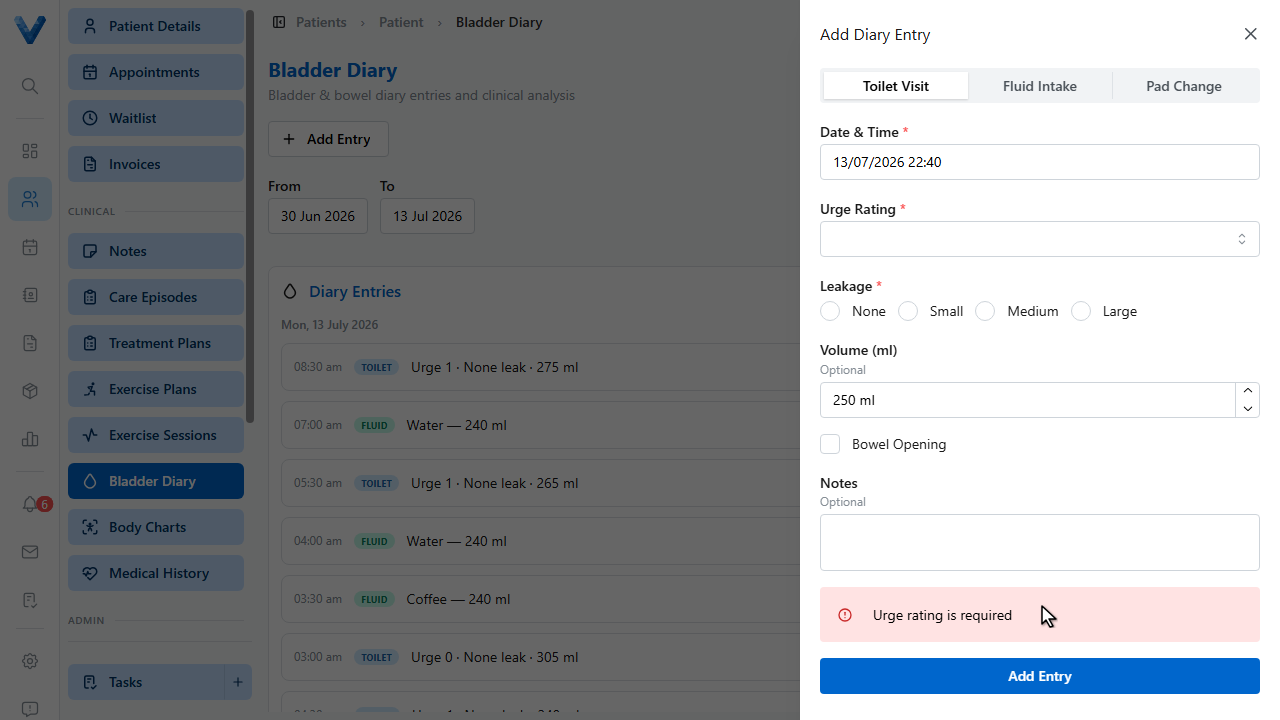
Entries group by day. Patients can keep the diary themselves through the patient portal, and it lands here automatically.
The Clinical Analysis section does the arithmetic for you — day and night voids, nocturnal polyuria index, fluid intake, urge distribution, and clinical flags when values cross thresholds like polyuria or nocturia.
Use the date filters to analyse any period — for instance the three day diary before a review.
Through the patient portal, patients keep the diary themselves between visits and entries land here automatically — the analysis is ready before they arrive.