 Volition
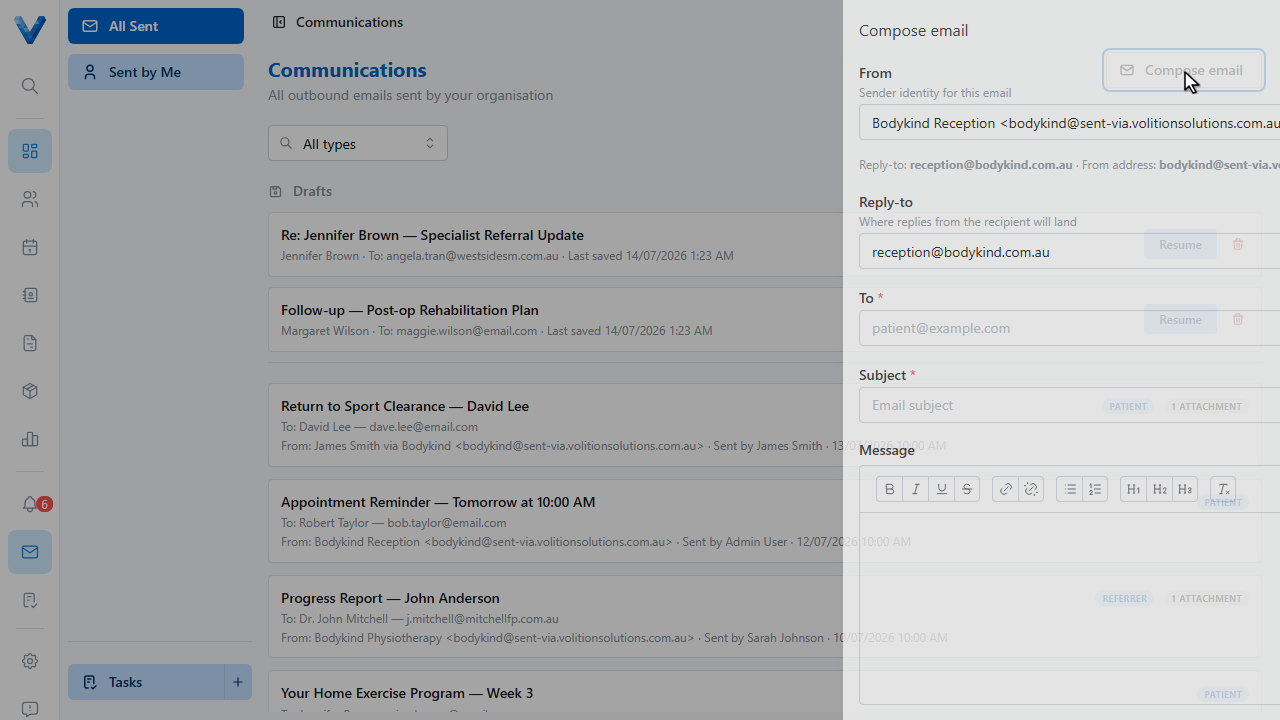
Click Communications in the main navigation. Every outbound email your organisation sends lands here — invoices, letters, forms, and reminders alike.
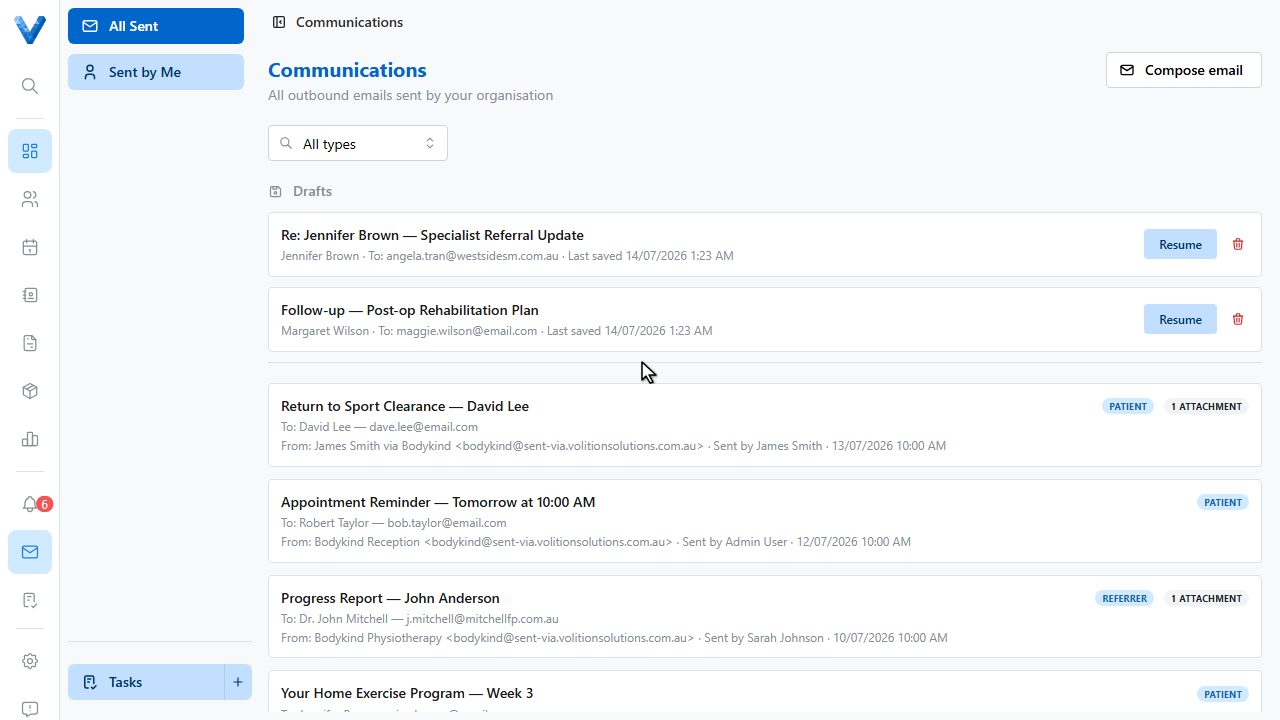
Each entry shows the subject, who it went to, who sent it, and any attachments. Click one to read the full email exactly as the patient received it.
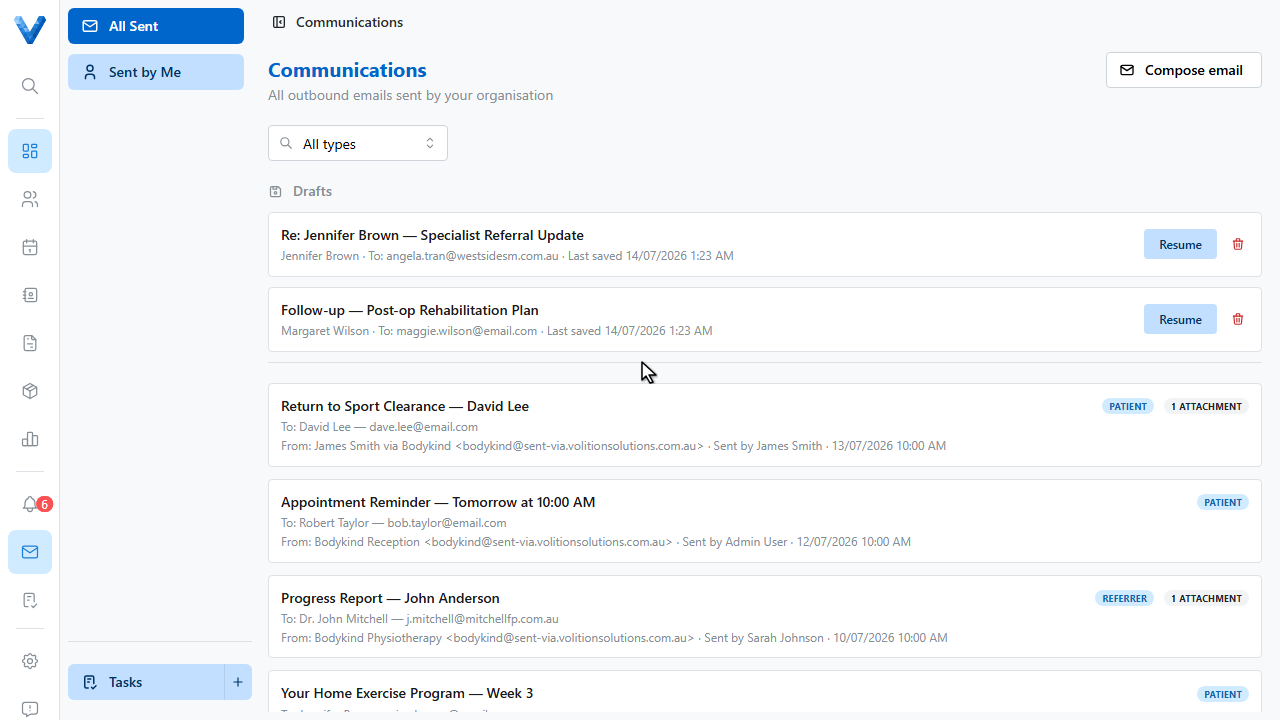
Filter by recipient type — patients, referrers, suppliers — or switch to Sent by Me in the sidebar to see just your own.
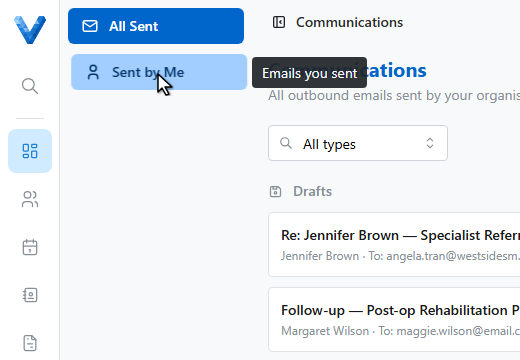
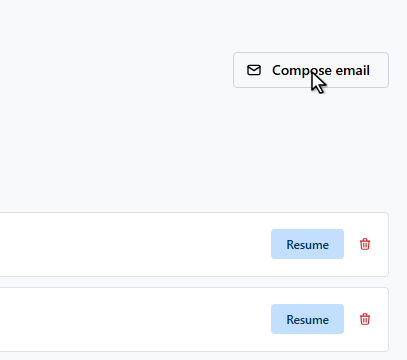
Unfinished emails appear under Drafts with a Resume button, so nothing half written gets lost.
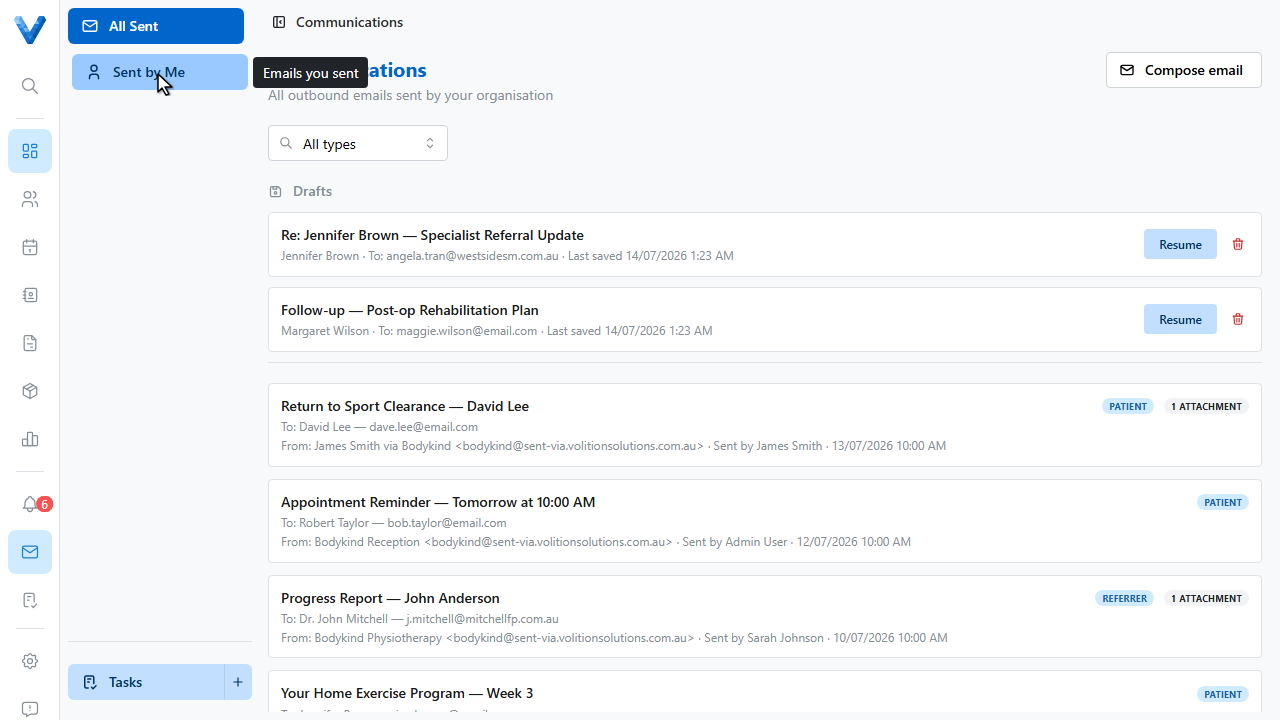
And Compose email starts a fresh message from here — for anything not tied to a specific patient record.
For patient specific letters with templates and record attachments, compose from the patient’s Communications page instead — it logs to both views.
Invoice emails, reminders, form invites, and letters all land here regardless of where they were sent from — this page plus the Data Exports audit log answer “what did we send this patient?” completely.