Volition
1
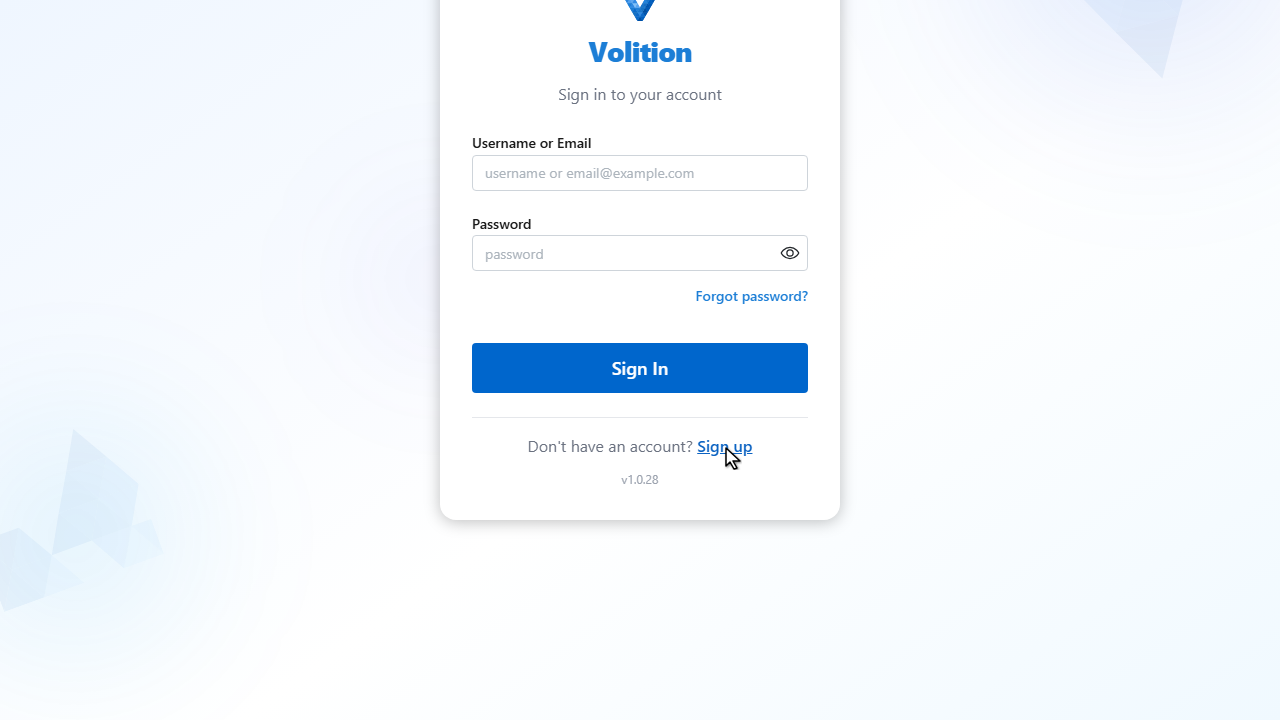
From the login page, click Sign up to create a new account.
2
3
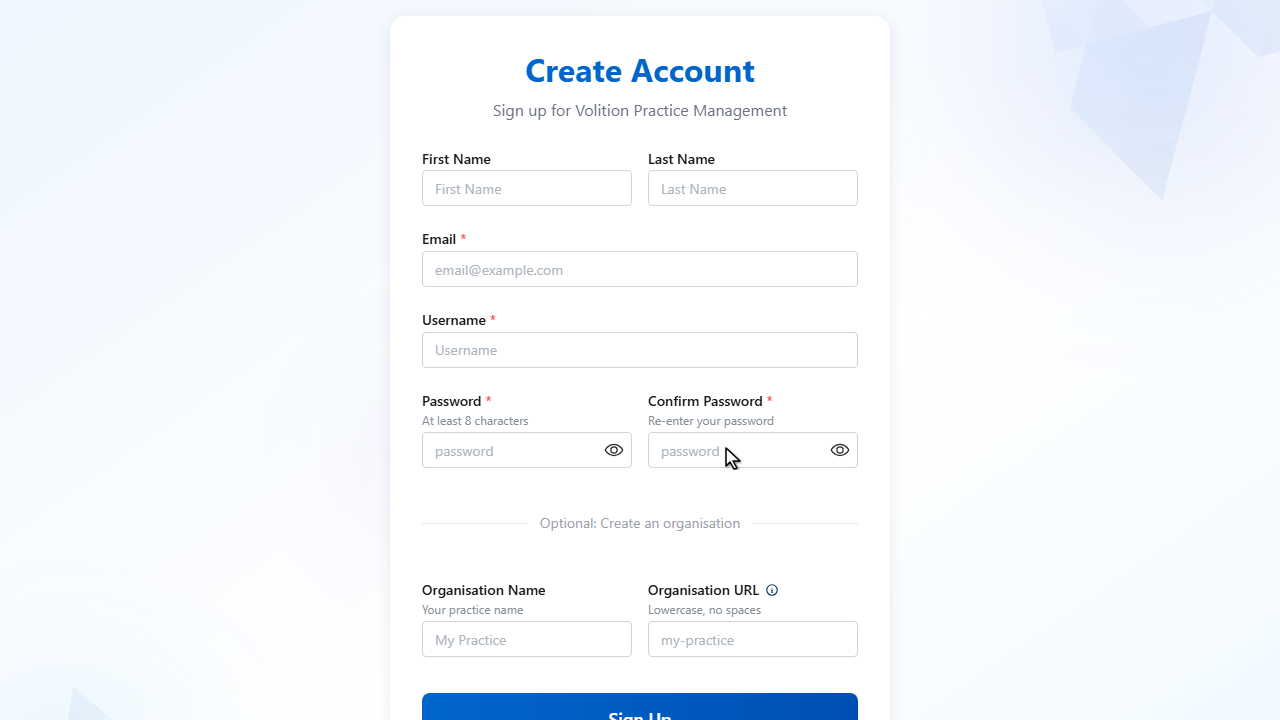
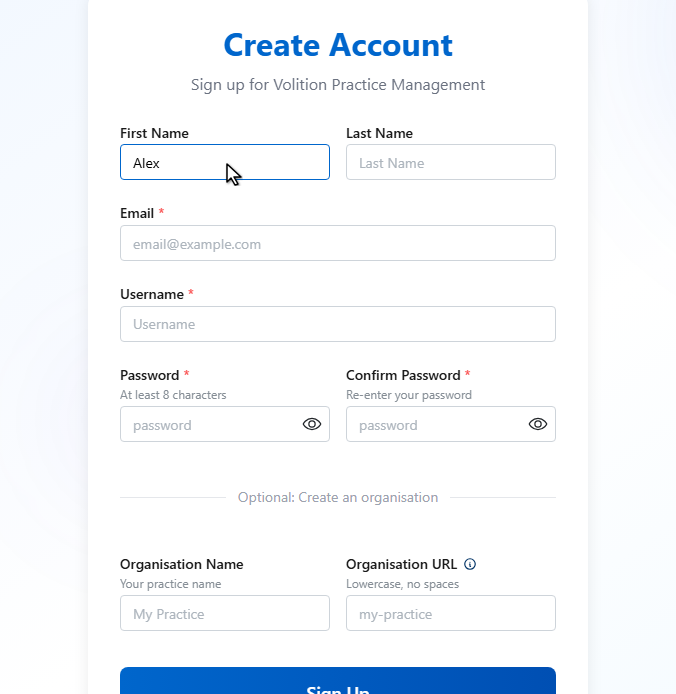
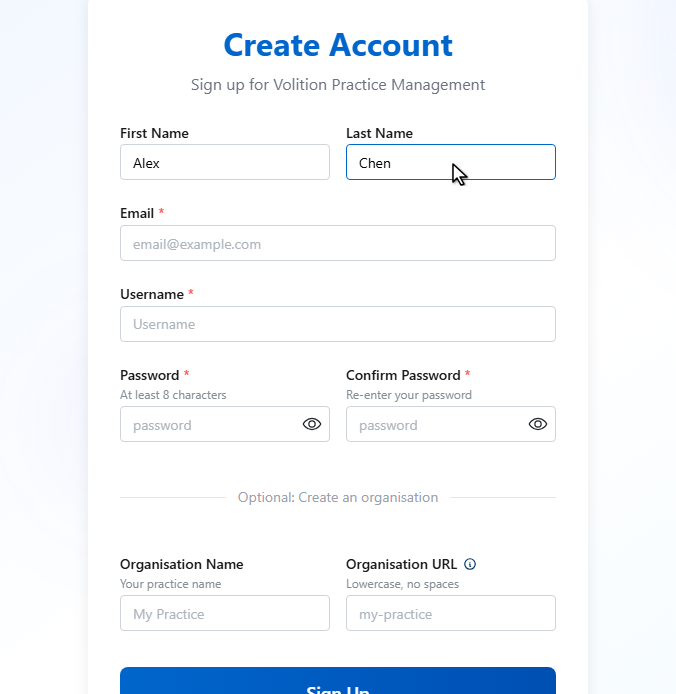
Enter your first name.
4
Then your last name.
5
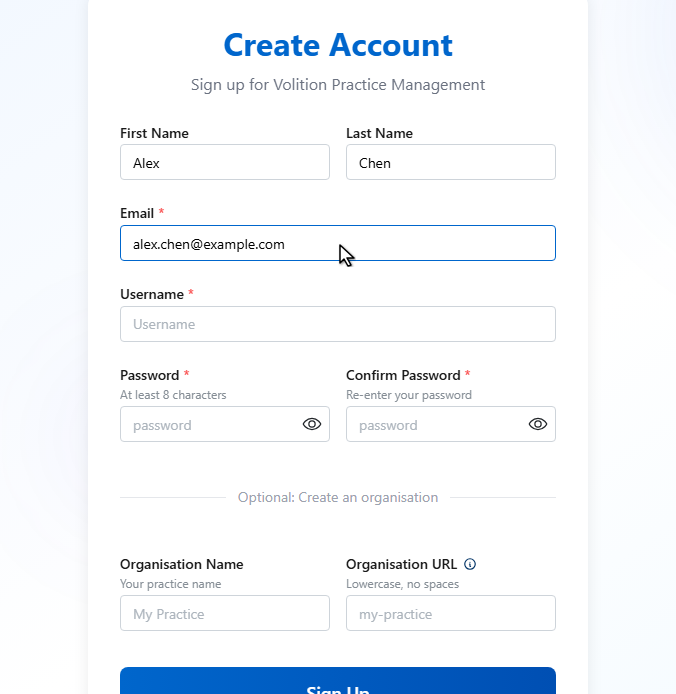
Enter your email address. You’ll use this to sign in and to receive important notifications.
6
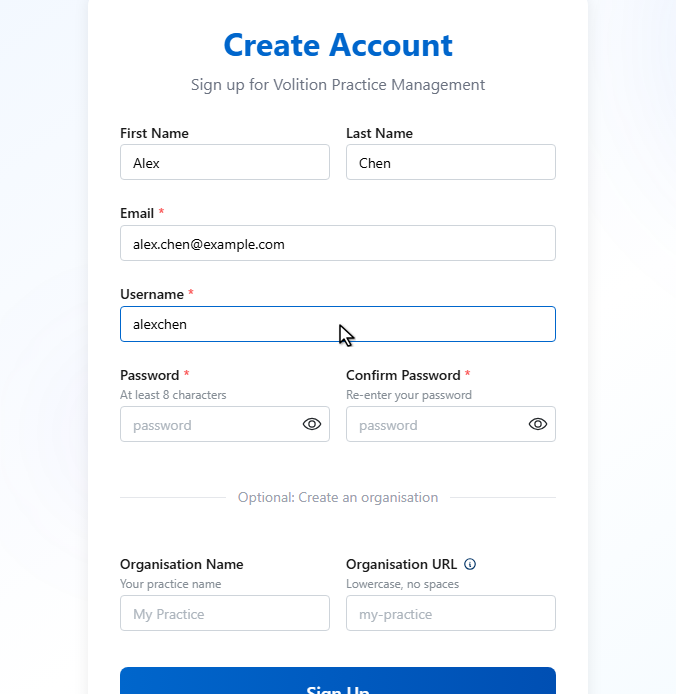
Choose a username. This is what other staff in your practice will see.
7
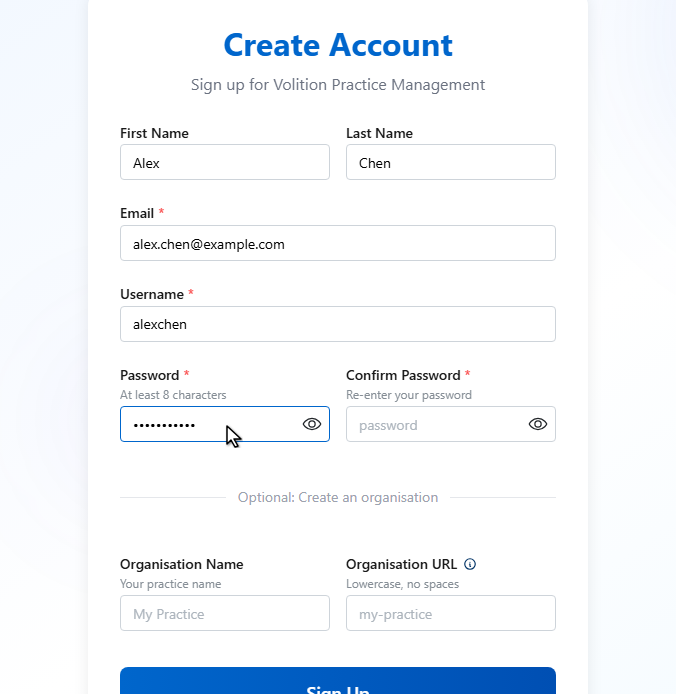
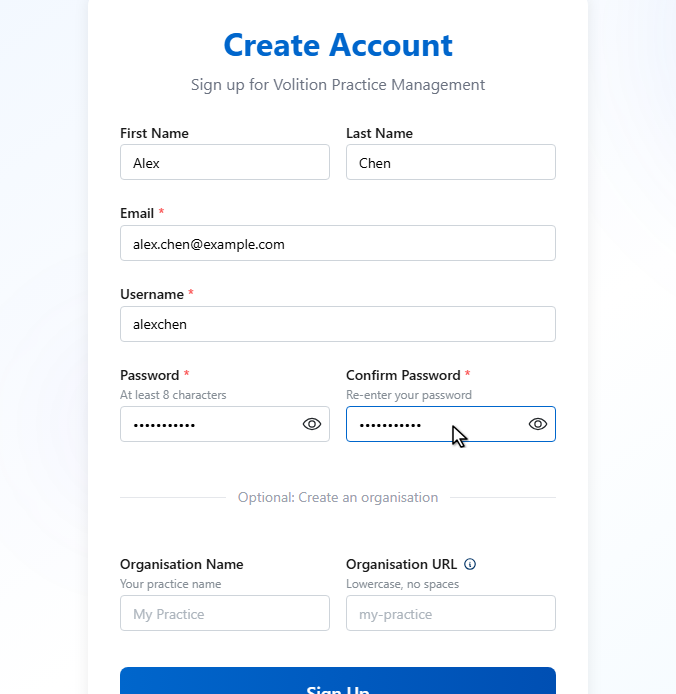
Pick a strong password — at least eight characters.
8
Confirm your password by entering it again.
9
10
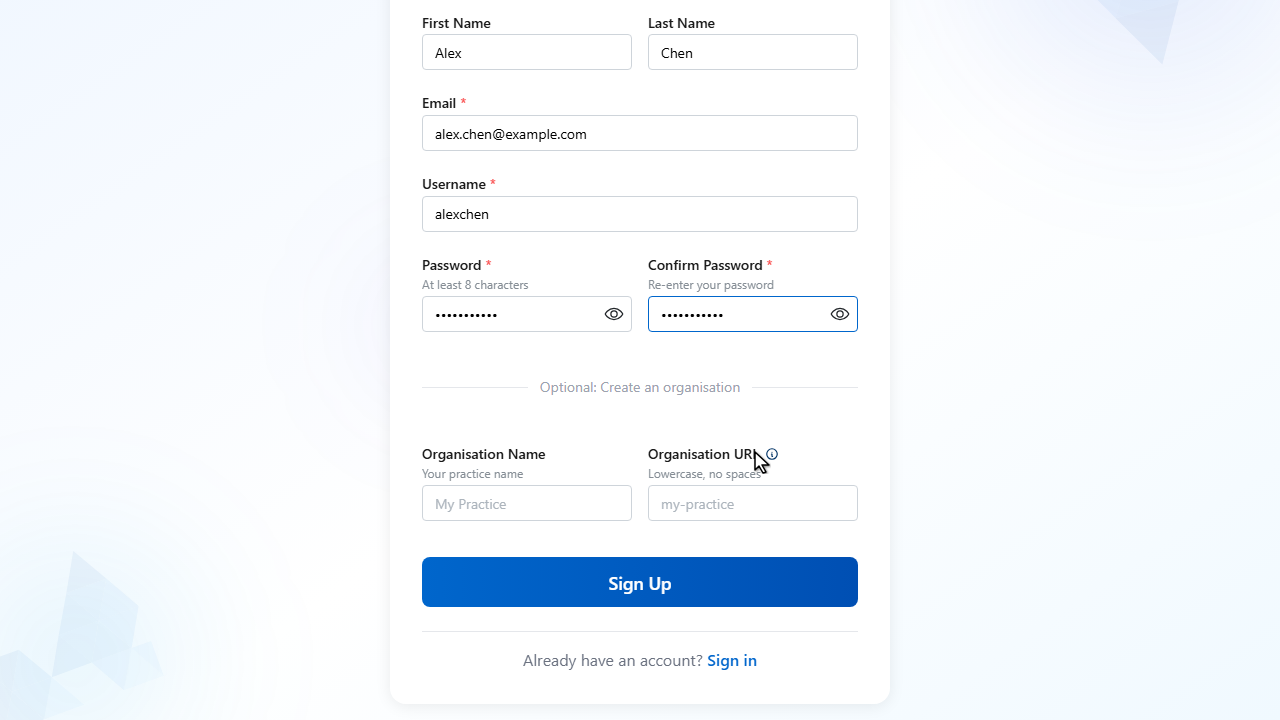
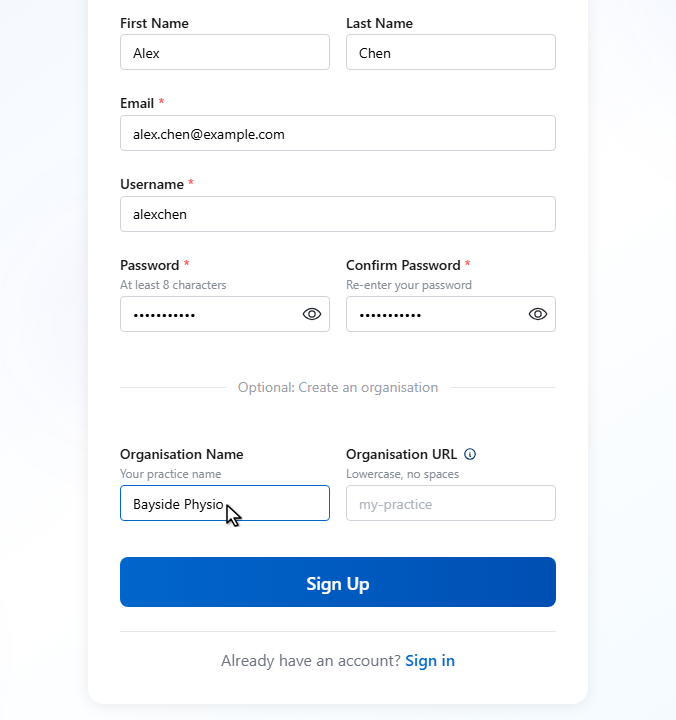
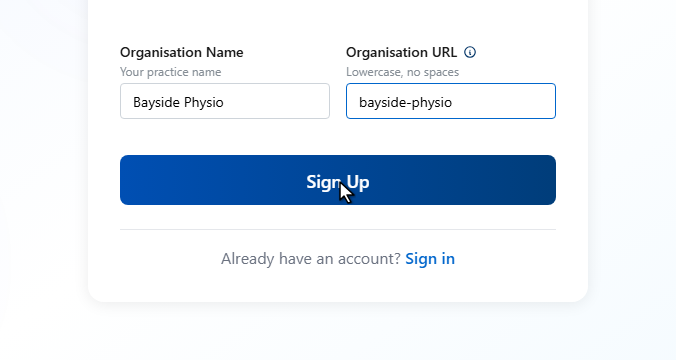
Optionally, give your practice a name. This creates a new organisation that you’ll own.
11
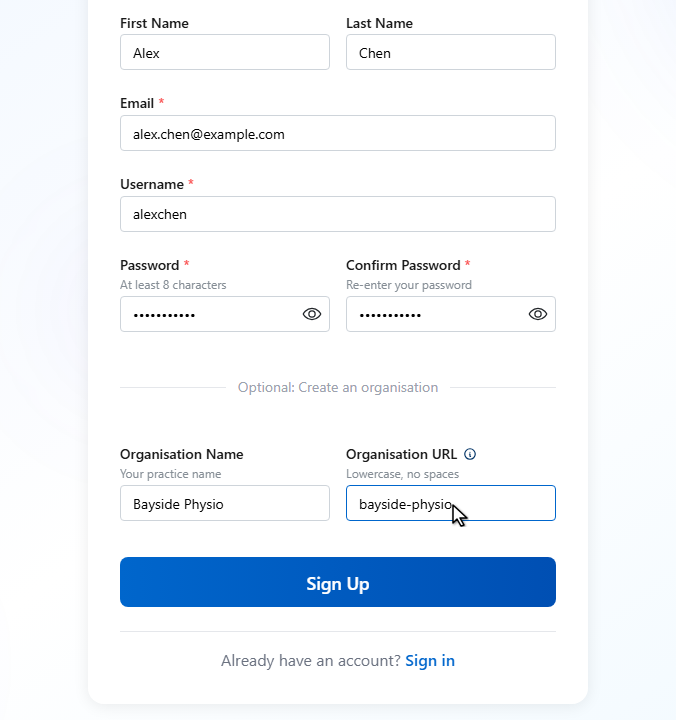
And a short URL slug. This becomes the address patients use to book online and to fill in their intake forms.
12
When everything looks right, click Sign Up to create your account.
13
Your account is created. Welcome to Volition.