 Volition
Your account security lives under Settings, My Account.
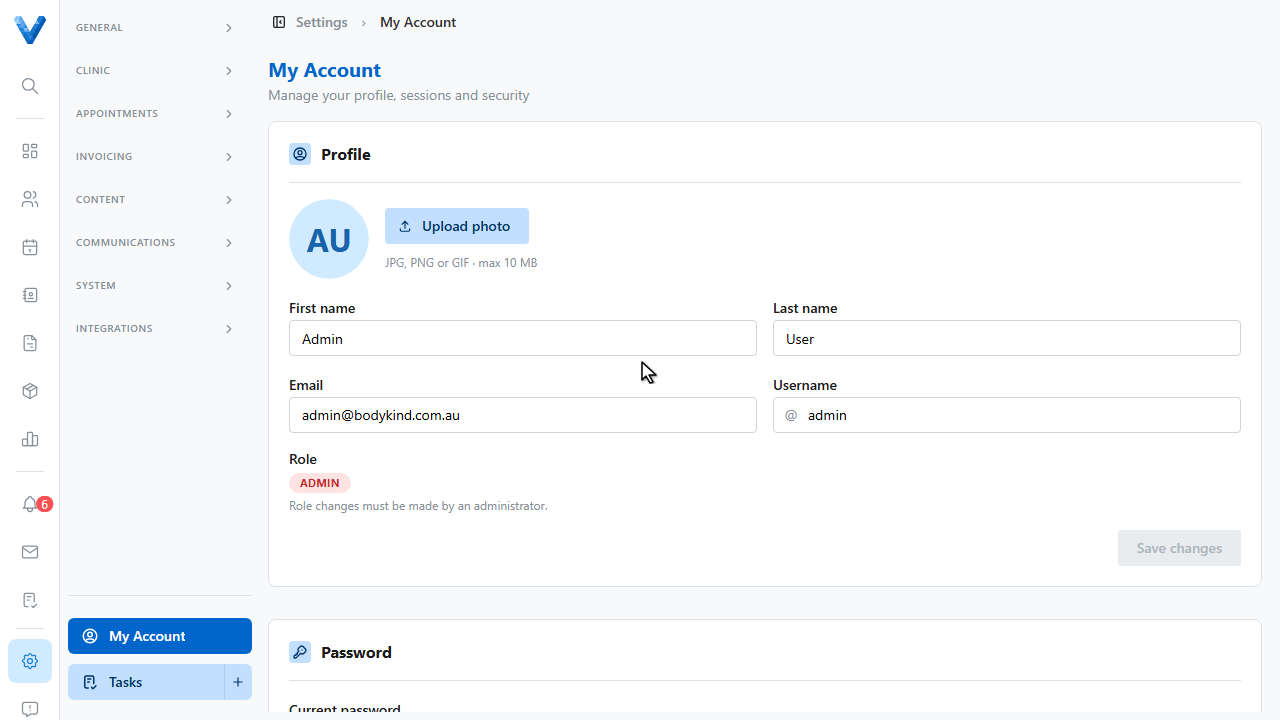
The Password section changes your password — at least eight characters with upper case, lower case, and a number.
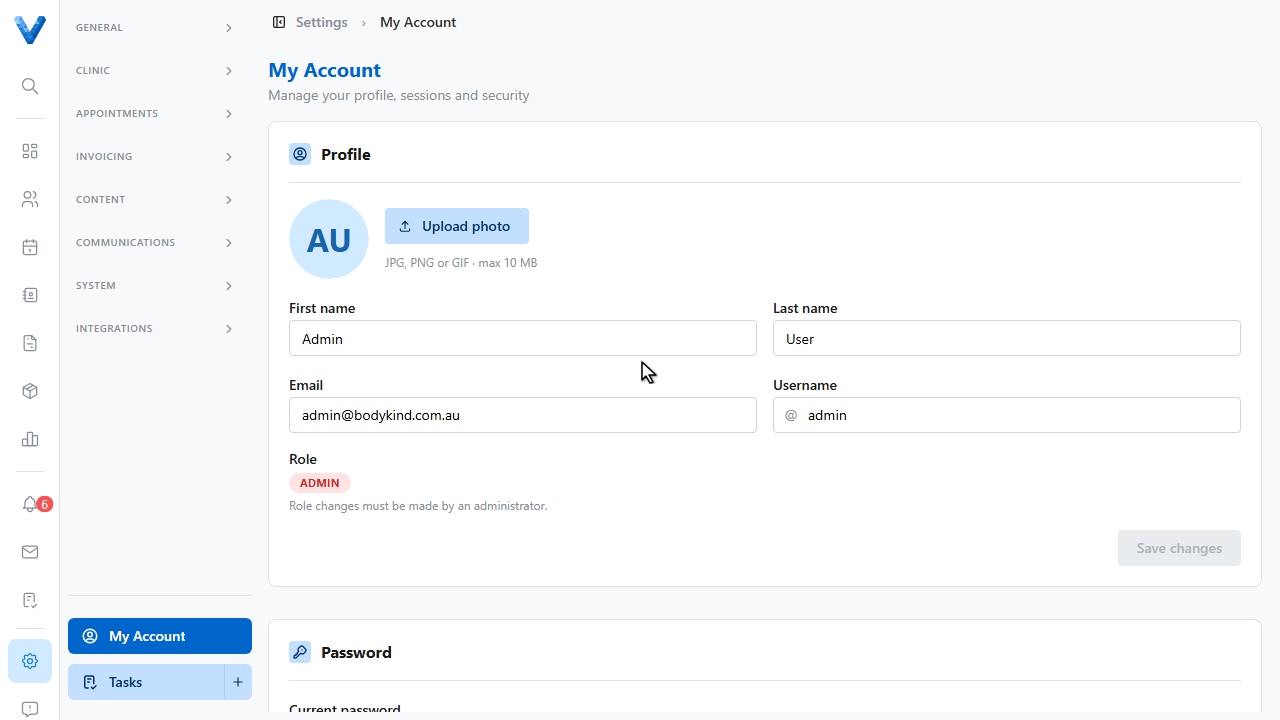
Active Sessions lists every device signed in to your account. If something looks unfamiliar, revoke it — or revoke all other sessions in one click.
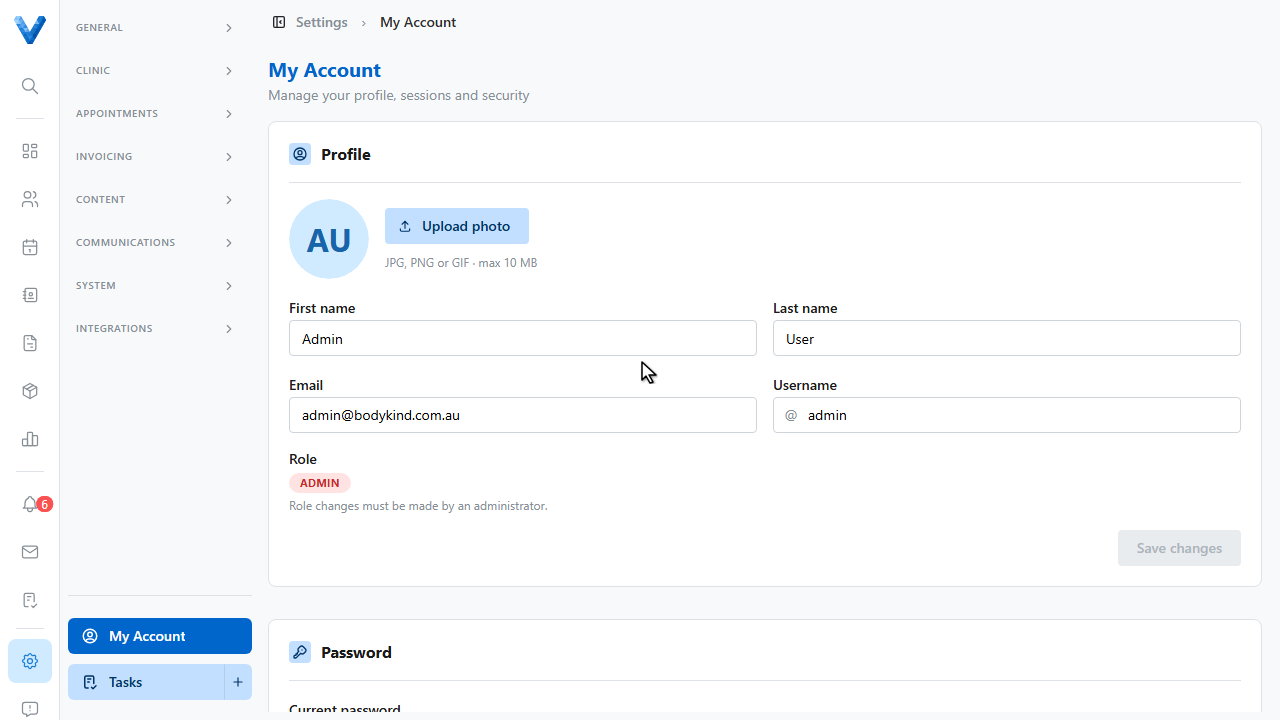
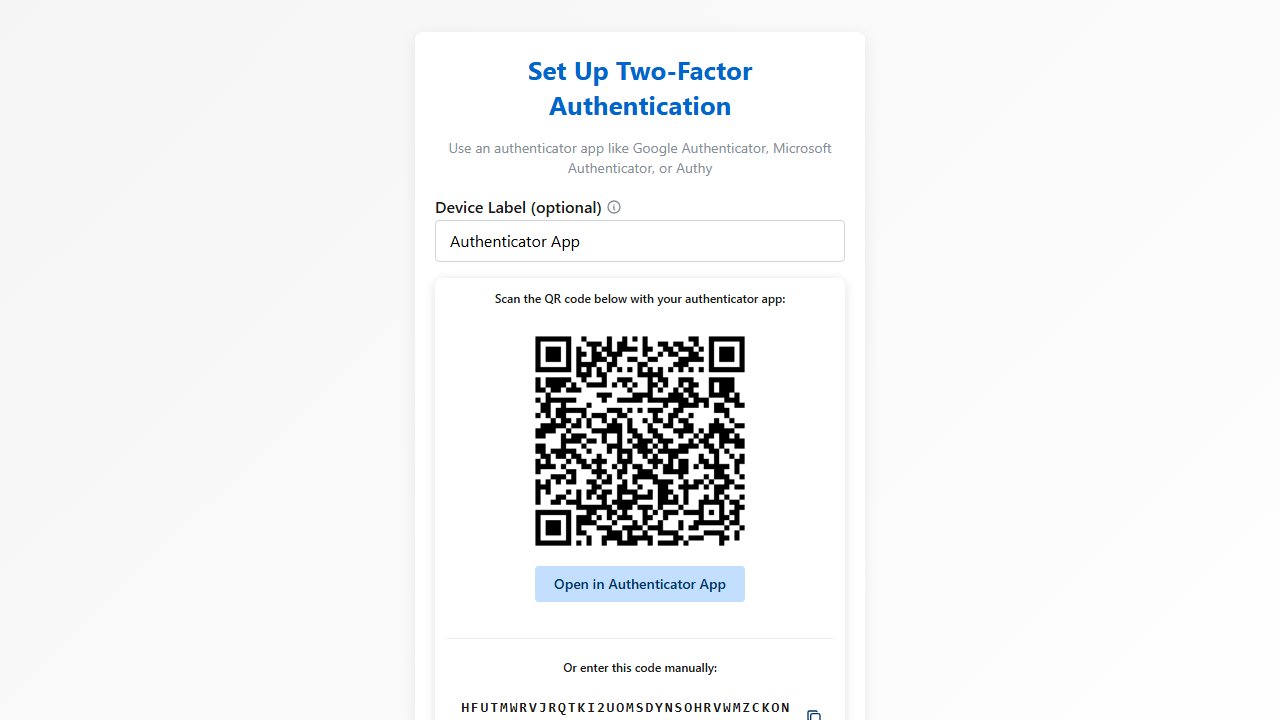
Two factor authentication adds a second check at login. Click Set up M.F.A.
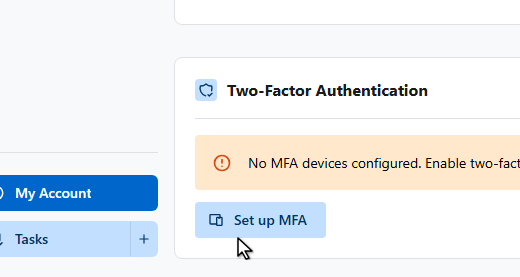
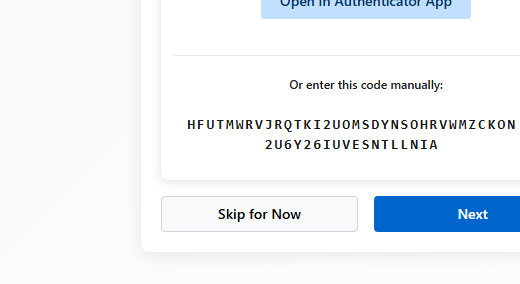
Scan the Q.R. code with Google Authenticator, Microsoft Authenticator, or Authy, then enter the six digit code it shows to verify. From then on, logins ask for the current code.
Admins can see everyone’s M.F.A. status and reset devices from the Team page.
MFA here protects your login. For the whole practice, admins can also set the inactivity auto-logout under Settings → Organisation → Security, and review login attempts under Settings → Auth Events.