 Volition
1
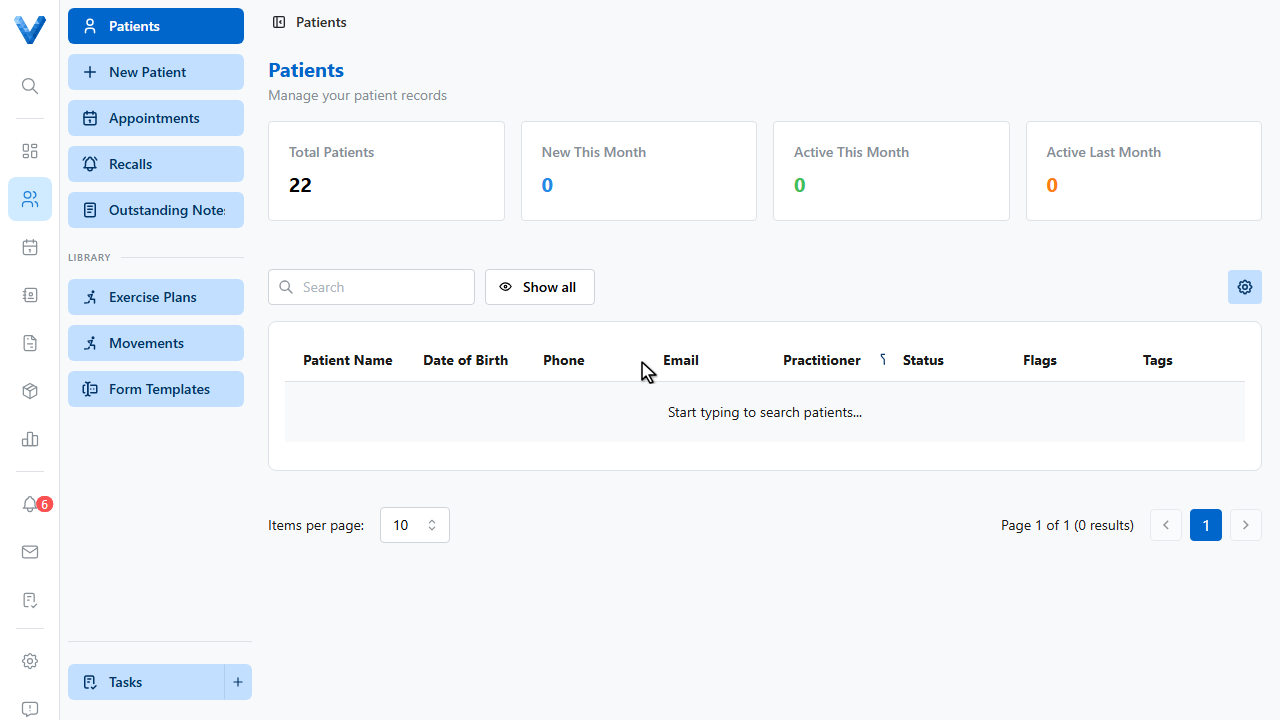
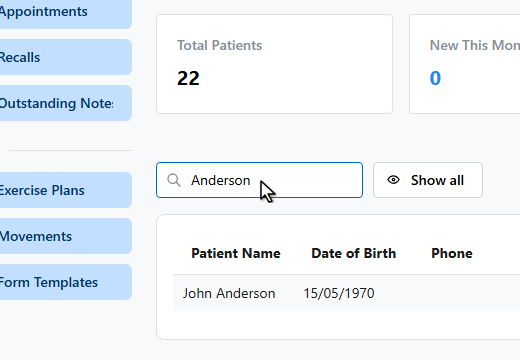
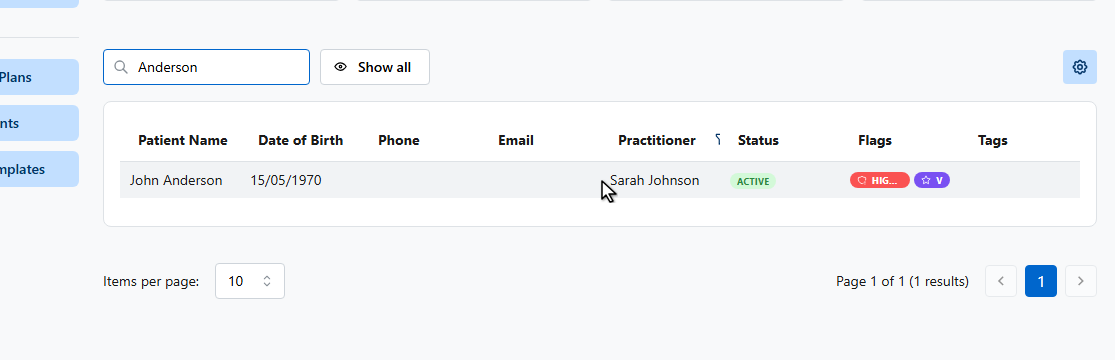
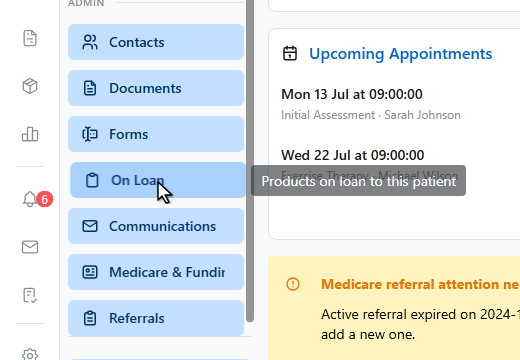
Lending a TENS machine or crutches? Track it so it comes back. Open the patient, then On Loan in their sidebar.
2
3
4
5
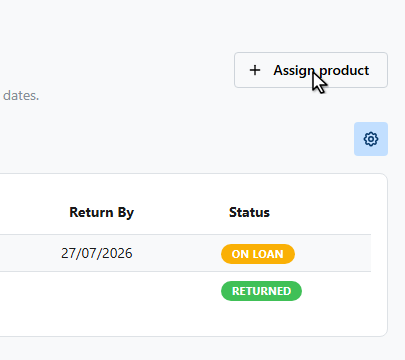
Click Assign product.
6
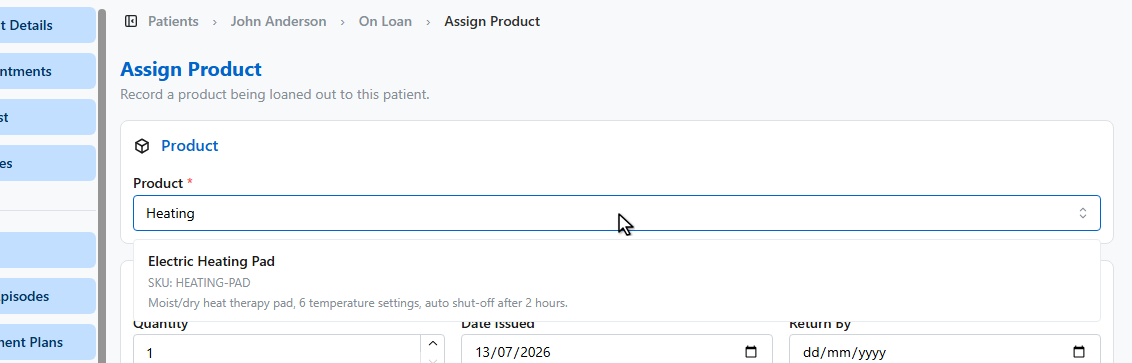
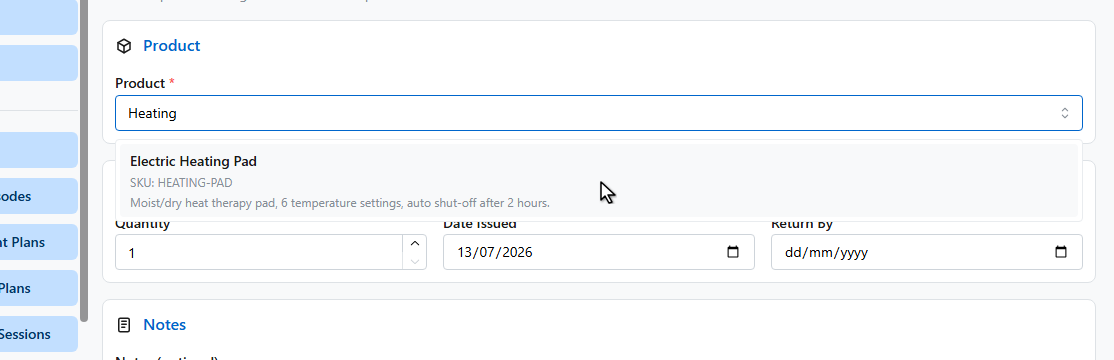
Pick the product.
7
8
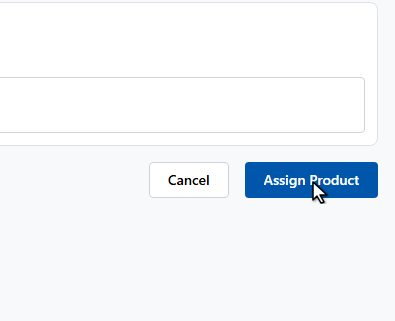
Set the quantity and a return by date, then click Assign Product.
9
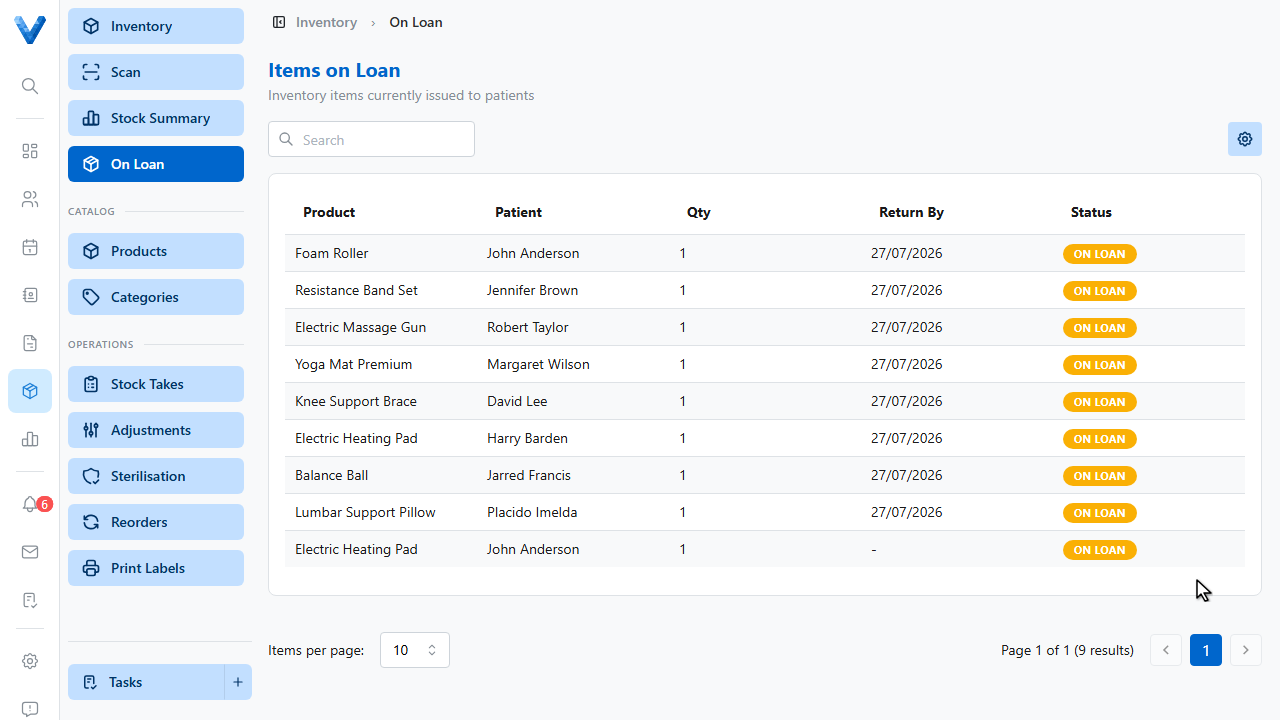
Every outstanding loan across the practice shows under Inventory, On Loan — with what’s overdue for return.
10
When it comes back, open the loan and switch on Mark as returned.
Loans and stock
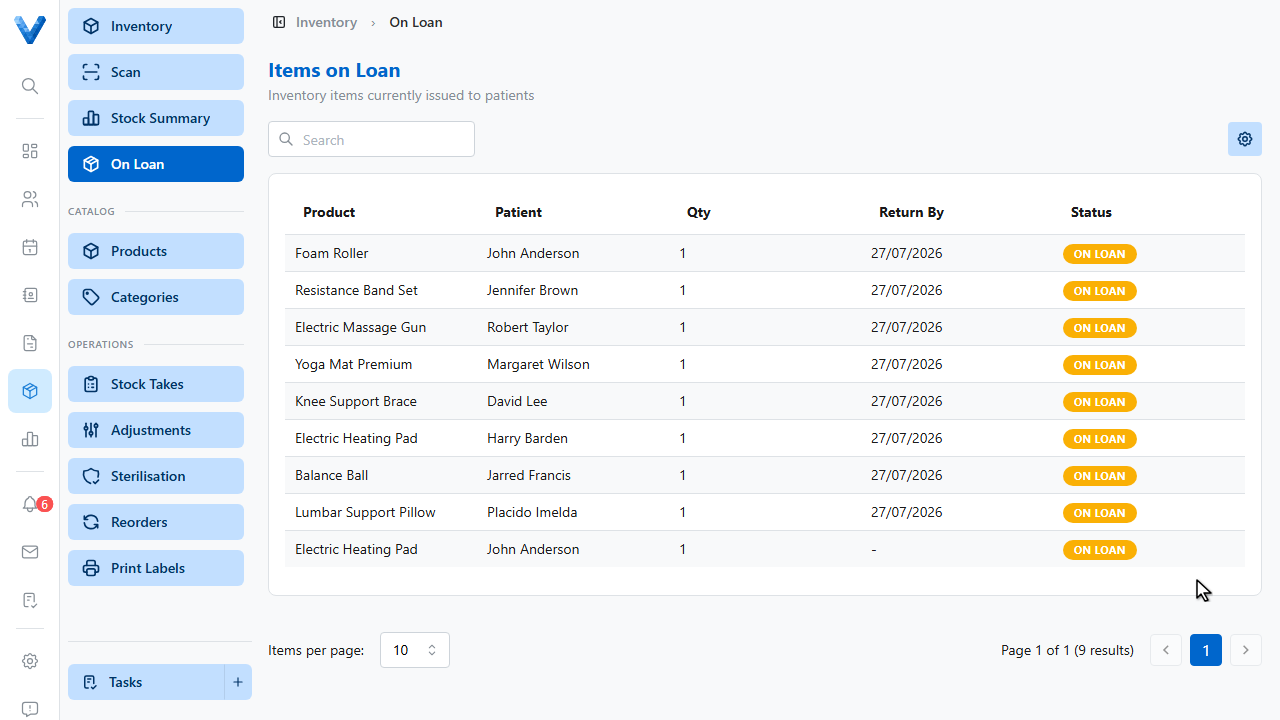
Assigning a loan reserves the stock and shows in the product’s inventory status; marking it returned puts it back. Overdue returns are easy to spot on the Items on Loan list.