 Volition
1
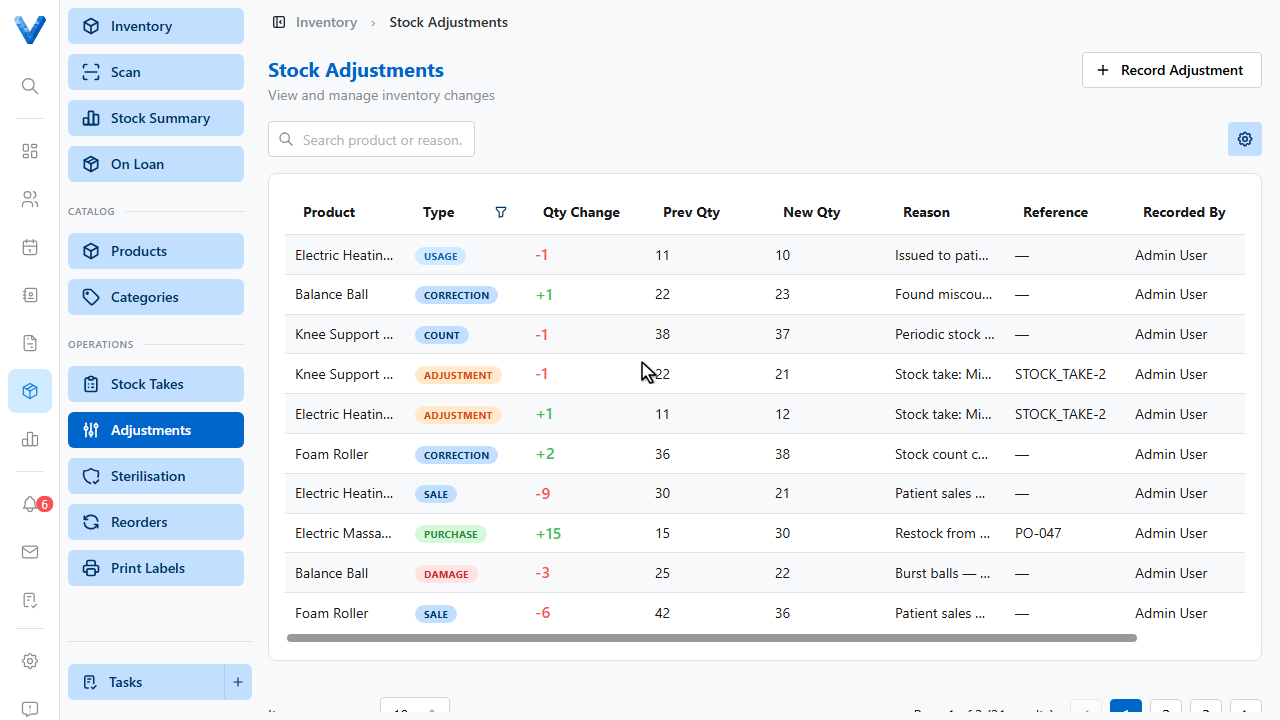
Broken stock, samples given away, or a count that’s simply wrong — record it as an adjustment so the numbers stay honest. Go to Inventory, Adjustments.
2
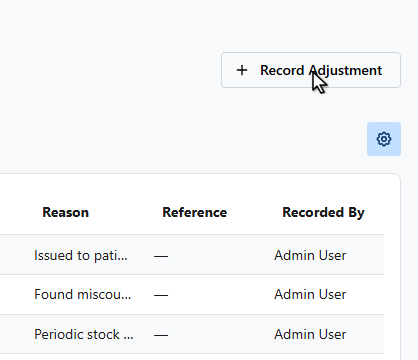
Click Record Adjustment.
3
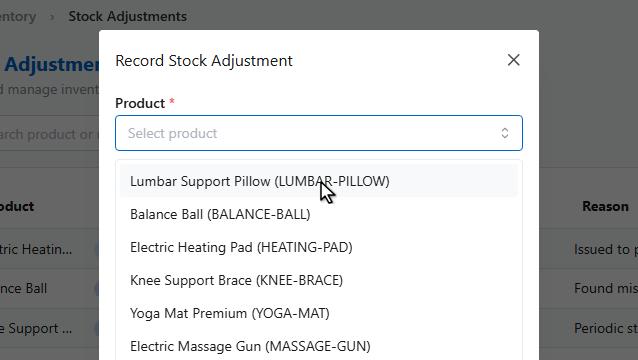
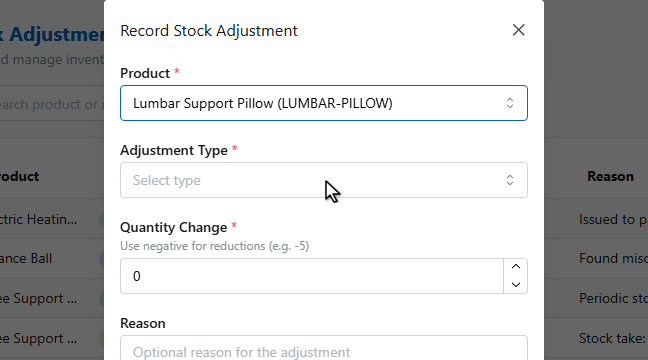
Pick the product.
4
5
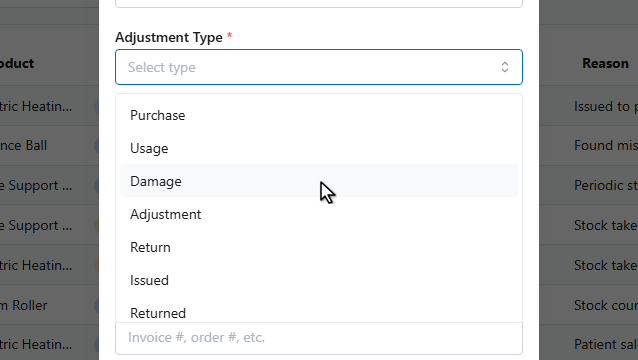
Choose the adjustment type — purchase, usage, damage, or return.
6
7
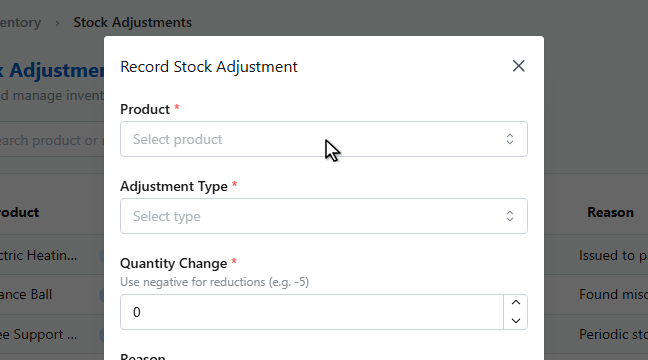
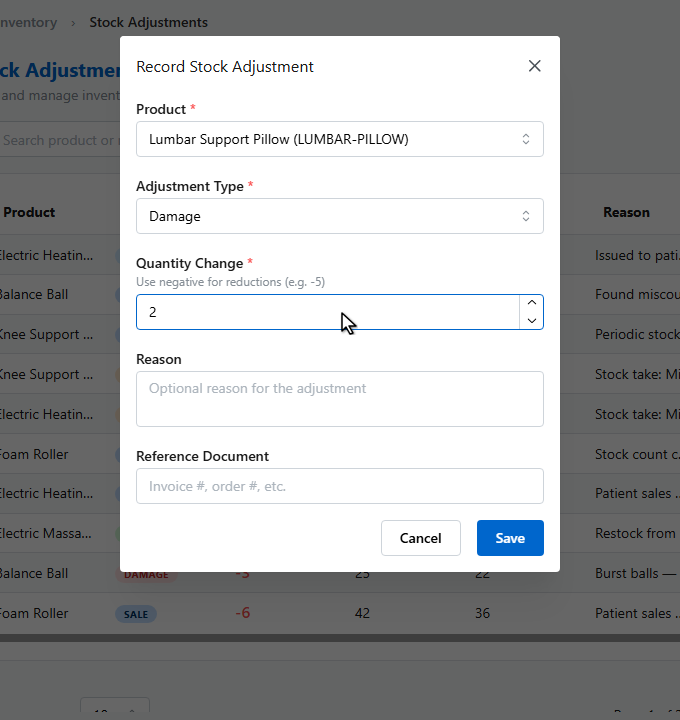
Enter the quantity change — negative for reductions.
8
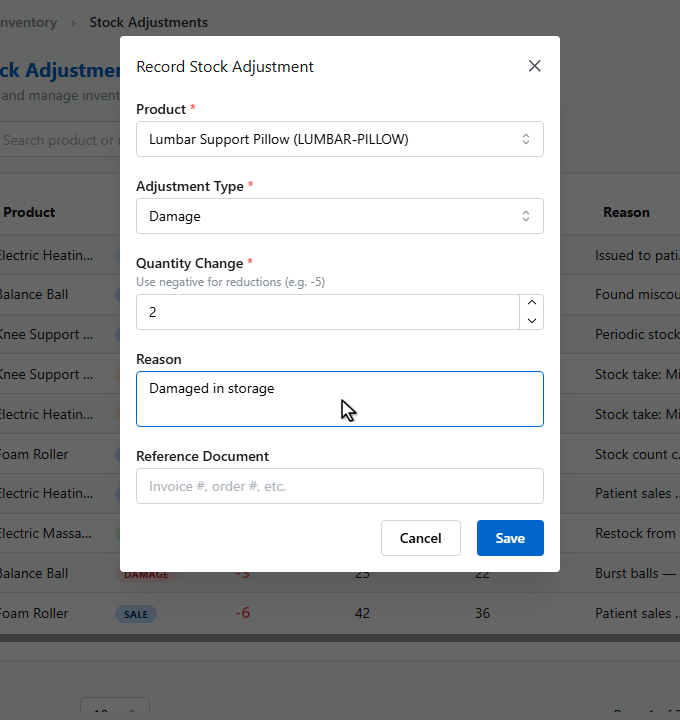
And the reason, for the audit trail.
9
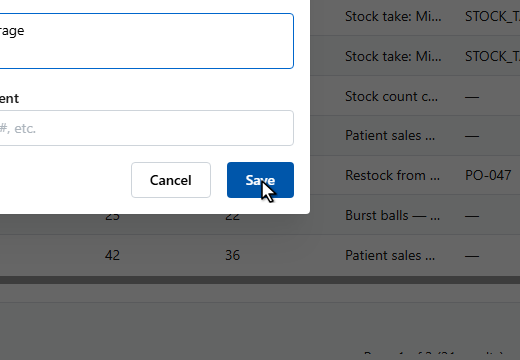
Click Save.
10
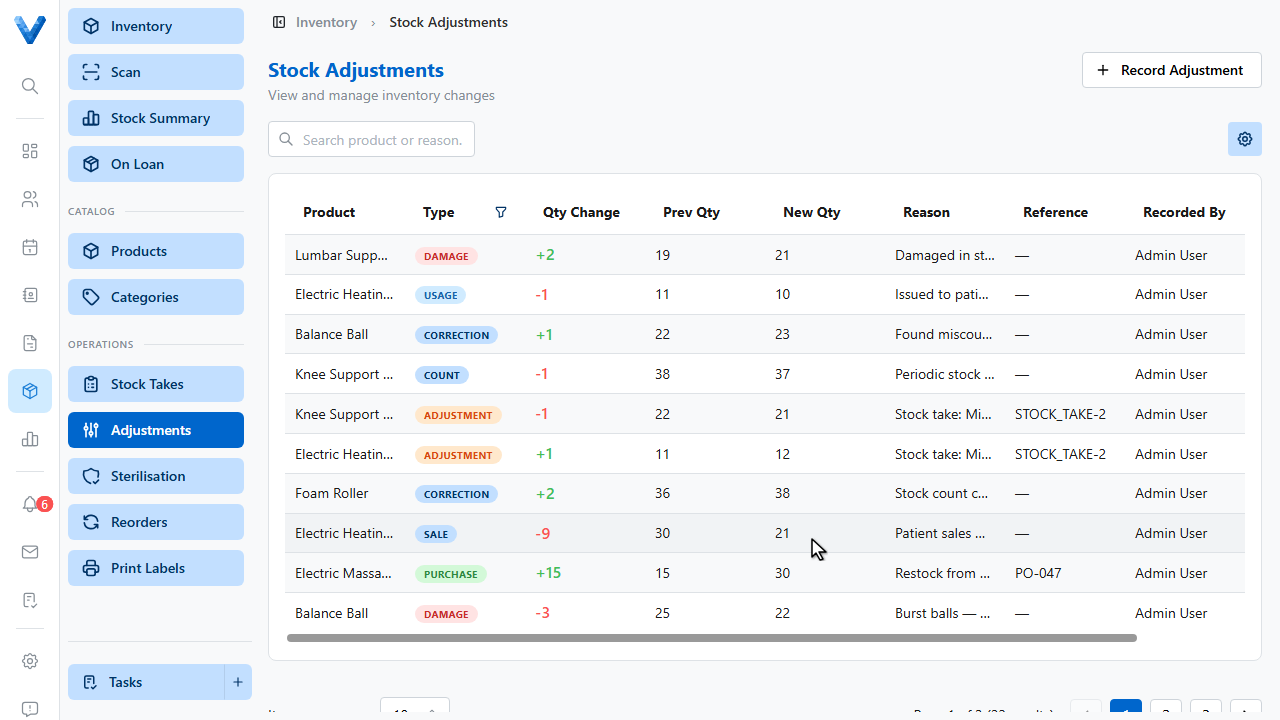
The log keeps every change with who recorded it, the before and after quantities, and the reason — the quick plus one and minus one buttons on the Scan page write entries here too.
Prefer the purpose-built flows
Deliveries belong in Reorders → Mark as Received and full counts in Stock Takes — both write adjustment entries automatically. Manual adjustments are for everything in between.