 Volition
1
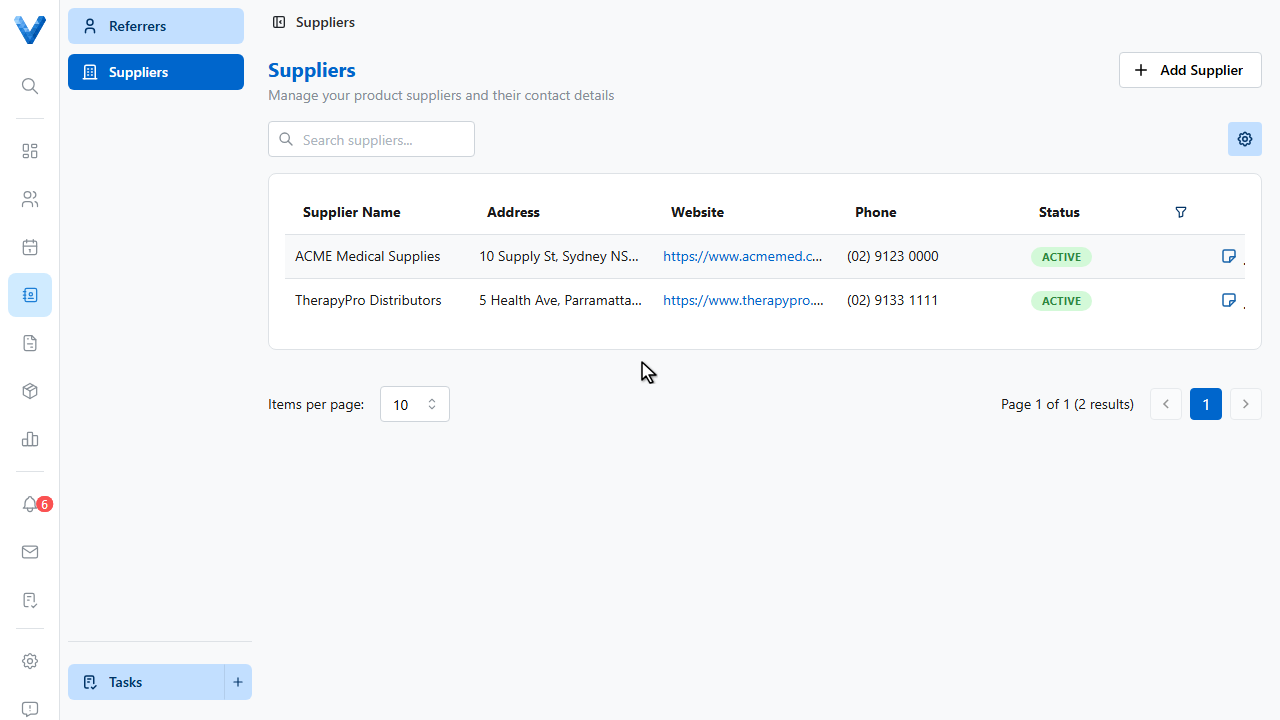
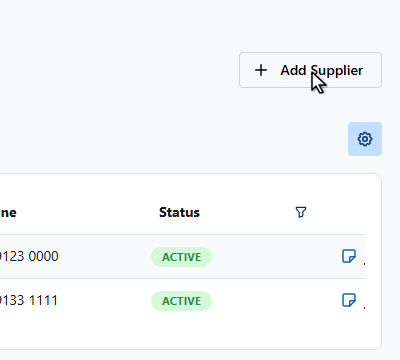
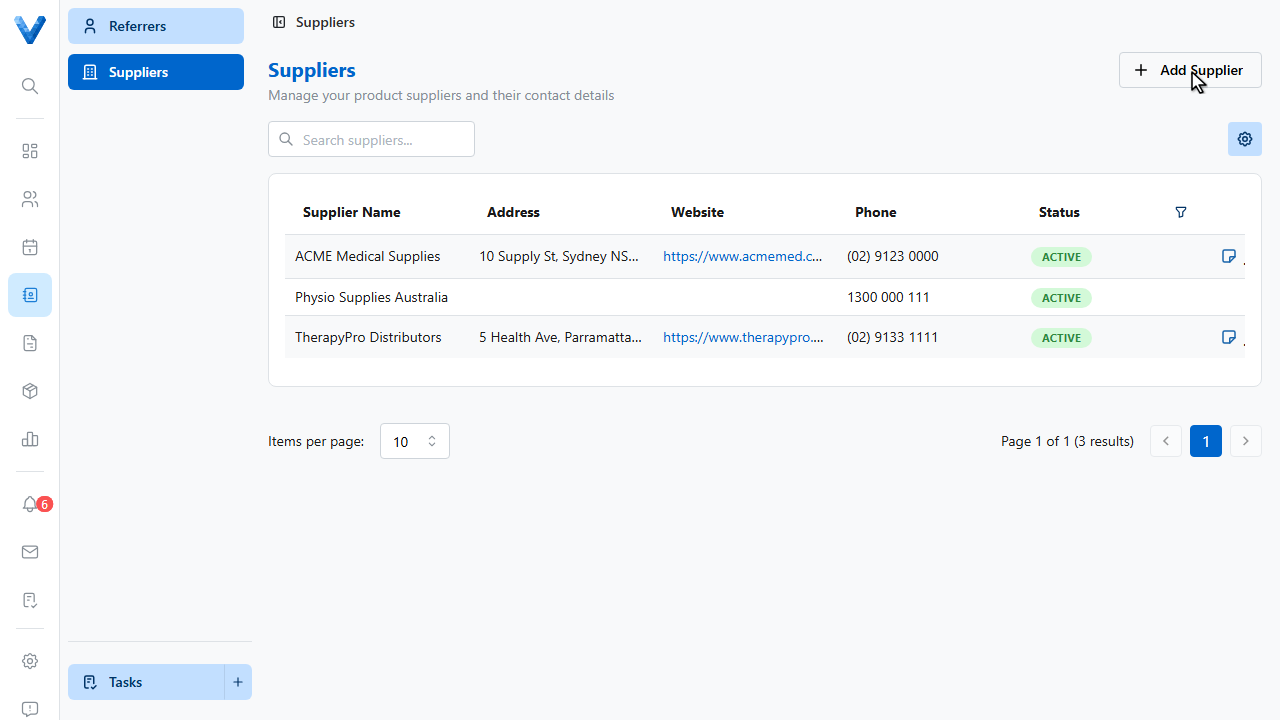
Suppliers live in Contacts, alongside referrers. Open Contacts, Suppliers and click Add Supplier.
2
3
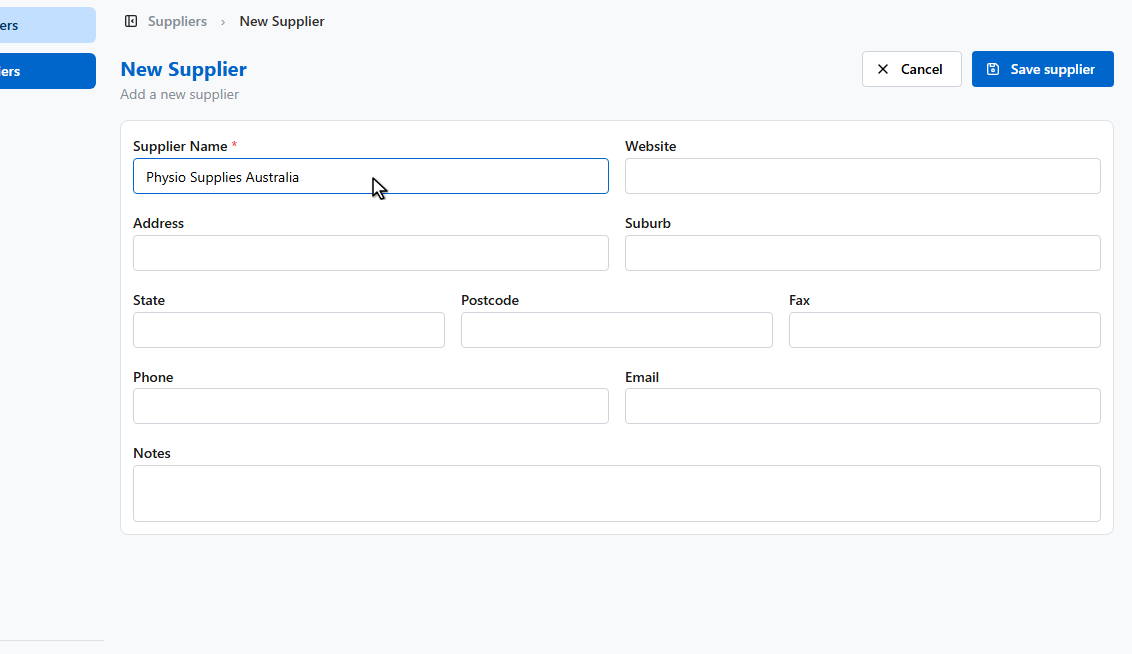
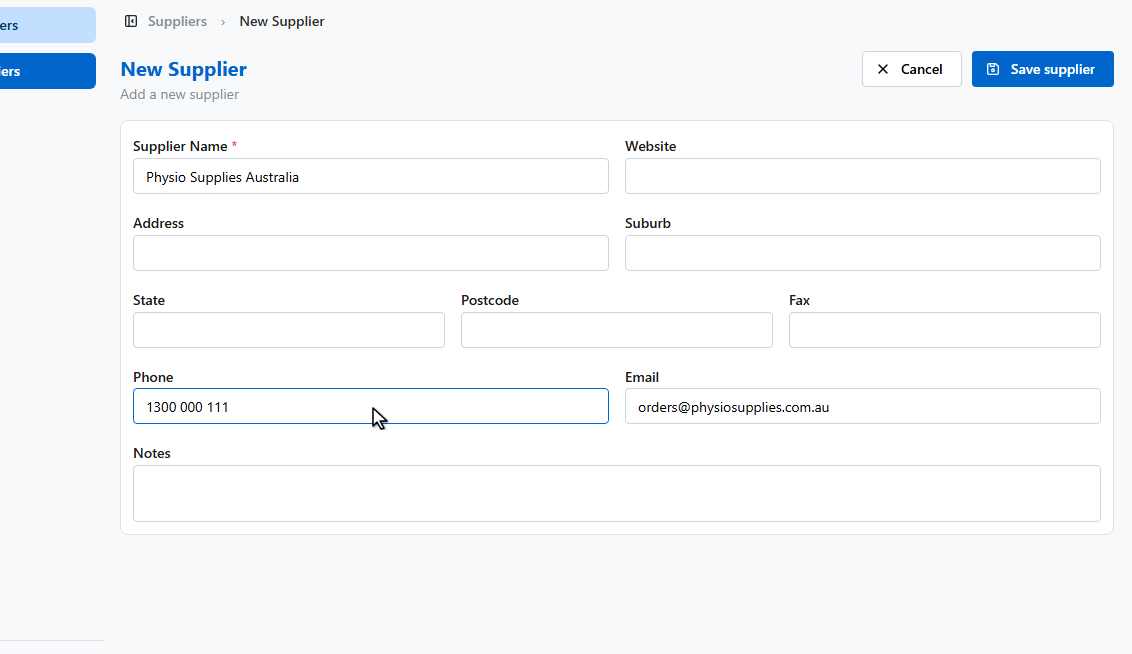
Enter the supplier’s name.
4
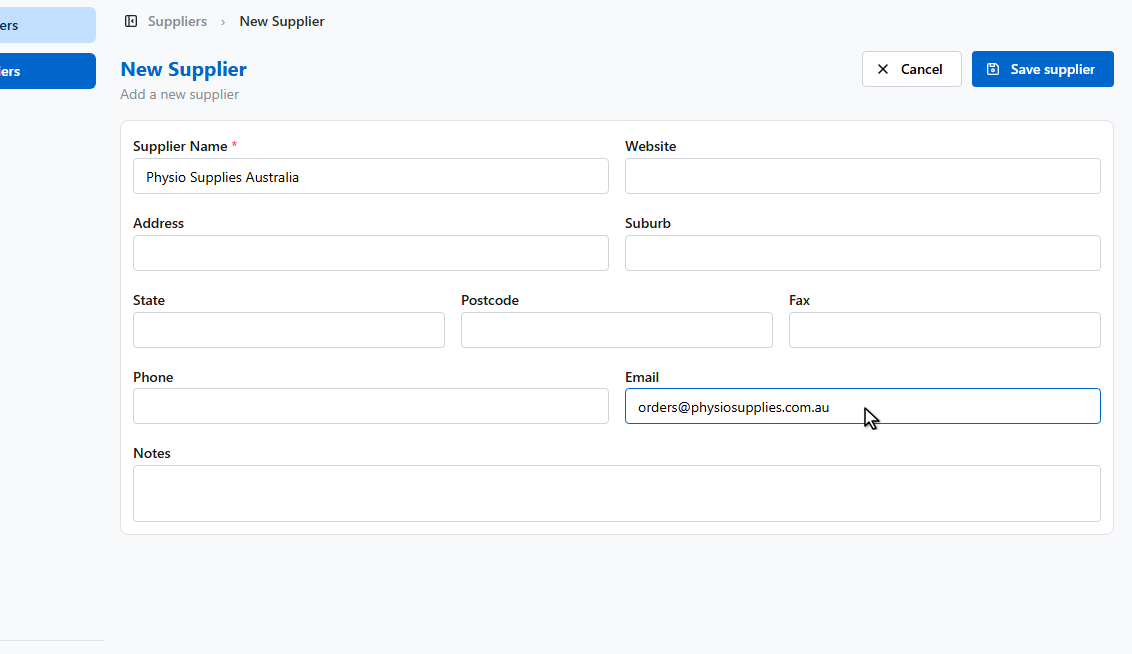
And their contact details — phone, email, and address.
5
6
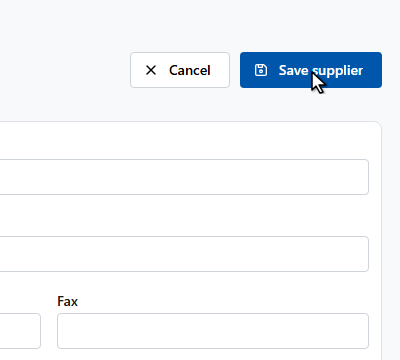
Click Save supplier.
7
Now link the supplier on each product’s Supplier section, with their S.K.U., cost, and lead time — reorders then carry the right details automatically.
Suppliers vs referrers
Contacts holds both: Referrers send you patients; Suppliers send you stock. Supplier details flow into product reorders and receiving.