 Volition
1
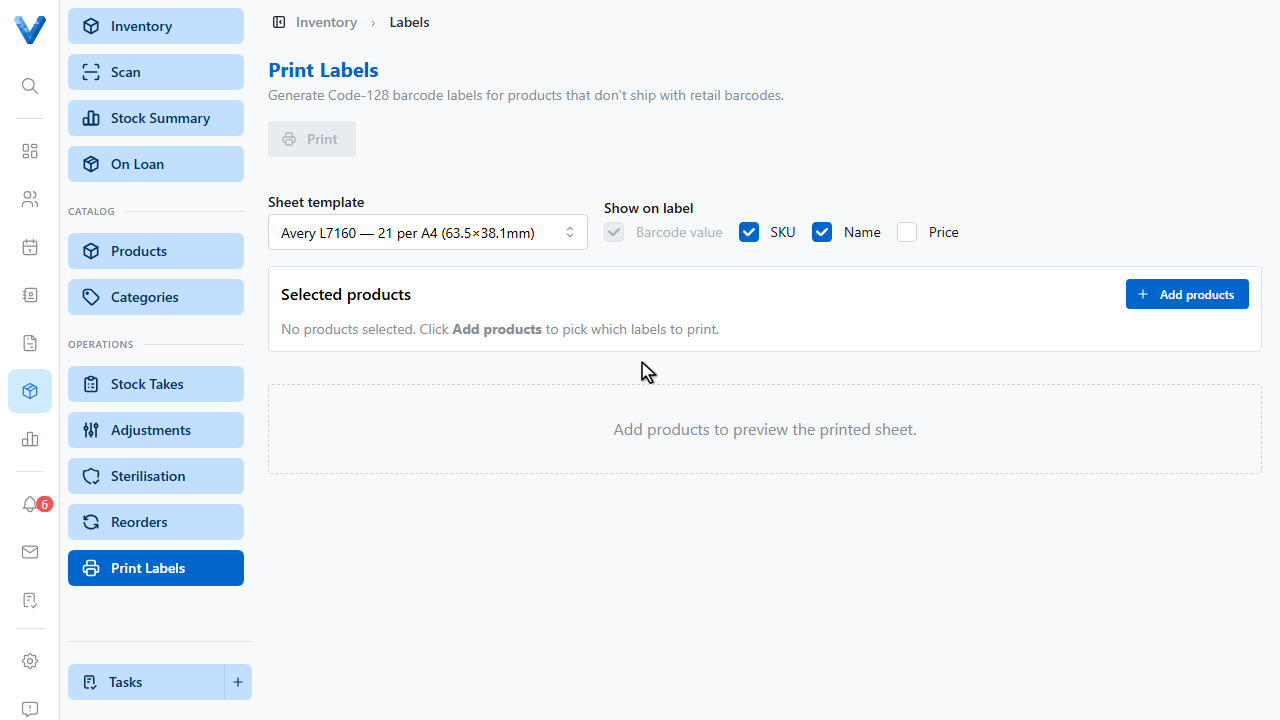
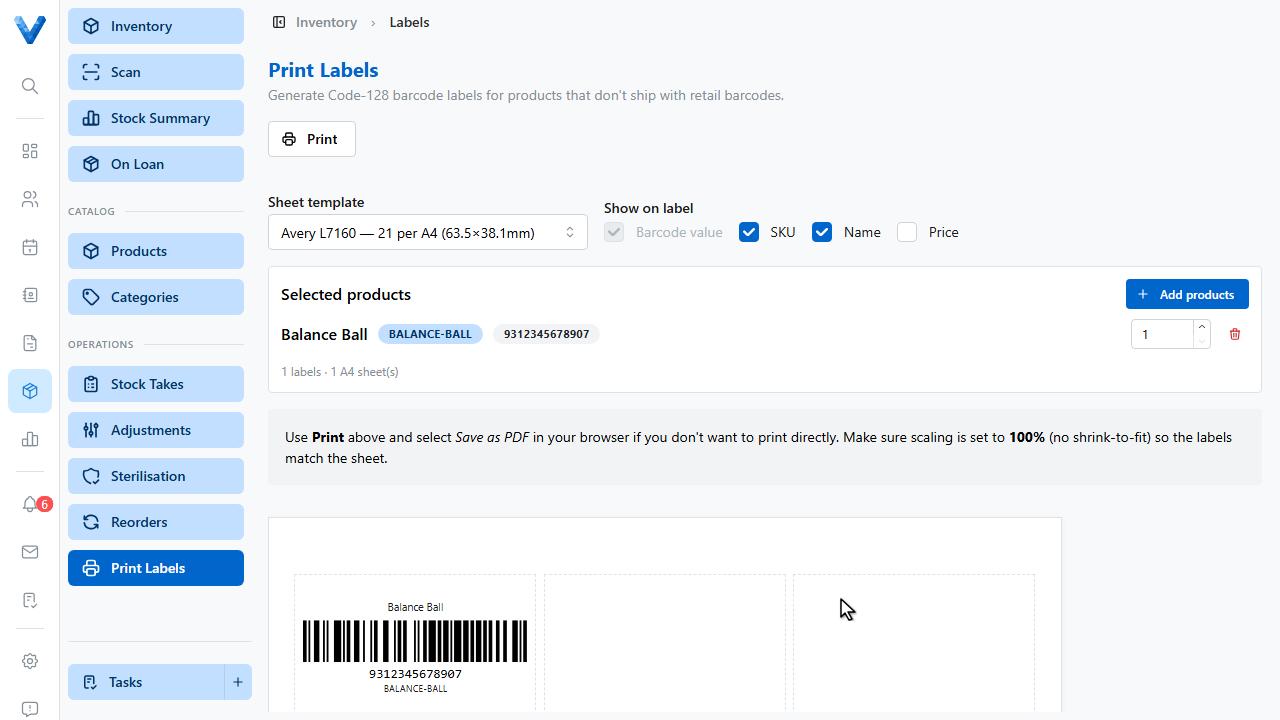
Products without manufacturer barcodes can get your own. Go to Inventory, Print Labels.
2
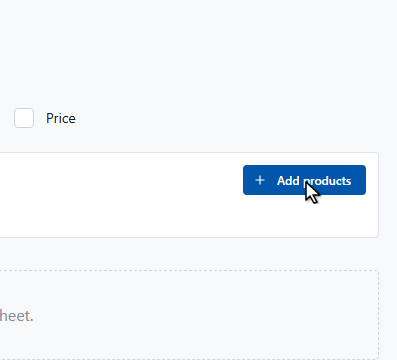
Click Add products.
3
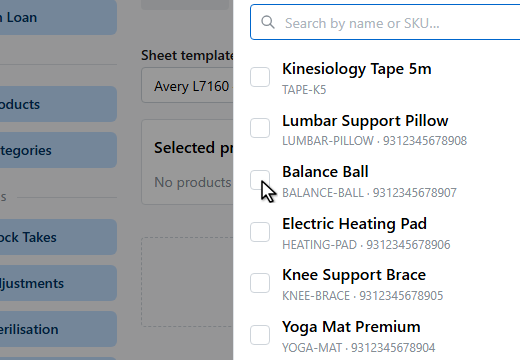
Search and tick the products you need labels for.
4
5
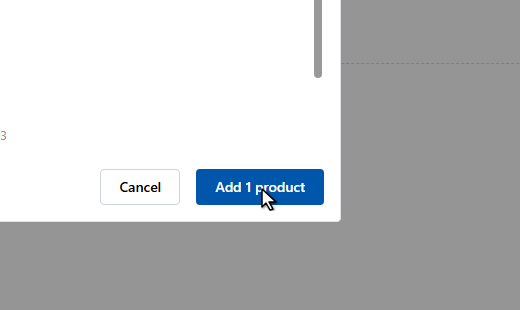
Choose your Avery sheet template, set a quantity per product, and pick what shows on each label — the barcode, S.K.U., name, and price.
6
Click Print, load the label sheet, and print. The scanned barcodes then work everywhere — quick adjustments, stock takes, and receiving.
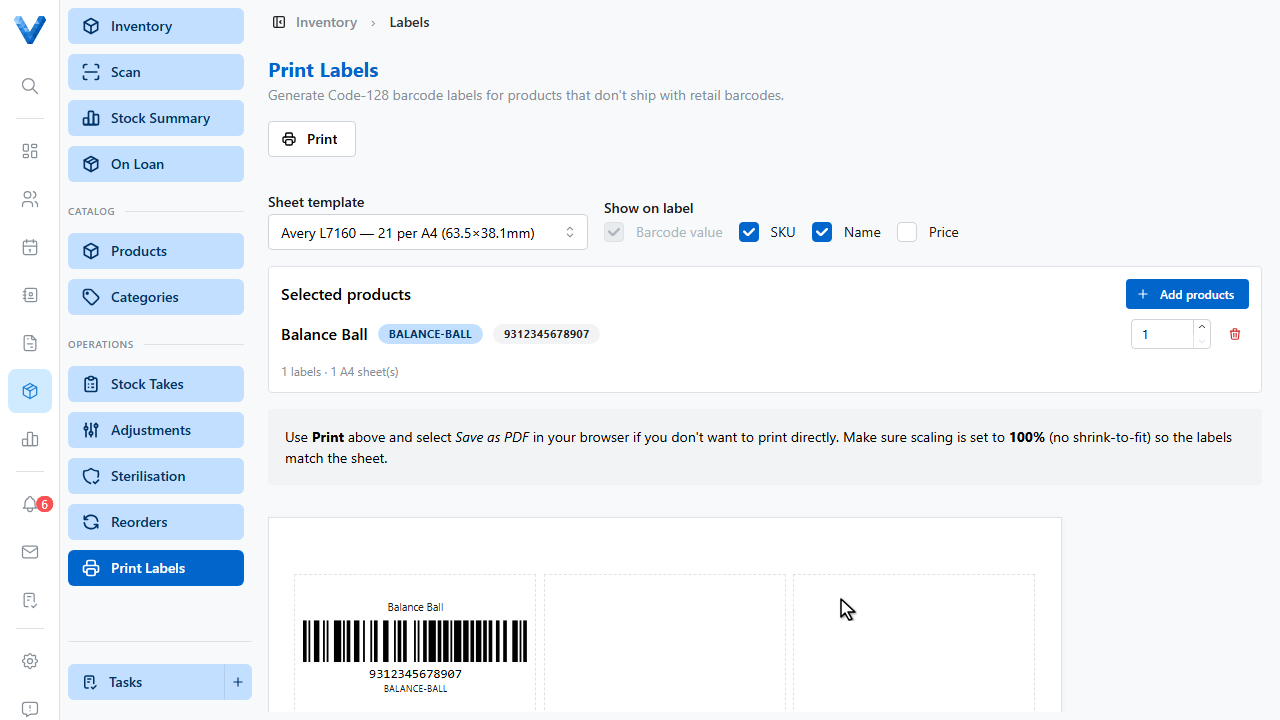
Standard sheets
Labels are laid out for Avery L7160, L7163, and L7651 sheets — pick the template matching your stationery and print from any office printer.