 Volition
1
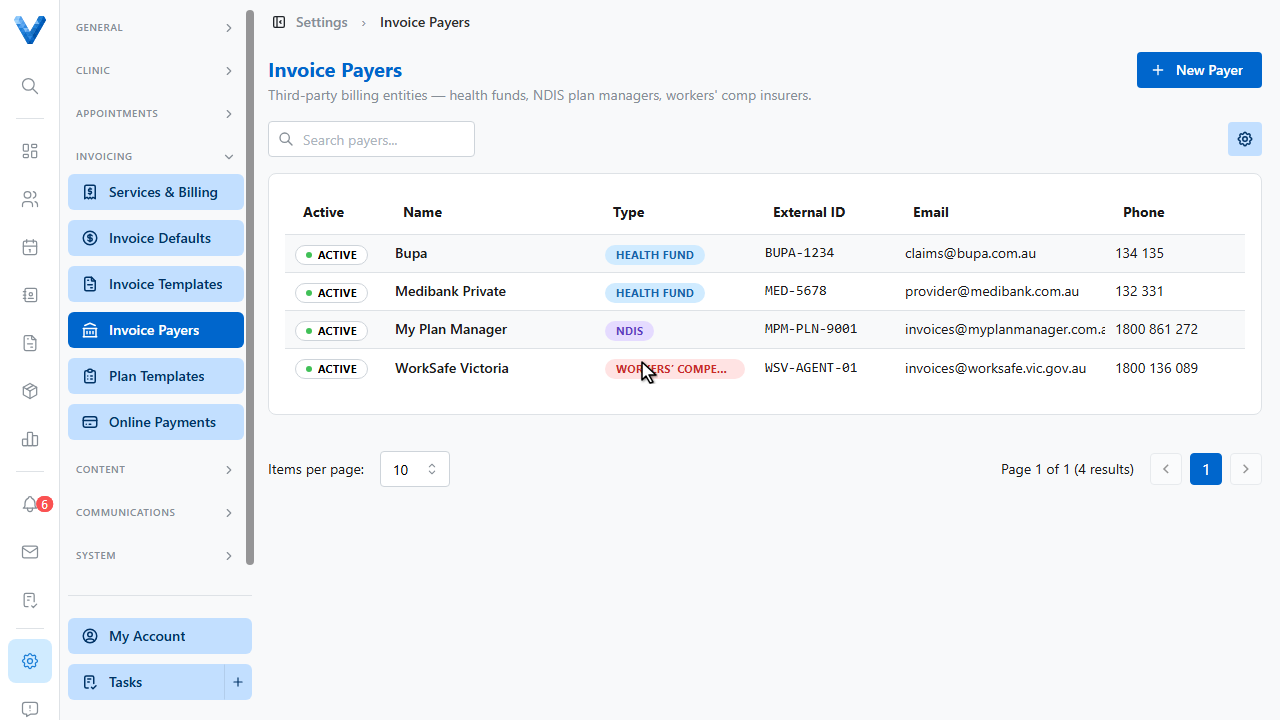
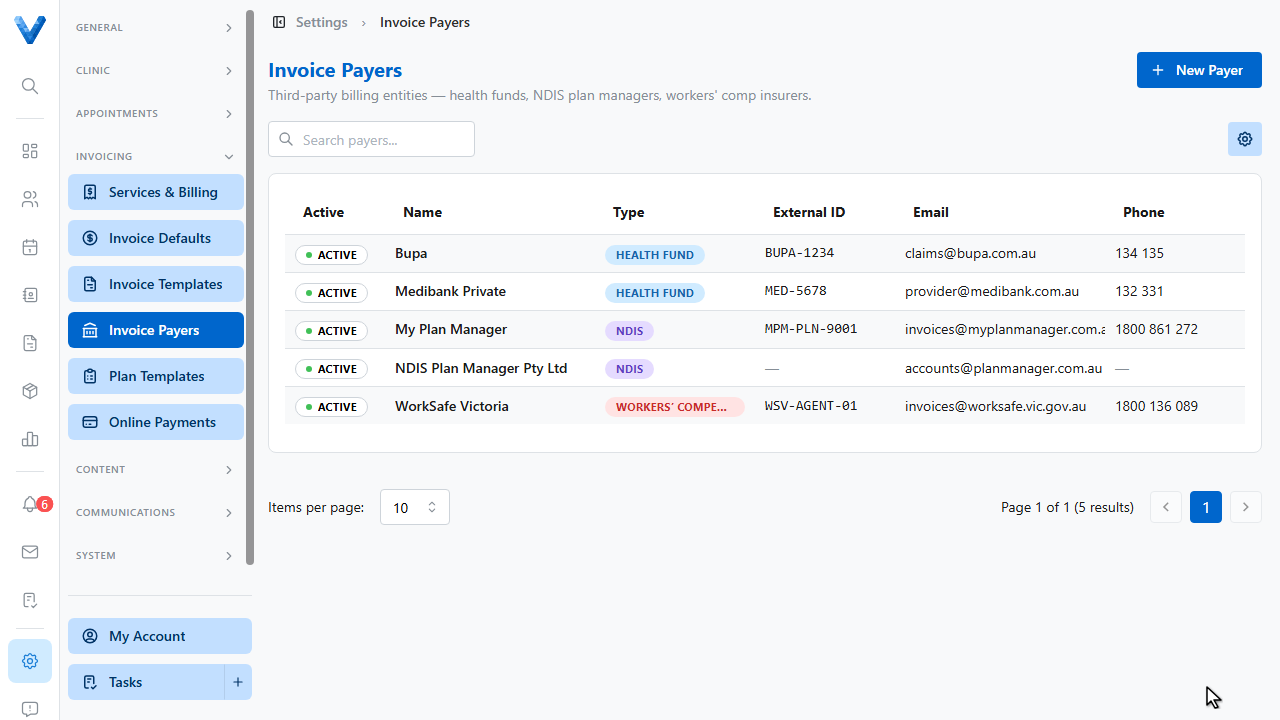
Go to Settings and open Invoice Payers. Payers are the third parties you bill directly — health funds, N.D.I.S. plan managers, workers comp insurers, or employers.
2
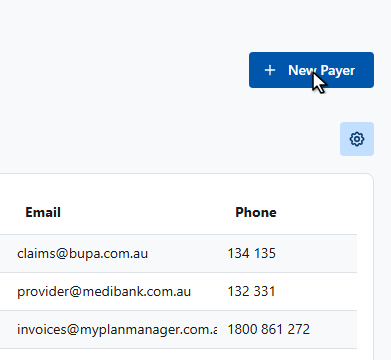
Click New Payer.
3
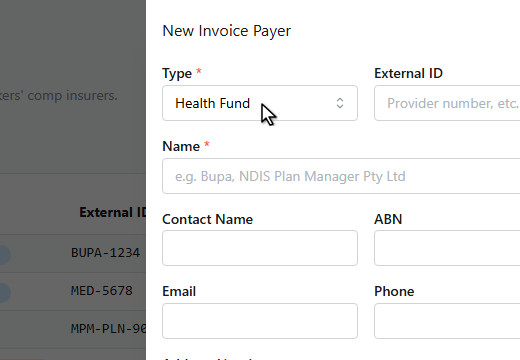
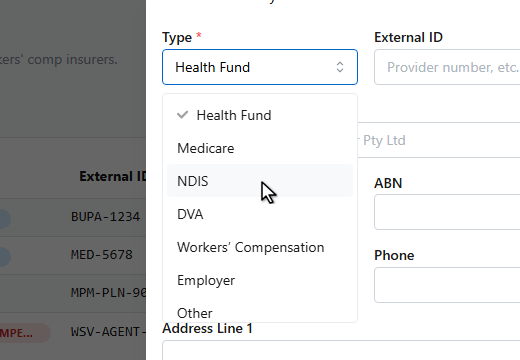
Choose the payer type.
4
5
Enter the payer’s name.
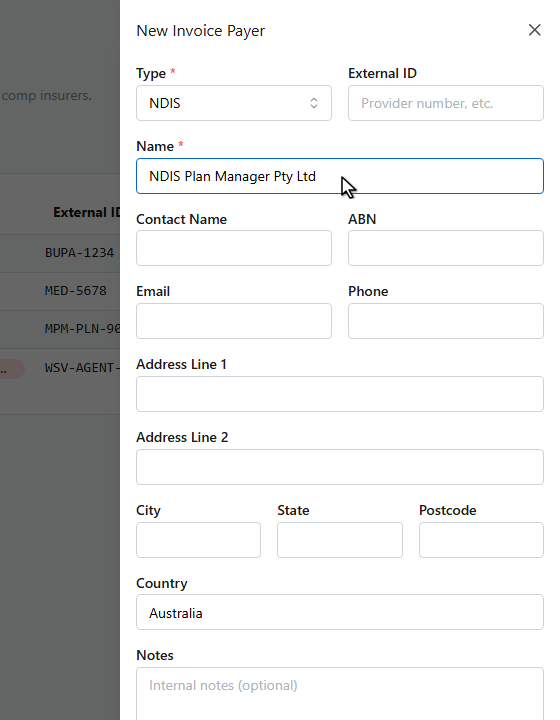
6
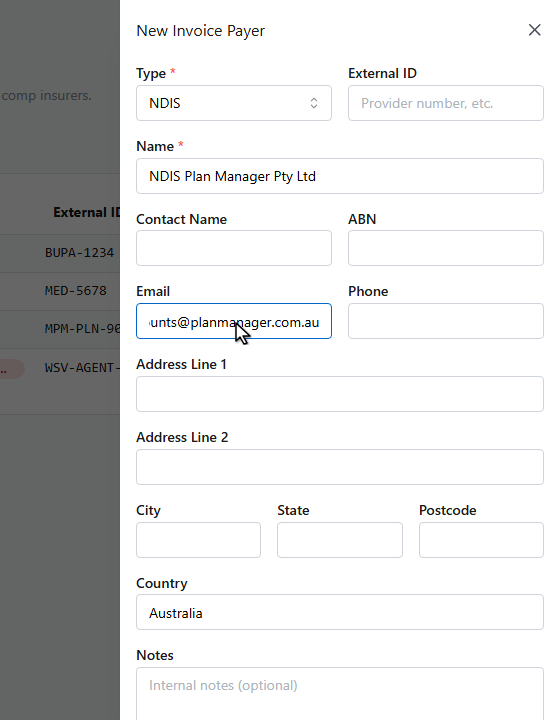
Add their billing email and any other contact details — invoices billed to this payer can be emailed straight to them.
7
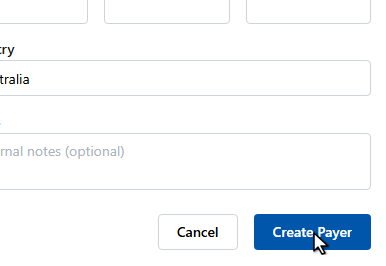
Click Create Payer.
8
The payer appears in the list. When creating an invoice, set Bill To to the payer type and pick this entity in the Payer field.
Payers vs patient health funds
Payers are entities you invoice directly. A patient’s own private health fund claim (processed at the terminal via Tyro) doesn’t need a payer record — payers are for plan managers, insurers, and employers who receive the invoice themselves.