 Volition
1
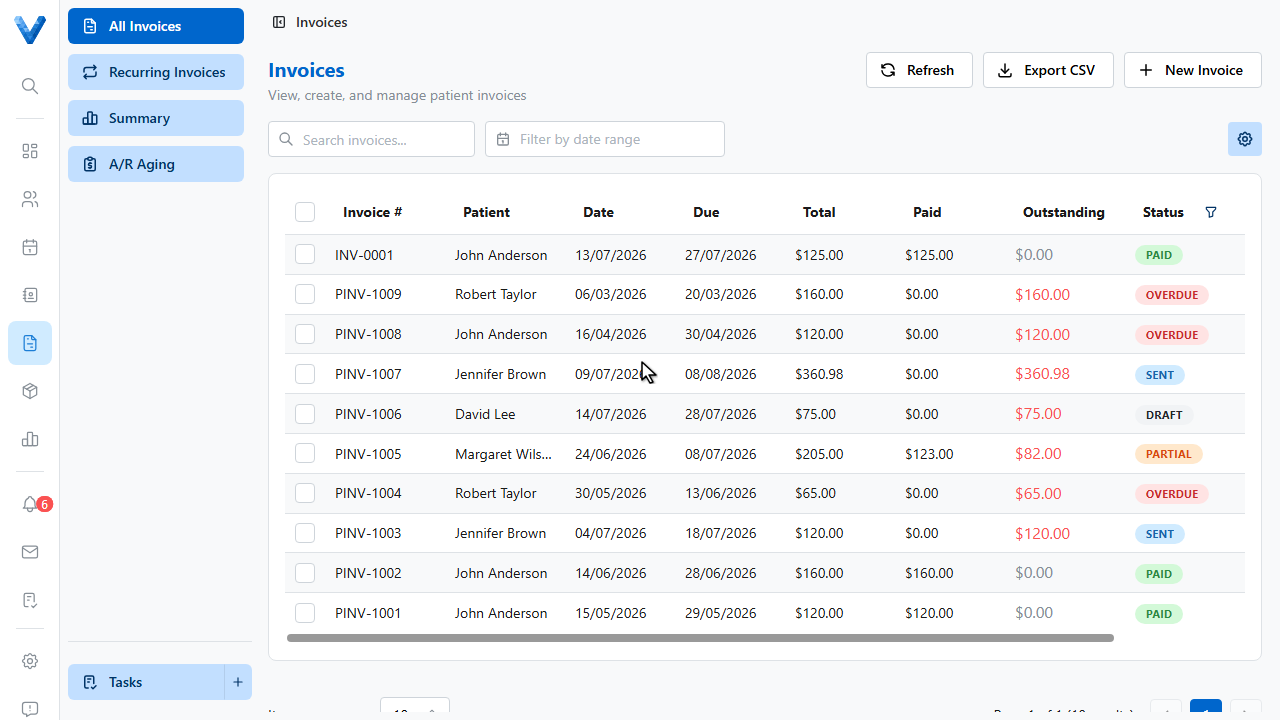
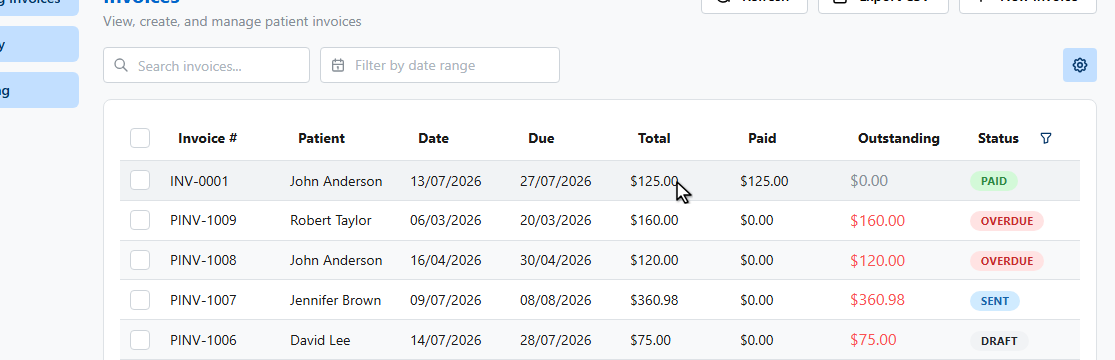
Open All Invoices and click the invoice you need to adjust.
2
3
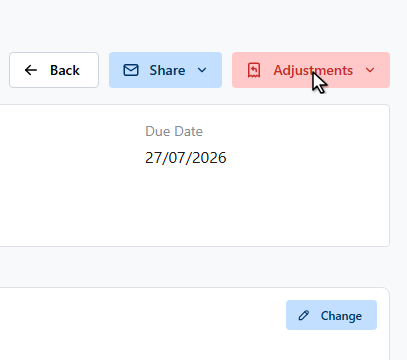
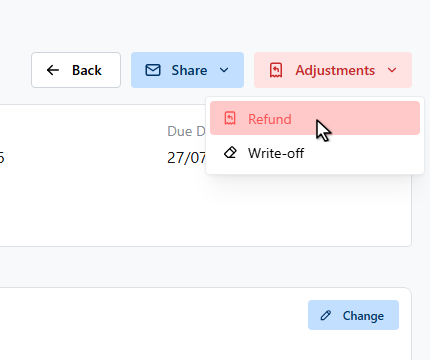
Click the Adjustments button. It offers Refund for returning money already paid, Write off for forgiving an outstanding balance, and Void for cancelling the invoice entirely.
4
Let’s record a refund.
5
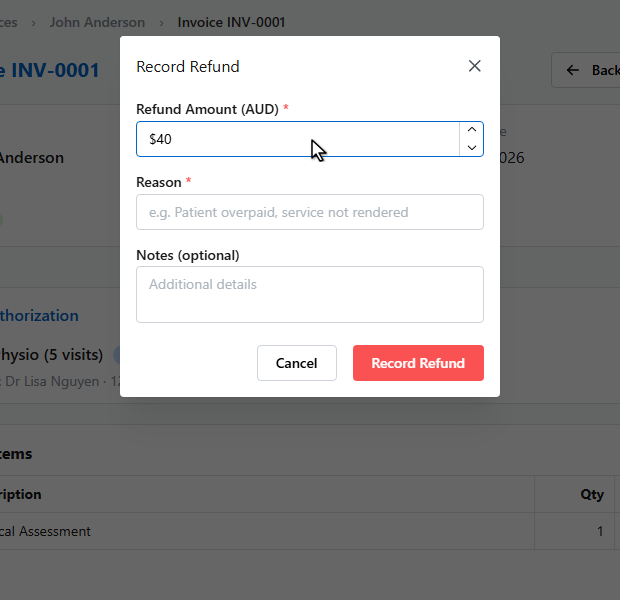
Enter the amount to refund. It can’t exceed what’s been paid.
6
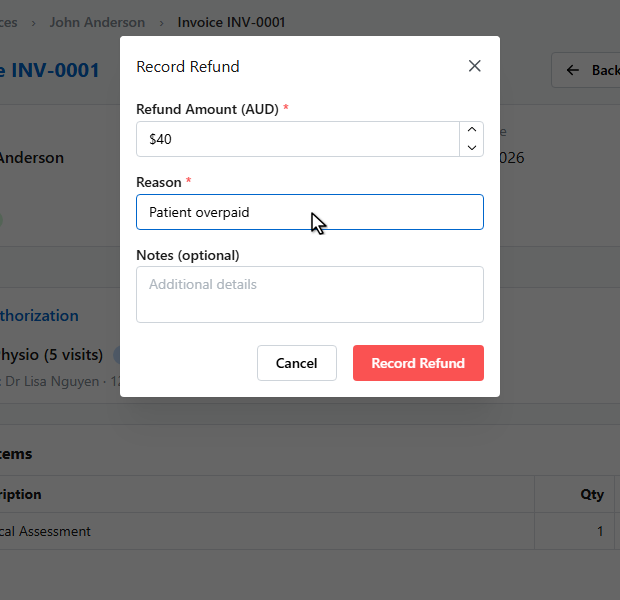
Give a reason — it’s kept on the invoice for your records.
7
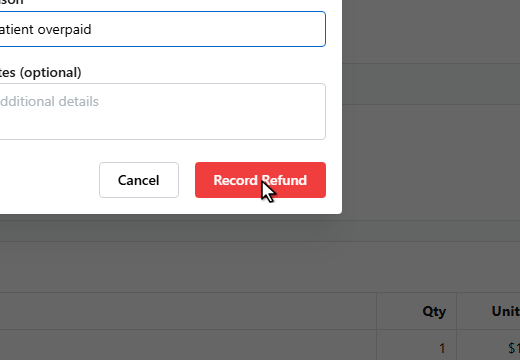
Click Record Refund.
8
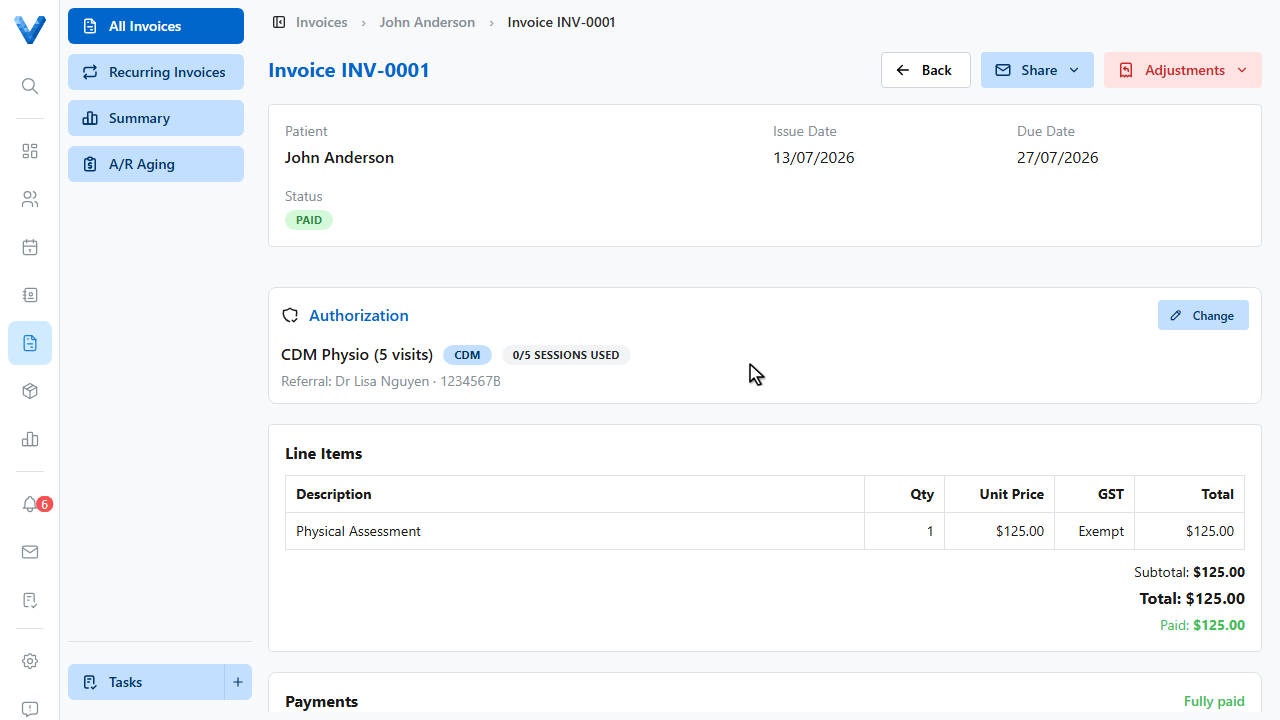
The refund appears on the invoice, and the patient’s account ledger is updated to match.
Which adjustment do I need?
Refund returns money already paid. Write-off forgives an outstanding balance without payment. Void cancels the invoice entirely — its number is preserved for audit and recorded payments stay in the patient’s ledger.