 Volition
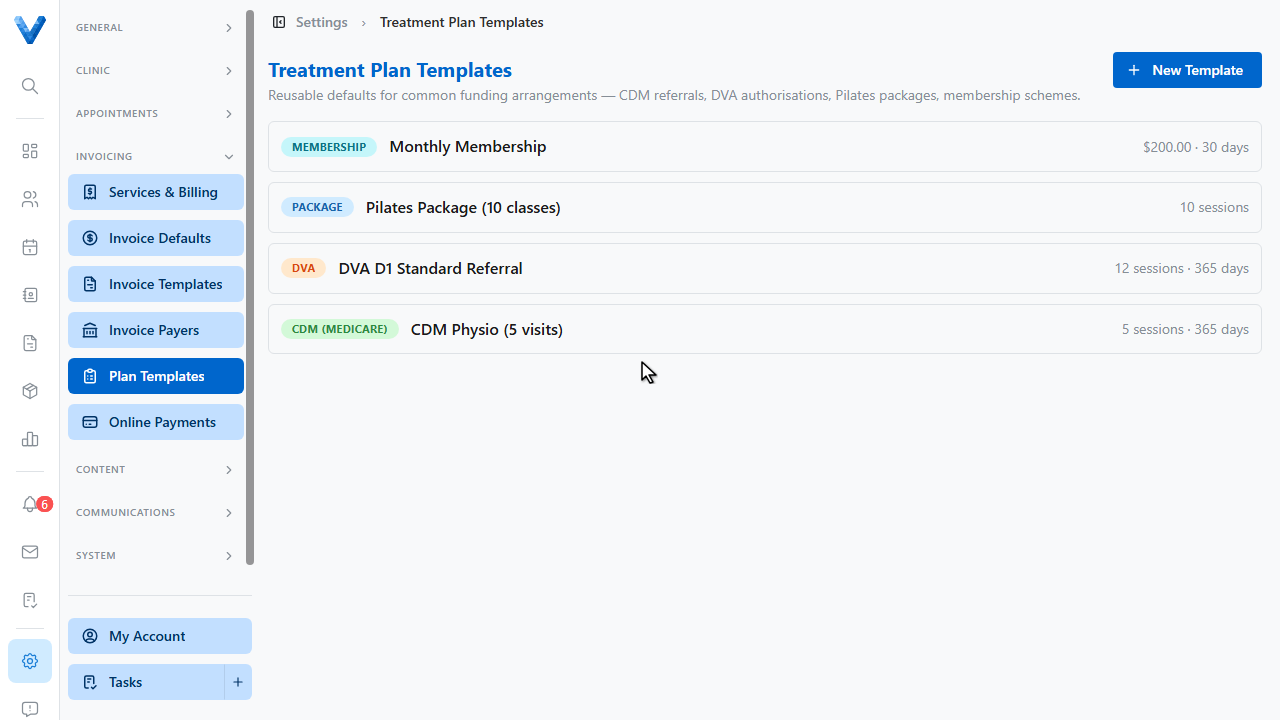
Start in Settings, Plan Templates. Templates hold the defaults for common funding arrangements — C.D.M. referrals, D.V.A. authorisations, Pilates packages, or memberships.
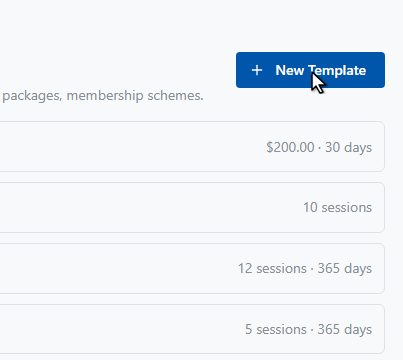
Click New Template.
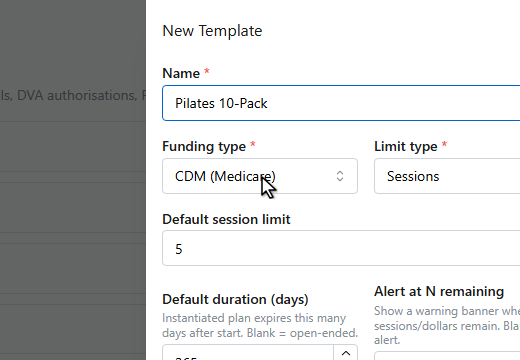
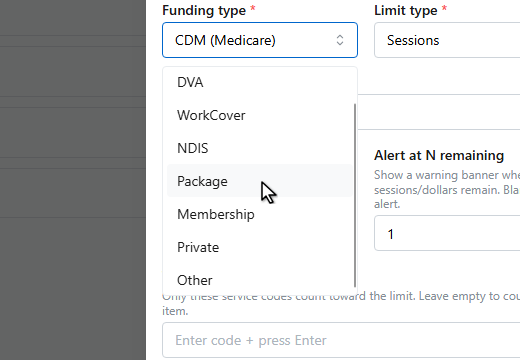
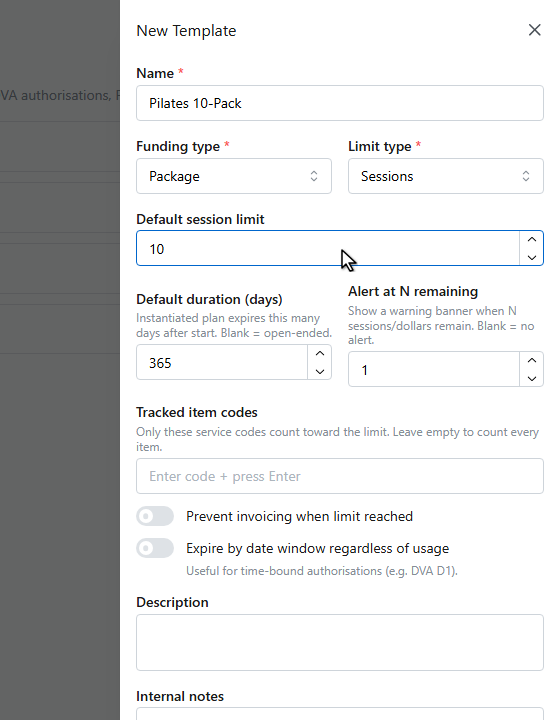
Name the template, and pick the funding type and how the limit is counted — sessions, dollars, or both.
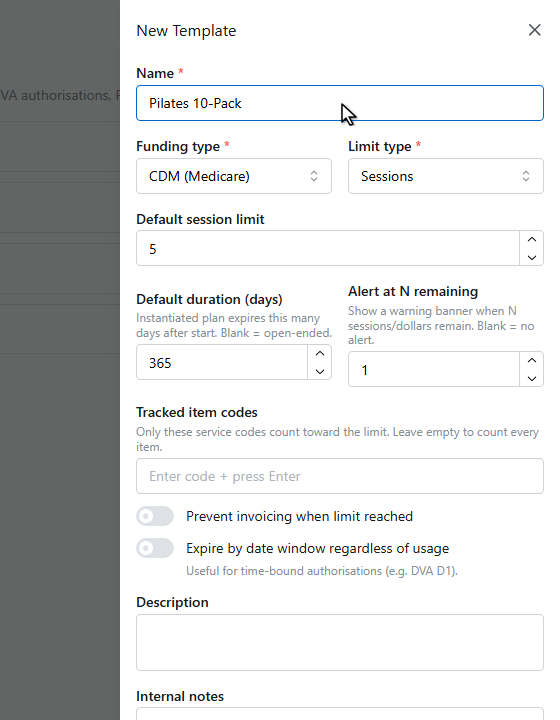
Set the default session limit and, optionally, tracked item codes so only certain services count toward it. You can also block invoicing once the limit is reached.
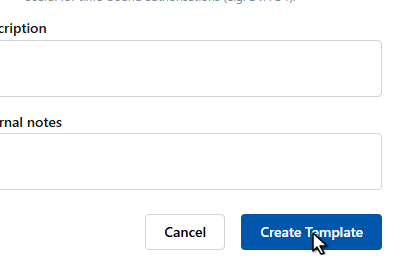
Click Create Template.
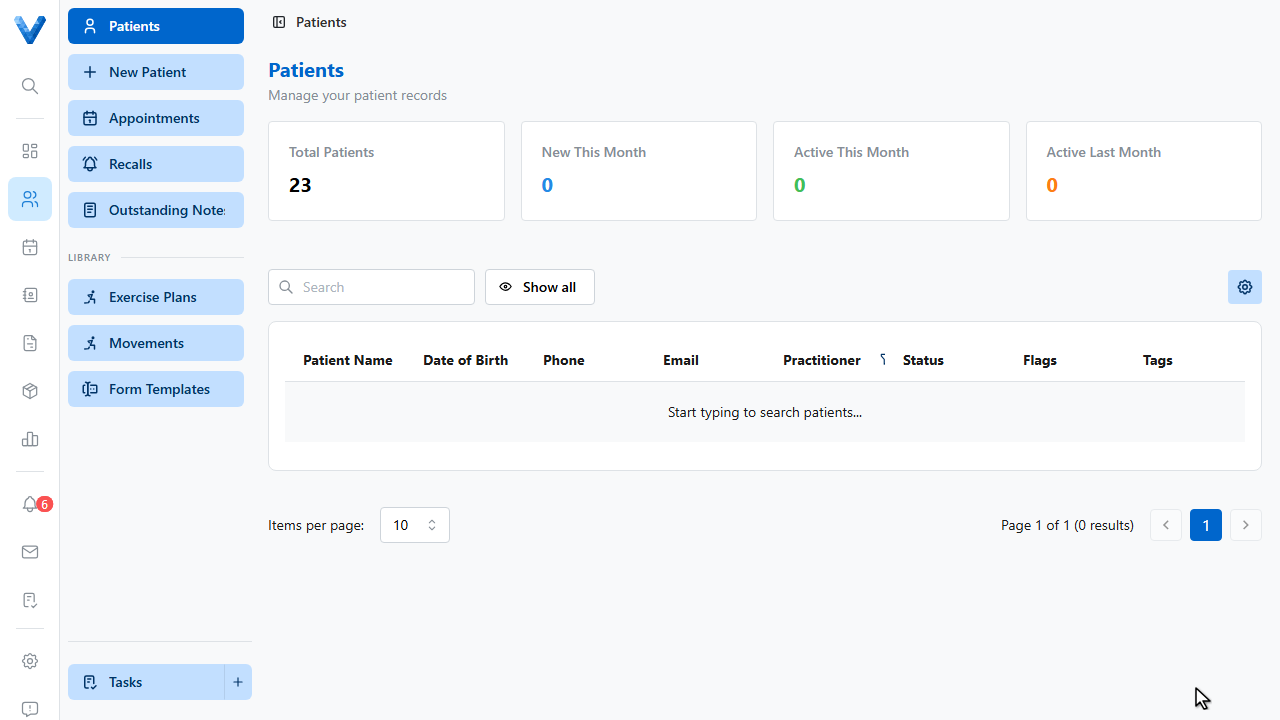
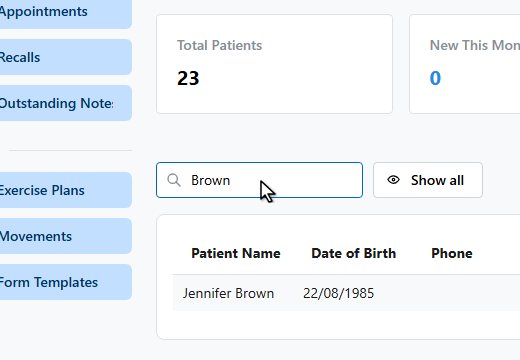
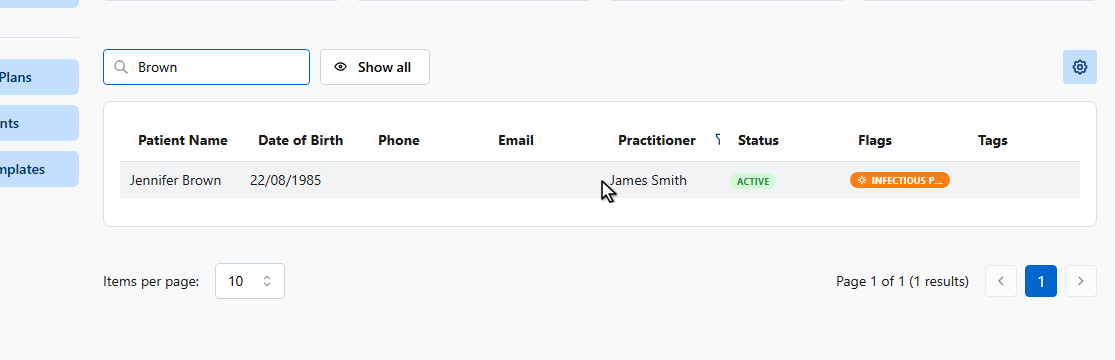
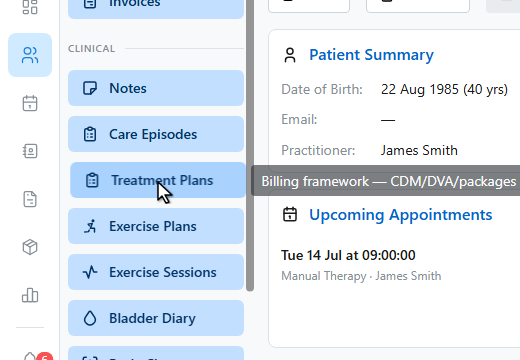
Now assign a plan to a patient. Open the patient and go to Treatment Plans in their sidebar.
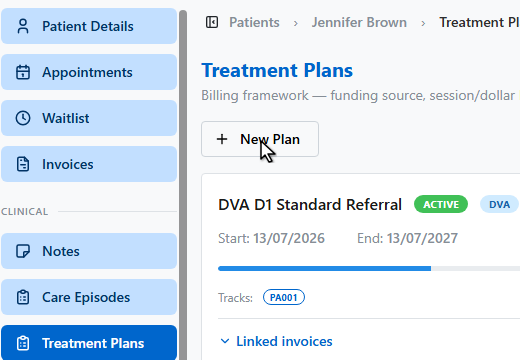
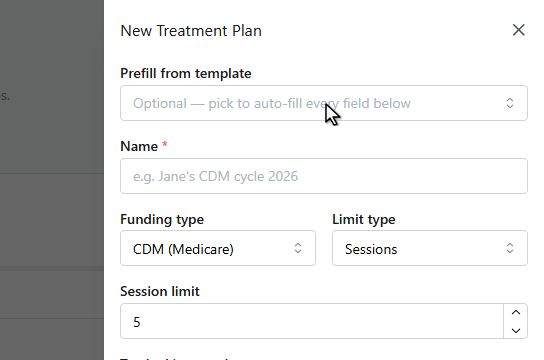
Click New Plan.
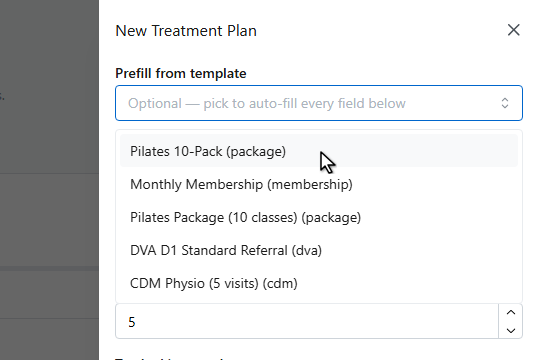
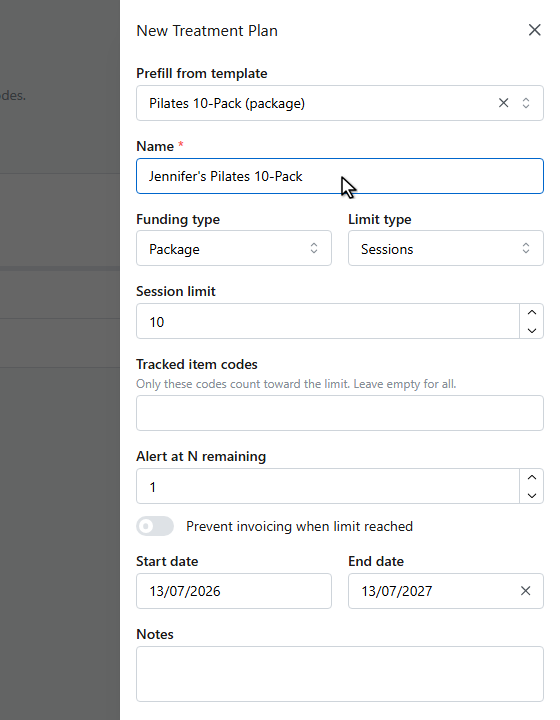
Prefill from your template — every field fills in automatically and stays editable.
Give the plan a name for this patient.
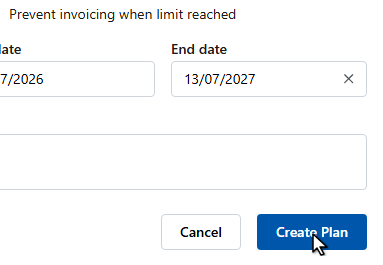
Click Create Plan.
The plan card tracks sessions used against the limit. When you create an invoice, pick this plan in the invoice’s Authorization section — each linked invoice advances the session counter, and Medicare or D.V.A. claims use the plan’s referral details.
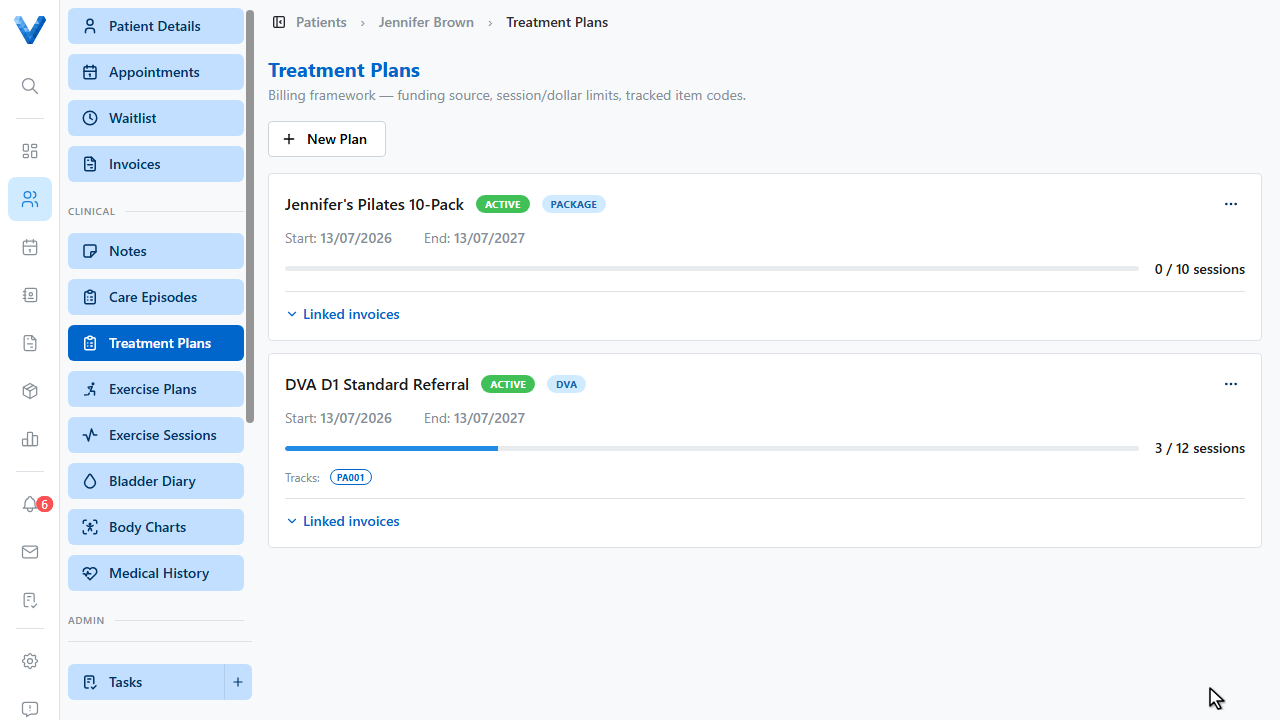
When creating an invoice, pick the plan in the Authorization section. Each linked invoice advances the plan’s session counter, and Medicare/DVA claims draw the referral details from the plan. The plan card shows a progress bar as sessions are used.