Volition
1
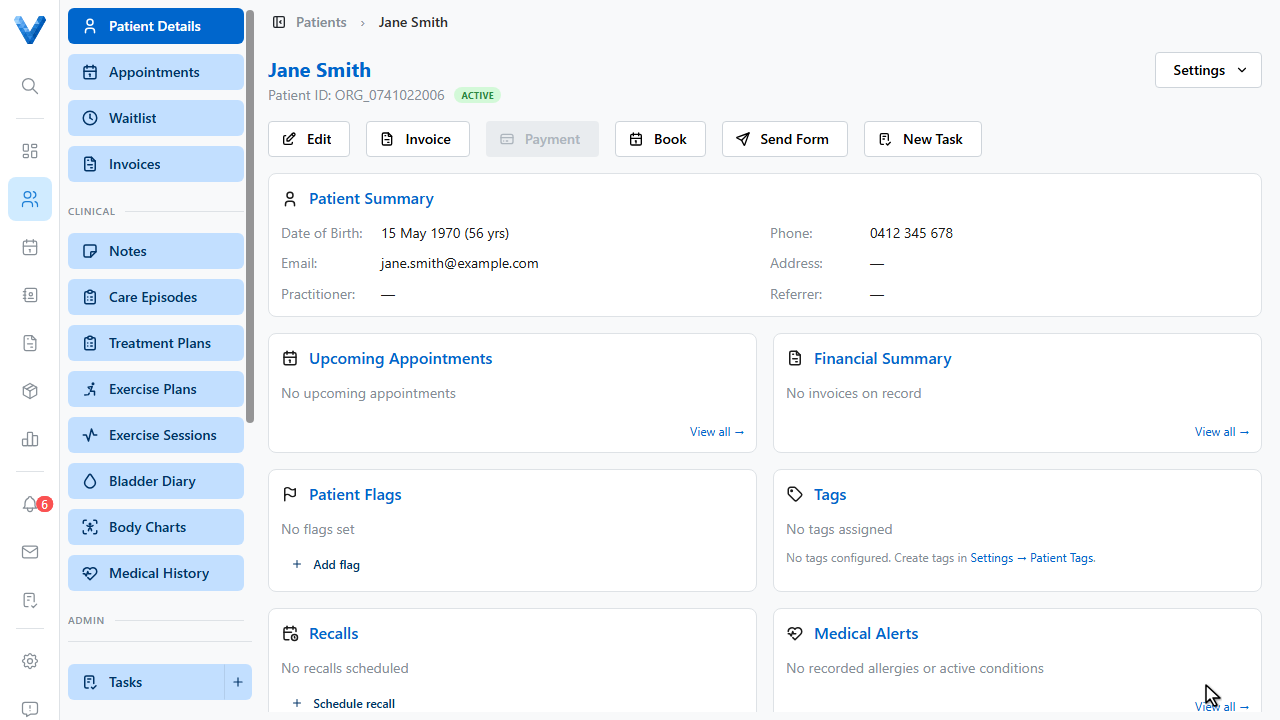
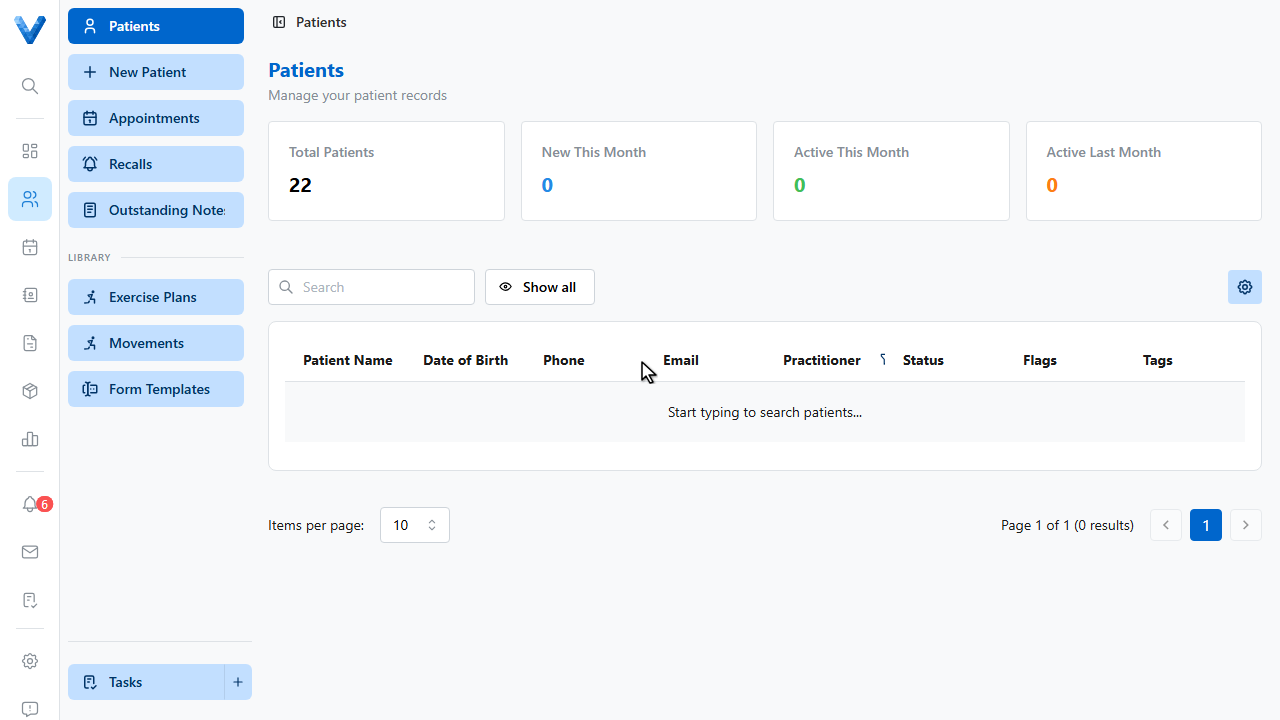
Start by opening the Patients section from the main sidebar.
2
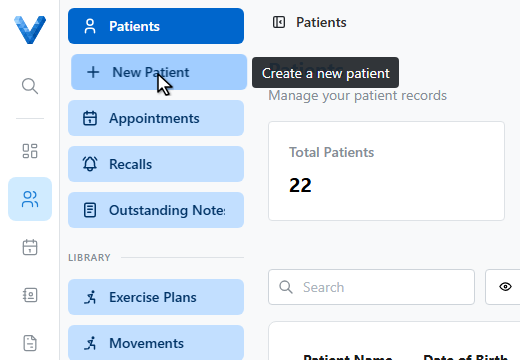
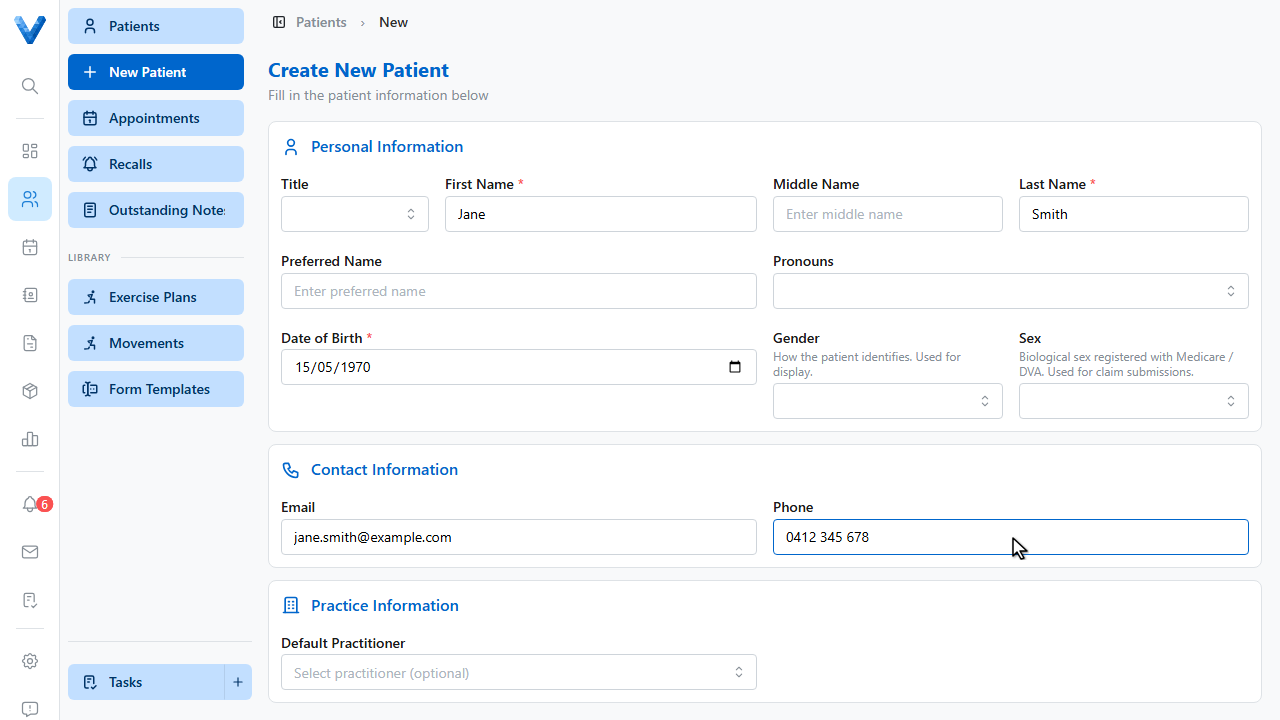
In the left sidebar, click New Patient.
3
4
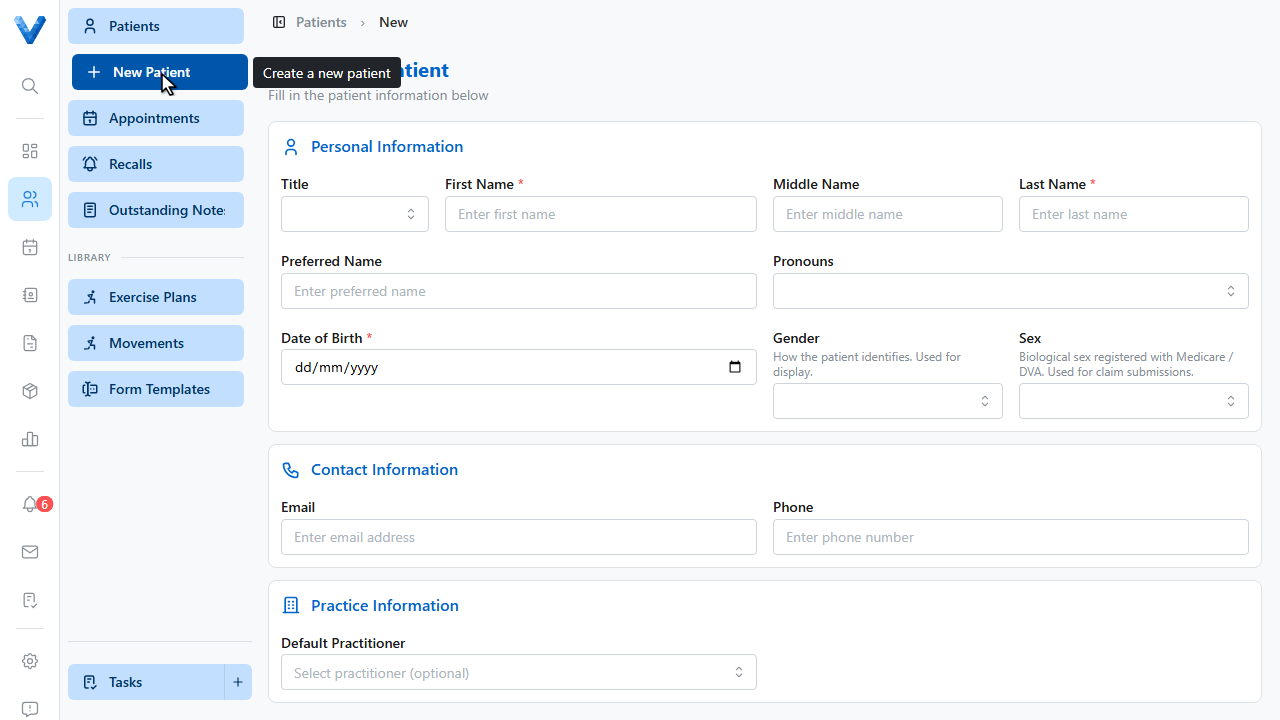
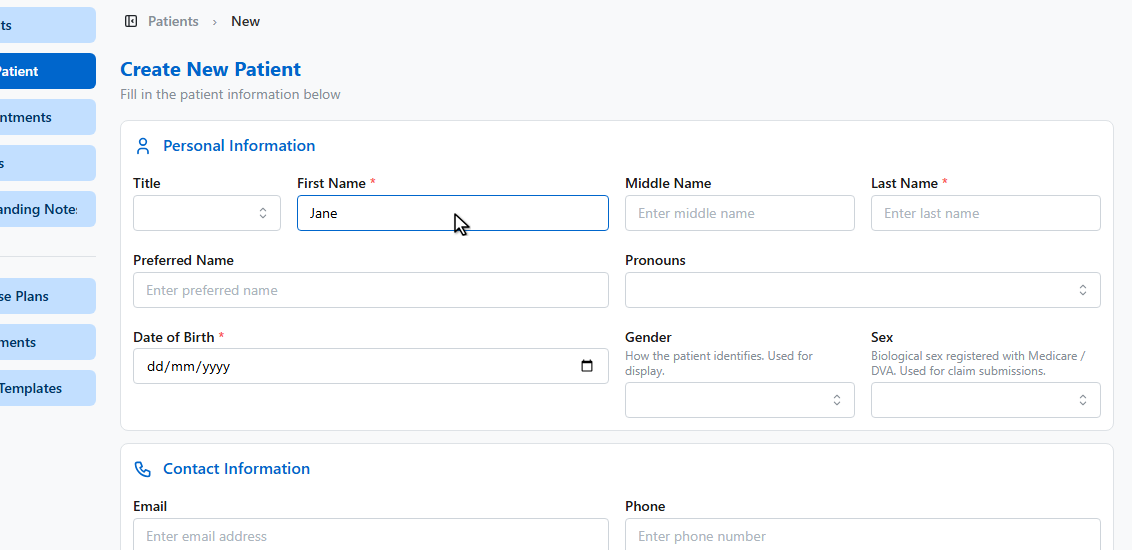
Enter the first name.
5
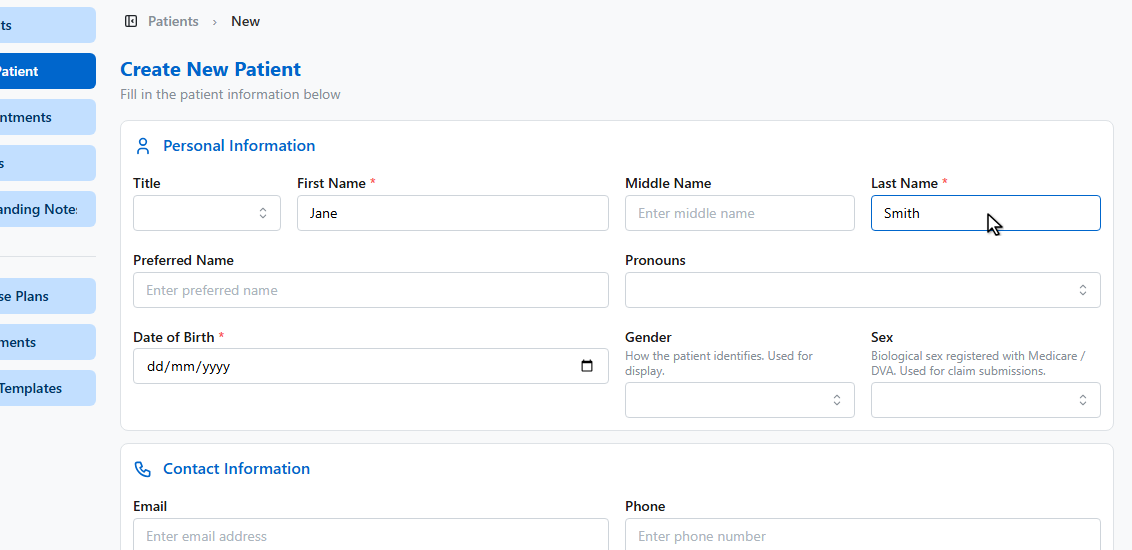
Then enter the patient’s last name.
6
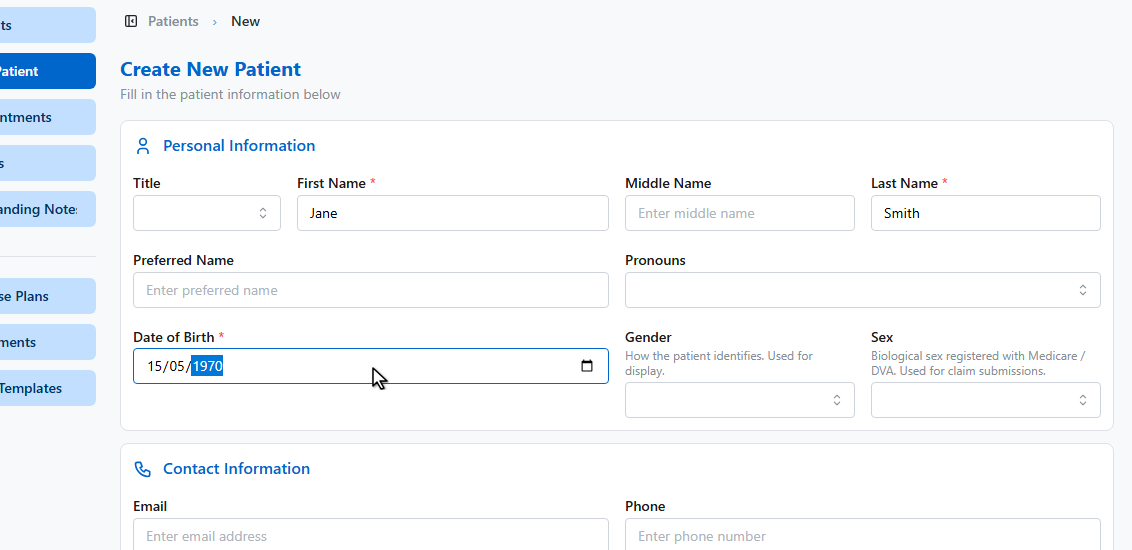
Enter the patient’s date of birth. This field is required.
7
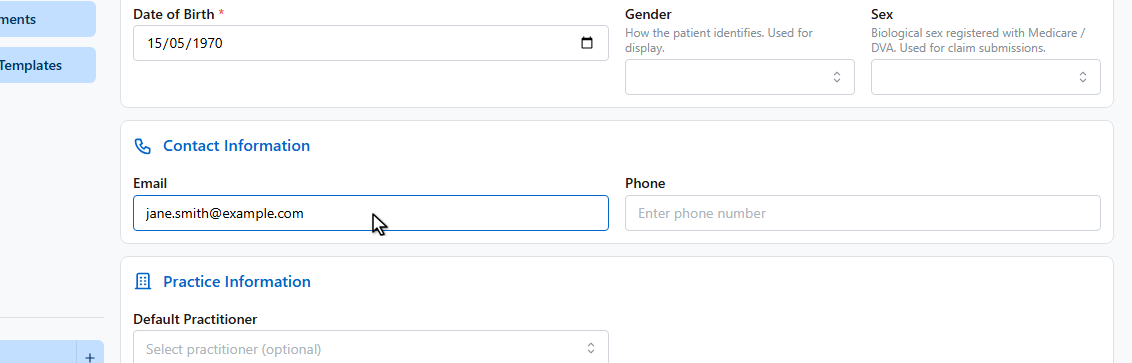
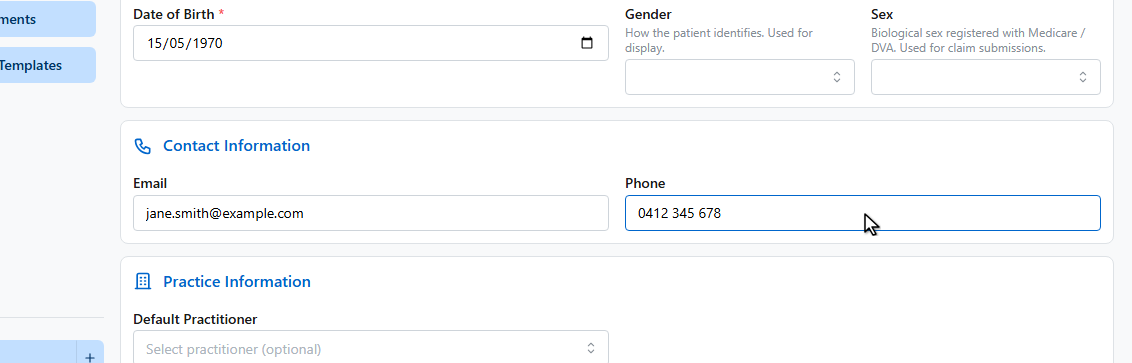
Optionally, add an email address for sending intake forms and other communications.
8
Add a phone number so the patient can receive appointment reminders by SMS.
9
10
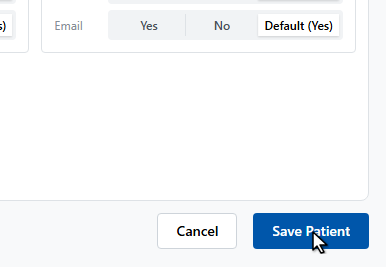
Once you have filled in the details, click Save Patient to create the record.
11
The patient is created. From here you can view and manage all their information.