 Volition
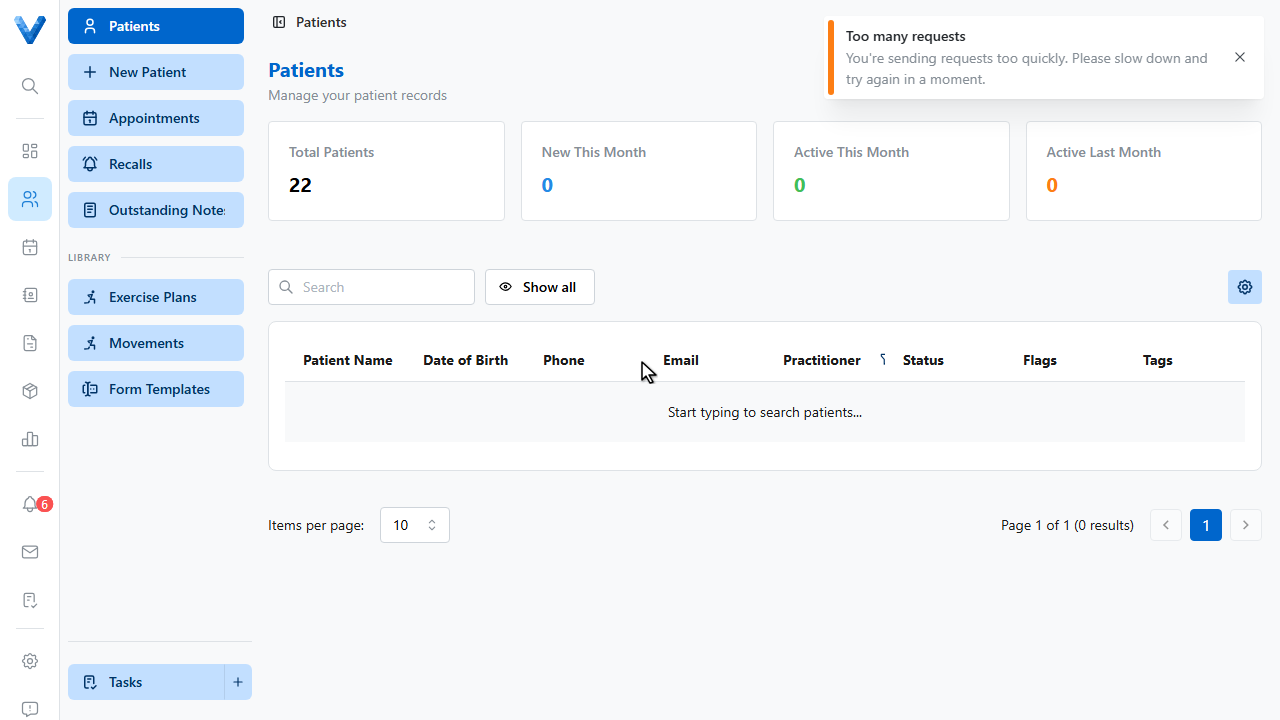
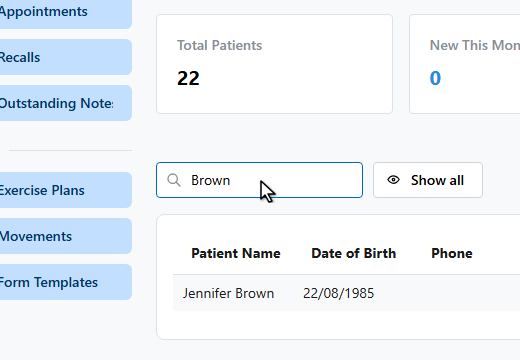
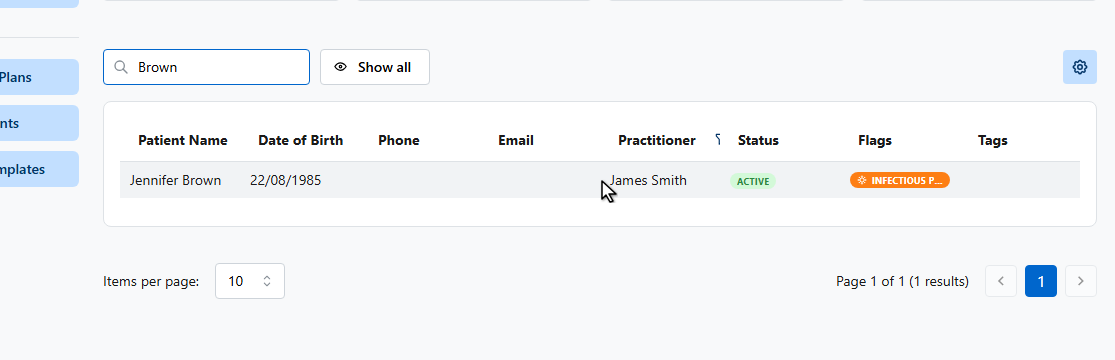
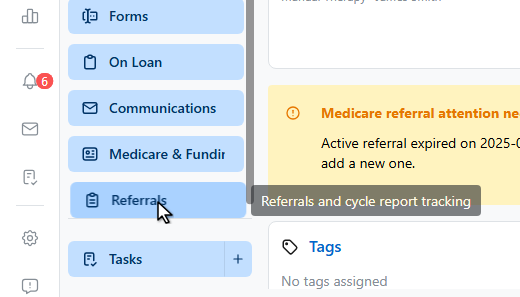
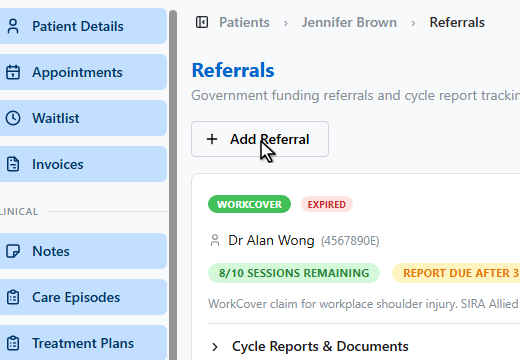
Open the patient, then go to Referrals in their sidebar.
Click Add referral.
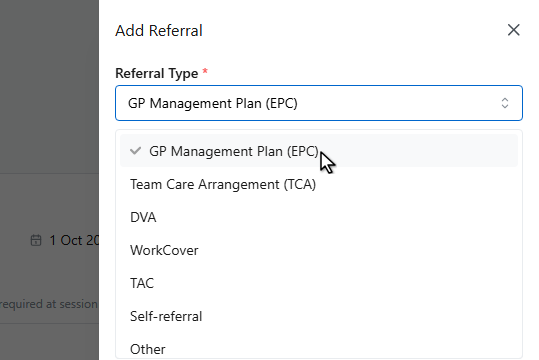
Pick the referral type — G.P. management plan, team care arrangement, D.V.A., WorkCover, or self referral.
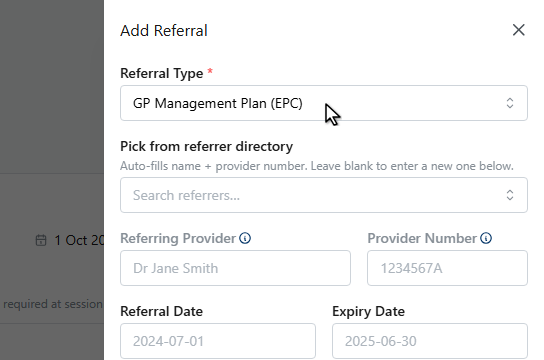
Pick the referrer from your directory and their provider number fills in automatically, or type the details manually.
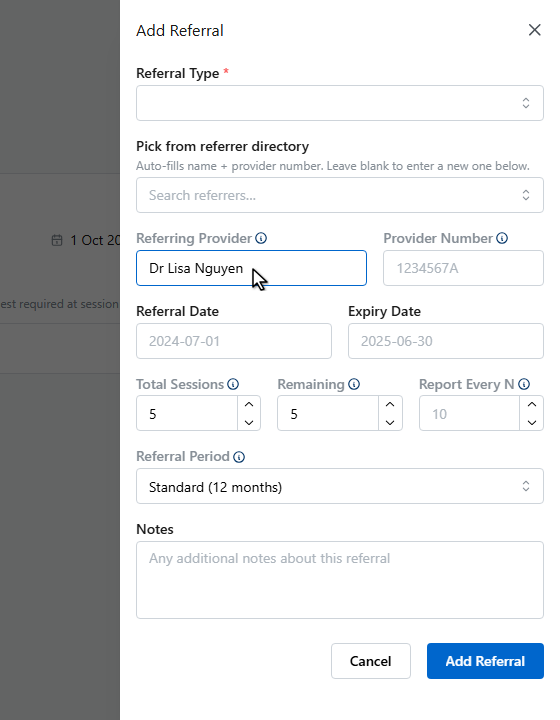
Set the total sessions the referral covers — Volition counts usage against it and warns as it runs out.
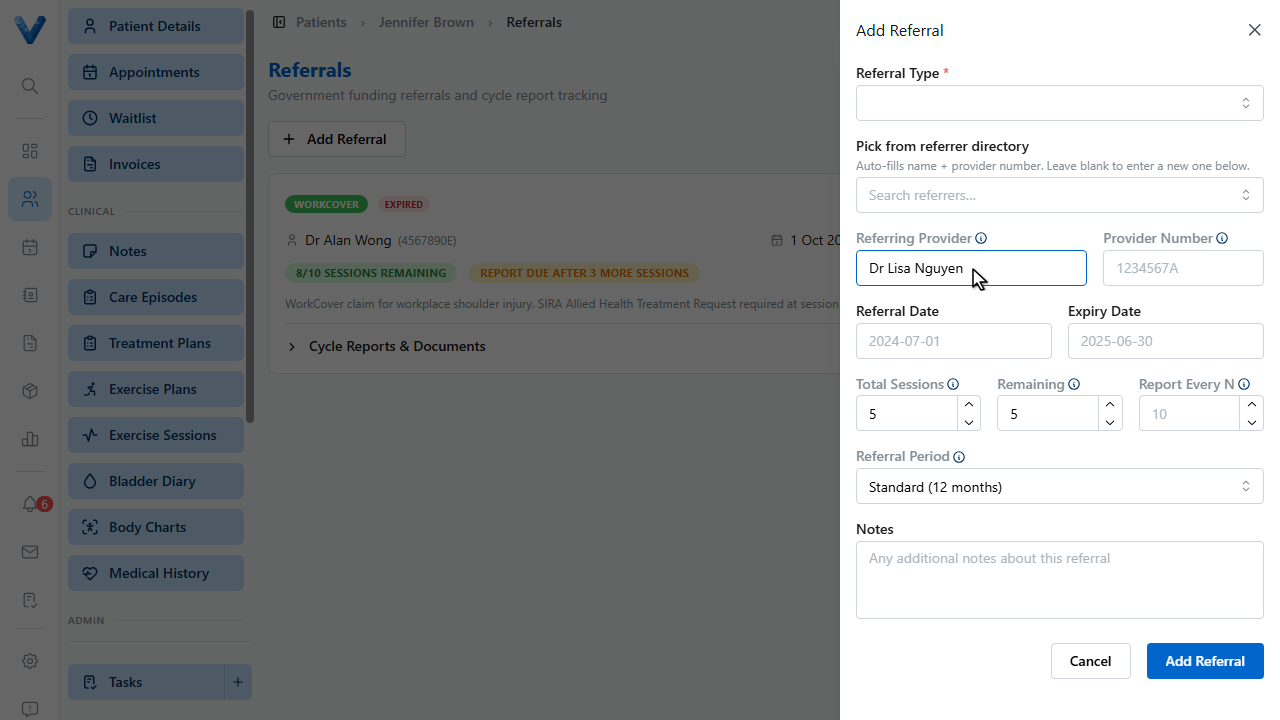
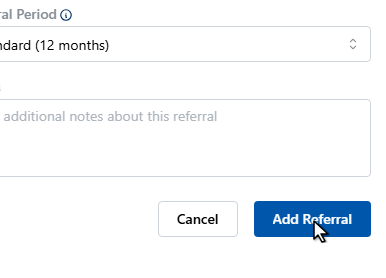
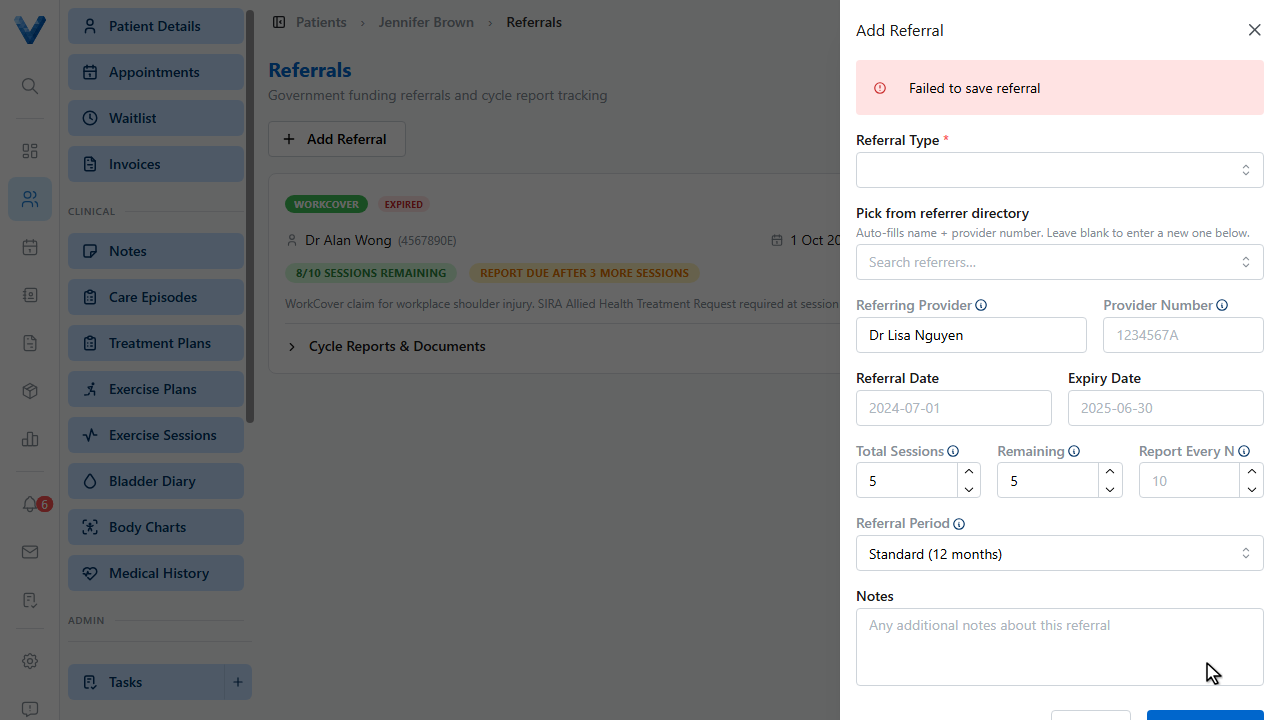
Click Add referral to save.
The referral is now available in the invoice Authorization picker and on treatment plans, driving Medicare and D.V.A. claims.
The referrer is the contact-directory record (Contacts → Referrers); a referral is this patient-specific authorisation with dates and session counts. Pick from the directory so provider numbers stay consistent for claims.