 Volition
Duplicate records happen — a patient re-registers with a new email and suddenly exists twice. The merge tool moves everything onto one record. Open the duplicate patient and start a merge.
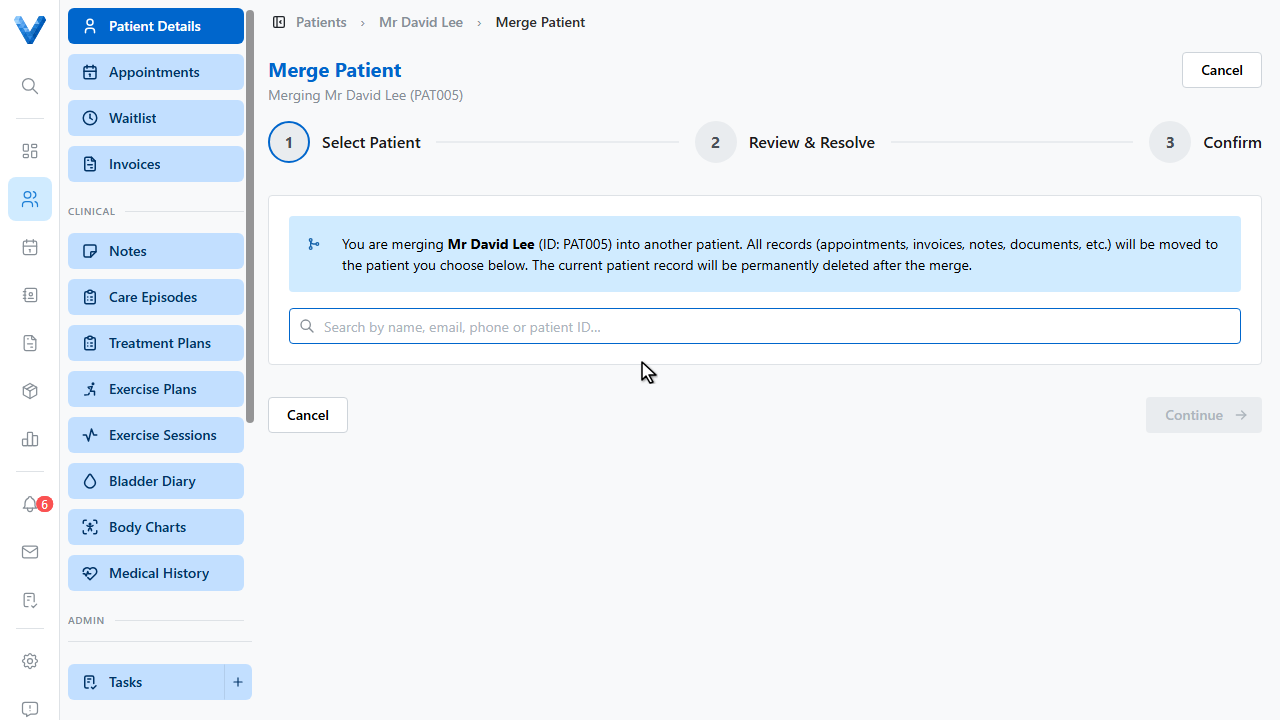
Search for the patient to keep.
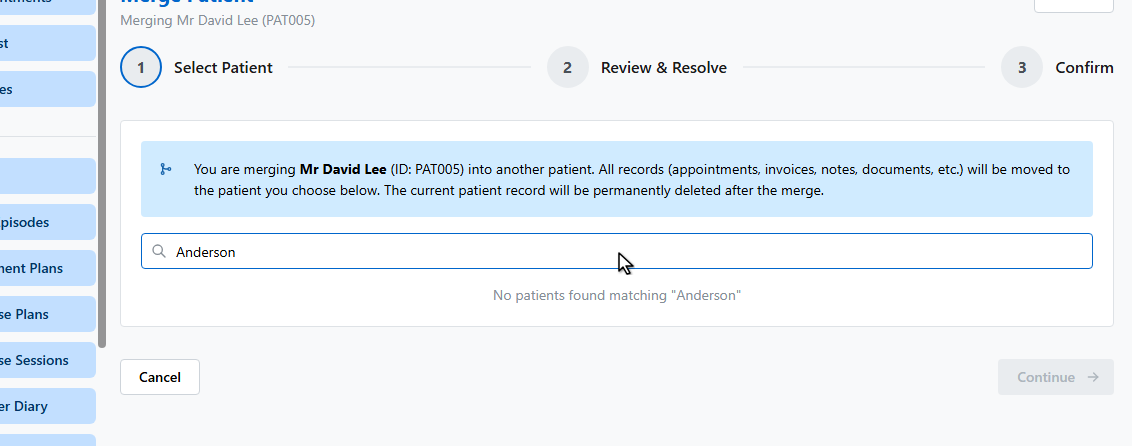
And select them. The record you started from is the one that will be deleted.
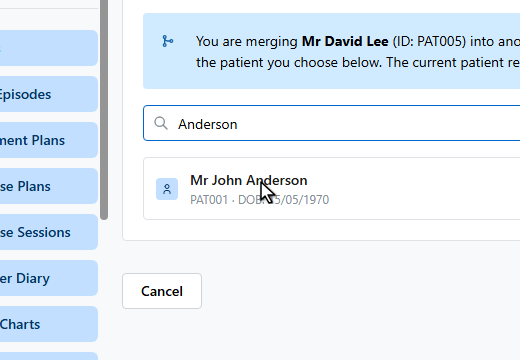
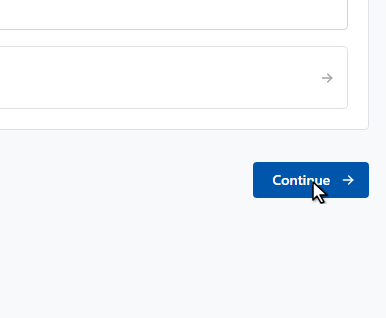
The review shows exactly what moves — appointments, invoices, notes, documents, referrals, and plans — and where the two records disagree, you choose which value survives.
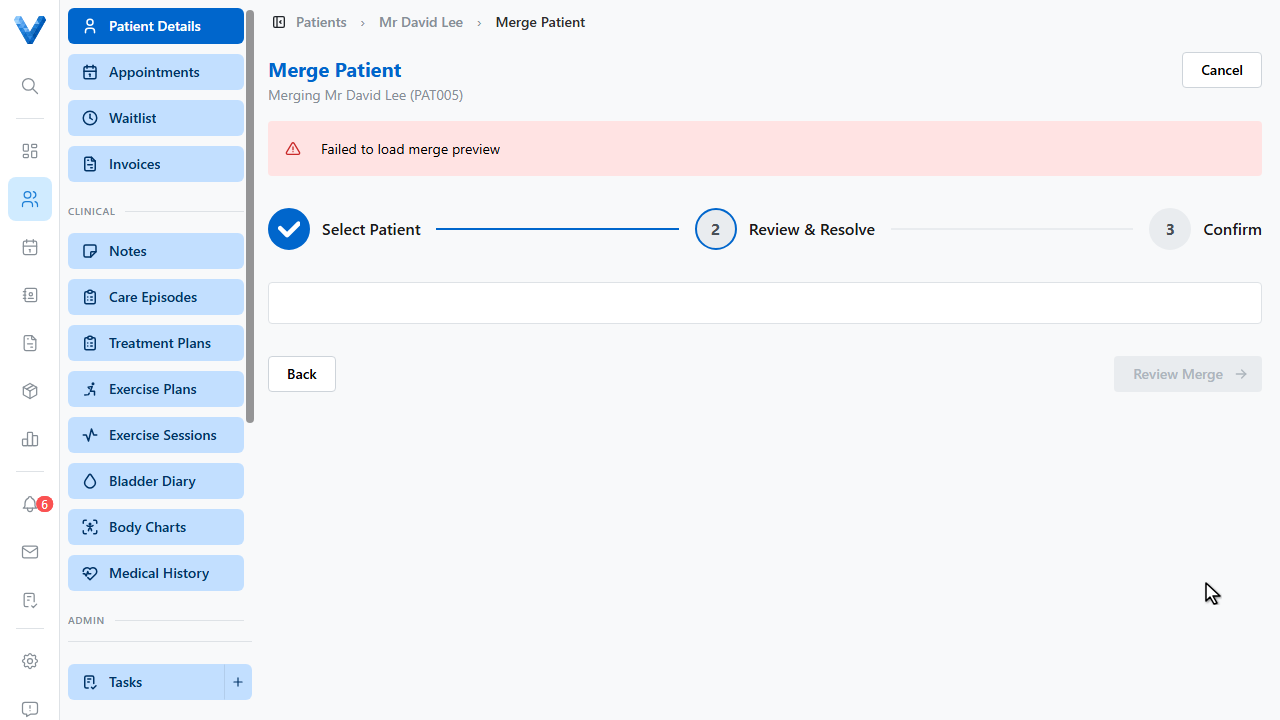
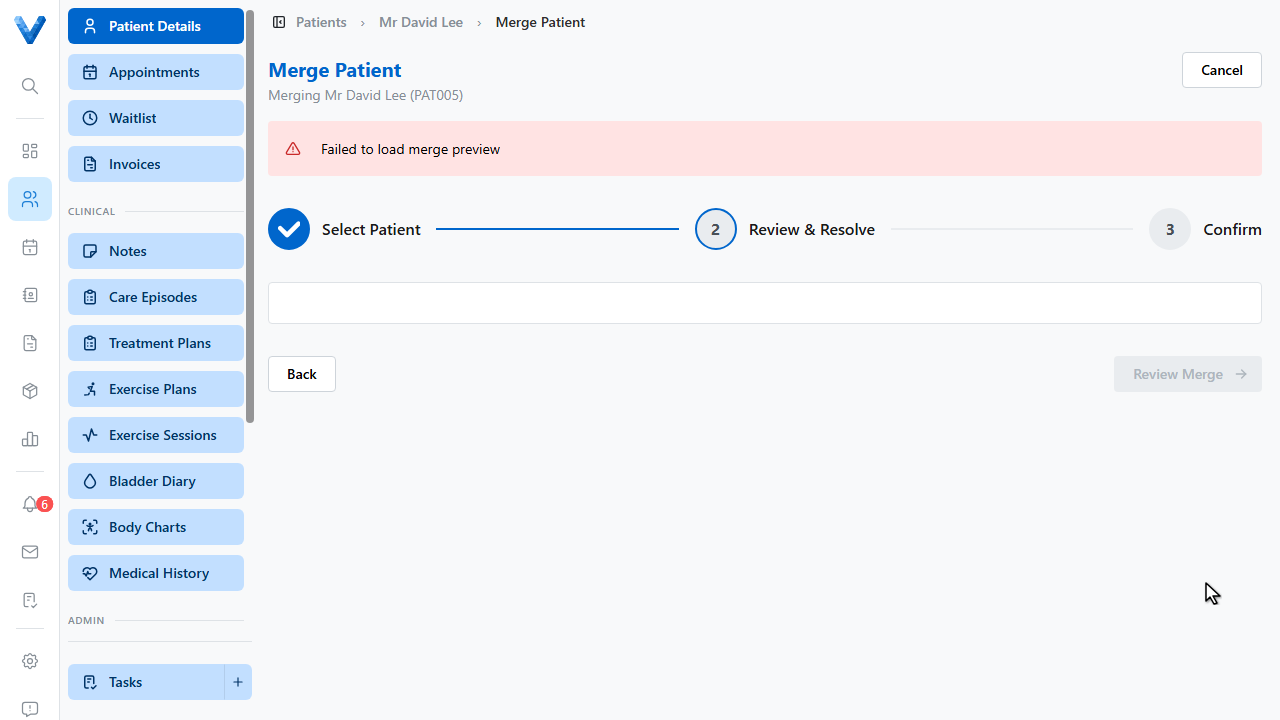
Review Merge takes you to a final confirmation. Merging is permanent and can’t be undone, so check the direction carefully — we’ll cancel here.
When you do confirm, the duplicate is removed and every record lands on the surviving patient.
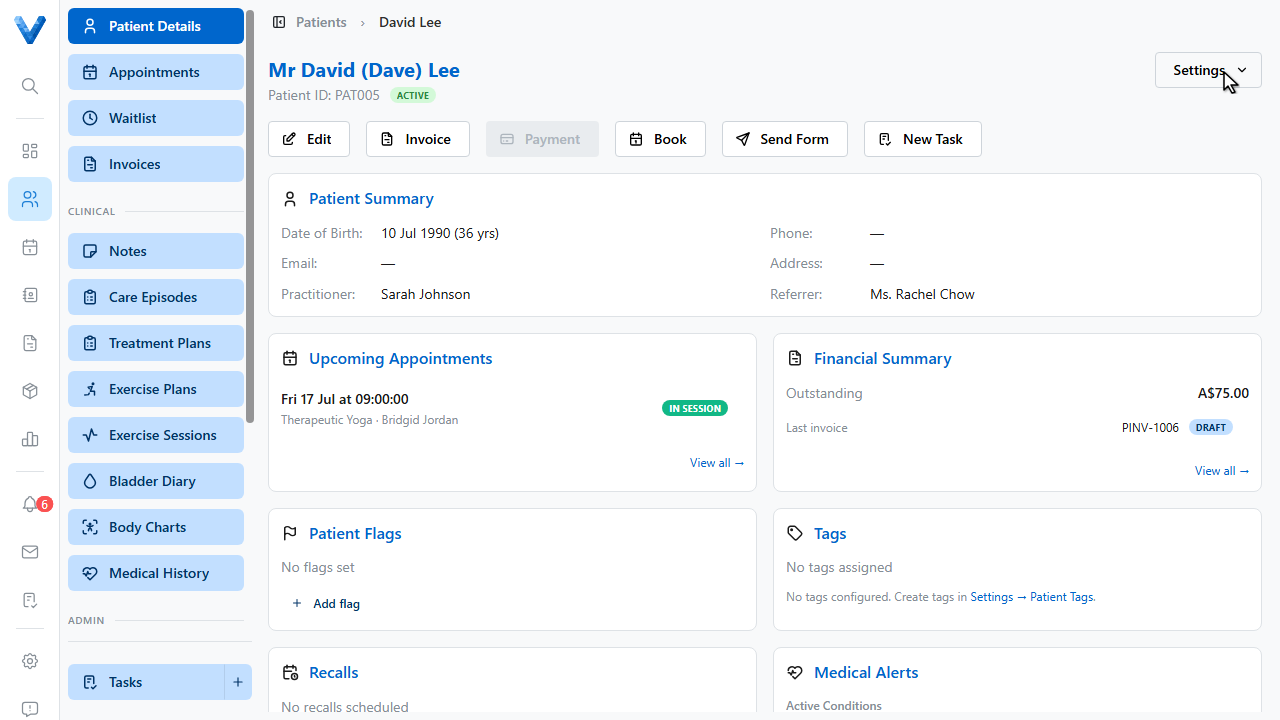
You start the merge from the record that will be deleted. Double-check the “Will be kept” card before confirming — the merge is permanent and moves every appointment, invoice, and note.