 Volition
1
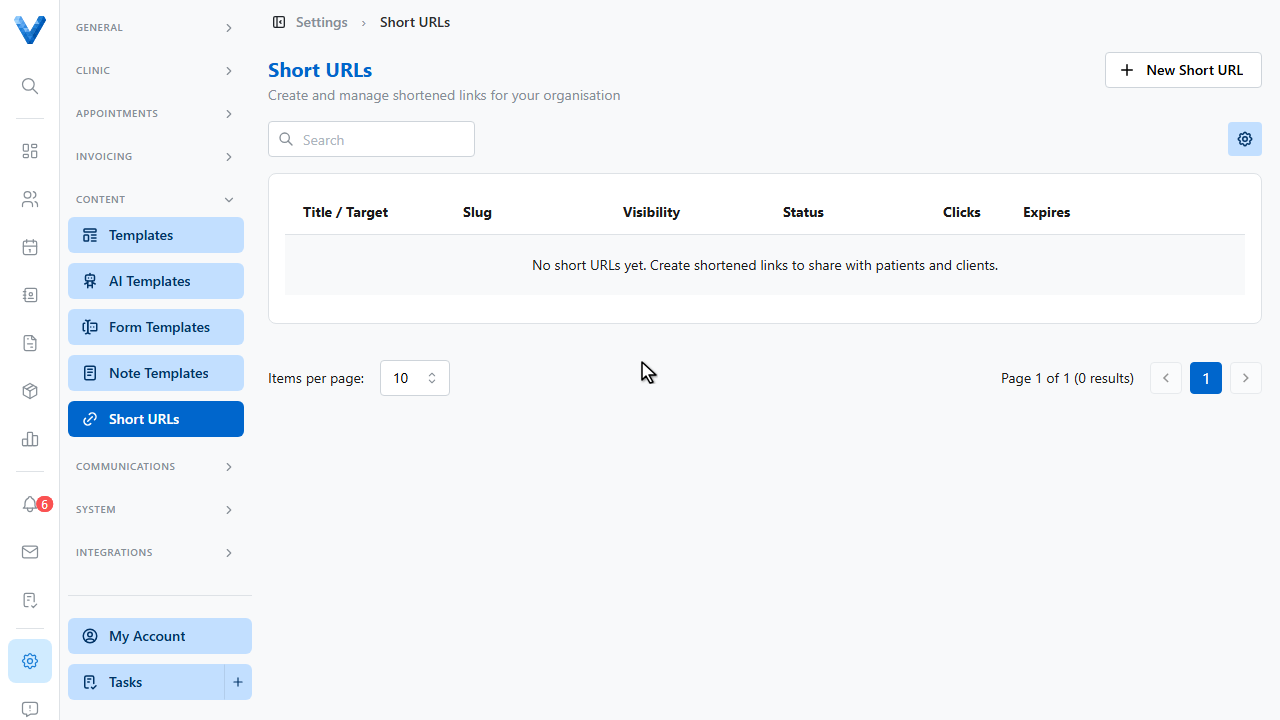
Short URLs give you clean, trackable links — perfect for your booking page on printed material. Go to Settings, Short URLs.
2
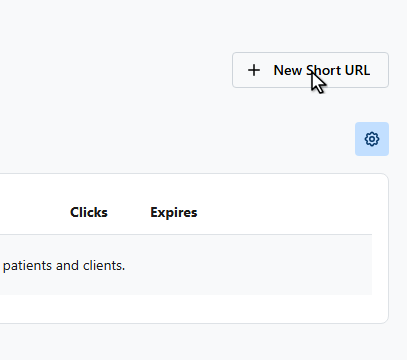
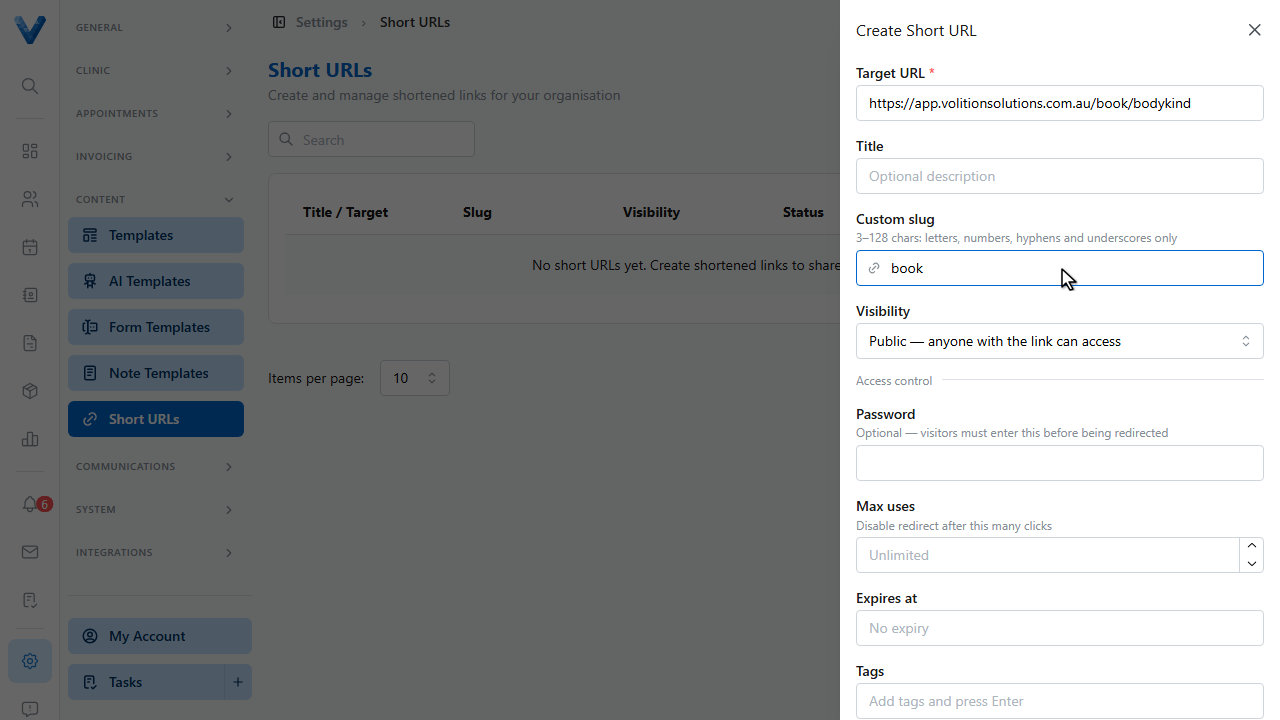
Click New Short URL.
3
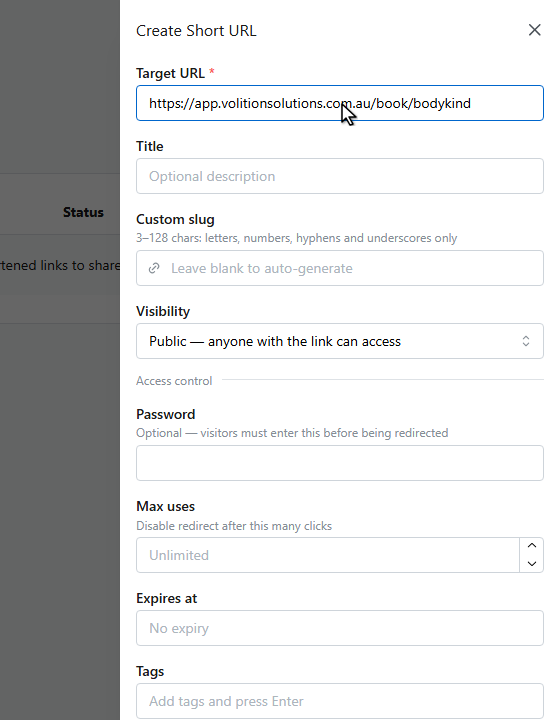
Paste the target — say, your online booking page.
4
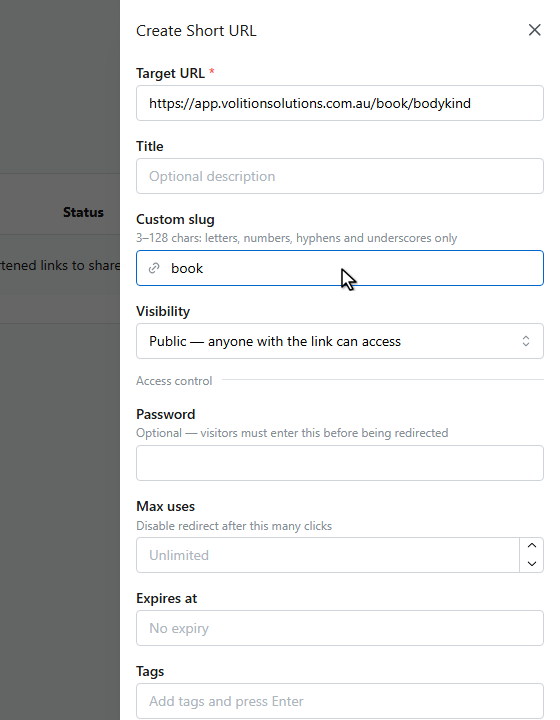
Choose a custom slug, or leave it blank to auto generate one.
5
Links can be public or restricted, password protected, capped to a number of uses, or set to expire — useful for time limited offers.
6
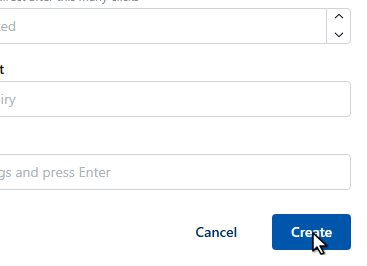
Click Create.
7
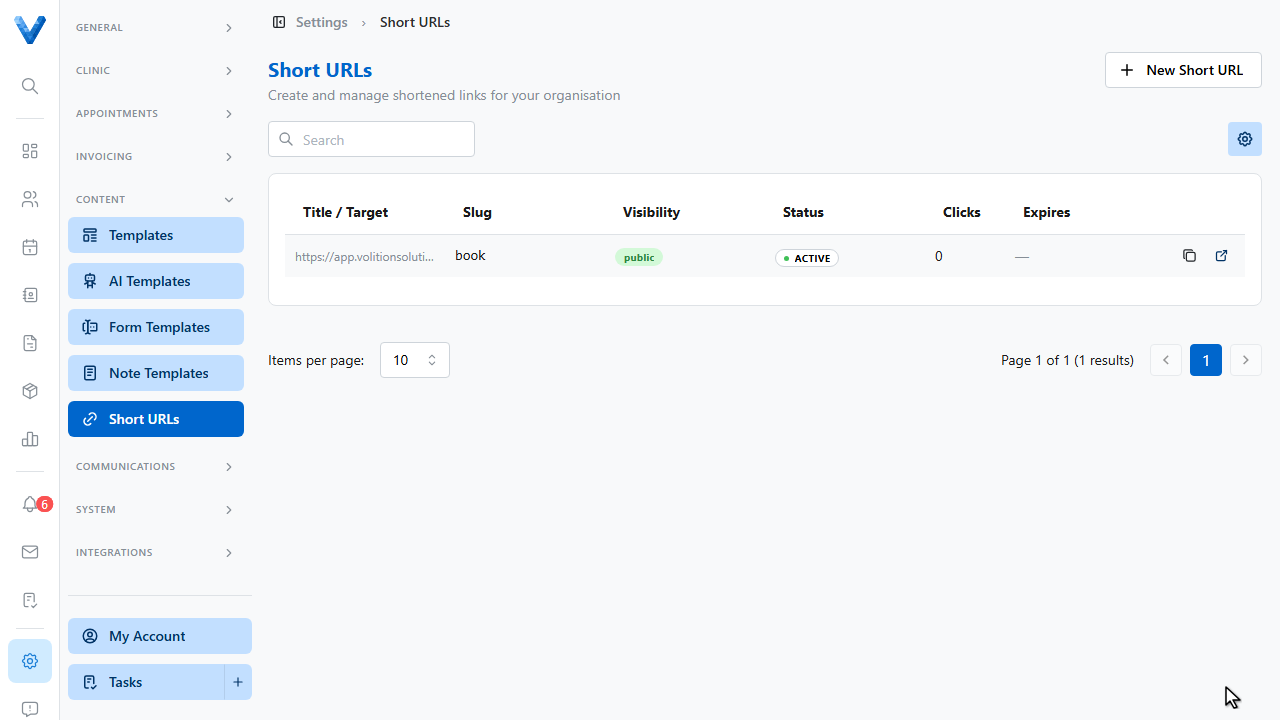
The link is live, and the Clicks column tracks how often it’s used — so you know which poster, flyer, or campaign is working.
Pair with printed labels
Short links work well as QR codes on printed material — point one at your booking page and you can update the target later without reprinting.