 Volition
1
Patients use the Volition app for their exercises, diary, and appointments. To give a patient access, open their record.
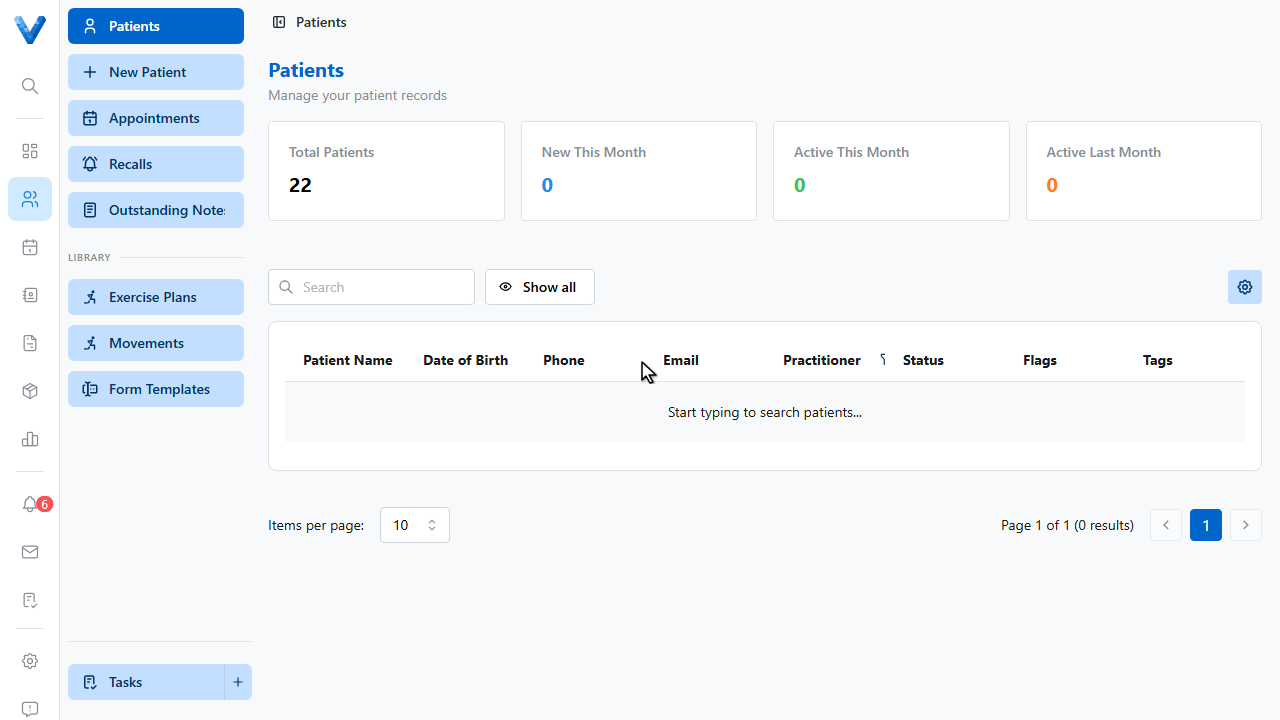
2
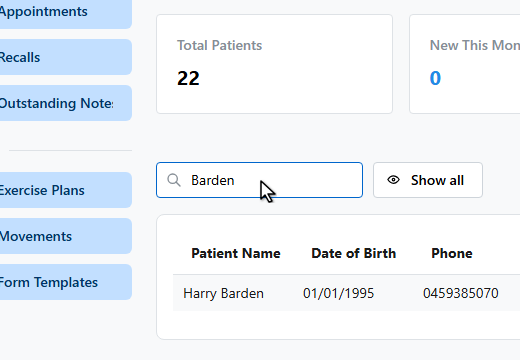
3
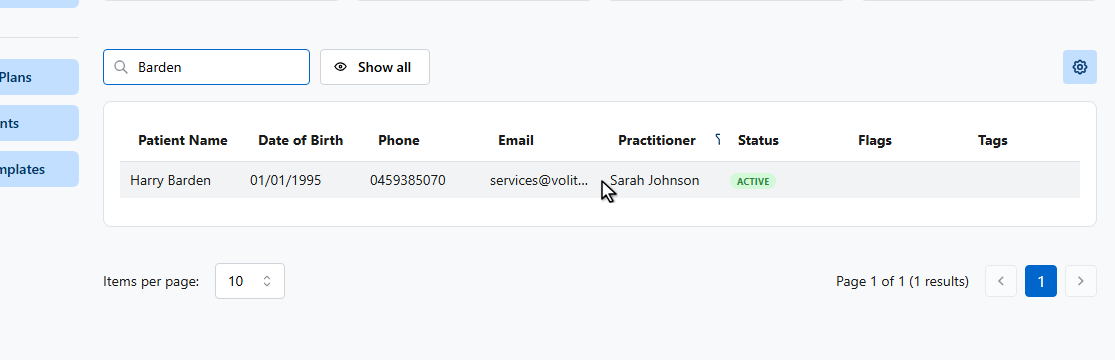
4
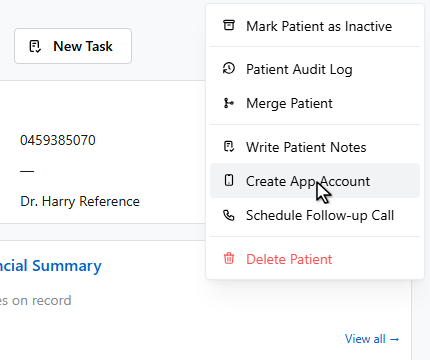
Open the actions menu and choose Create App Account.
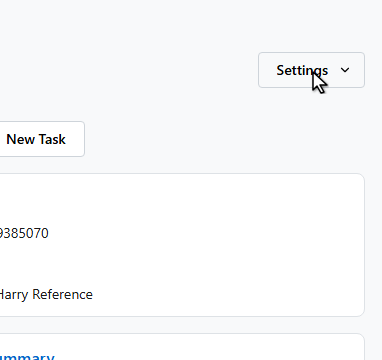
5
6
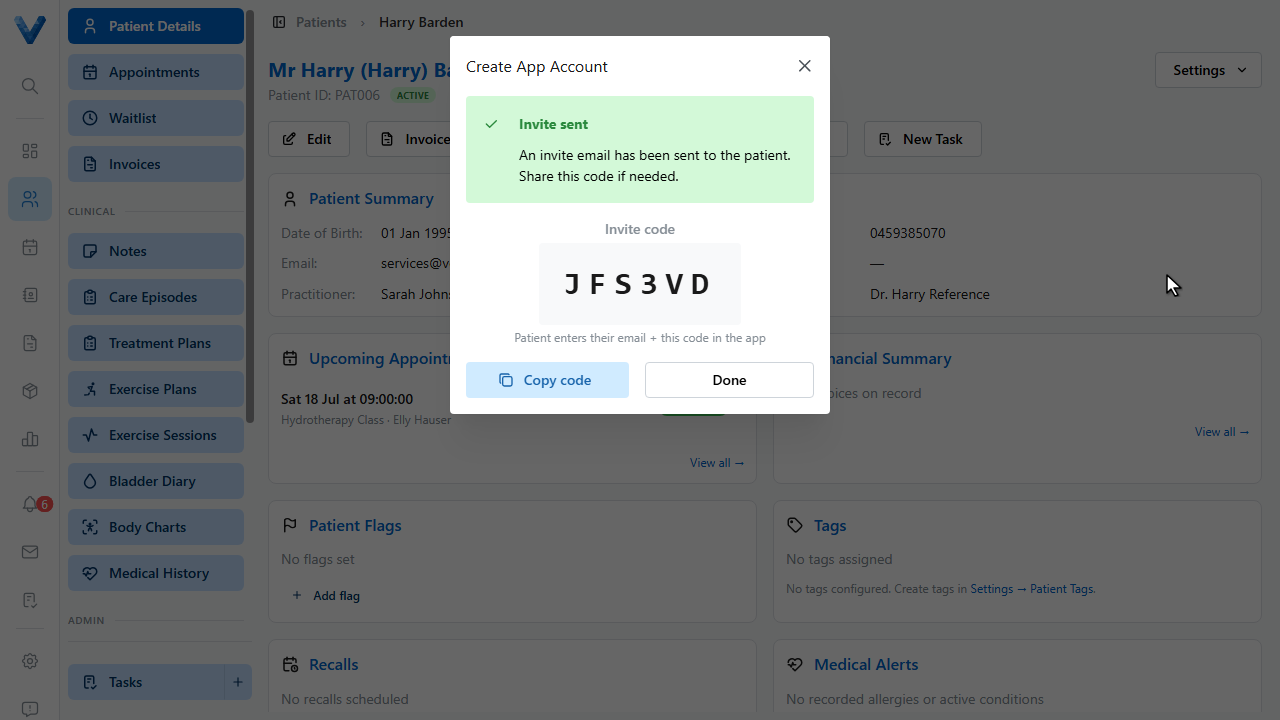
An invite email is sent to the patient automatically, and the invite code appears on screen. The patient enters their email and this code in the app to set a password.
7
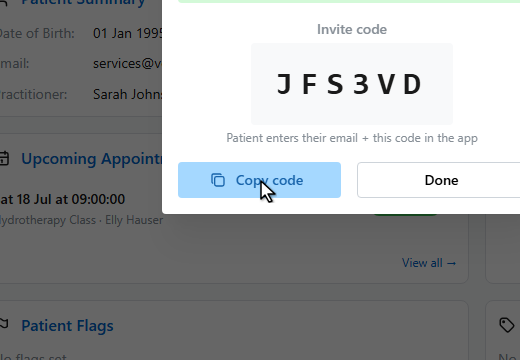
Copy the code to share it over the phone or in person.
8
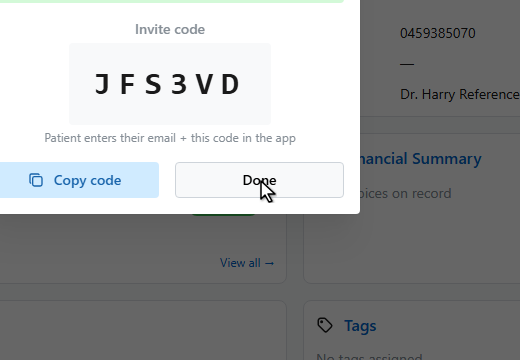
Click Done. If a patient loses access, run Create App Account again — a fresh code is issued for the same account.
What the patient does next
They open the app, tap Set up your account, and enter their email plus this code to choose a password. Codes expire after 7 days — re-run Create App Account for a fresh one. See What Patients See in the App.