Volition
1
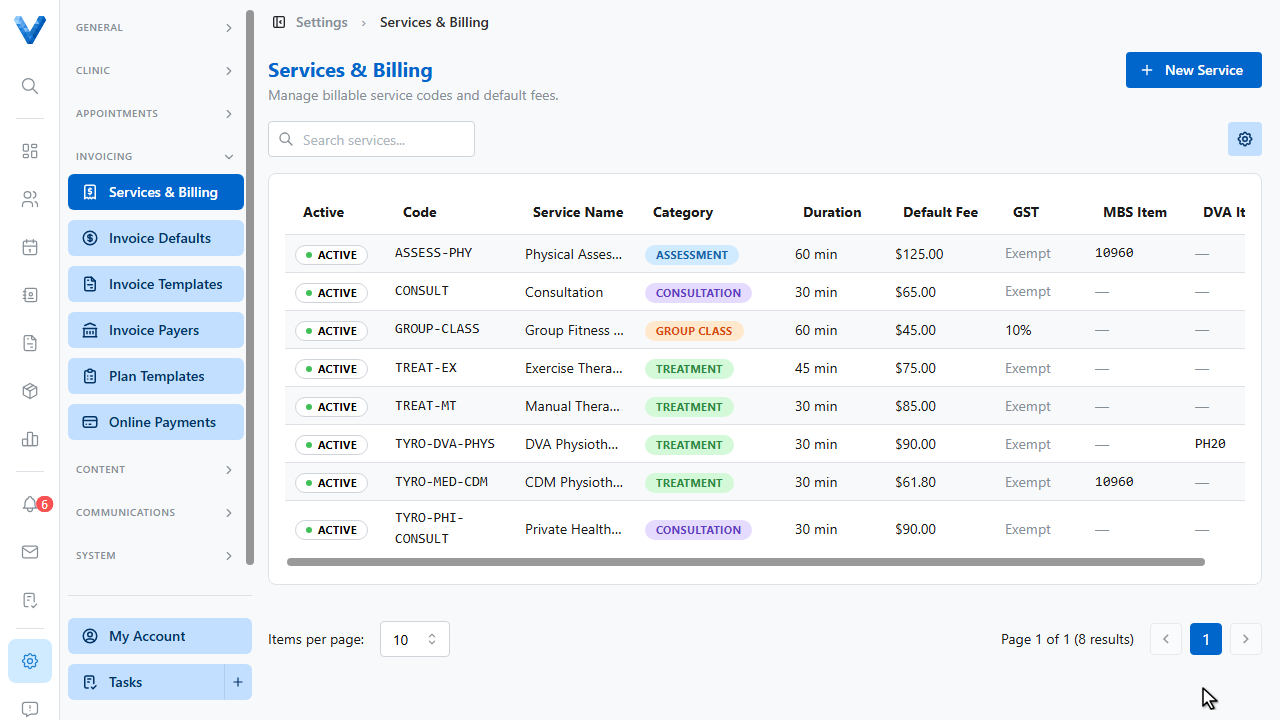
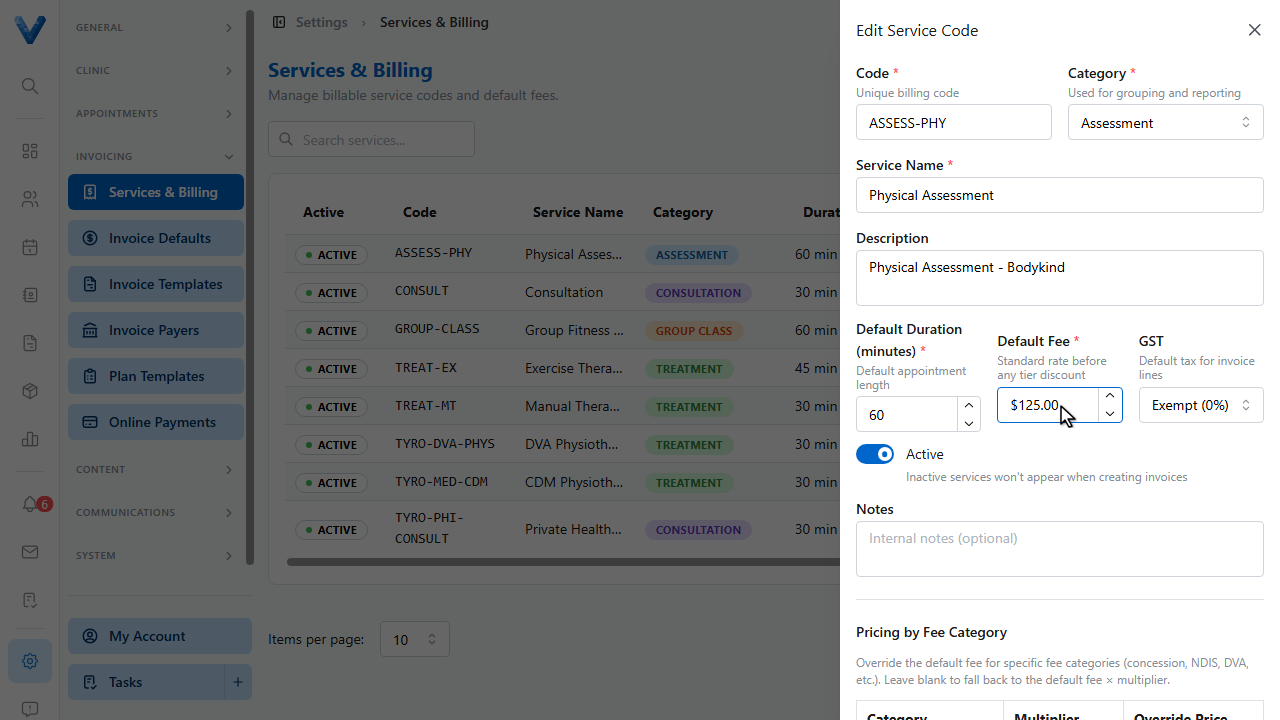
Go to Settings and open Services and Billing. Every invoice line item traces back to one of these service codes.
2
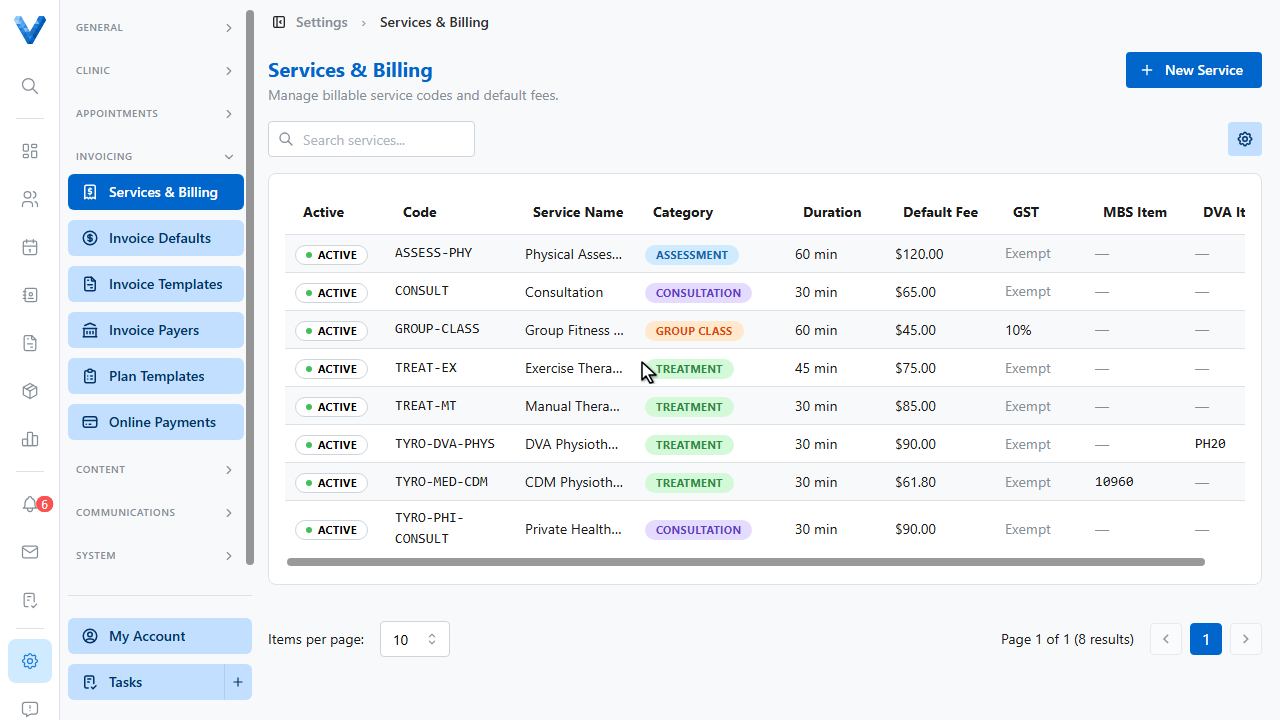
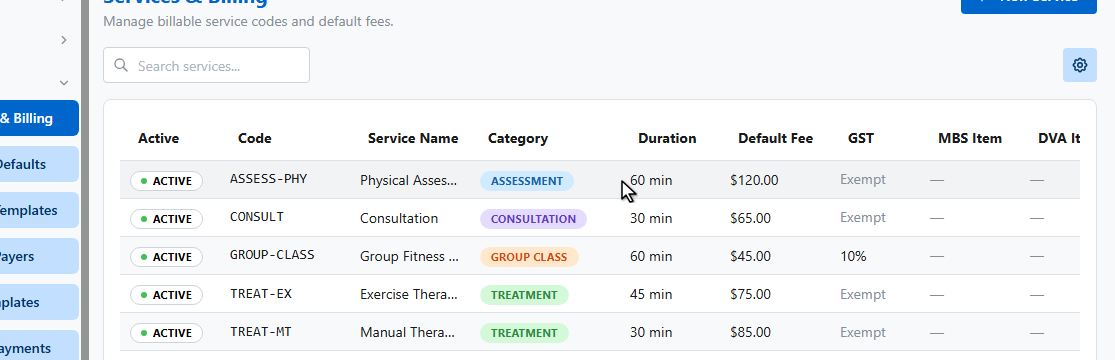
Click a service to review it. Starter codes are created without fees, so set your prices before invoicing.
3
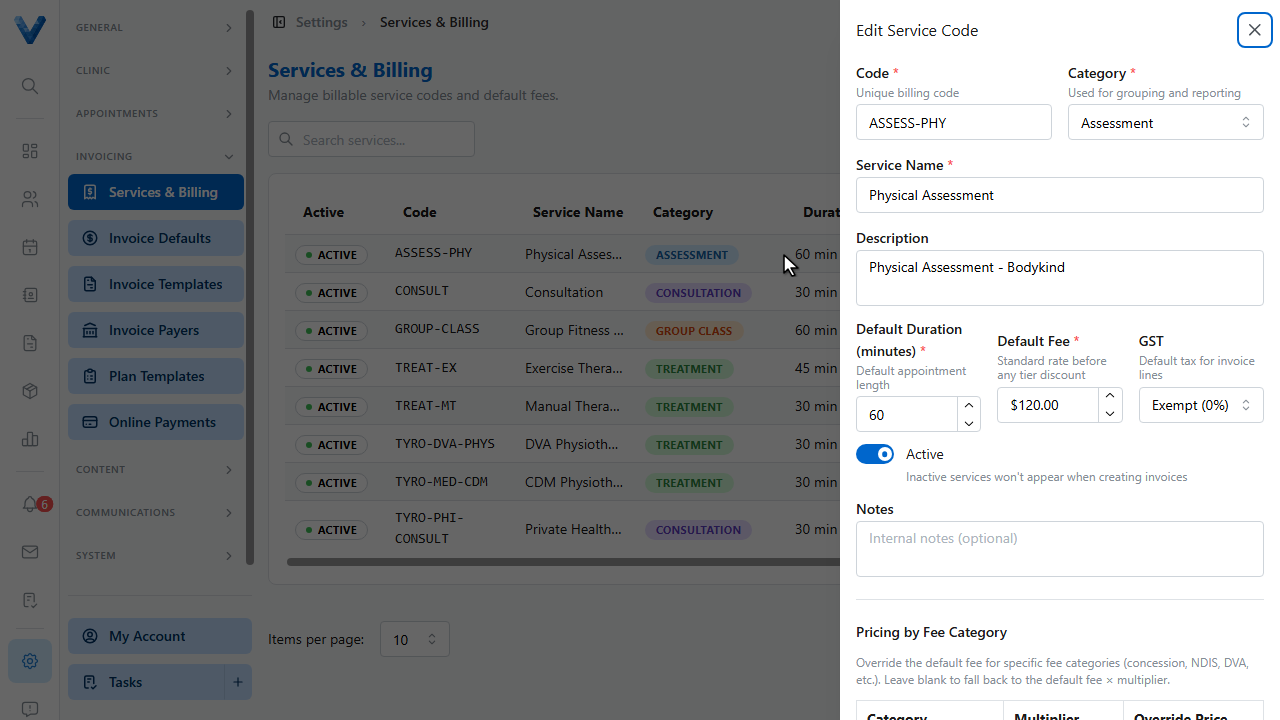
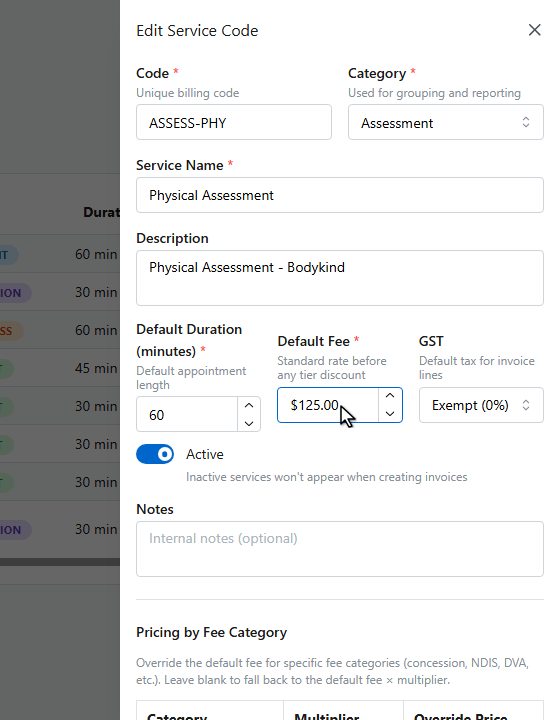
The service opens in a drawer showing its code, category, and name.
4
Set the default fee. This is your standard rate before any fee category discount.
5
Check the GST treatment. Most physiotherapy services are exempt, otherwise select ten percent GST.
6
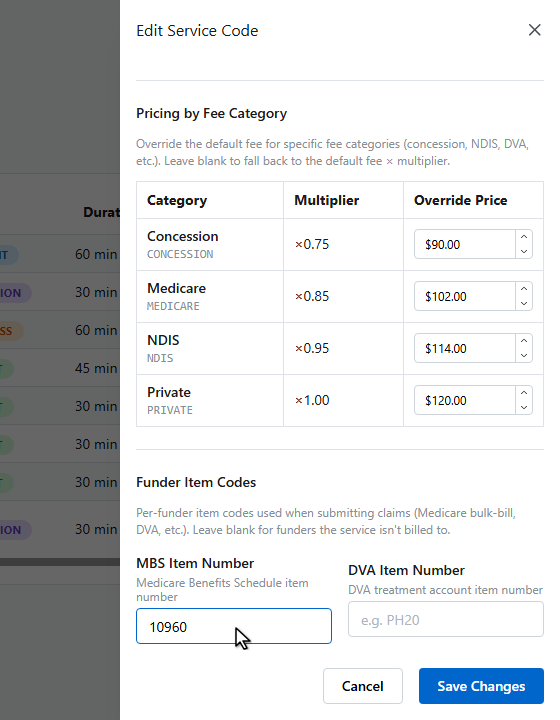
In Funder Item Codes, add the Medicare M.B.S. item number and the D.V.A. item number if you claim through those funders.
7
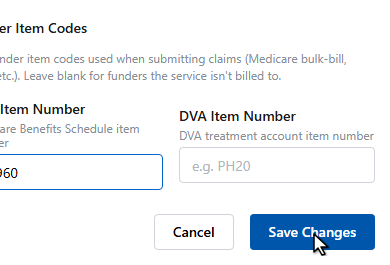
Click Save Changes.
8
The updated fee now shows in the services list and will be used on new invoices.